Codex CLI 0.167.0 Ships a No-Daemon Agent Command Center, Cross-Backend Draft Switching and Image Previews
Codex CLI 0.167.0 ships a no-daemon agent command center, backend switching that keeps drafts, composer image previews and a Vertex AI setup wizard.
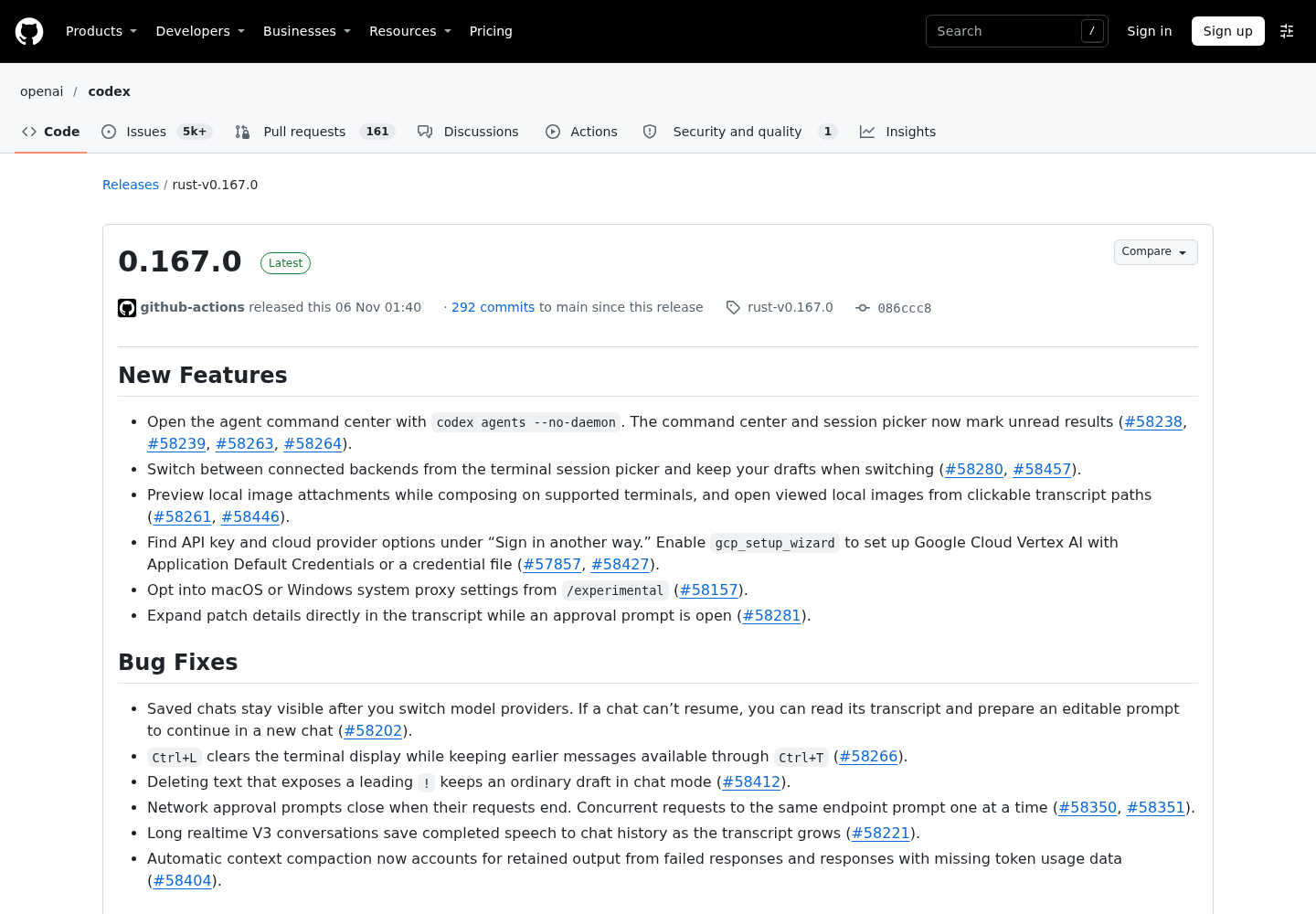
OpenAI shipped Codex CLI rust-v0.167.0 on Nov. 6 at 01:40 UTC, and unlike the steady drip of 0.168.0 alphas surrounding it, this stable release changes how you actually supervise multiple agents from one terminal. Four shipped capabilities matter for operators: an agent command center that opens with a --no-daemon flag, a session picker that moves between connected backends without losing your draft, in-composer image previews, and a guided Vertex AI sign-in path. (release notes, releases index)
What shipped
| Capability | What it does | How to reach it |
|---|---|---|
| Agent command center | Overview of your agents with unread-result markers | codex agents --no-daemon |
| Cross-backend switching | Switch connected backends, keep drafts | Terminal session picker |
| Image previews | Thumbnail of local image attachments while composing | Supported terminals |
| Vertex AI wizard | Guided ADC or credential-file setup | Enable gcp_setup_wizard, then “Sign in another way” |
| Inline patch review | Expand patch details during an approval prompt | Transcript, while prompt is open |
The command center
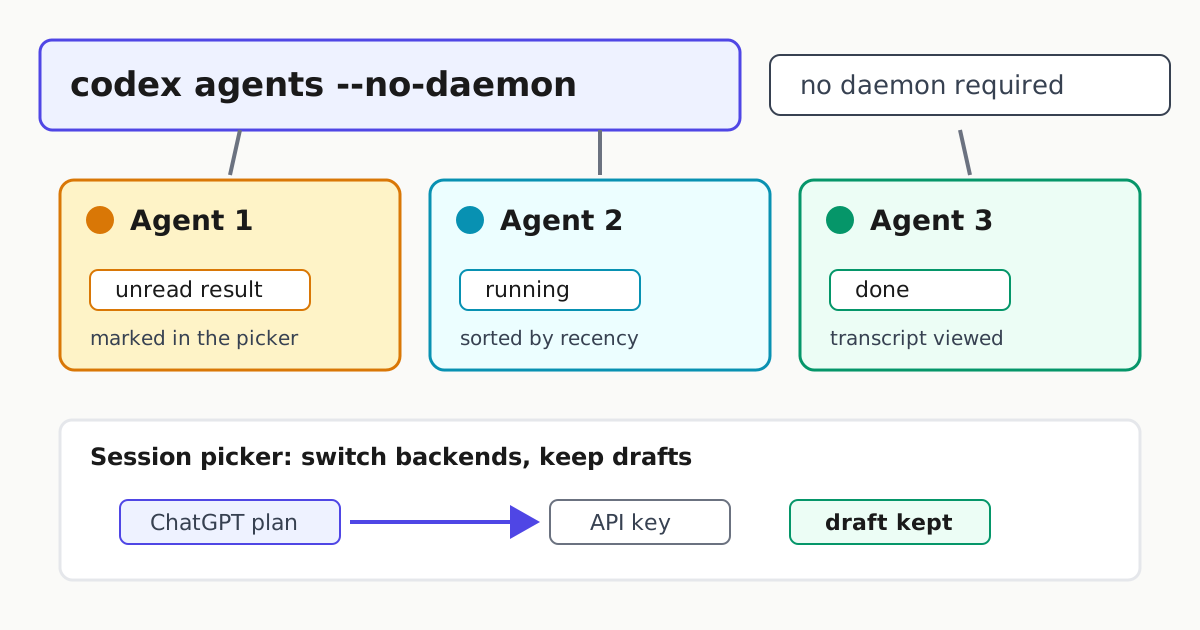
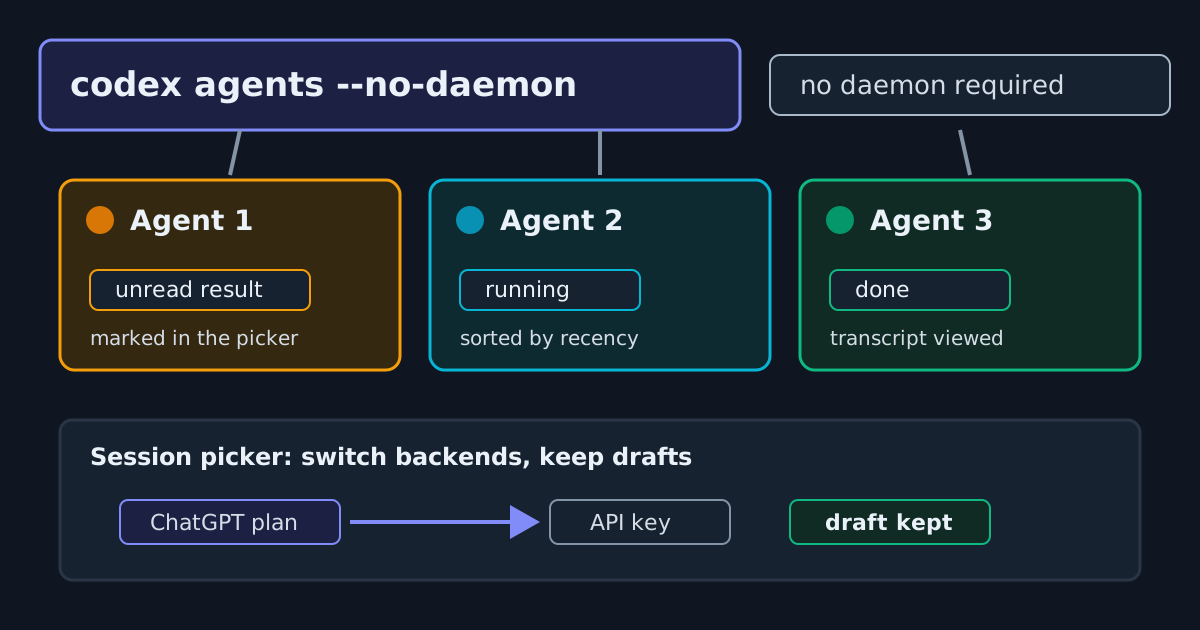
The headline feature is codex agents --no-daemon, a documented command that opens the agent command center directly. The same release enables the agent command center for embedded sessions, and the changelog adds recency sorting for command-center tasks within status groups. The notes stop short of describing the earlier architecture, so treat this as a new, explicitly flagged entry point rather than a proven teardown of how things worked before.
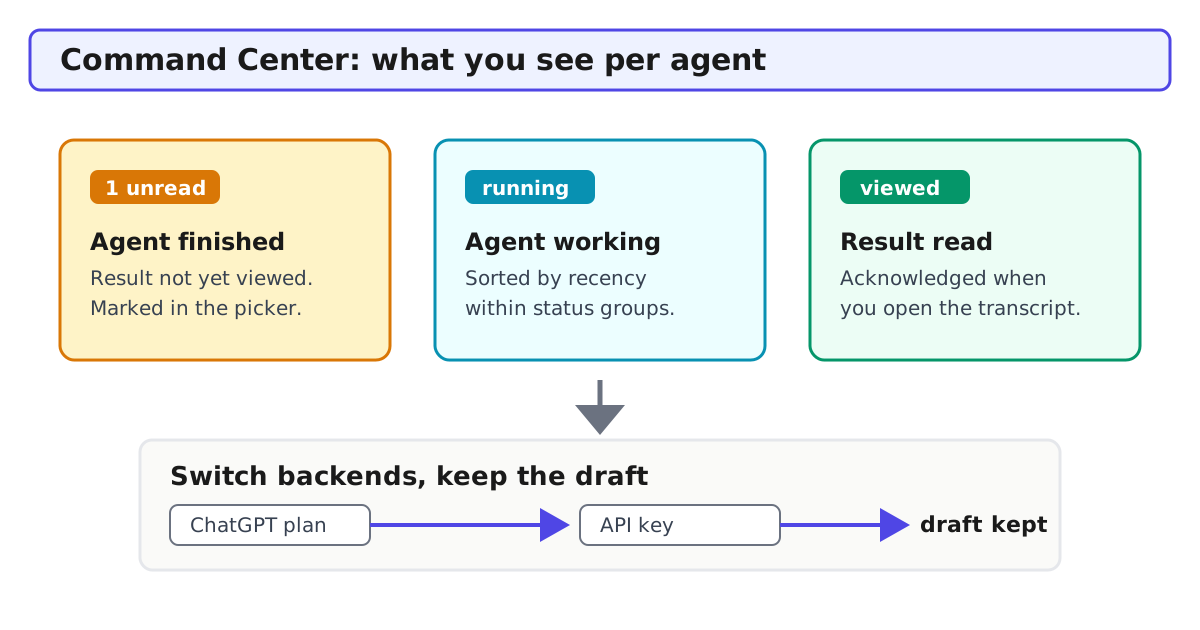
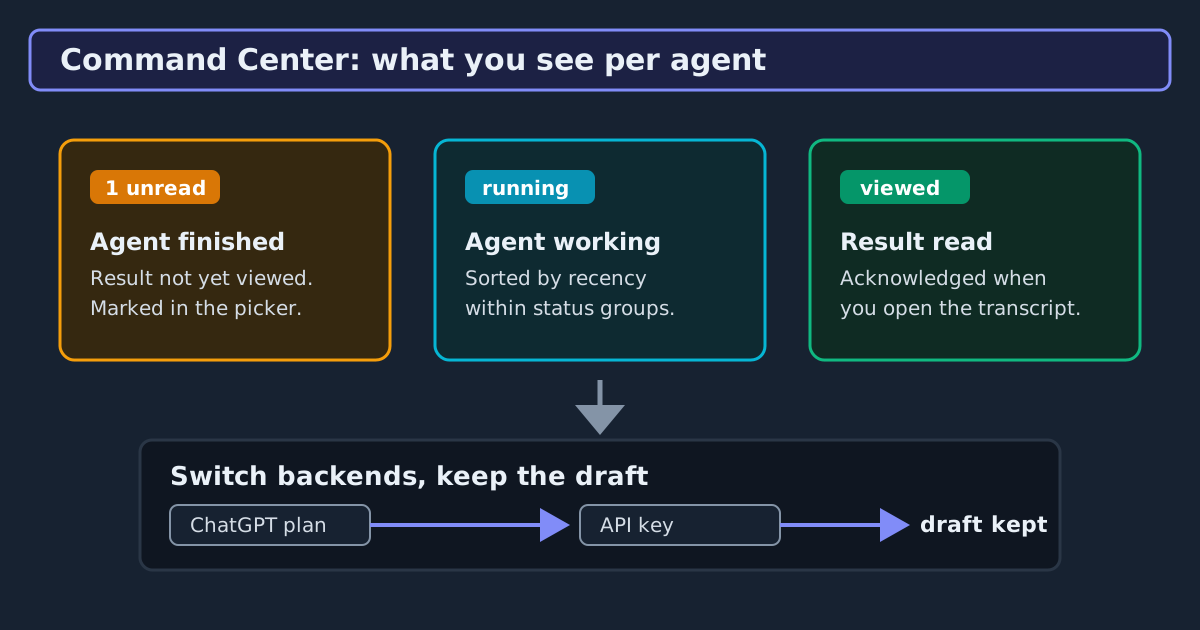
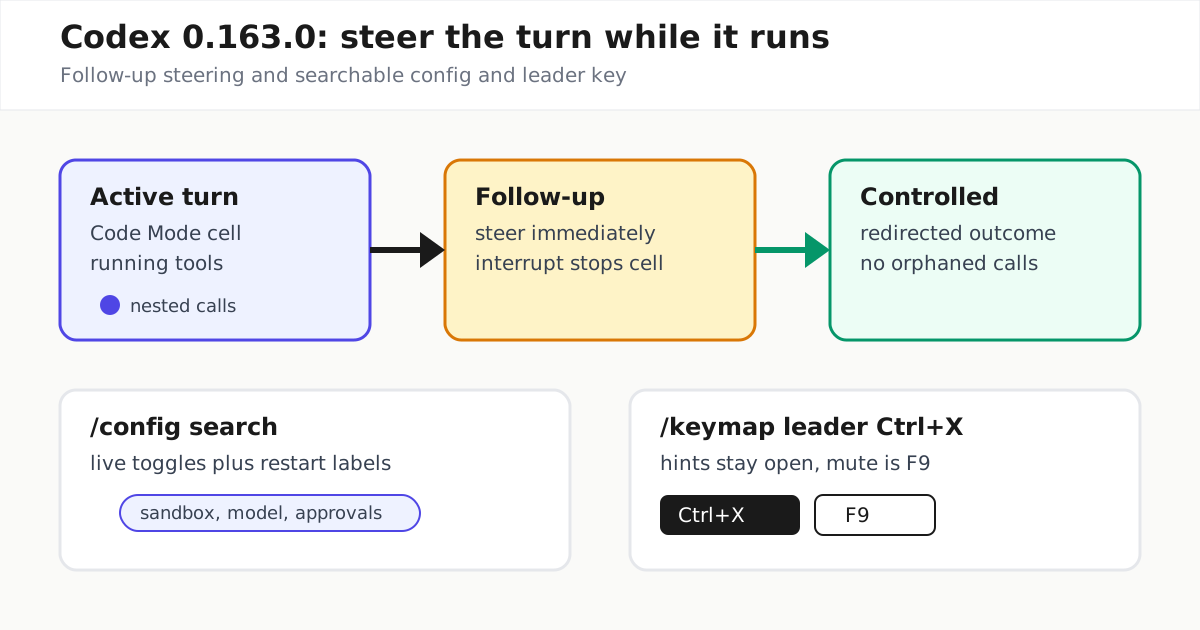
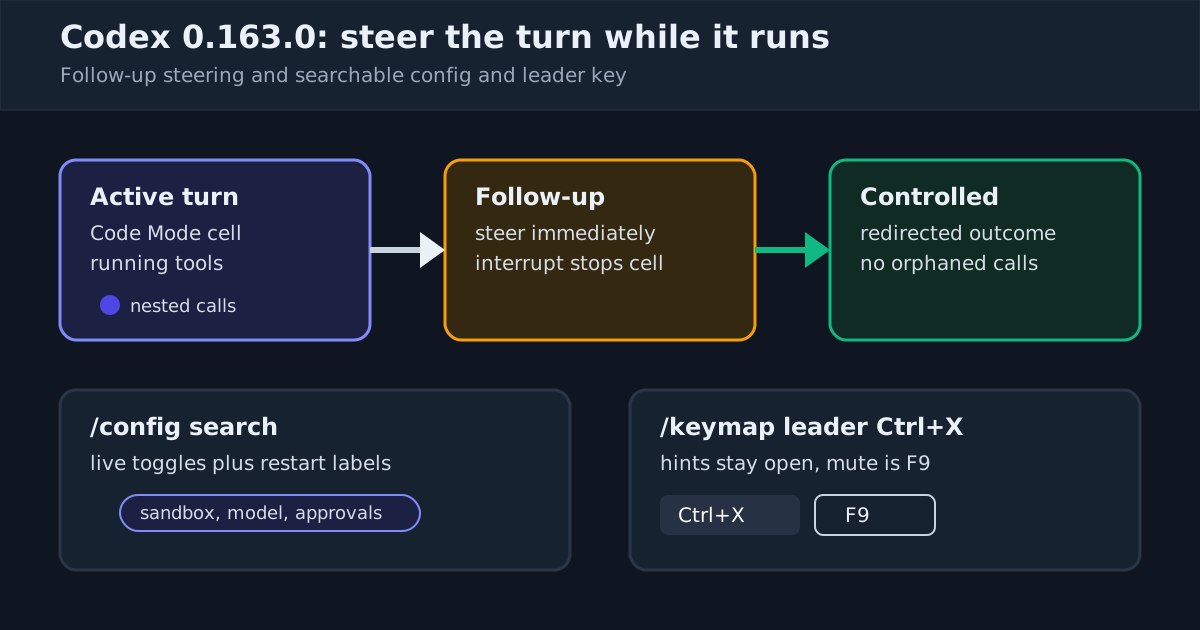
What the notes do document is readability. The command center and session picker now mark unread results, so a finished task stays distinguishable from one still running, and opening a transcript acknowledges it as viewed. If you run several parallel agents — the workflow our multi-agent command center guide covers — these markers are what make the overview scannable instead of something you cross-reference by hand. It extends the task-pinning command center Codex shipped in 0.162.0 toward a real fleet surface, and it lands on top of the live follow-up steering and searchable config that arrived in 0.163.0.
Switching backends without losing your draft
Separately, the session picker can now switch between connected backends — say, from a ChatGPT-plan session to an API-keyed one — and keep the draft you were typing. Resuming also stays functional across provider changes: saved chats remain visible, and when a chat cannot resume, you can still read its transcript and lift its text into an editable prompt for a new chat rather than losing the thread entirely.
This matters most for teams that split work across plan-backed and API-backed lanes. Provider outages or quota exhaustion no longer force a choice between abandoning a half-written instruction and recreating it from memory.
Images in the composer, and a Vertex AI on-ramp
On supported terminals, attaching a local image now shows a thumbnail preview while you compose, and image paths in the transcript become clickable after viewing — closing a small but real gap when you are feeding screenshots or mockups to the agent and want to confirm you attached the right file.
On the sign-in side, API key and cloud provider options moved under a “Sign in another way” submenu, and the experimental gcp_setup_wizard walks through Google Cloud Vertex AI setup using Application Default Credentials or a credential file. As analysis, guiding that setup in the TUI should reduce configuration mistakes, though the notes document the wizard itself, not a measured drop in misconfiguration. Our Bedrock and Vertex setup guide covers why pinning and verifying provider config matters once multiple backends are in play.
The fixes worth knowing
Two fixes affect long or unattended runs. First, automatic context compaction now accounts for retained output from failed responses and responses with missing token-usage data — the notes frame this as an accounting correction to the compaction estimator, so estimates for sessions containing such responses should now reflect them. Second, network approval prompts now close when their requests end, and concurrent requests to the same endpoint prompt one at a time, so approval dialogs no longer pile up around a single endpoint.
Also practical: Ctrl+L clears the terminal display while keeping earlier messages reachable through Ctrl+T, and approval prompts can expand patch details inline, so you can read exactly what a proposed change touches before approving it — consistent with the approval-scope discipline in our Codex approval modes explainer.
Who should care
If you run one Codex session in one terminal, this release is a pleasant set of refinements. If you supervise several agents, mix ChatGPT-plan and API backends, or attach screenshots to coding tasks, 0.167.0 removes friction that previously pushed you toward scripts and workarounds: a direct command-center entry point, unread markers that survive your attention shifting elsewhere, and drafts that survive a backend switch.
Upgrade through your usual channel — the repository documents npm install -g @openai/codex, Homebrew, and direct binaries from GitHub Releases — and if you are pinning versions across a fleet, the mechanics are in our install and update guide. The release publishes 196 build assets across platforms, and with 133k stars and 21.2k forks on the repository, this is one of the most-watched terminal agents shipping today.