
Codex 0.162.0 Ships Managed Git Worktree Tools and Command Center Task Pinning
OpenAI's Codex CLI 0.162.0, published October 8 on GitHub, adds managed Git worktree tools for parallel agent lanes, Command Center task pinning, transcript copy shortcuts and clickable URLs, plus sandbox, Windows and provider fixes.
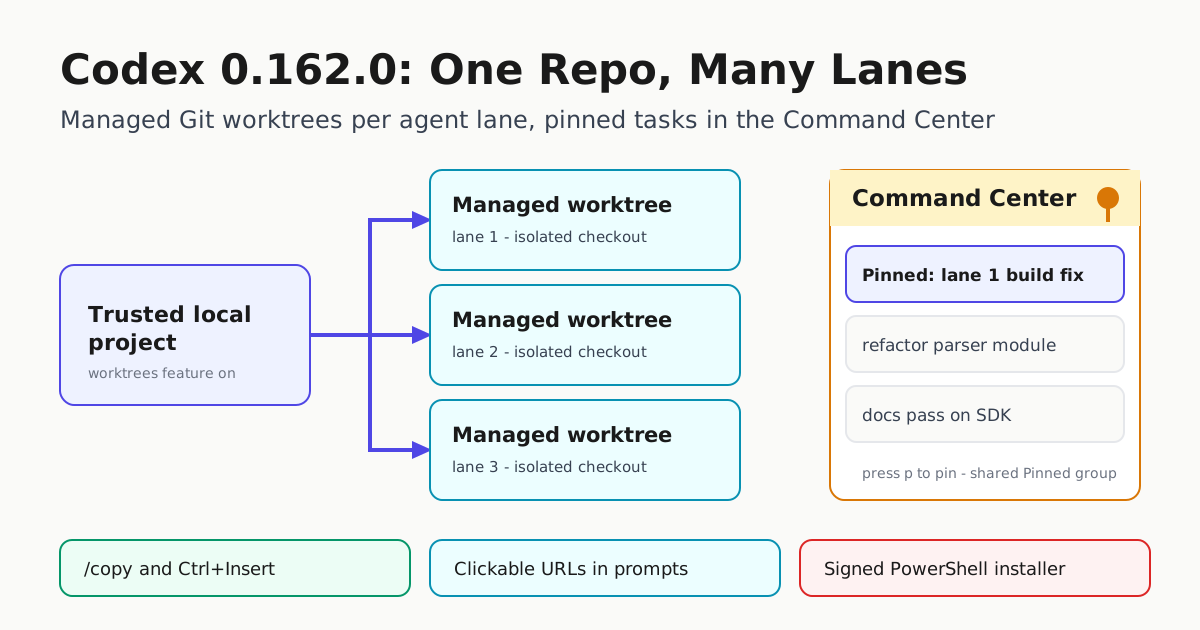
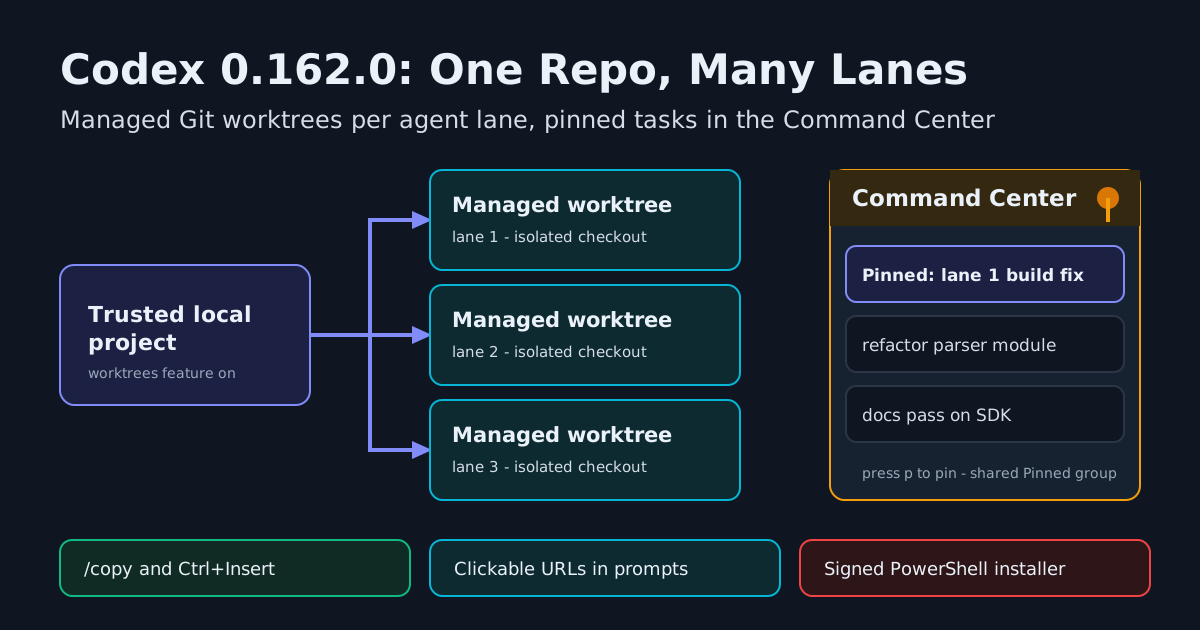
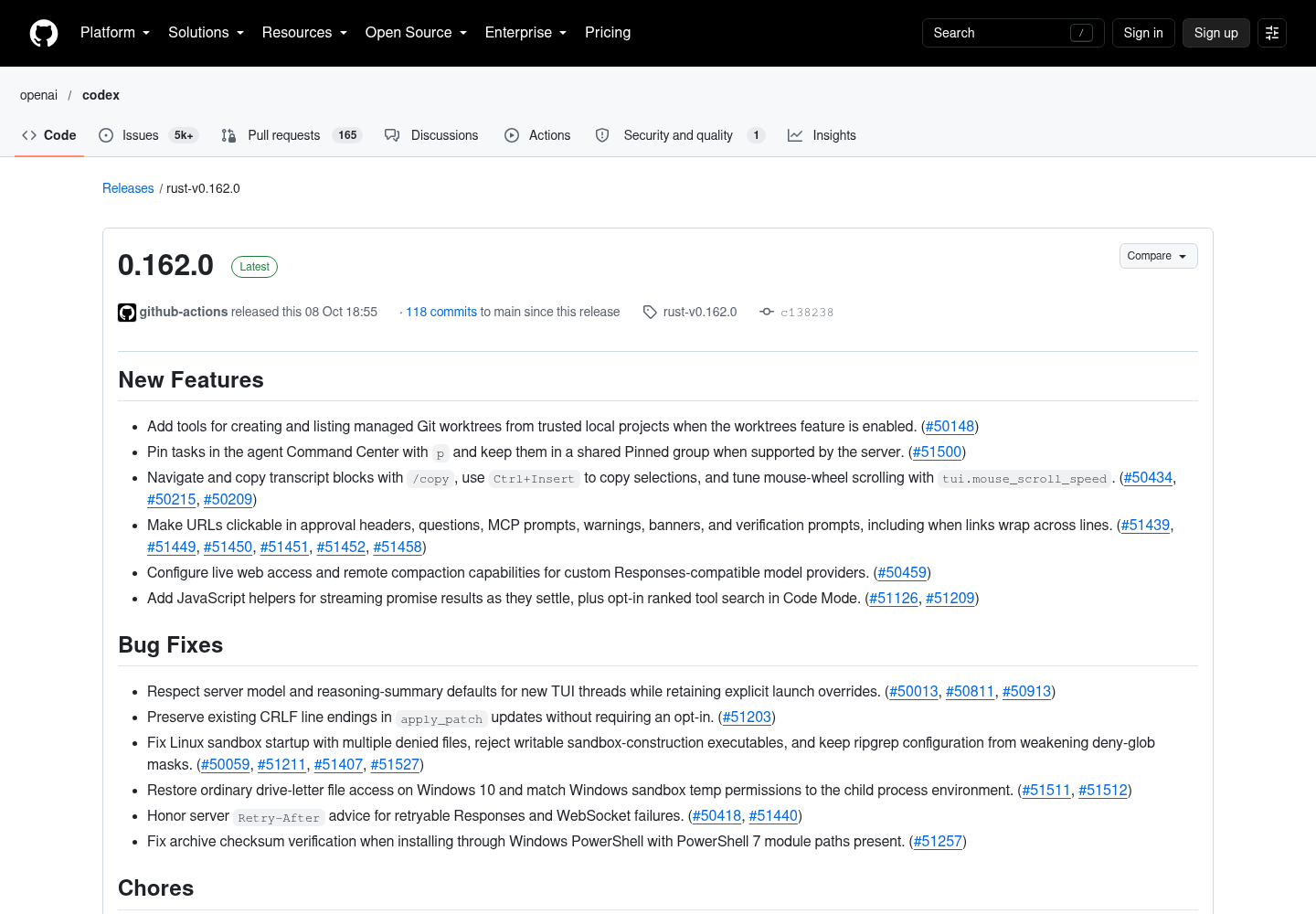
OpenAI’s terminal coding agent Codex — the CLI we examined in our Codex deep dive — reached version 0.162.0 on October 8, 2026, and the release is squarely aimed at people running more than one agent at a time. The stable tag, published at 18:55 UTC by the repository’s release automation, ships new tools for creating and listing managed Git worktrees, task pinning in the agent Command Center, a family of transcript-copying shortcuts, and clickable URLs almost everywhere the terminal UI asks a human to decide something. It is marked Latest on the project’s releases index, with 178 downloadable assets attached to the tag.
Managed worktrees, one checkout per lane
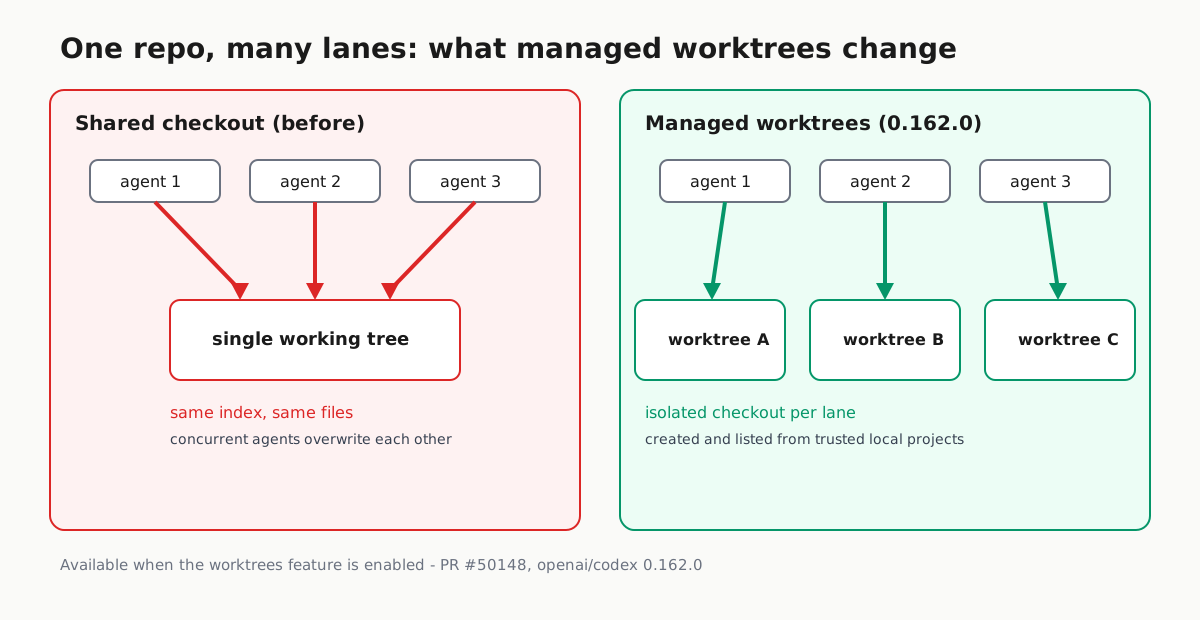
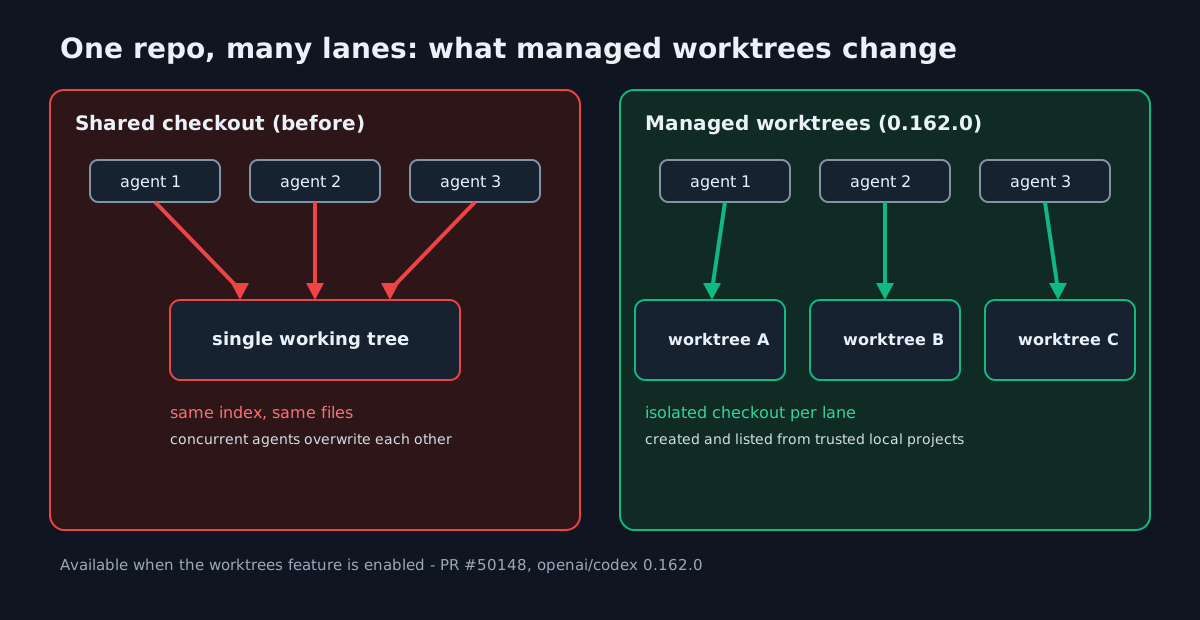
The change with the largest operational footprint is PR #50148: “Add tools for creating and listing managed Git worktrees from trusted local projects when the worktrees feature is enabled.” Git worktrees let one repository carry several working directories at once, so two lanes can edit different branches without sharing a single checked-out tree. Teams that wanted that isolation for parallel agents usually wrapped it themselves — a lane runner scripting git worktree add and hoping no two lanes picked the same branch.
Codex 0.162.0 pulls the pattern into the harness as first-class tools. Two limits are worth quoting exactly, because they define the blast radius: the tools operate on trusted local projects, and only when the worktrees feature is enabled. This is not a new default that silently reorganizes your checkout on upgrade; it is an opt-in capability with the trust boundary stated up front. Operators who already run the worktree-per-lane pattern — the approach described in One Checkout, One Owner — can now get creation and listing from the agent itself instead of from surrounding scripts.
Pinning tasks in the Command Center
The second fleet-facing feature is PR #51500: press p to pin a task in the agent Command Center, and pinned tasks are kept in a shared Pinned group when the server supports it. Anyone monitoring several concurrent agents knows the failure mode this addresses: the task you actually care about scrolls away behind newer, louder ones. A shared pin group — server-dependent, so expect it only where the backend agrees — is small fleet ergonomics in the spirit of the coordinator patterns described in Ten Assistants, One Boss.
Transcripts as evidence, now easier to copy
Three quieter changes (PRs #50434, #50215 and #50209) improve how operators extract what an agent actually did: /copy navigates and copies transcript blocks, Ctrl+Insert copies a selection, and a new tui.mouse_scroll_speed setting tunes mouse-wheel scrolling. For teams that treat transcripts as an audit trail — attaching them to pull requests or incident notes — keyboard-first selection removes the “grep the log file” step.
URLs you can finally click
A cluster of fixes (PRs #51439, #51449, #51450, #51451, #51452 and #51458) makes URLs clickable in approval headers, questions, MCP prompts, warnings, banners and verification prompts, including links that wrap across terminal lines. The security-adjacent value is real: when an agent asks to open or verify something, the operator can follow the exact link instead of retyping it.
Providers and Code Mode
For hybrid setups, PR #50459 adds capability overrides for custom Responses-compatible model providers — specifically live web access and remote compaction — so a non-OpenAI endpoint can be granted or denied those behaviors explicitly. Code Mode gains JavaScript helpers that stream promise results as they settle (#51126) and opt-in ranked tool search (#51209), which should help an agent pick the right tool out of a large MCP catalog.
Fixes operators will notice
| Area | What changed in 0.162.0 |
|---|---|
| Model defaults | New TUI threads respect server model and reasoning-summary defaults while explicit launch overrides survive (#50013, #50811, #50913). |
| Patching | apply_patch preserves existing CRLF line endings unconditionally (#51203). |
| Linux sandbox | Startup with multiple denied files fixed; writable sandbox-construction executables rejected; ripgrep configuration can no longer weaken deny-glob masks (#50059, #51211, #51407, #51527). |
| Windows | Ordinary drive-letter file access restored on Windows 10; sandbox temp permissions match the child process; archive checksum verification fixed under PowerShell (#51511, #51512, #51257). |
| Networking | Server Retry-After advice is honored for retryable Responses and WebSocket failures (#50418, #51440). |
Two chores round it out: Windows releases now publish a signed PowerShell installer (#51158), and older stable releases or prereleases can no longer replace newer stable download targets or installer aliases (#51186, #51425) — pointer hygiene that prevents an accidental downgrade when a late hotfix publishes.
Shipped, not announced
None of this is a roadmap statement; the binaries are on the release tag today, and main is already moving underneath it: the tag page’s commits-to-main-since-this-release counter read 117 in the page text we fetched at 14:19 UTC and 118 in the screenshot captured minutes later, so treat that figure as a live snapshot rather than a fixed property of the release. The repository — past 128,000 stars and 20,000 forks — documents installation through npm (npm install -g @openai/codex), Homebrew (brew install --cask codex) or the platform install scripts. The releases index shows 0.161.0, published October 7 with a different changelog centered on GPT-6.1 Sol defaults and Bedrock multi-agent support, as the prior stable, while 0.163.0-alpha prereleases are already iterating towards the next version.
Before rolling a fleet onto 0.162.0, the usual cautions apply: check whether the worktrees feature is enabled in your configuration before assuming lane isolation exists, and pin the version you validated. Canarying upgrades on a small lane first — the practice described in Canary Every CLI Upgrade — remains the cheapest way to catch default drift as the 0.163 alphas land.