Claude Code Desktop Now Runs Parallel Sessions in Git Worktrees With a Tasks Pane, Side Chats and Cloud Handoff
Anthropic's Oct. 14 desktop refresh turns Claude Code into a control room: start parallel sessions from the sidebar, isolate each in its own Git worktree, watch subagents in the tasks pane, ask side questions off-thread, and move long runs to the cloud.
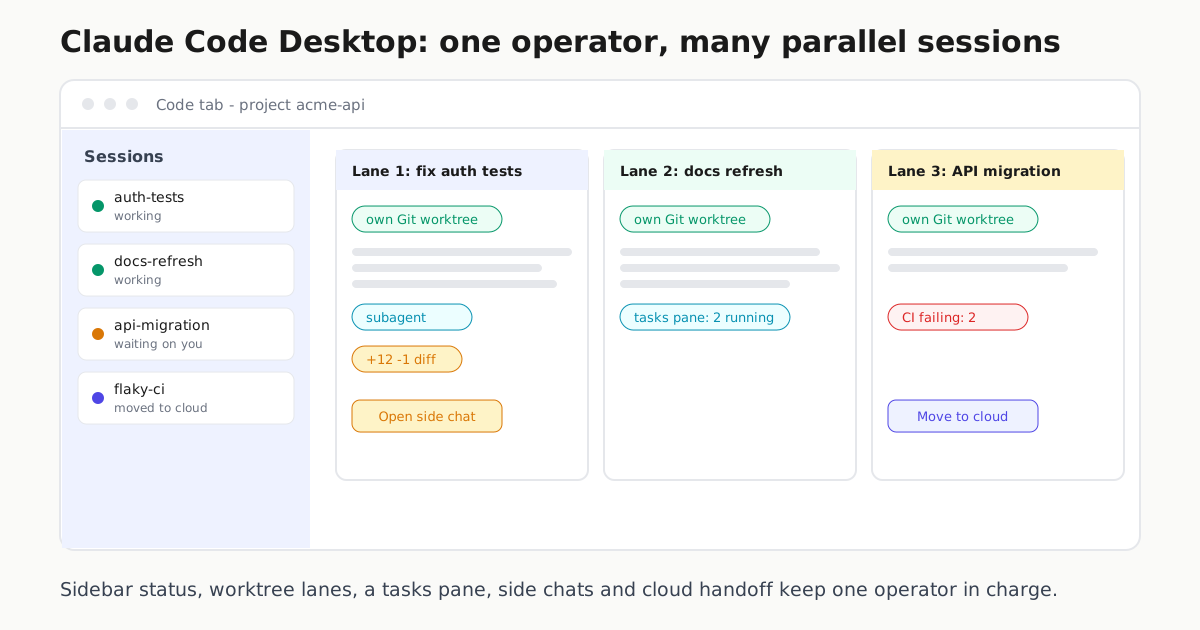
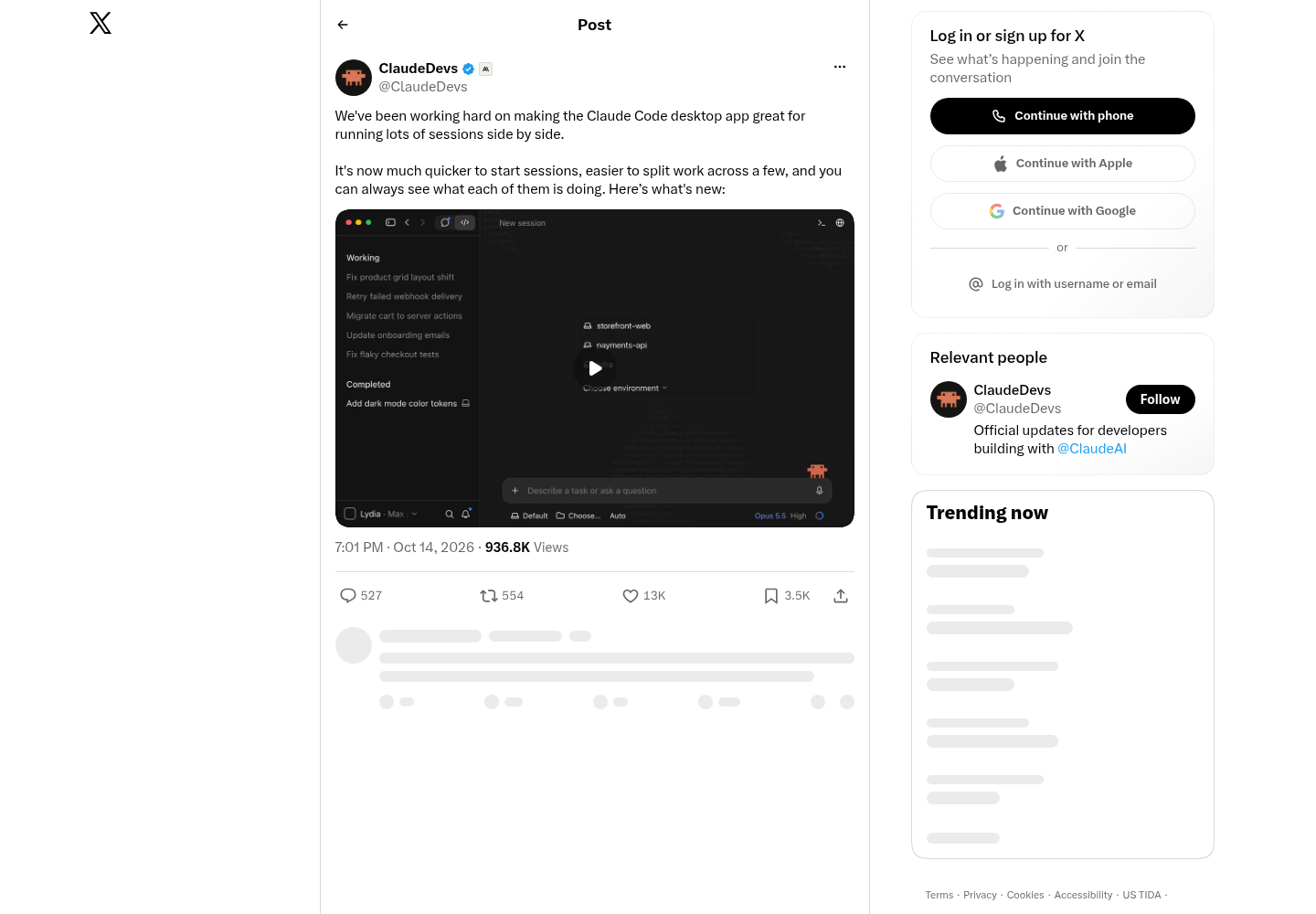
Anthropic’s Claude Code team has spent weeks shipping terminal point releases. On Oct. 14 the focus moved to the desktop app, and the theme is orchestration. In an announcement on X, the ClaudeDevs account said the team has been “working hard on making the Claude Code desktop app great for running lots of sessions side by side,” that it is now “much quicker to start sessions, easier to split work across a few,” and that “you can always see what each of them is doing.” The post links a video tour; those are the claims verifiable from the post itself, and the product documentation supplies the mechanics.
This is not a version-number story. The Claude Code overview positions the desktop app as a full surface alongside the terminal, IDE extensions and the web: “Review diffs visually, run multiple sessions side by side, schedule recurring tasks, and start cloud sessions.” The desktop quickstart documents the workflow in detail, and together they describe a practical answer for anyone coordinating more than one coding agent: give each lane its own checkout, supervise every lane from one screen, and push long-running work off your machine.
The verified parallel-work model
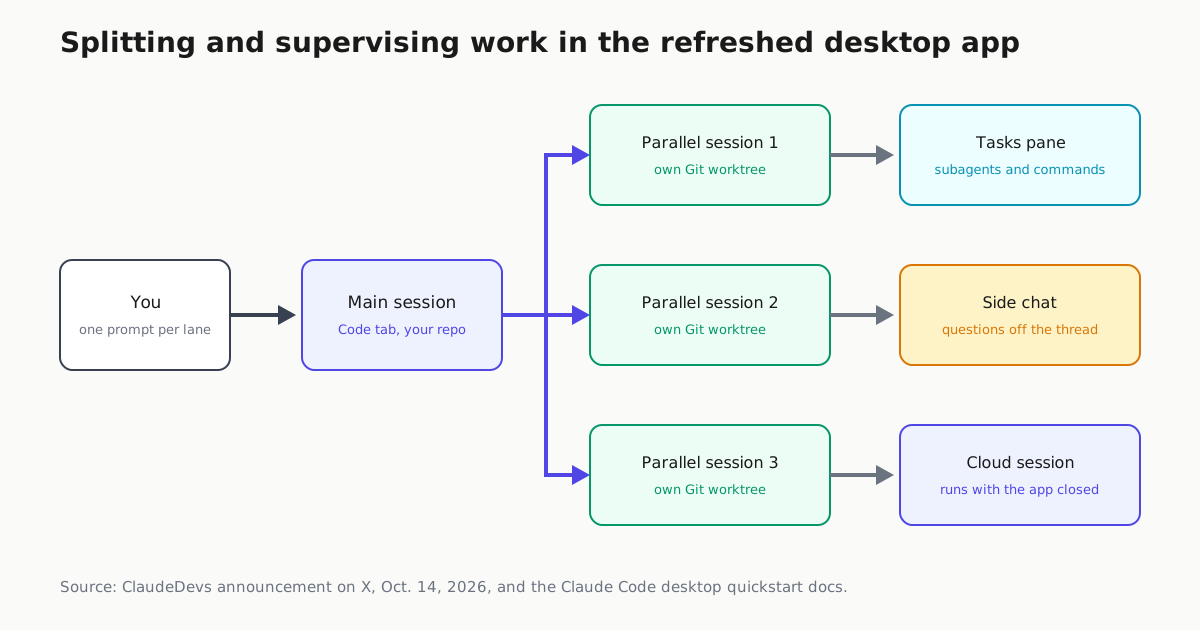
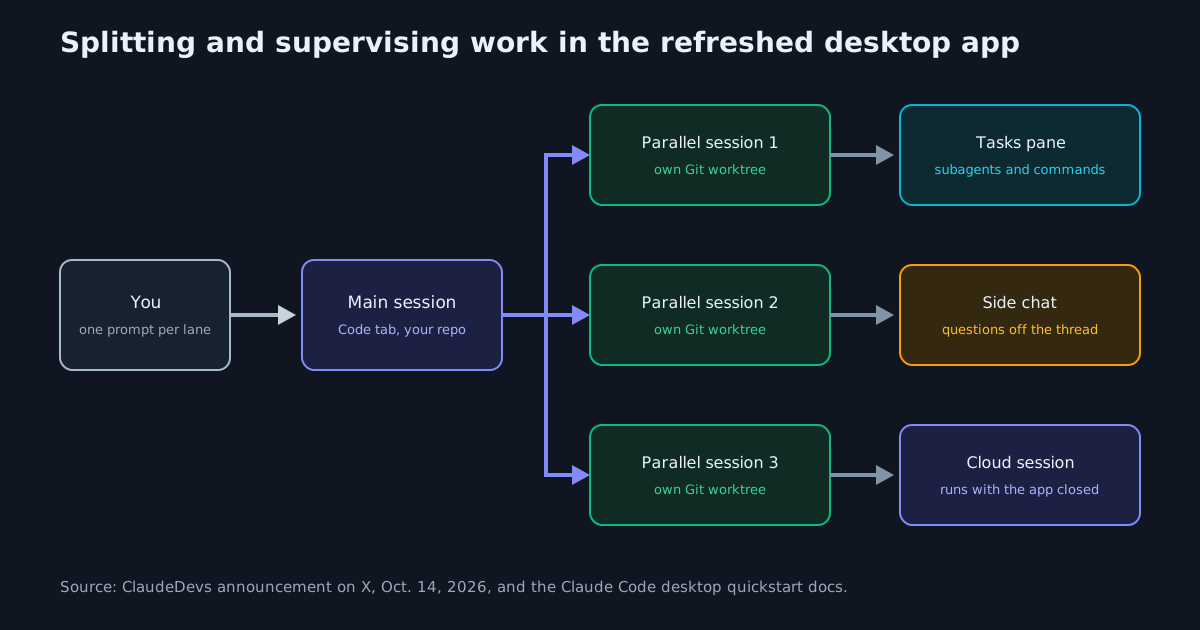
The quickstart’s own instruction: “Open parallel sessions from the sidebar to work on multiple tasks at once, optionally each in its own Git worktree, and open the tasks pane to watch the subagents and background commands a session has running.” Three elements matter for daily use:
- Worktree isolation per lane. Because a parallel session can run in its own Git worktree, two agents editing the same repository do not trample each other’s files. Split a refactor and a test-writing job across lanes and each gets a separate working directory on one shared repo.
- A tasks pane as supervisor. The pane exposes each session’s subagents and background commands, so “see what each of them is doing” drills down below a status dot into what a lane has spawned.
- Side chats. “Open a side chat to ask a question without derailing the main thread” keeps quick questions out of a long task’s context.
Four places a session can run
Each session picks an environment when it starts:
| Environment | Where Claude runs | What the docs note |
|---|---|---|
| Local | Your machine, directly on your files | The default; pick a folder and start |
| Cloud | A cloud session | Continues even if you close the app; a started session can be moved to the cloud later |
| SSH | Your servers, cloud VMs or dev containers | Desktop installs Claude Code on the remote machine automatically on first connect; a running task can keep going while Desktop is disconnected |
| WSL 2 (Windows) | Inside a WSL 2 distribution | Claude Code, tools and git execute on the Linux side with native paths |
What you can do with it
- Split by worktree, not by window. Open one parallel session per task from the sidebar and give each its own Git worktree. Merge conflicts become a review step instead of a mid-run collision.
- Supervise from the tasks pane. Watch subagents and background commands per session, and use the sidebar to see which lanes are moving.
- Keep the main thread clean. Ask tangential questions in a side chat so the working thread’s context stays on-task.
- Offload the slow lanes. Send long-running work to the cloud so it continues with the app closed. For recurring jobs, desktop scheduled tasks run on your machine with local file access, while cloud Routines “keep running even when your computer is off” and can trigger on API calls or GitHub events.
- Hand off between surfaces. Run
/desktopto continue a terminal session in the desktop app (claude.ai subscription required; macOS and x64 Windows), Dispatch a task from your phone into a desktop session, or pull web and mobile tasks into the terminal withclaude --teleport.
Steering and trust at fleet scale
Lanes are interruptible: the stop button interrupts immediately, or you can “type a correction and press Enter to send it without stopping the running action.” Permission modes set the trust level per lane: Auto has a classifier review actions in the background and block risky ones, Manual asks before editing files or running commands, Accept edits auto-accepts file edits, and Plan proposes an approach without touching files. After a lane opens a PR, Claude Code monitors CI check results and can fix failures or merge once checks pass.
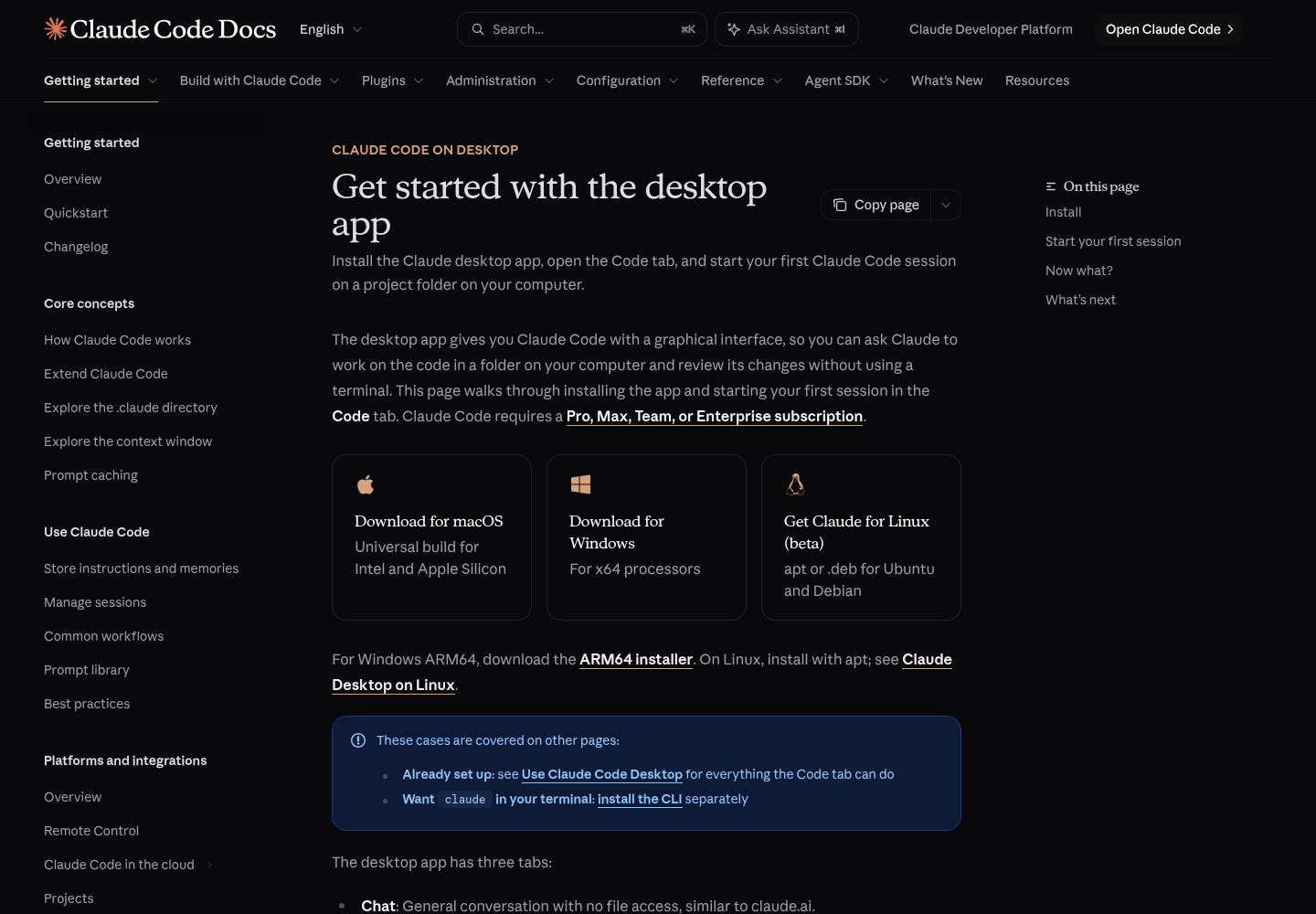
Plan around the constraints. Parallel lanes draw on one subscription’s usage, so budget before fan-out; our guide to keeping parallel sessions inside the Claude Code usage limit covers the metering. Worktrees still need an ownership rule, which One Checkout, One Owner lays out. Access requires a Pro, Max, Team or Enterprise subscription, with builds for macOS (Intel and Apple Silicon), Windows x64 and ARM64, and Ubuntu/Debian in beta.
Why it matters
The desktop app is Anthropic’s answer to the question every multi-agent operator faces: where does the supervisor sit? If you are building command-center habits, Ten Assistants, One Boss is the companion read, and the tray-versus-desktop decision rule helps route each job. With recent CLI releases such as Claude Code 2.1.296 unifying policy across desktop and CLI, the same fleet-oriented direction now runs through every surface Anthropic ships.
Sources
- ClaudeDevs on X: "We've been working hard on making the Claude Code desktop app great for running lots of sessions side by side. It's now much quicker to start sessions, easier to split work across a few, and you can always see what each of them is doing. Here’s what's new:" / X
- Get started with the desktop app - Claude Code Docs
- Overview - Claude Code Docs