OpenCode Ships an Official iPhone and iPad App to Prompt, Watch and Approve Agent Sessions Remotely
Anomaly's OpenCode app is now on the App Store. It pairs with an OpenCode V2 server, so you can stream sessions, send prompts and answer permission requests from a phone. Here is what pairing exposes and what is worth approving remotely.
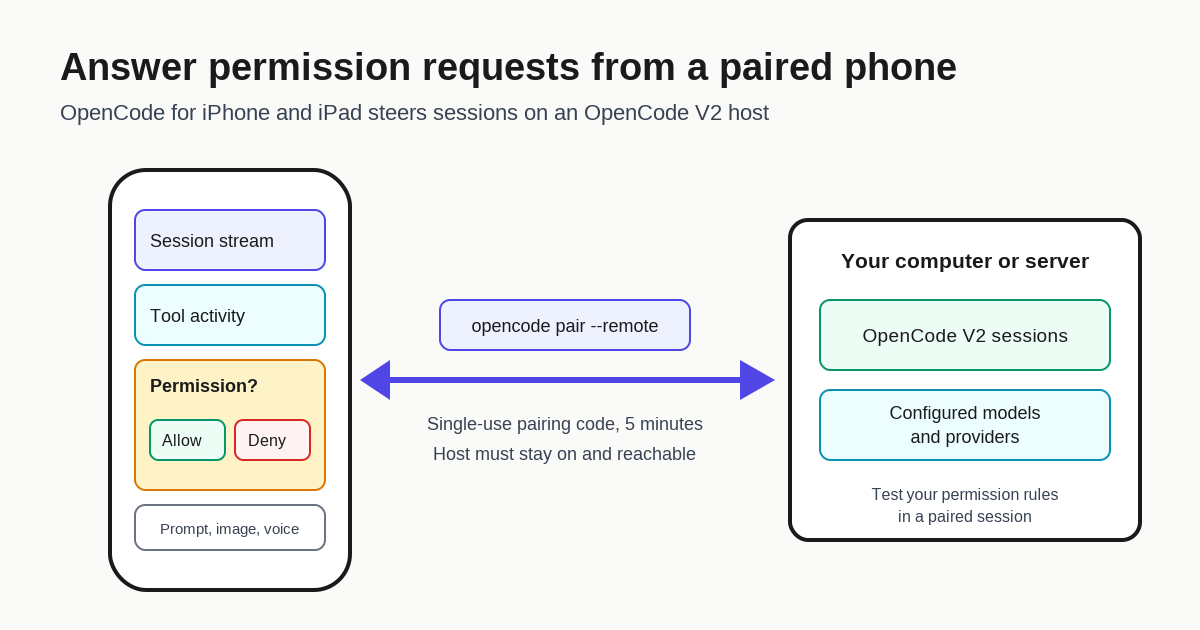
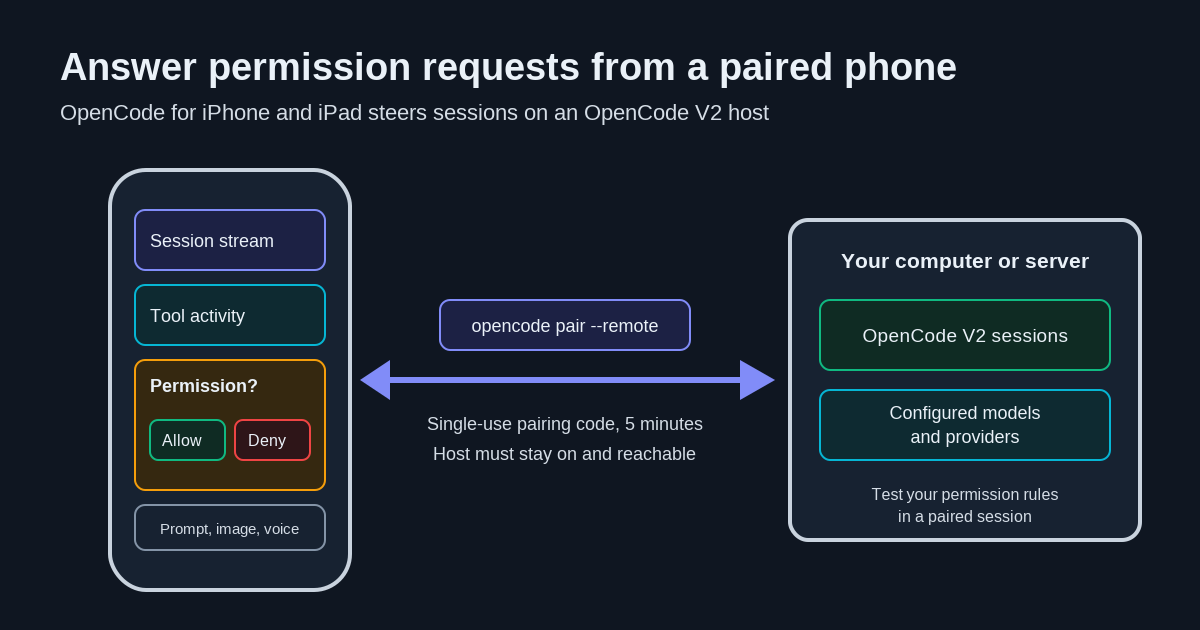
Anomaly Innovations has released OpenCode for iPhone and iPad on the App Store. A paired phone or tablet can now answer an OpenCode agent’s permission requests and questions while the agent keeps running on your computer. Ryan Vogel of Anomaly announced the release on X on November 28: “OPENCODE ON iOS IS NOW OUT”.
The app does not run an agent itself. The App Store listing calls it “a companion app, not a standalone AI service”. It needs a compatible OpenCode V2 installation on a computer or server that the phone or tablet can reach.
What you can do from the phone
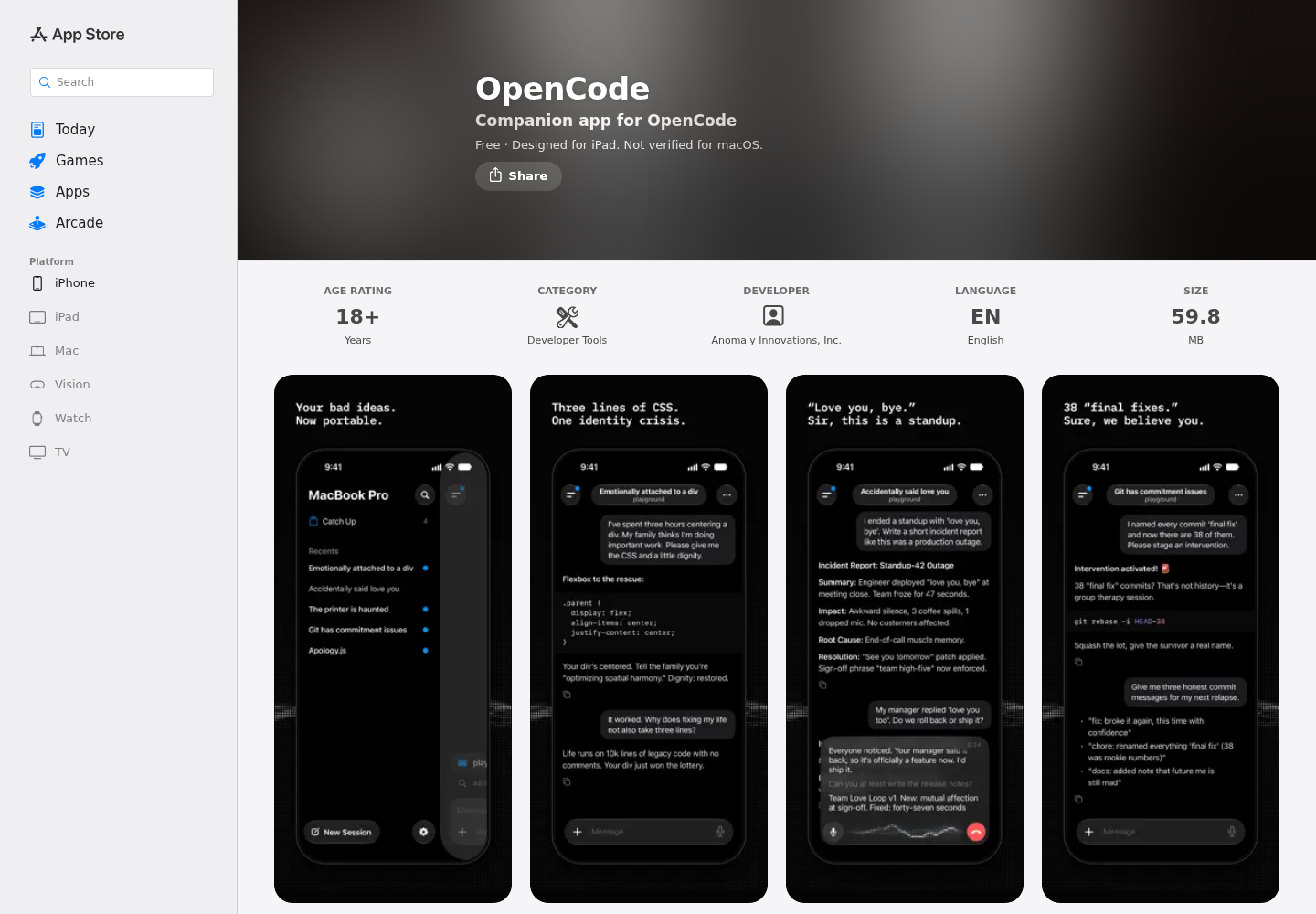
The listing describes five capabilities:
- Sessions: browse them, read responses as they stream in, and pick up a conversation where you left off.
- Tool activity and approvals: see what the agent’s tools are doing, and reply when the agent asks for permission or needs an answer.
- Richer prompts: attach images or dictate a message.
- Your server’s models: the app uses whatever models and providers your OpenCode server has configured. Provider accounts and charges depend on that setup.
- No new account: you connect by scanning the server’s pairing code or entering its connection details.
The approval feature matters most. When a session pauses on a permission request or a clarifying question, you can answer it from a paired phone or tablet and the session continues on the host. That works only while the host stays on and reachable from the device.
How pairing works
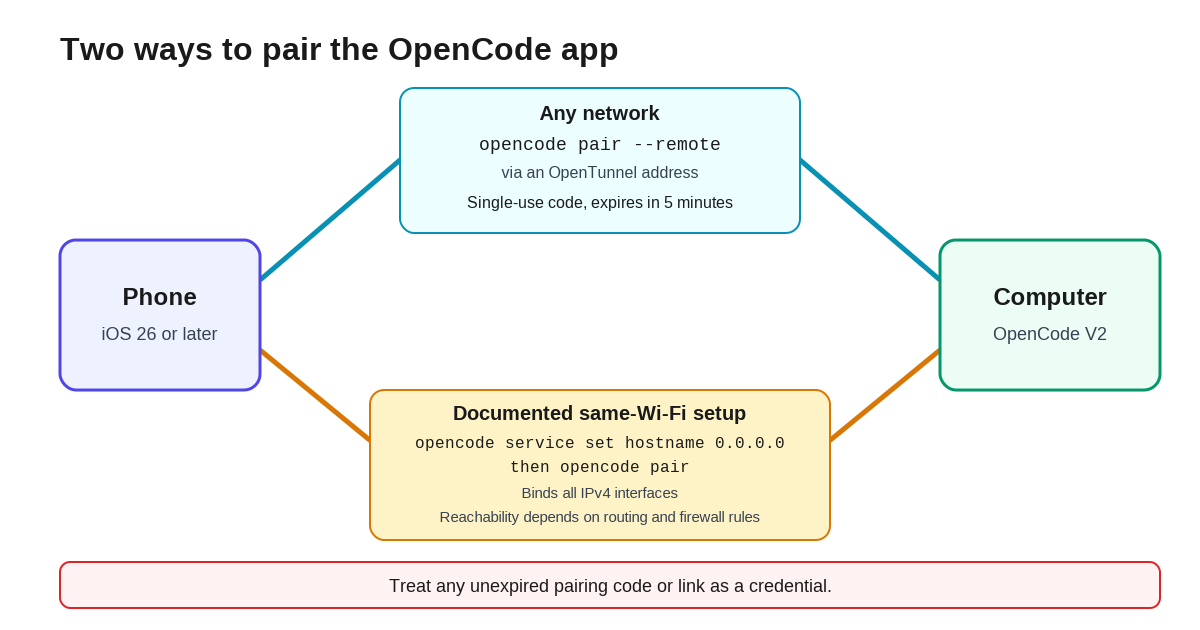
OpenCode’s mobile page describes the app as “a remote for OpenCode on your computer”: sessions keep running there, and the app shows and steers them. Pairing takes three steps. Install the app, run a pairing command on the computer, then scan the QR code it prints or paste the link.
# Remote pairing from any network: connects through an OpenTunnel address
opencode pair --remote

# Documented same-Wi-Fi setup: run the hostname command once, then pair
opencode service set hostname 0.0.0.0
opencode pair
For opencode pair --remote, OpenCode’s page says the command prints a one-time link and a QR code, and that they work once and expire in five minutes. Treat that pairing credential as single-use. The page does not separately state how long codes from plain opencode pair last, so don’t assume the same limits on the same-Wi-Fi path. After pairing, the computer’s recent sessions open on the phone.
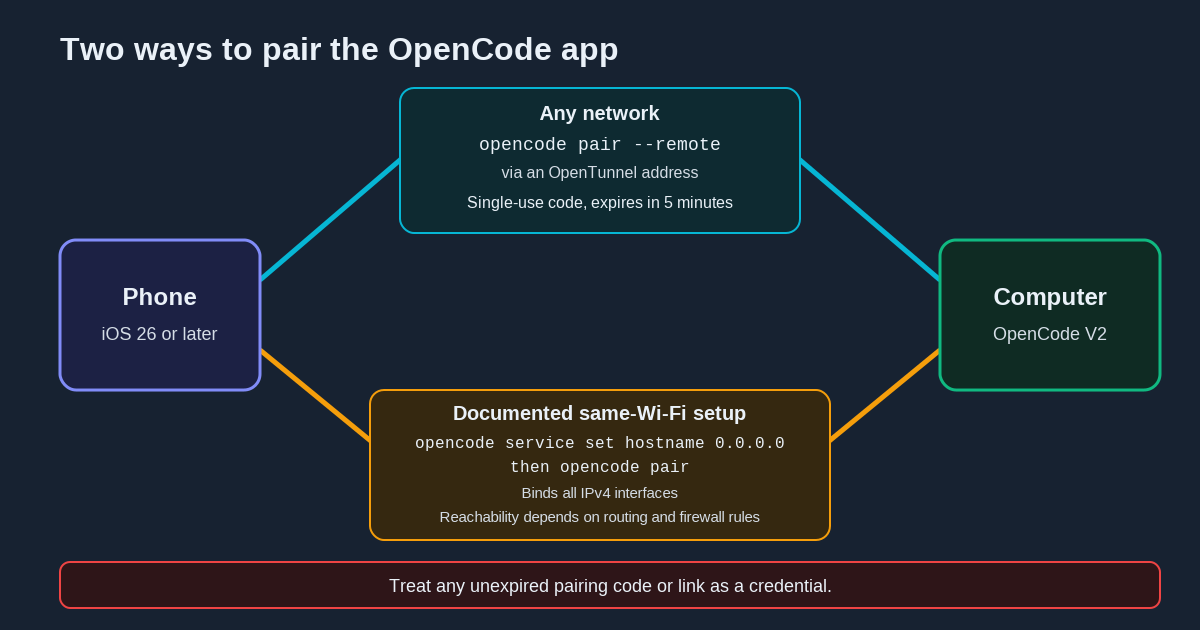
What pairing exposes
The two pairing paths expose your machine in different ways, so choose one on purpose.
| Path | Command | What it opens up |
|---|---|---|
| Remote | opencode pair --remote |
Your OpenCode service becomes reachable through an OpenTunnel address. OpenCode’s page lists OpenTunnel as a separate local-tunnels product. |
| Same-Wi-Fi setup | opencode service set hostname 0.0.0.0 then opencode pair |
The service binds all IPv4 interfaces. That is not limited to your Wi-Fi: who can reach it depends on your routing and firewall rules. Sulat notes this is worth weighing on a shared network. |
While a pairing code or link is still valid, treat it as a credential. Don’t paste it into a chat or leave a screenshot of it in a shared album. On the remote path, the documented single-use, five-minute window limits how long a code is useful, but it doesn’t make leaking it harmless. No lifetime is documented for same-Wi-Fi codes.
If you already run OpenCode V2 as a background service, confirm which server the phone actually reached. Our V2 server troubleshooting guide covers finding the server a client hit and fixing a stuck service.
Decide what you will approve from a phone
Remote approval moves a decision onto a small screen, often with little context about the change. Before you rely on it:
- Test your permission rules in a paired session. The listing says the app can answer permission requests, but neither source documents how existing rules behave when a phone is paired. Trigger a rule you know should ask, such as a destructive shell command, from a throwaway session. Confirm the request reaches the phone and nothing runs until you answer. Review rule order with our OpenCode V2 setup guide.
- Split prompts into answer-now and wait-for-desk. Answering a clarifying question or approving a read-only command is reasonable from a phone. Force pushes, deletes, migrations and anything touching credentials can wait. Our remote-approval policy guide explains how to write that split down.
- Read the tool activity before tapping approve. The app shows what the tools are doing, so check what led up to the request.
Requirements and caveats
The listing requires iOS 26.0 or later on iPhone and iPadOS 26.0 or later on iPad. Its compatibility section also lists macOS 26 on Apple M1 or later and visionOS 26, but the listing header says the app is designed for iPad and “Not verified for macOS”. The app is free, 59.8 MB and English-only. It is rated 18+ for infrequent profanity or crude humor.
The App Store privacy section says data that “may be collected and linked to your identity” includes contact info, user content, identifiers, usage data and diagnostics. It points to Anomaly’s privacy policy. Sulat reports that the Android app’s Google Play label says no data is collected, and that Anomaly has not explained the difference. If that matters to your team, read the policy before you roll the app out.
Sulat also reports these points from Anomaly staff posts:
- The app was stuck in TestFlight for weeks.
- About 10,000 people used it there, per OpenCode developer dax. TestFlight caps public betas at 10,000 testers, so the App Store release removes that limit.
- Vogel said a backport to older iOS versions is “likely”, with no date given.
These are claims from Anomaly staff as reported by Sulat. Sulat says it did not test the app or pairing, and neither did we.
Where it fits
OpenCode joins a category that already has other options. You can drive Claude Code from a phone with Remote Control or with Claude Duet. Sulat’s comparison also lists phone apps from Codex, Cursor and T3 Code. OpenCode’s listing describes only a computer or server you run yourself, with no hosted option. The app is useful only while that machine stays on and reachable, and it uses the models and providers configured on that server, so provider accounts and charges follow your server setup.