OpenCode v2.2.6 Adds Opt-In MCP Connection Pooling: One Shared Connection per Matching Setup, Fewer Processes and Faster Starts
OpenCode v2.2.6's pool: true lets projects with an identical MCP server setup share one connection. What the release actually claims, and what to check before turning it on.
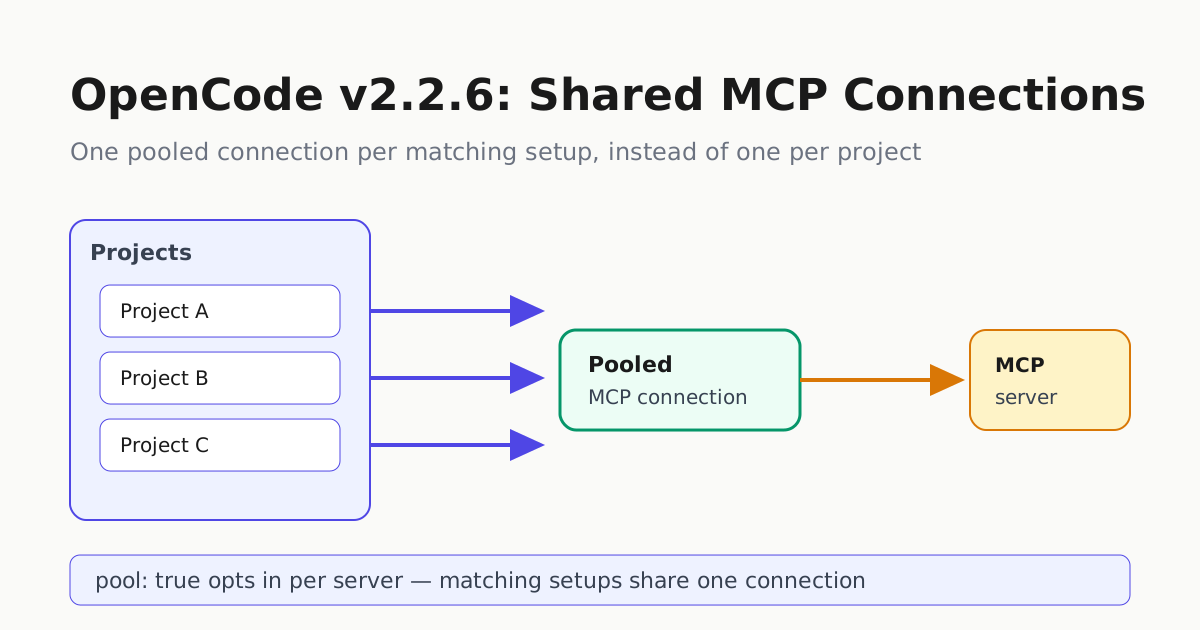
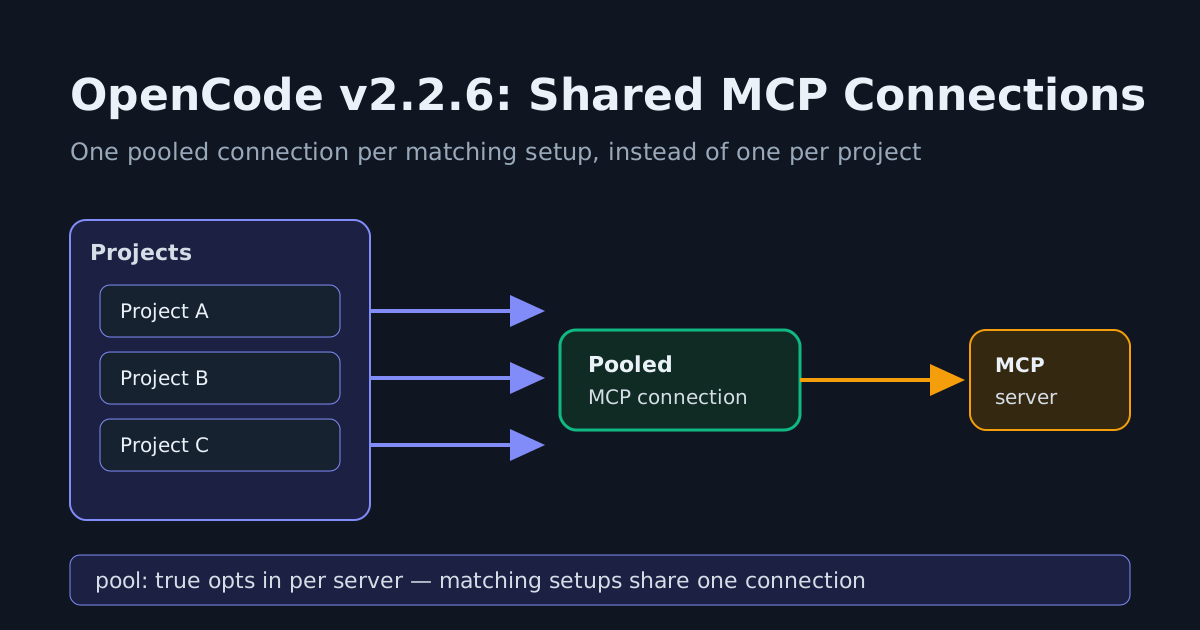
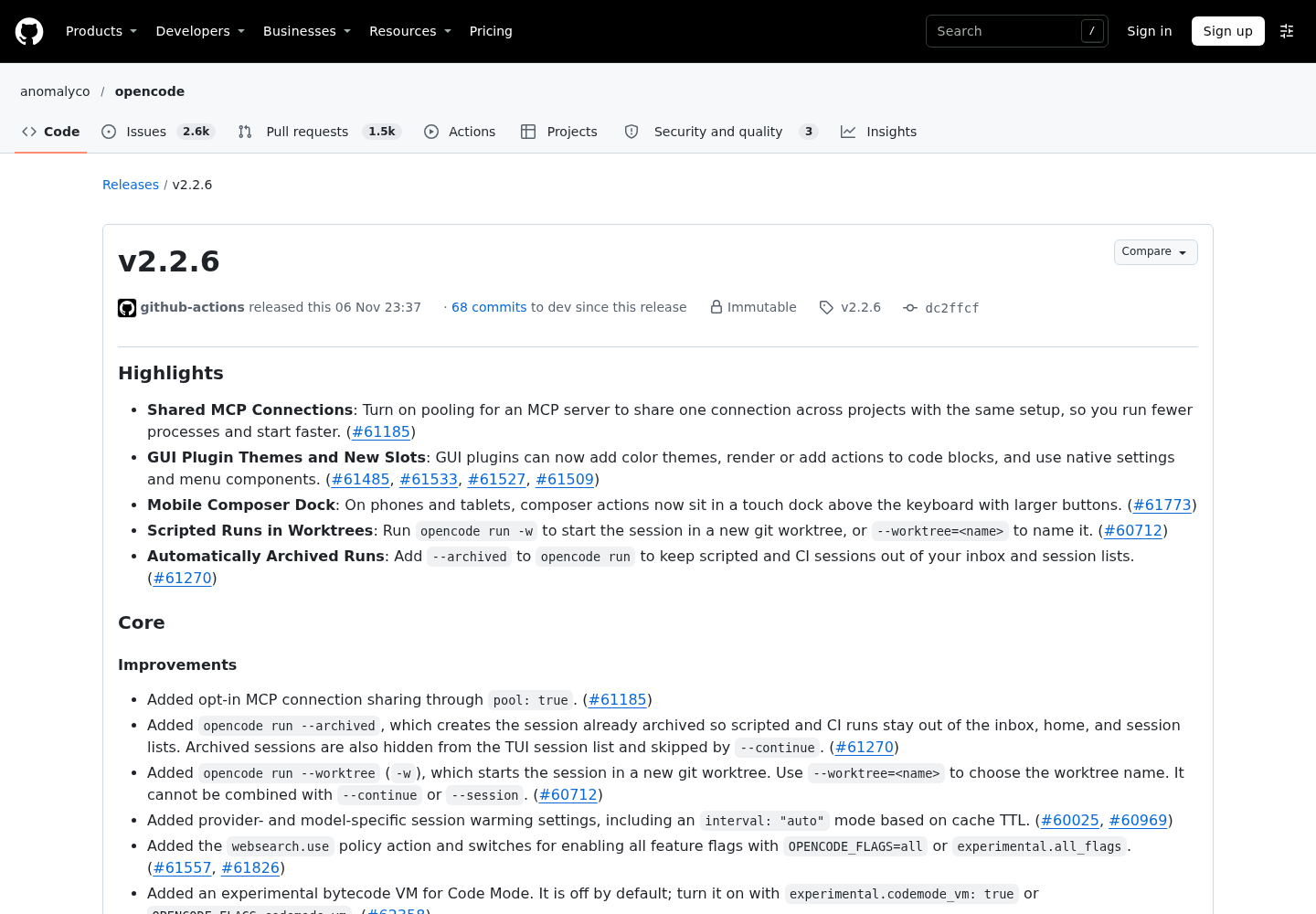
OpenCode v2.2.6, released Nov. 6 by the project’s GitHub Actions pipeline at commit dc2ffcf, ships one change aimed squarely at operators who run the agent across many projects at once: shared MCP connections. Set pool: true on an MCP server and, per the release notes, OpenCode will share one connection across projects whose setup for that server matches, with the stated payoff that you run fewer processes and start faster.
The cost this addresses
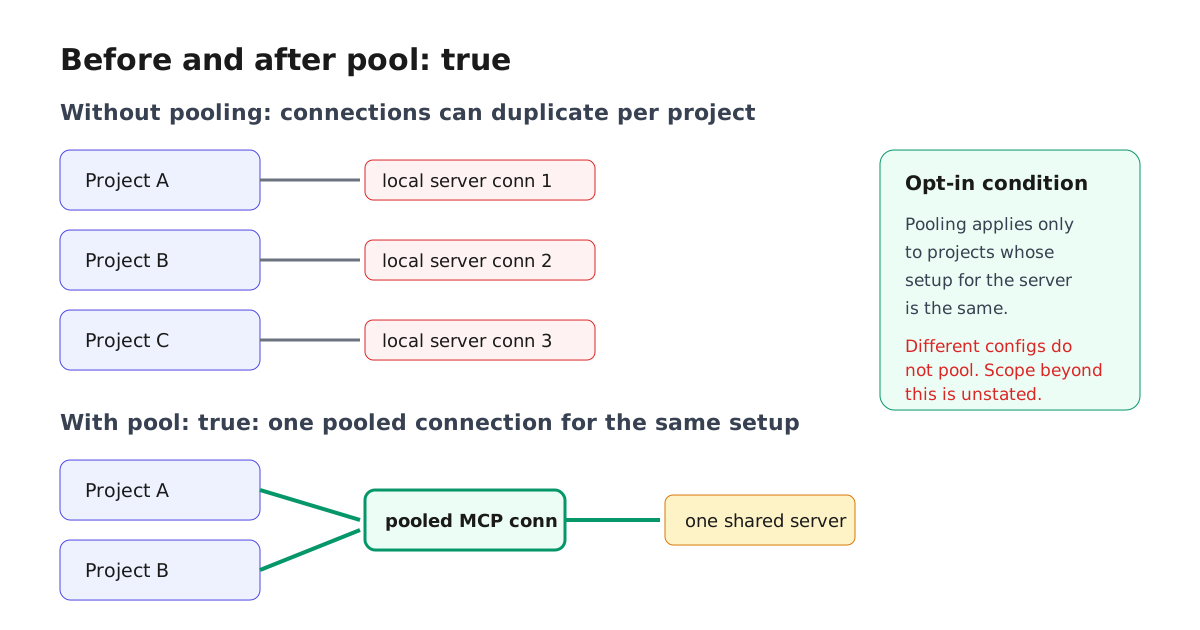
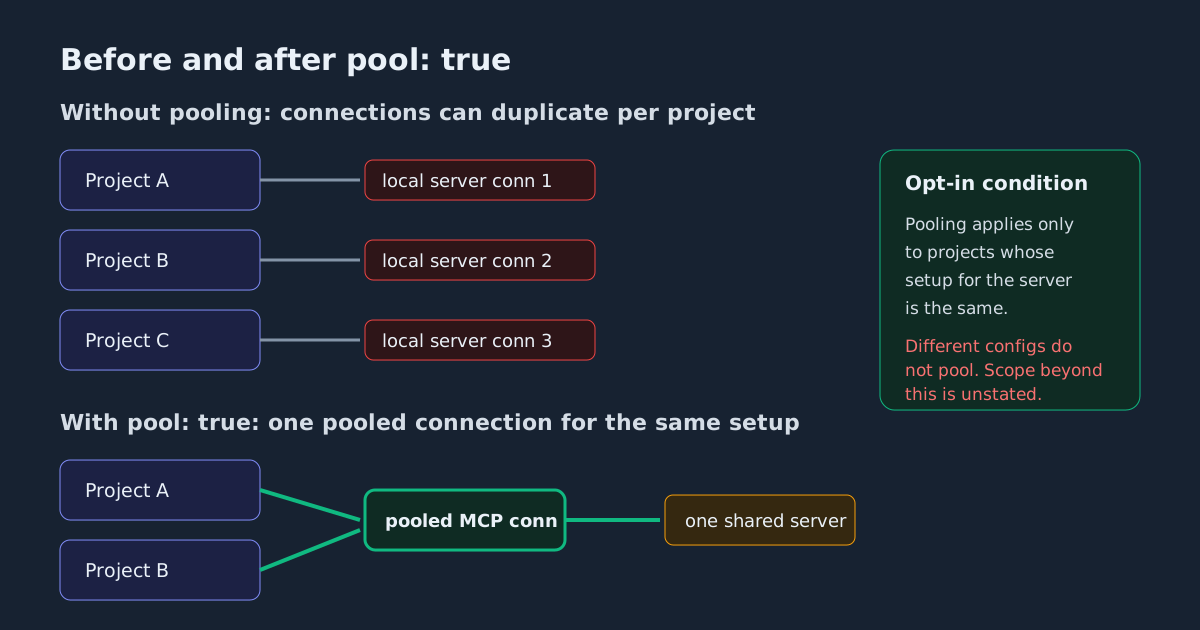
Picture a hypothetical operator running twenty local projects, each configured to launch the same local MCP server — a filesystem server, a database server, or an internal tool server. Without pooling, the natural default behavior of per-project configuration means the same server can end up launched separately for each project: twenty copies of the same process, twenty sets of memory, and twenty handshakes to pay at session start. That is the shape pooling is designed to collapse.
Exactly what pooling does depends on details the release summary does not spell out — whether the projects sit under one OpenCode service, how pooled connections behave for remote versus locally launched stdio servers, and how much of the startup handshake a later project actually skips. The release notes only commit to the headline: fewer processes and faster starts for projects with the same setup. Treat the mechanism as an optimization to measure on your own fleet, not a guaranteed one-connection-per-setup invariant. This is opt-in, not a default flip — nothing changes until you add pool: true.
What to check before flipping it on
The release notes describe the condition precisely: pooling applies to projects “with the same setup.” That makes your config hygiene the deciding factor. If every project passes the same flags, environment, and working-directory intent for a server, pooling is a candidate win. If projects differ — a staging database versus production, different credentials, different allowed directories — those are not the same setup and should not pool; verify that your configs genuinely match before assuming they will.
Two practical steps:
- Inventory which MCP servers appear with identical configuration across multiple projects. Those are the pooling candidates. Anything unique to one project gains nothing.
- After enabling
pool: true, open a session in two candidate projects and confirm/mcpshows the server connected in both, then exercise one tool call in each to confirm shared state behaves as expected — and compare process counts and startup time against your pre-pooling baseline so the benefit is measured, not assumed.
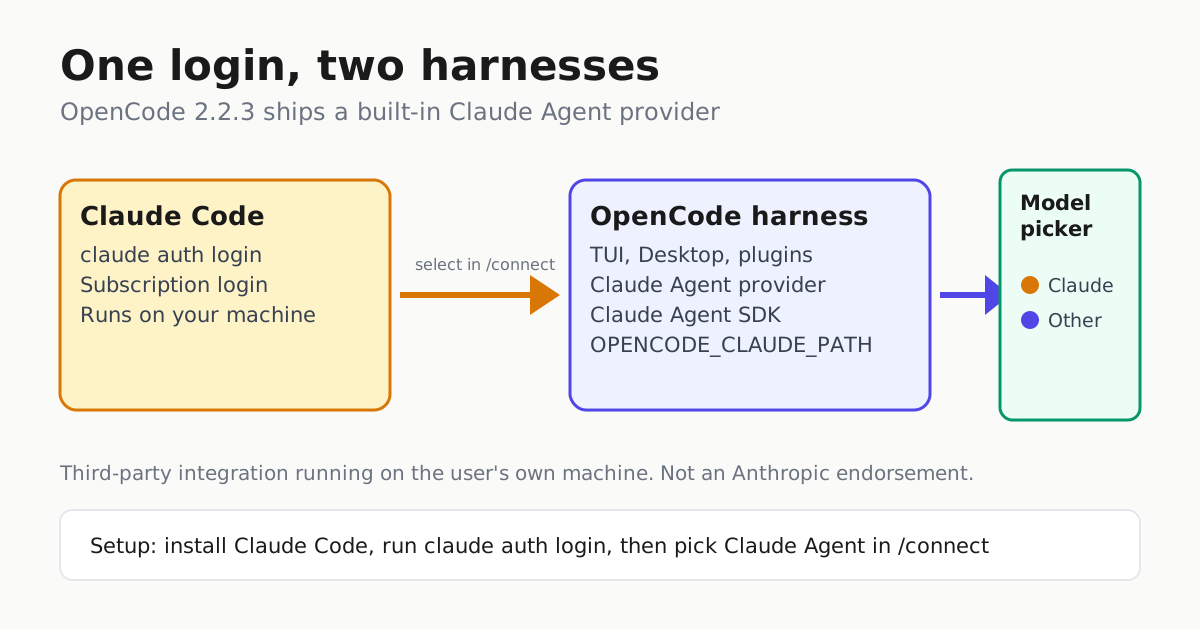
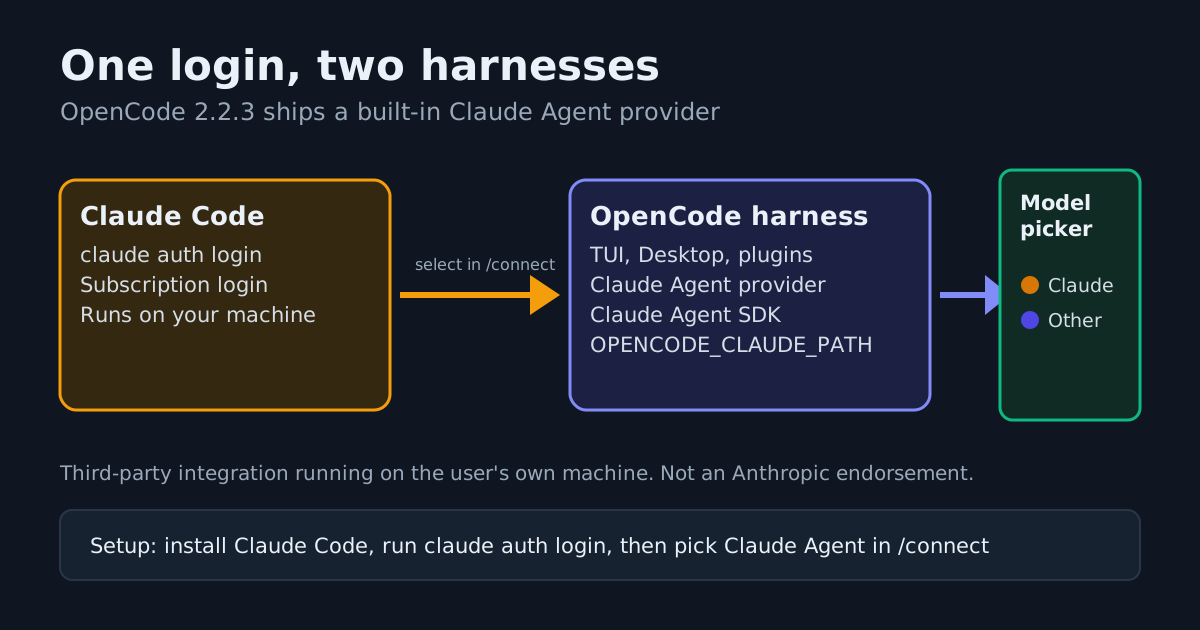
If you run OpenCode under a managed policy, note that v2.2.3’s split of mcp.use from integration.use still governs which servers connect at all; pooling changes how a connection is hosted, not who is allowed to use it.
The other operator-facing items in 2.2.6
The release bundles several changes that matter for scripted and fleet use alongside the headline feature:
- Scripted runs in worktrees.
opencode run -wstarts the session in a fresh git worktree, or--worktree=<name>to name it. It cannot combine with--continueor--session, so it is a clean-lane primitive, not a resume tool. - Archived runs.
opencode run --archivedcreates sessions already archived, keeping scripted and CI runs out of the inbox, home, and session lists. Archived sessions are hidden from the TUI list and skipped by--continue— which is exactly what you want for a cron-driven lane and exactly what you do not want if you expected to resume it later. opencode runnow waits for background jobs its prompt started, and printswaiting for N background job(s). There is deliberately no time limit: a dev server or file watcher keeps the run open until you interrupt it, so set a timeout on the CI job itself. SIGTERM now cancels the session and exits with code 143.- Session warming gained provider- and model-specific settings, including
interval: "auto"keyed to cache TTL — relevant if you bill against prompt-cache windows. - MCP startup robustness: OpenCode waits up to 2 seconds for still-connecting servers before a model call, and Console config requests now time out after 5 seconds instead of hanging startup.
The experimental Code Mode bytecode VM also landed, off by default behind experimental.codemode_vm: true. Treat it as a canary flag, not a switch to flip fleet-wide.
For GUI plugin authors, 2.2.6 adds color themes through the Theme registry, CodeBlock and CodeBlockAction registries for custom fenced-code rendering and actions, and native-looking settings and menu components — concrete new surfaces for plugin interfaces, however earlier plugins styled themselves.
Why this one is more than a version bump
Most patch releases in the 2.2.x train are fixes. v2.2.6 introduces a structural option for how a common fleet configuration consumes resources, controlled by a single config key an operator can adopt per server. For anyone running the same MCP servers across several local projects, duplicate server processes and repeated startup handshakes are a recurring tax; pool: true is the harness-level knob that targets it.
If you maintain a multi-project OpenCode setup, the work is one afternoon: list your servers, find the duplicated configs, add pool: true to the ones that truly match, and re-run your startup checks. One caveat on prioritization: this same release also hardens the server API against cross-site script execution, tightens fetch permission handling, and gates session_move behind an external-directory permission check — check those against your own exposure rather than deferring the whole release. For the full configuration picture, see our OpenCode 2 setup guide, the MCP server inventory ritual for deciding which servers qualify, and our earlier coverage of v2.2.3’s Claude Agent provider, the release that split MCP policy from integration policy.
Sources: the v2.2.6 release notes, the OpenCode releases index, and the OpenCode repository.