Claude Code Cloud Sessions Now Configure Their Own Environments and Keep API Keys Out of the Model
Cloud sessions on Pro, Max and Ultra now detect dependencies, network access and API keys themselves, persist the environment, and — per Anthropic's announcement — store keys securely where Claude never sees them.
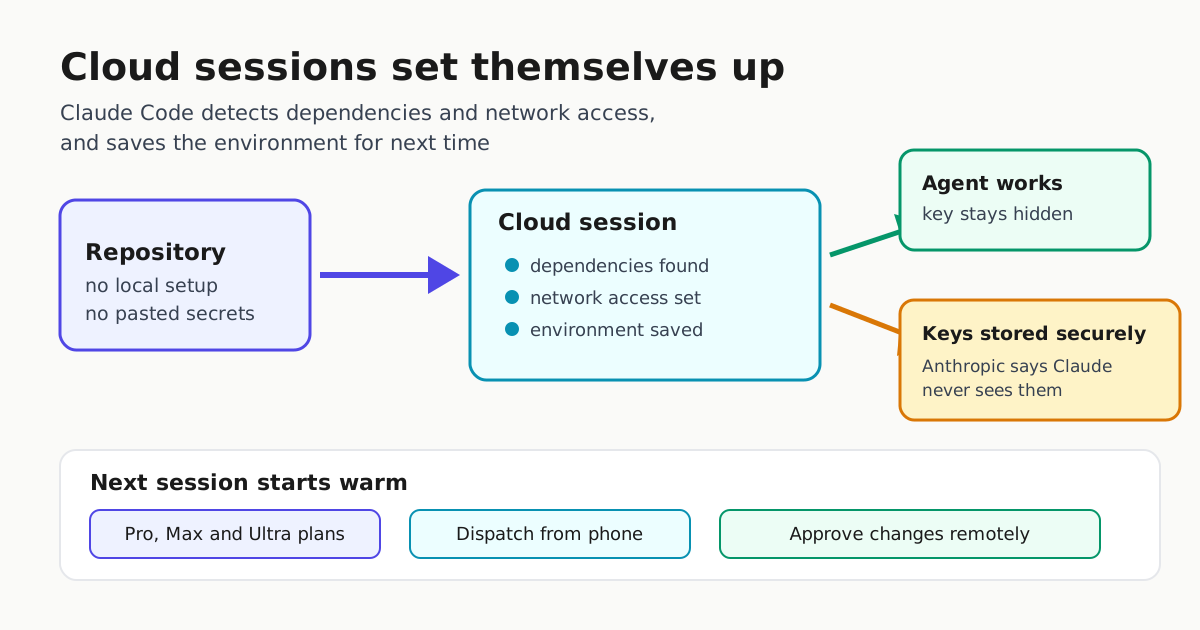
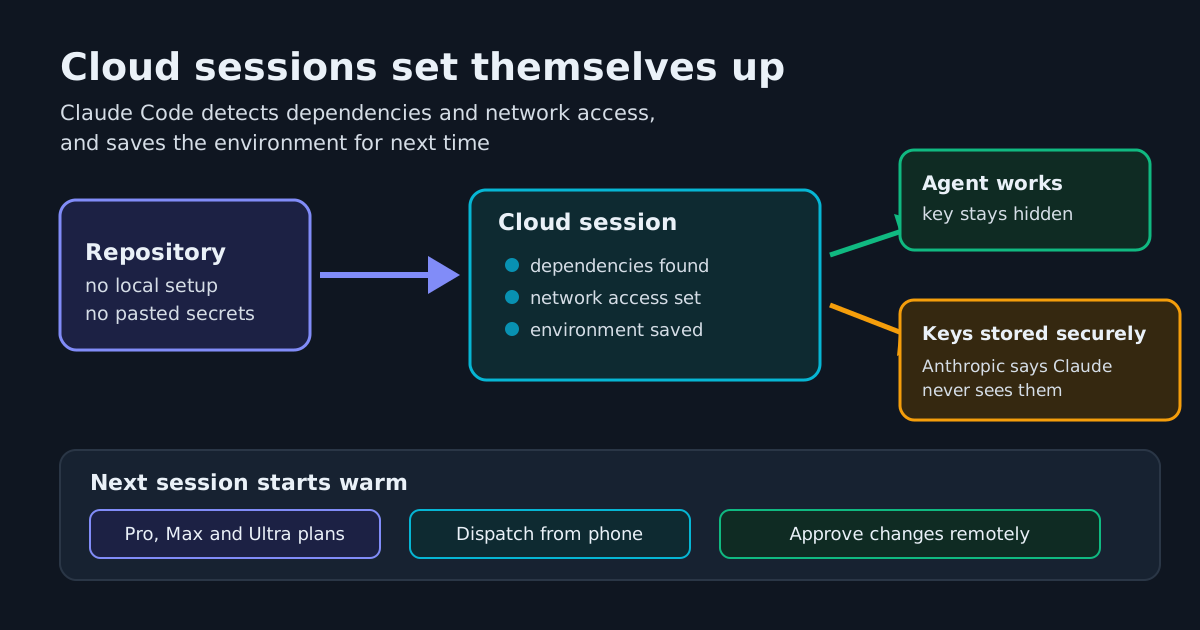
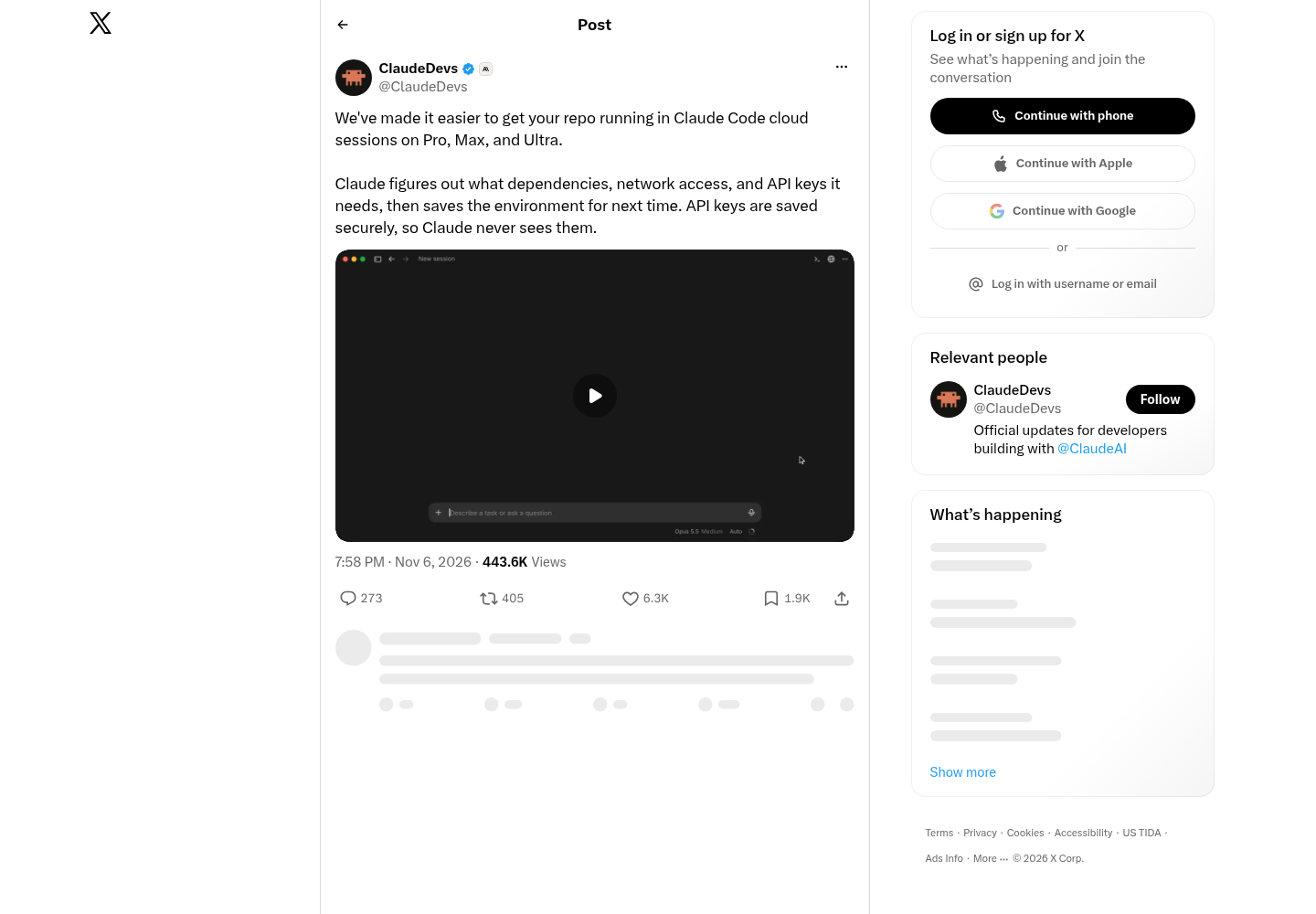
Anthropic has automated two of the stickier parts of cloud-based coding agents: first-run environment setup and API key handling. On November 6, the ClaudeDevs account announced that Claude Code cloud sessions on Pro, Max and Ultra plans now have Claude itself work out what a repository needs to run — dependencies, network access and API keys — then save that environment for future sessions. API keys are saved securely, so the model never sees them, according to the announcement.
What actually changed
The new flow automates first-run discovery: Claude inspects the repo, determines which dependencies to install, what network access the work requires, and which API keys the services it touches need. The resulting environment is persisted, so a later session on the same repo starts warm rather than repeating the setup. That removes a real chore for anyone pointing a cloud session at a repository for the first time.
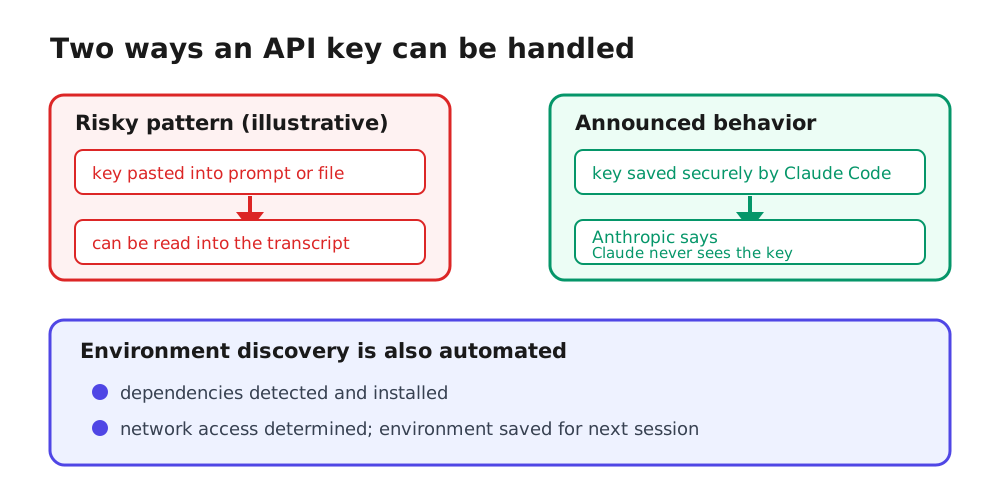
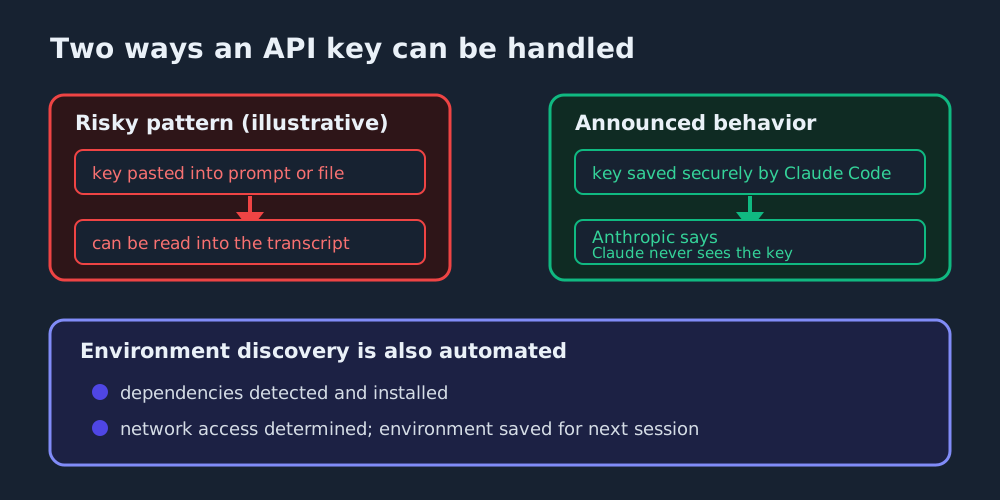
The key-handling half deserves more careful reading. A risky pattern many operators will recognize is pasting a key into the prompt or dropping it into a file in the working tree. That does not automatically place the key in the model’s context — but it creates an exposure path: if the agent or one of its tools reads, returns or echoes those contents during the session, the credential ends up in a transcript that can surface in logs, diffs or an accidental paste. The announcement now states that API keys are “saved securely, so Claude never sees them.” What Anthropic has not documented is where keys are held, how the session’s tools use them, or how that isolation is enforced. For operators who have written key-handling policy — including the practices in our guide to Claude Code environment variables — this is a promising direction, but the enforcement details are worth confirming before you relax existing rules.
The contrast in key handling is easiest to see side by side:
Why it matters for phone-driven workflows
The official Claude Code documentation describes a surfaces model where sessions are not tied to one machine. Remote Control lets you step away from the desk and continue a session from your phone or any browser. Dispatch is the separate path for messaging a task from your phone and opening the Desktop session it creates. You can also start a task locally with claude --cloud and continue it in the Claude mobile app. Cloud sessions exist precisely so work is not hostage to a laptop being open.
That promise has always had an asterisk: mobile surfaces are good for dispatching and approving, and bad for export DATABASE_URL=... debugging. Environment setup was the part of the job that least suited a six-inch screen. Moving dependency discovery, network policy and key handling into the agent’s own workflow removes the asterisk. A cloud session becomes something you can genuinely start from a phone against a repo you have never opened locally, which is exactly the use case the web surface advertises: “work on repos you don’t have locally.”
The same day, David Sutton posted that Claude Duet — a companion app for steering sessions from a phone — now works with Claude Code sessions running on your computer or in the cloud, letting you check what is running, approve changes and send updates. Taken together, the pieces line up end to end: the cloud session bootstraps its own environment, and the phone supervises it. (For how to think about approving changes from a small screen, see our earlier guidance in Remote Approval Policy.)
What operators should still pin down
Automatic environment detection is convenient, and convenience in agent tooling always deserves a policy check. The announcement is short, so treat these as open questions for documentation, session logs or your administrator rather than as places we can point you to:
| Concern | Question to answer | What to pin down |
|---|---|---|
| Network access | What egress did the session actually request? | Whether discovered network needs are checked against org allowlists or merely recorded — confirm with session logs and whoever owns egress policy |
| Dependency installs | Did discovery install anything unpinned? | What the first saved environment actually contains, before you reuse it |
| Key scope | Which services hold stored keys, and who can revoke them? | Where Anthropic stores keys and the revocation path — the announcement does not document the storage location or mechanism |
| Persistence | Is a saved environment reused by teammates or only by me? | Whether saved environments are shared, and under whose control — undocumented in the announcement |
The announcement says Claude figures out network access, which makes the agent a stakeholder in your egress policy. And “saved for next time” cuts both ways: a persisted environment is a standing credential surface, so the revocation path for stored API keys belongs on your offboarding checklist, as it already should be for agent-held credentials generally.
The direction, not just the feature
The interesting signal here is architectural. Environment setup and secret custody have mostly been operator responsibilities in coding-agent workflows; moving both into the harness — with keys, per Anthropic’s claim, kept out of the model’s view — echoes the same pattern as sandboxing, permission modes and approval queues: the harness owns the risky part so the model does not have to be the weakest link. The open question is enforcement, and the answer belongs in documentation rather than a launch post.
For teams already running Claude Code in the cloud, the practical takeaway is simple: audit what the first auto-discovered environment contains, stop pasting API keys into prompts or repo files for cloud sessions, and enjoy that the second session starts warm. For everyone else, it is one more reason the phone is becoming a viable primary console for agent work rather than a read-only companion — a shift we have tracked from Remote Control setup onward.
Sources
- ClaudeDevs on X: "We've made it easier to get your repo running in Claude Code cloud sessions on Pro, Max, and Ultra. Claude figures out what dependencies, network access, and API keys it needs, then saves the environment for next time. API keys are saved securely, so Claude never sees them." / X
- Overview - Claude Code Docs
- David Sutton on X: "Claude Duet: now with Claude Code sessions Check what's running, approve changes and send updates - all from your phone. Works with sessions on your computer or in the cloud. /cc @navbryce and @joshleibsly" / X