Cursor Adds Two-Way Voice Chat While Coding Agents Keep Working
Cursor's new voice calls let developers ask about diffs, hand off changes and hear progress while coding continues, with account, privacy and daily-limit constraints.
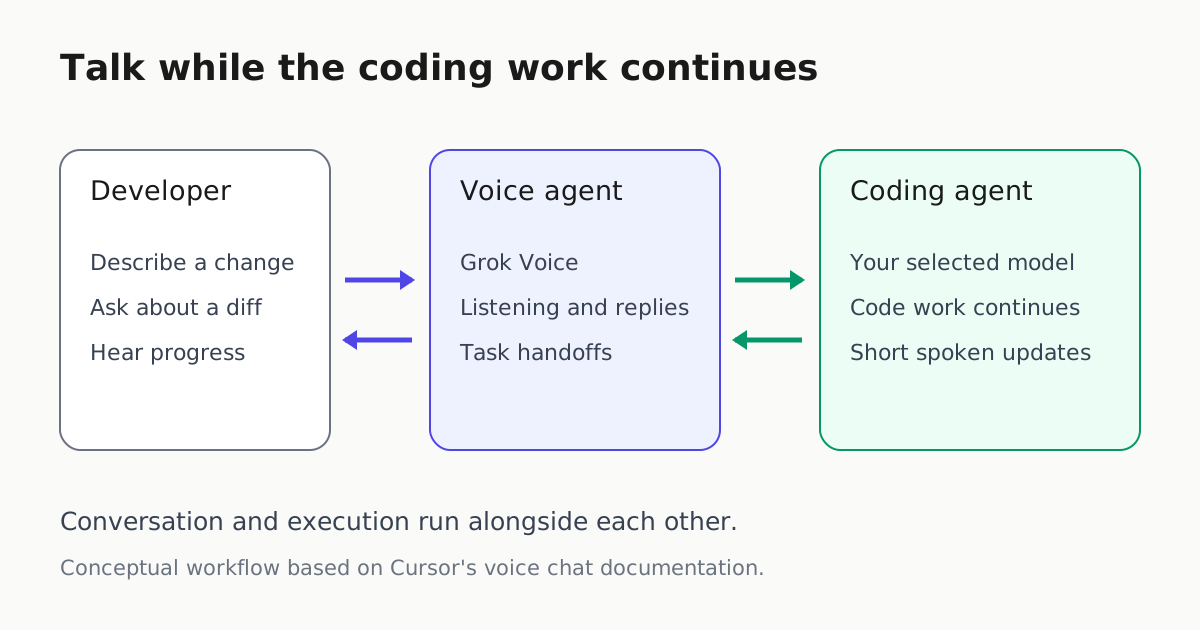
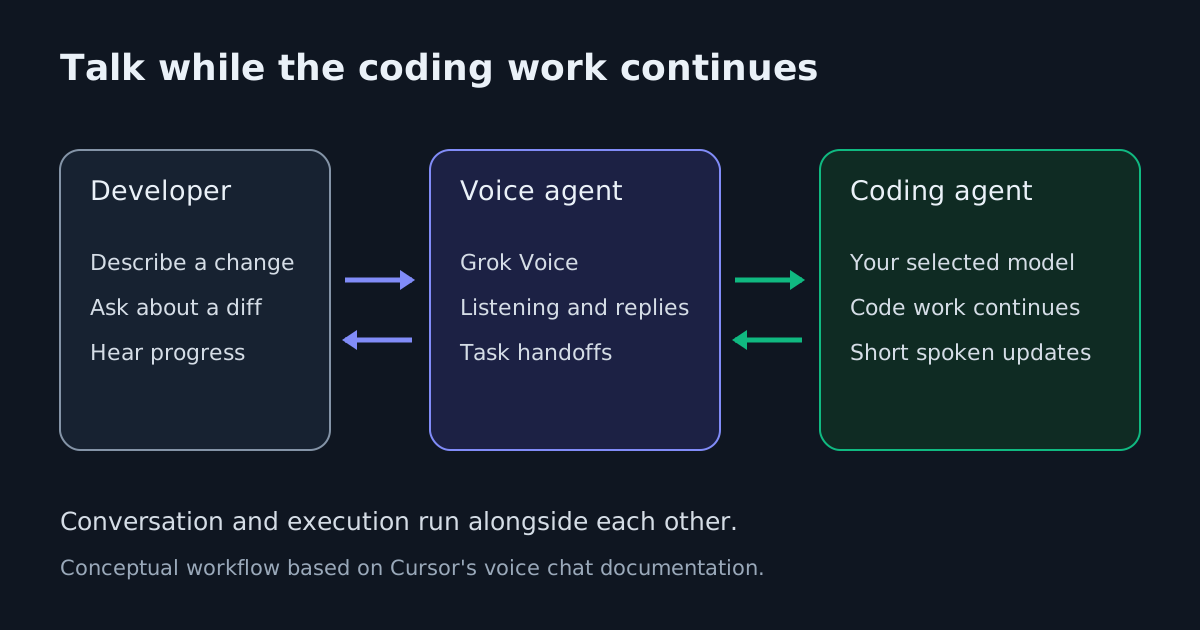
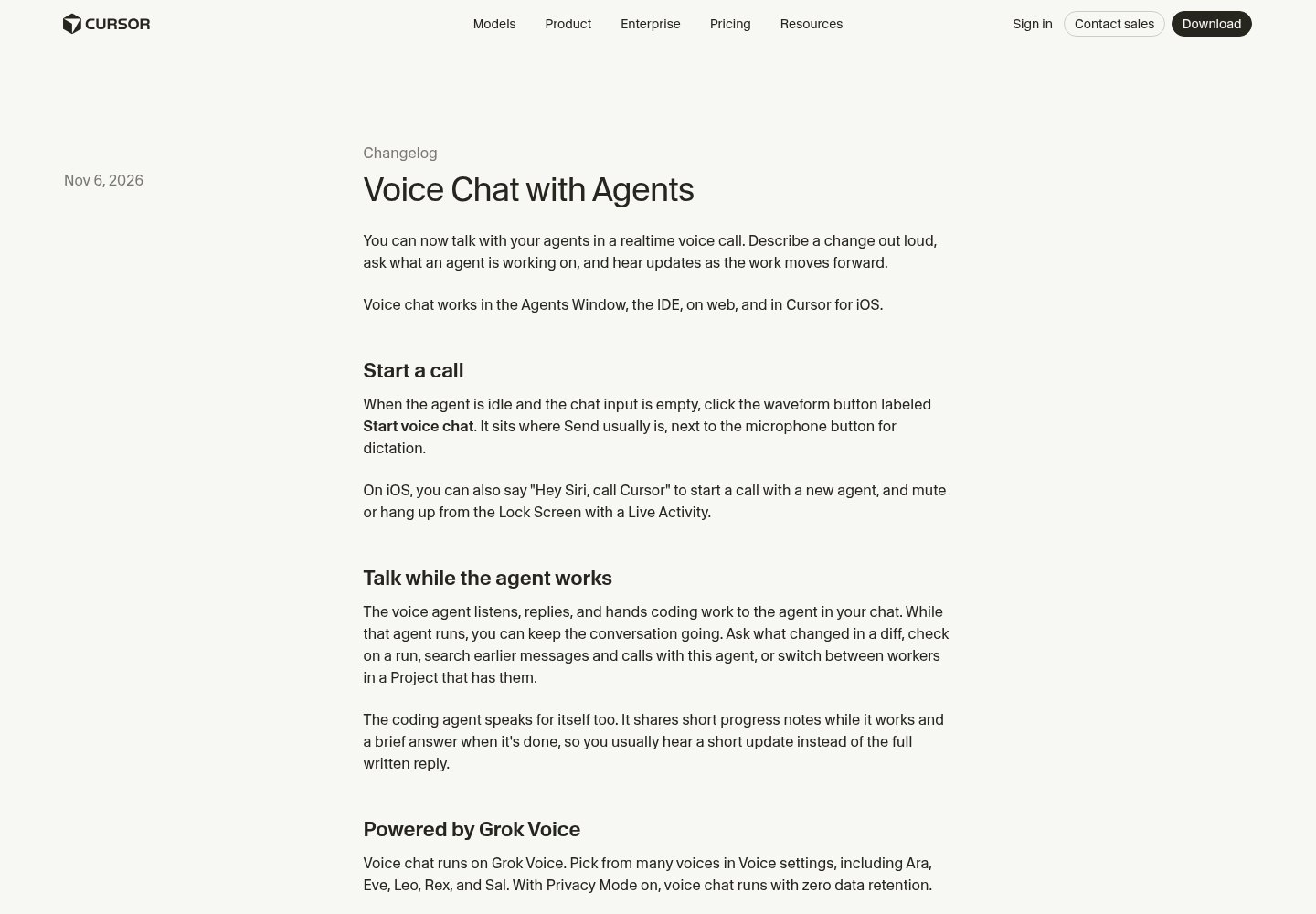
Cursor has added realtime voice calls with coding agents, letting developers continue a spoken conversation while an agent carries out code changes. The November 6 announcement covers the Agents Window, IDE, web and Cursor for iOS. For developers supervising longer tasks, the consequential change is the ability to ask questions and send follow-ups without waiting for the coding agent to finish.
This goes beyond Cursor’s existing dictation. Dictation puts recognized speech into the input box for you to review and send. Voice chat answers aloud and can hand work to the coding agent in the current conversation. Cursor previously called dictation Voice Mode, so the distinction matters when finding the new control.
A conversation alongside execution
According to Cursor’s voice chat documentation, a voice agent handles the spoken conversation and passes coding requests to the coding agent already in that chat. The coding agent retains the model selected for it; Grok Voice handles listening and speaking. Enabling voice therefore does not, by itself, replace the model doing the code work.
While execution continues, the voice agent can look up diffs, runs and agents to explain what changed or what is still running. Those lookups are read-only. It can also search earlier messages and calls with that agent, hand over a follow-up, or move the call between workers in a Project that has them.
A practical use is a bounded change followed by questions during execution: ask the coding agent to adjust a validation rule, then ask which files changed and whether its test run is still active. That is an illustrative workflow, rather than a tested performance claim. The documented capability is concurrent conversation and coding; the sources provide no measured reduction in completion time or review effort.
Spoken progress is selective. Cursor says the coding agent supplies short updates during work and a brief answer at completion, while full replies remain in chat. If it does not supply a spoken update for a turn, the call reads the written reply instead. Developers should therefore expect variable amounts of narration.
Starting a call has specific conditions
To try it, open an agent chat, clear the input and wait until the agent is idle. A waveform button labeled Start voice chat appears where Send normally sits. The neighboring microphone button still starts dictation. In the IDE, the chat must already contain at least one message, and microphone permission is required.
The documentation also lists exclusions: the start button is hidden in subagents and Project workers, archived chats, Claude Code chats and chats owned by another teammate. That qualifies the worker-switching feature: moving an existing call between Project workers does not mean every worker chat exposes its own call-start button.
Voice calls require a signed-in Cursor account. API-key-authenticated sessions cannot start them, even if the button is visible. There is a daily call limit, but the documentation does not specify its numerical allowance. By default, a call also ends after roughly ten minutes of user silence when the agent has no work in progress.
Mobile controls and privacy tradeoffs
On iOS, saying “Hey Siri, call Cursor” starts a call with a new agent, provided the iPhone is unlocked. Cursor’s mobile release notes describe Live Activity controls on the Lock Screen and Dynamic Island in version 1.16.0, for when iOS cannot display the system call screen. Users can mute or hang up there. Version 1.15.0 describes automatic reconnection after a network drop. These versioned entries do not provide separate publication dates for the mobile changes.
Cursor says voice chat uses zero data retention with Privacy Mode enabled. Its documentation also says live cloud-agent transcripts sync across devices unless Privacy Mode is on. Teams considering spoken supervision should account for that documented difference when choosing how they use the feature.
For readers following voice-driven development, this is a concrete addition: spoken questions, task handoffs and progress reports can share a session with ongoing coding. Its immediate value is another way to stay involved during execution. The resulting diff and test evidence still deserve direct inspection before accepting the work.