MCP Server Inventory Before Allowlist: The Weekly Ritual
Run a 45-minute weekly MCP server inventory: find every config, attribute each server, score blast radius, diff versions, then keep, prune, or pin each row.

Nightfall’s product page says it tracks 20,000-plus MCP servers and would approve about 50 of them by default. The number that matters at your desk is smaller and less flattering: how many servers your harness configs can reach this morning, and how many of those you could name without opening a file. Most teams cannot answer without checking several tools. A weekly MCP server inventory replaces the guess with a ledger, and this piece is that ritual end to end: where the configs live, the script that reads them, the blast-radius score, the version diff, and the three decisions every row ends in.
The order is the point. An allowlist written before an inventory approves the servers you remember and blocks the ones you never knew about, which is the same as blocking nothing, because those are already running. Count, then decide. If you later buy a gateway, hand it the list you already trust instead of asking it to invent one from traffic.
Budget 45 minutes a week once the script exists, because the ritual reviews deltas rather than the estate. A job that takes a day gets skipped by March. A job that takes a coffee gets done.
Nightfall’s arithmetic: 50 approved, 17,950 blocked, 60 seconds to notice
The news, once. Nightfall’s MCP Security page (nightfall.ai) makes four claims worth borrowing as vocabulary. “20,000+ MCP Servers Tracked.” “Real-time configuration scanning (detects new MCPs in 60 seconds).” “Approve the 50 MCPs that serve 90% of use cases, block 17,950+ others by default.” And “Alert on MCP version changes,” illustrated by a scenario in which an approved slack-mcp-server ships v2.1 with a new export_channel_history tool and gets flagged before anyone calls it. The page names Cursor, Claude Desktop, VS Code, and custom integrations as the clients it hooks.
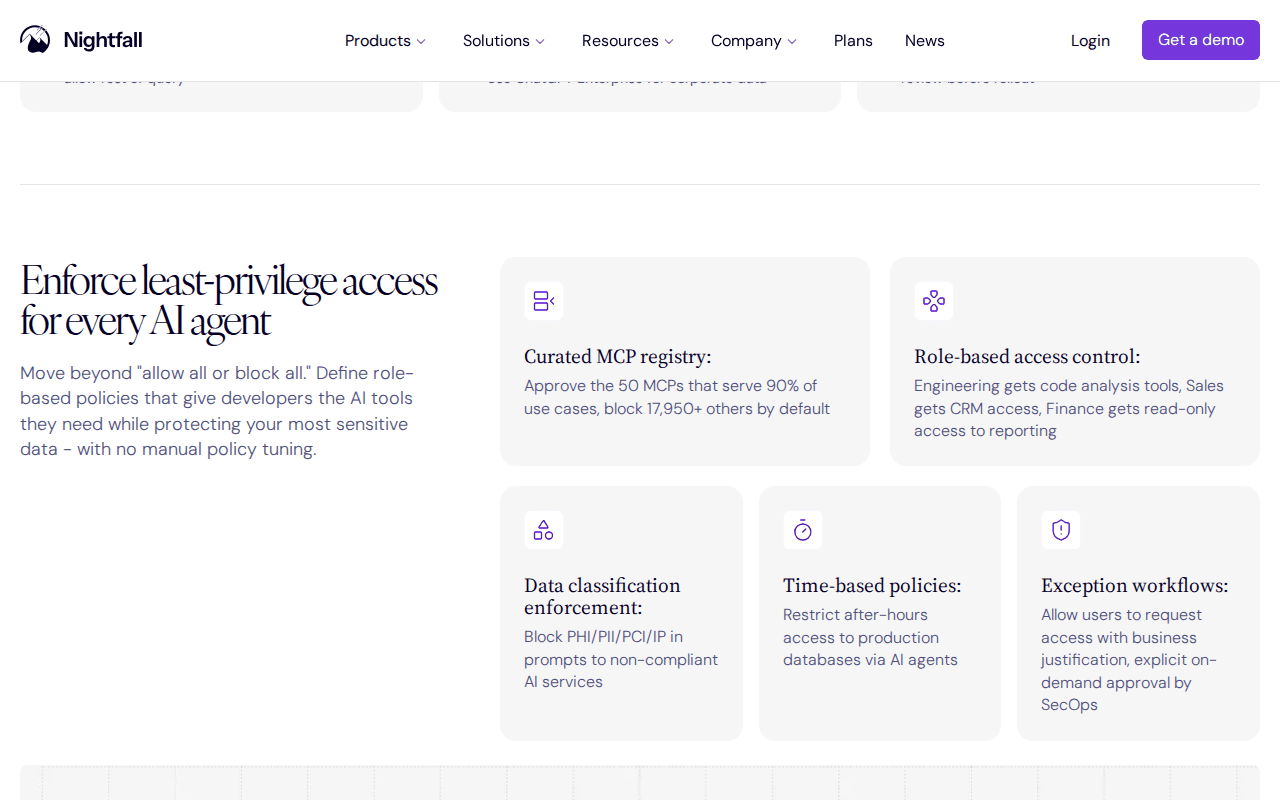 Screenshot: Nightfall MCP Security product page, “Enforce least-privilege access for every AI agent,” captured Sep 13, 2026.
Nightfall’s Aug 3, 2026 post on MCP access control (nightfall.ai/blog) adds the line operators now quote back at every vendor, “visibility without control is just a dashboard,” and describes IDE hooks for Cursor, Claude Code, and VS Code that see local stdio servers as well as remote ones. Whether to buy that proxy or build the checks yourself is a separate decision. The arithmetic is what this piece borrows: the vendor’s default approves a quarter of one percent of what it can see, and it can only do that because it counted first.
A config entry is a hire, not a bookmark
Shadow MCP already argued that an unregistered server is shadow IT with a shell, so one paragraph here and no more. An MCP server declared in a config file is a set of tools an agent will call with whatever token the entry hands it, inside whatever repo the session has open, without consulting a list. It looks like plumbing and behaves like a contractor with a badge.
Two details make the inventory harder than a file search. Claude Code’s permissions docs say that in a claude -p or SDK session in a folder nobody trusted, servers in .mcp.json are “Connected without asking, approved or not” (code.claude.com), so a CI runner that ran a headless session against a repo may have carried that repo’s servers. And a project or user subagent definition can declare inline mcpServers of its own (docs.claude.com), so the sweep has to read agent files as well as config files.
The weekly MCP server inventory in six moves
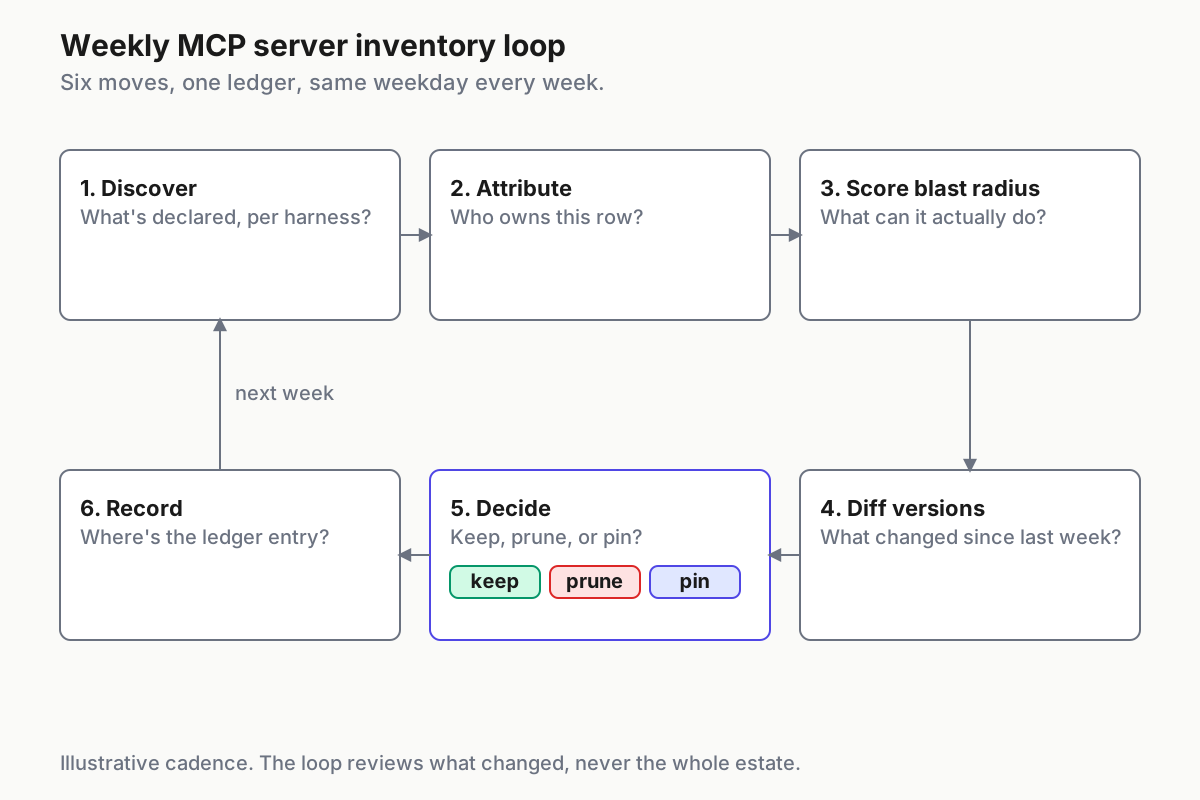
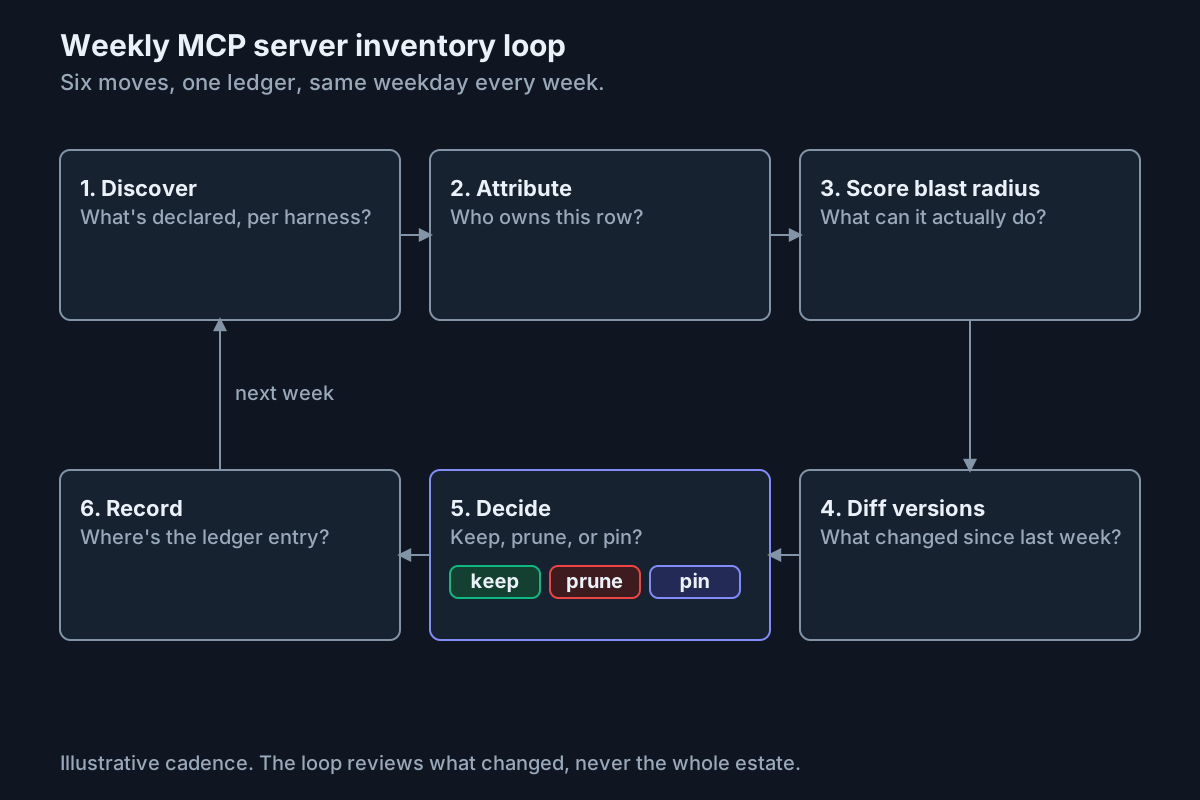 Six moves, one ledger, same weekday every week. The loop reviews what changed, never everything.
Same weekday, timer on, ledger open. The script runs on each host and ships JSON lines to wherever you already collect things.
Move 1: discover what is declared, per harness
Each harness keeps its servers in a short list of files. The table reflects the current vendor documentation; check it again when a harness updates its MCP support.
| Harness | Where servers get declared | Key |
|---|---|---|
| Claude Code | .mcp.json at the repo root (project); ~/.claude.json (user and local); managed-mcp.json (admin-deployed); inline mcpServers in .claude/agents/*.md |
mcpServers |
| Codex CLI | ~/.codex/config.toml; .codex/config.toml in trusted projects |
[mcp_servers.<name>] |
| Cursor | ~/.cursor/mcp.json; .cursor/mcp.json in the project |
mcpServers |
| VS Code | .vscode/mcp.json; the user-profile mcp.json |
servers |
| Claude Desktop | The config file surfaced by the app’s developer settings | mcpServers |
The sweep reads and emits. It edits nothing, and a file that will not parse is a finding, so wrap the loop in a try when you ship it.
# mcp-inventory.py -- illustrative: one JSON line per declared server, per host
import json, pathlib, re, socket, tomllib

HOME = pathlib.Path.home()
FILES = [HOME / ".claude.json", HOME / ".cursor/mcp.json", HOME / ".codex/config.toml"]
for rel in (".mcp.json", ".cursor/mcp.json", ".vscode/mcp.json", ".codex/config.toml"):
    FILES += (HOME / "src").glob(f"**/{rel}")              # replace with bounded repo roots at scale

def servers_in(path):
    text = path.read_text(encoding="utf-8", errors="replace")
    if path.suffix == ".toml":
        return tomllib.loads(text).get("mcp_servers", {})
    doc = json.loads(text)
    found = doc.get("mcpServers", {}) | doc.get("servers", {})
    for proj in doc.get("projects", {}).values():          # Claude Code local scope
        found |= proj.get("mcpServers", {})
    return found

for path in (p for p in FILES if p.is_file()):
    for name, spec in servers_in(path).items():
        cmd = " ".join([spec.get("command", "")] + list(spec.get("args", []))).strip()
        pin = re.search(r"@(\d+\.\d+\.\d+|latest)\b", cmd)
        print(json.dumps({"host": socket.gethostname(), "file": str(path), "server": name,
                          "transport": "http" if spec.get("url") else "stdio",
                          "target": spec.get("url") or cmd,
                          "version_hint": pin.group(1) if pin else ("unpinned" if cmd else None),
                          "file_mtime": int(path.stat().st_mtime)}))
Two additions turn a file search into an inventory. Grep .claude/agents/*.md for mcpServers: and add those rows by hand. Then cross-check against claude mcp list and codex mcp list: a name the harness shows and the sweep never wrote is a scope you did not cover, and a name the sweep wrote that the harness ignores is a dead entry.
Move 2: attribute every row to a person, a commit, or a deadline
A server with no owner is a pending prune. Project-scope files live in git, so attribution is a lookup: git log --format='%an %ad %h' -- .mcp.json and the pull request that introduced the line. User-scope files have no commit history, so the file’s owner and modification time are the attribution, because codex mcp add and claude mcp add write entries without recording who ran them.
The rule that makes this a ritual rather than research: any row without an attributable human or team alias gets the platform on-call alias as a temporary owner and a seven-day clock. Nobody claims it, it gets pruned. People claim things quickly once pruning is real.
Move 3: find the last use in transcripts, not in memory
Ask a team who uses a server and everyone does, in principle. Ask the transcripts and the answer is a date. Claude Code names MCP tool calls mcp__<server>__<tool>; use each harness’s documented transcript or history export rather than assuming its on-disk layout stays fixed. Where a gateway logs every call, its export replaces this step.
# last-used.sh -- illustrative: newest exported transcript that called each declared server
TRANSCRIPT_ROOTS=(./exports/claude ./exports/codex)
for s in $(jq -r '.server // empty' inventory.jsonl | sort -u); do
  last=$(grep -rl "mcp__${s}__" "${TRANSCRIPT_ROOTS[@]}" 2>/dev/null | xargs -r ls -t | head -1)
  printf '%s\t%s\n' "$s" "${last:+$(date -r "$last" +%F)}"
done
Twenty-eight days without a call is the prune threshold. A server nobody has called in a month is a capability with no use and full risk, and re-adding one takes a minute.
Move 4: score blast radius from the tool list, not the README
The README says what the server is for. The protocol’s tool catalog says what the server exposes. Snapshot it for each server: for stdio, spawn the pinned package in a throwaway sandbox and query its tools using the protocol version it supports (modelcontextprotocol.io); for HTTP, call the endpoint from a host that holds nothing else. The July 28, 2026 MCP revision removed the initialization handshake, so the compatibility sketch below deliberately uses the earlier 2025-11-25 handshake; modern-only servers need the revision’s discovery flow instead (MCP release notes).
# tools-hash.sh -- illustrative: snapshot and hash a stdio server's tool list
printf '%s\n' \
 '{"jsonrpc":"2.0","id":1,"method":"initialize","params":{"protocolVersion":"2025-11-25","capabilities":{},"clientInfo":{"name":"inventory","version":"0"}}}' \
 '{"jsonrpc":"2.0","method":"notifications/initialized"}' \
 '{"jsonrpc":"2.0","id":2,"method":"tools/list"}' \
 | timeout 20 npx -y @org/slack-mcp-server@2.1.0 2>/dev/null \
 | jq -c 'select(.id==2) | .result.tools | map({name, description}) | sort_by(.name)' \
 | tee tools.json | sha256sum
Score four axes, 0 to 3 each, from the tool names and descriptions. The verbs do most of the work.
| Axis | 0 | 1 | 2 | 3 |
|---|---|---|---|---|
| Writes | none | files inside the repo | a record in a SaaS | bulk or destructive: delete, export, send, execute |
| Reach | loopback only | one named host | the internet | the internet plus a credential it can present |
| Credential | none | scoped token, read | scoped token, write | a person’s own token or session |
| Data | one file or record | one repo or channel | a workspace | the org |
A total of 7 or more is high: keep it only behind per-tool rules or per-call approval. Claude Code’s rule syntax can allow read patterns such as mcp__github__get_* while named write tools such as mcp__github__create_branch remain in ask or deny (code.claude.com). Do not pair that allow rule with a broad mcp__github__* deny: deny rules take precedence. Nightfall’s page describes the same move as “allow GitHub but block create_branch.” Now rescore the vendor’s scenario. slack-mcp-server at v2.0 reads one channel: Writes 0, Reach 2, Credential 2, Data 1, total 5. At v2.1 with export_channel_history, Writes goes to 3 and Data to 2, total 9, and the config file did not change.
Move 5: diff the version and the tool list against last week
Three things can change under a stable config line: the declared pin, the resolved version, and the tool list. Rows with version_hint: unpinned run whatever npx -y resolves at spawn time, so “version last week” is unknowable from the config for those rows, and the tools hash is the only stable identity they have. Diff it first: jq -r '.[].name' last-week/tools.json this-week/tools.json | sort | uniq -u lists tools added or removed, and a diff of the two files sorted with jq -S shows descriptions that changed under the same name.
A new name with a write verb is a hold. A changed description under the same name is the approve-once problem in miniature: the tool the model reads is no longer the tool a human approved. Either one gets the row re-scored.
Move 6: decide, then write it where the next person will look
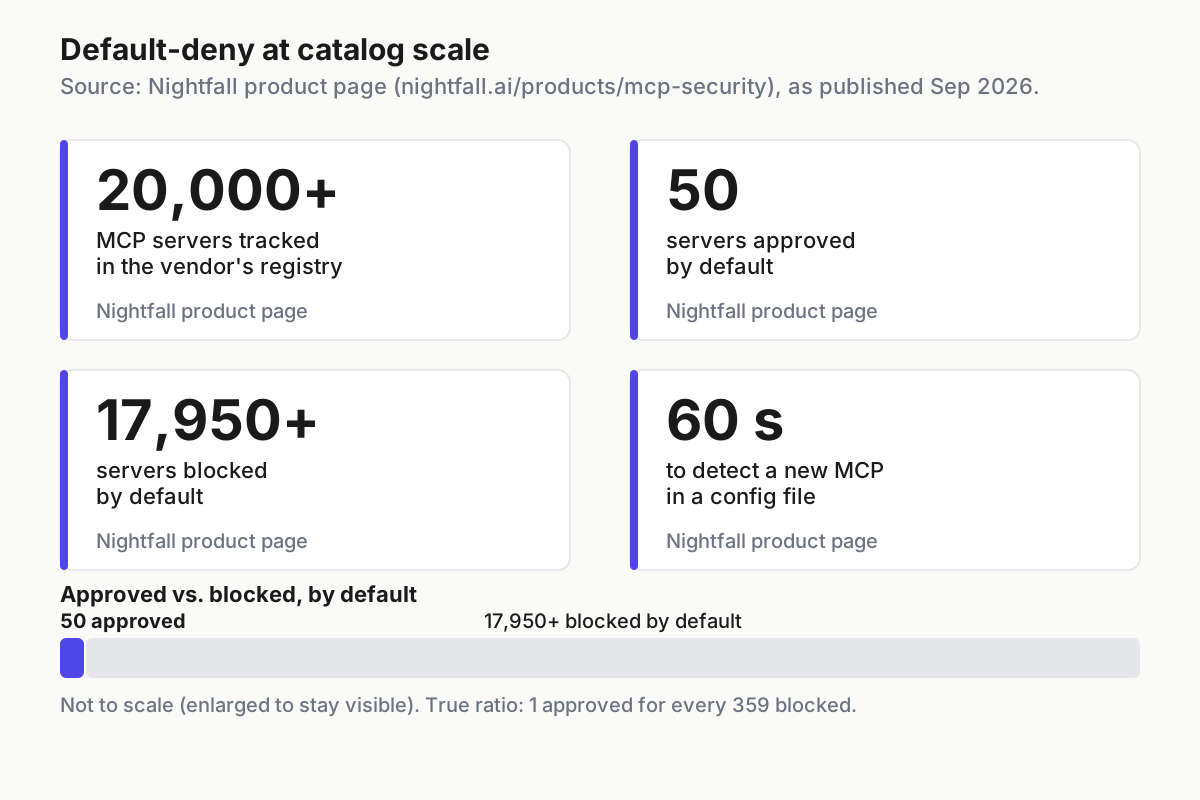
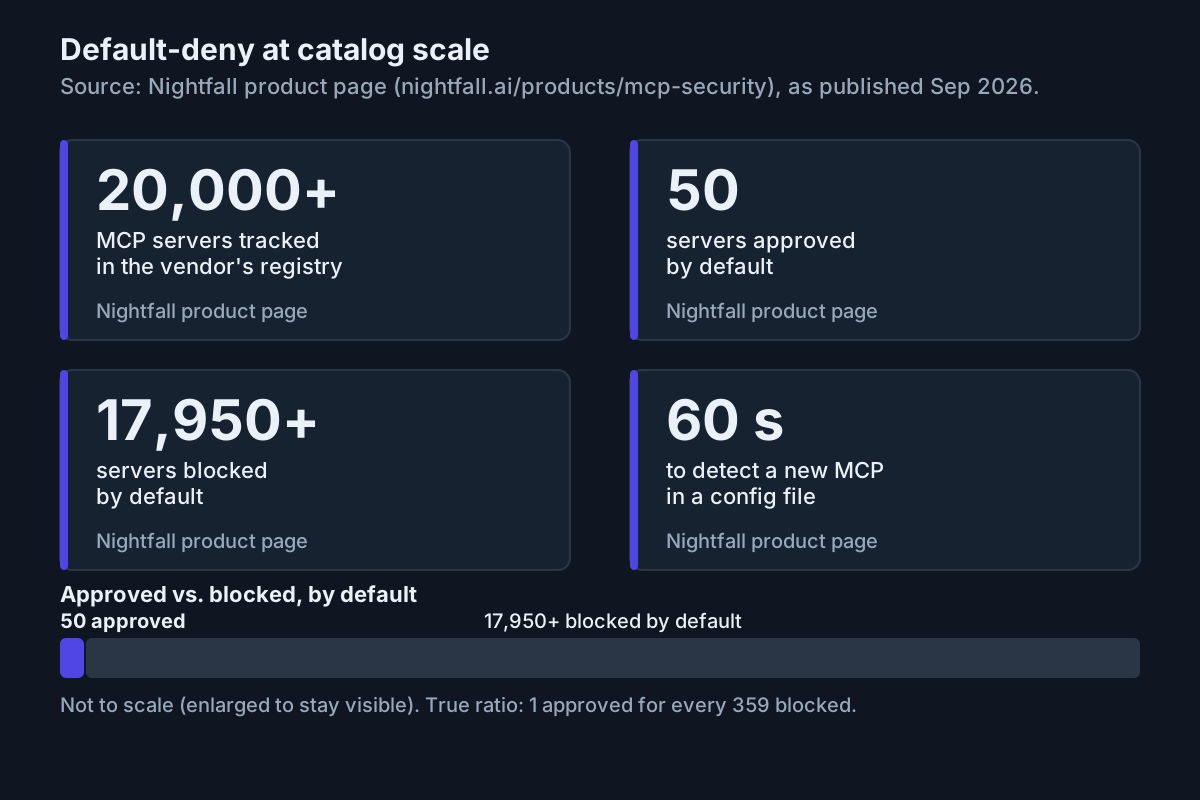 Nightfall’s numbers, quoted as published on the product page. The ratio is one approved server for every 359 blocked.
Every row ends in one word, chosen by a table rather than a mood.
| Finding this week | Decision | Mechanism |
|---|---|---|
| No owner after the seven-day clock | prune | remove the entry; add it to managed disabledMcpjsonServers if it reappears |
| No call in 28 days | prune | remove the entry; note the date |
| stdio and unpinned | pin | rewrite args to @x.y.z; record the tools hash |
| Blast score 7 or more | keep, gated | per-tool allow and deny rules, or per-call approval |
| New tool with a write, export, or send verb | hold | deny that tool until a human has read it; re-score |
| Nothing changed | keep | bump reviewed_on |
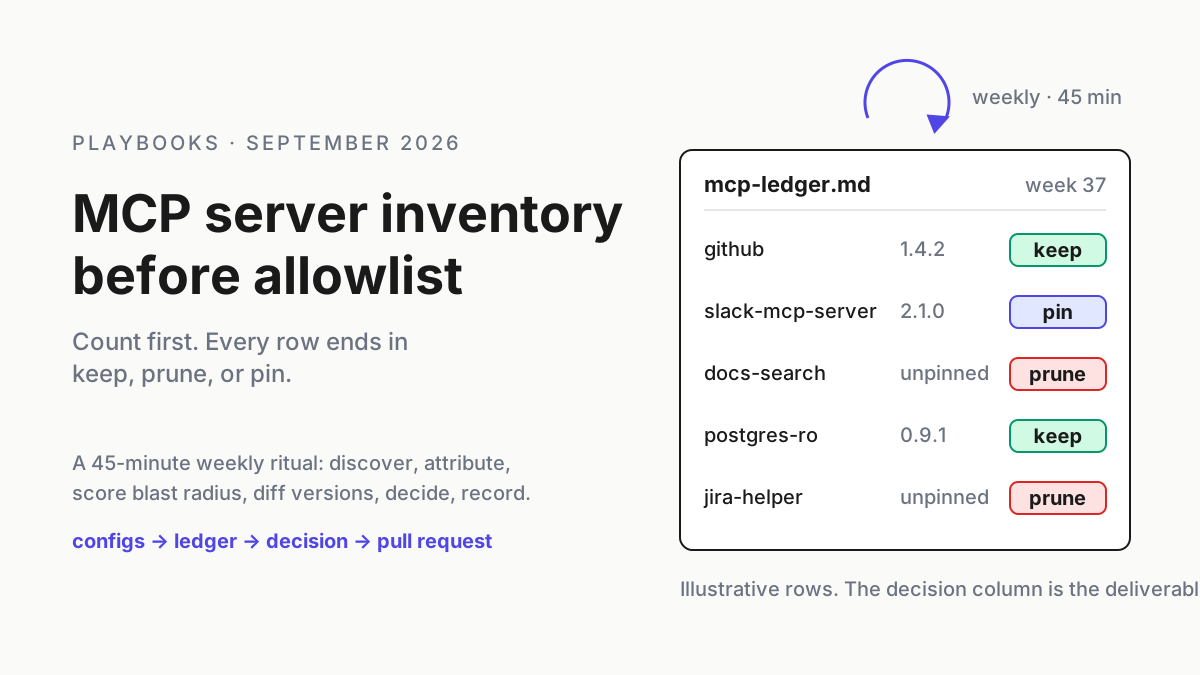
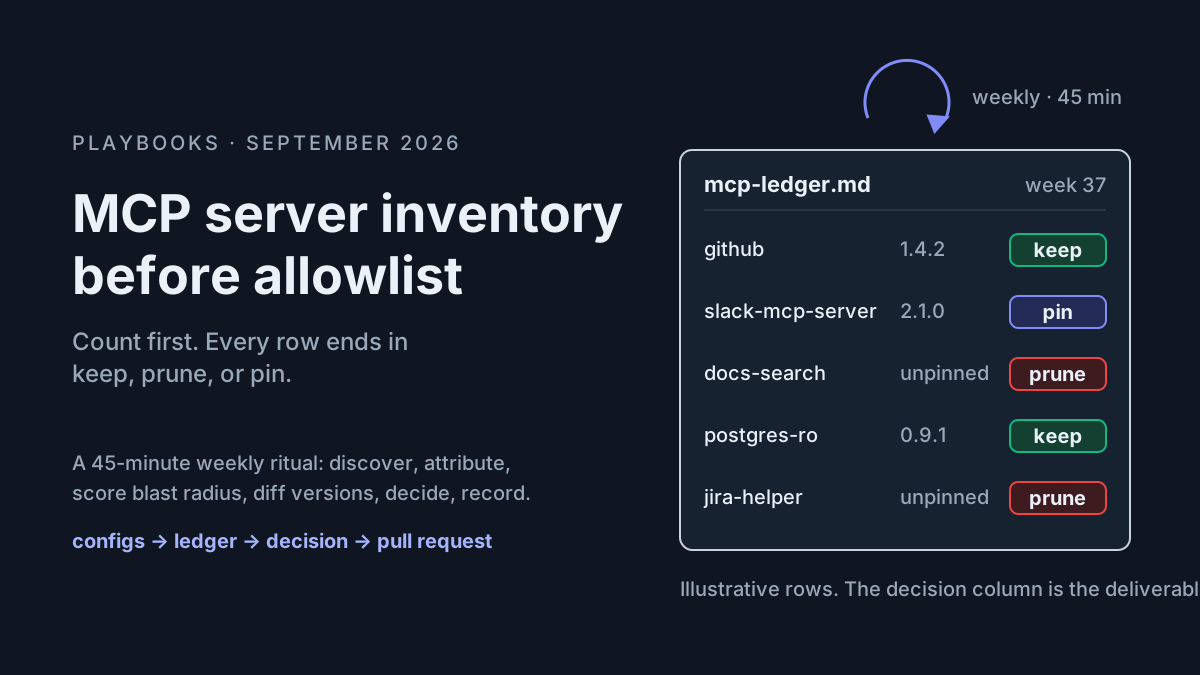
The ledger is a table in a repo, changed by pull request, so every decision has a reviewer and a date. Illustrative rows, with handles rather than names:
| server | where | added_by | last_used | blast | version (last, this) | decision |
|---|---|---|---|---|---|---|
| github | 14 hosts, ~/.claude.json |
platform-tools | 2026-09-12 | 6 | 1.4.2, 1.4.2 | keep, gated (get_* only) |
| slack-mcp-server | 3 hosts, .mcp.json |
user-0412 (PR #418) | 2026-09-11 | 5, now 9 | 2.0.0, 2.1.0 | hold: export_channel_history |
| docs-search | 9 hosts, .cursor/mcp.json |
unknown | 2026-08-02 | 2 | unpinned | prune: no owner, 42 days idle |
Moves 1 and 3 run themselves; the other four get ten minutes each because only changed rows get read, and the pull request takes five. I have never seen a team drop a weekly audit that fit inside a coffee.
What breaks, and how you’ll know
The ritual decays. Signal: the newest reviewed_on in the ledger is more than nine days old. Fix: the sweep opens the pull request itself, with the delta rows pre-filled, so the human job is to read and merge rather than to start.
Headless hosts carry servers nobody chose. Signal: rows whose host is a build box and whose added_by is a repo commit from a team that does not own the box. The permissions docs give the fix for Claude Code: --bare, or --setting-sources user, or a disabledMcpjsonServers entry, before running claude -p in a repo you did not write (code.claude.com).
The unpinned majority. Signal: more than a third of stdio rows read unpinned. Pinning is a one-line edit per row; the hardening checklist covers the rest of the posture.
Servers the files never mention. Plugin-provided servers, connector tools, and inline mcpServers in agent files show up in claude mcp list without a config line the sweep would find. Signal: a name in the harness’s own list that the ledger lacks. Add the row by hand this week and the source to the sweep next week.
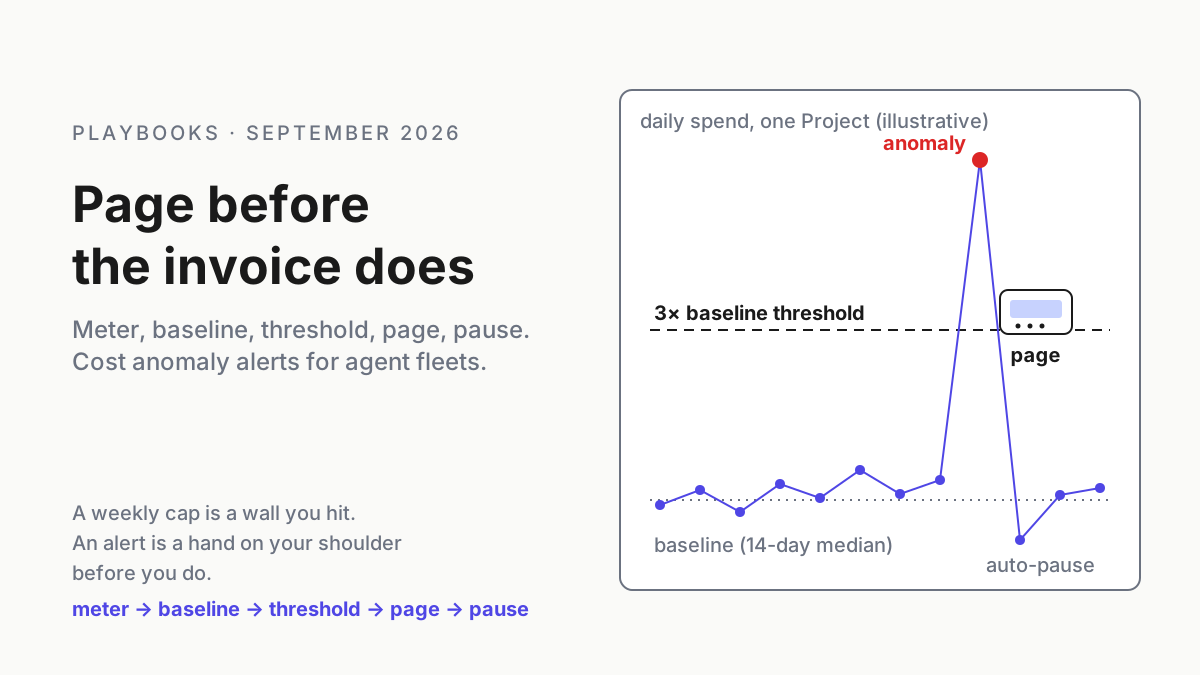
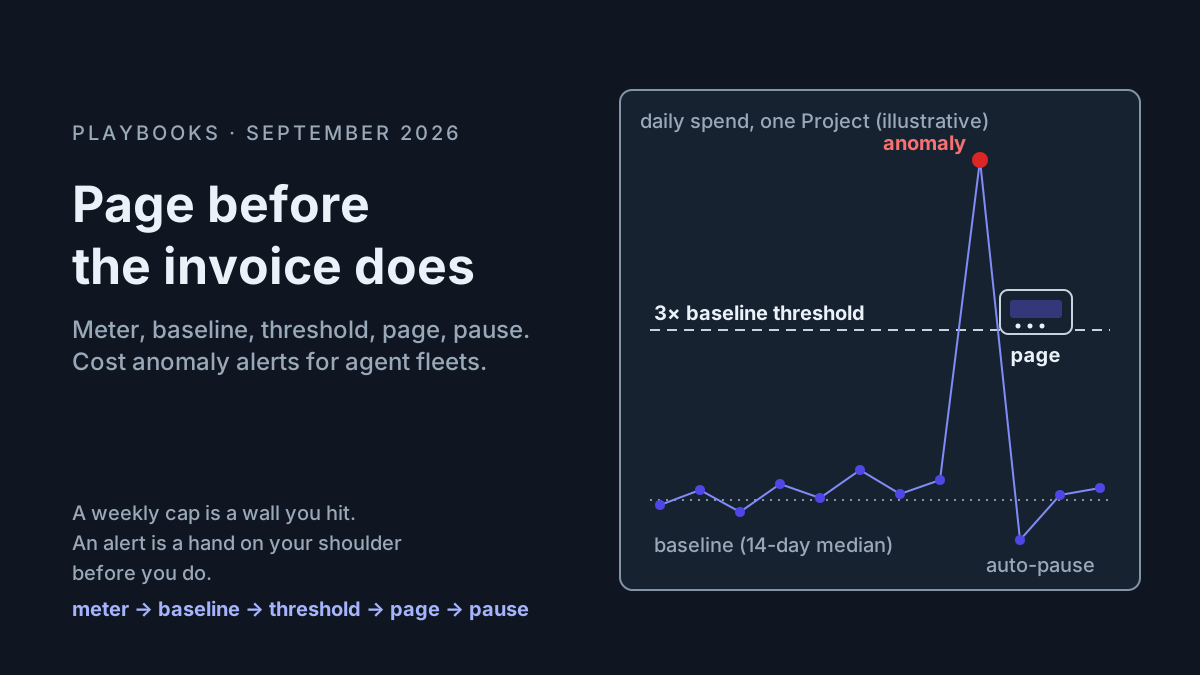
The ledger becomes a dashboard. Signal: the same row holds hold for three weeks, or prune decisions that never became a deleted line. Nightfall’s phrase cuts both ways: a spreadsheet nobody prunes from is a dashboard with a git history.
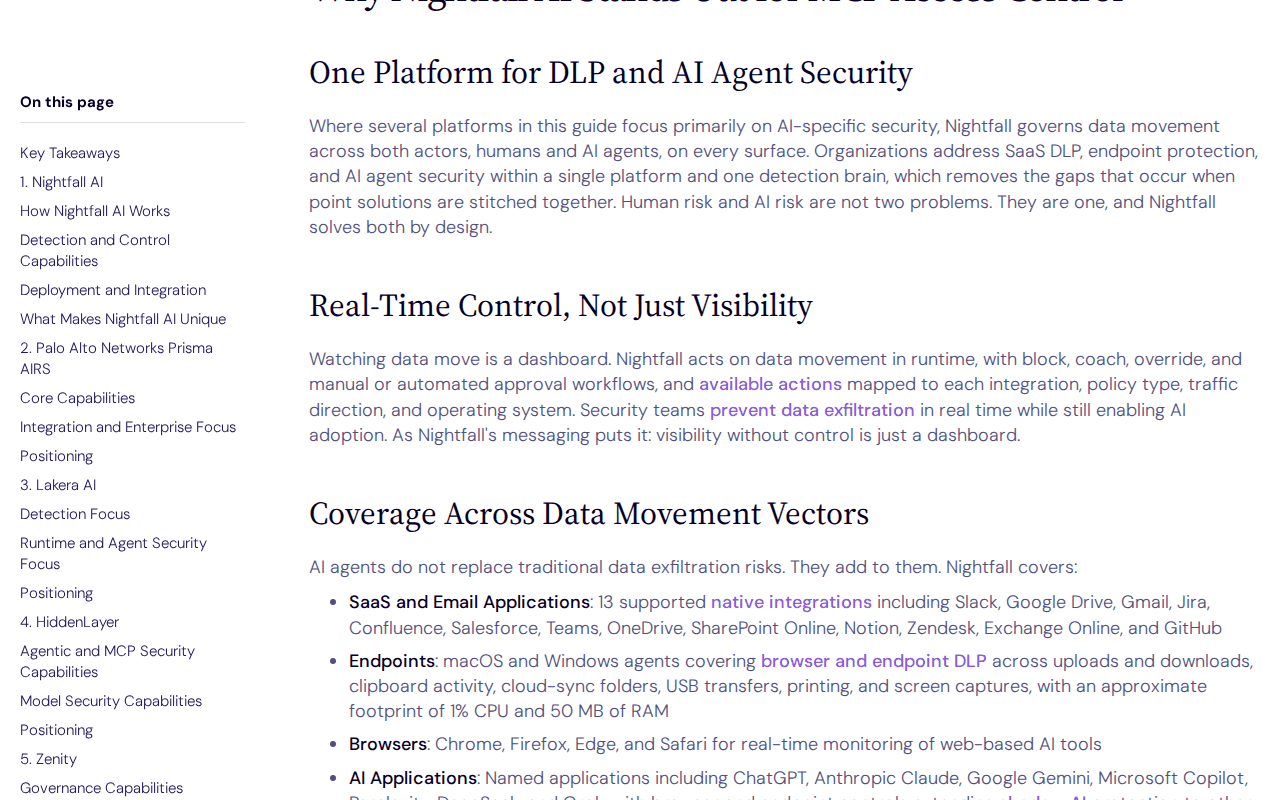 Screenshot: Nightfall blog, “Real-Time Control, Not Just Visibility” section, captured Sep 13, 2026.
The ledger is the list everything else enforces
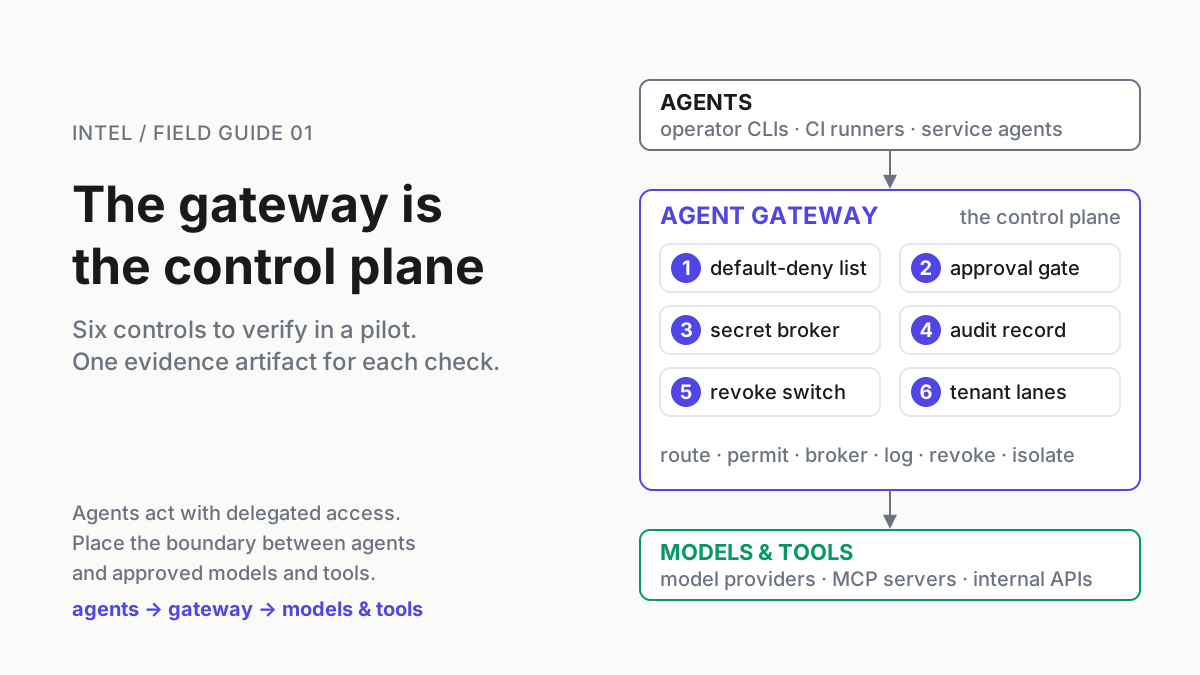
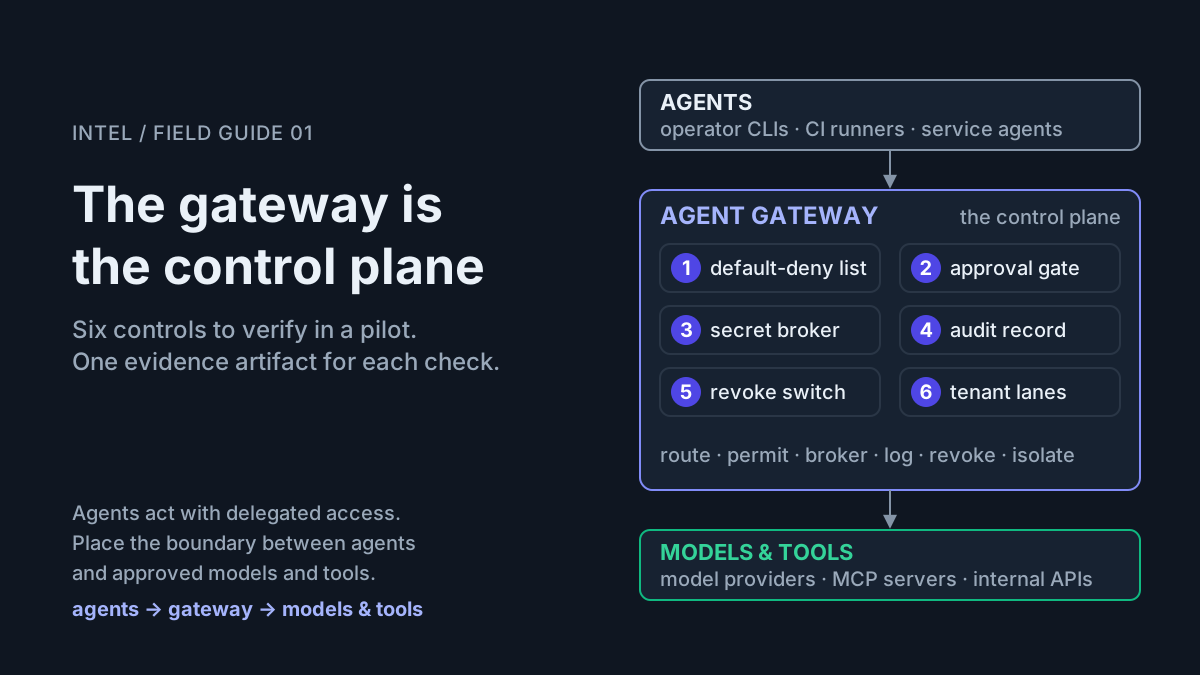
The inventory is operating-layer infrastructure, not a smarter prompt. A gateway can detect a new server in 60 seconds, but detection is not a decision, and the decision has to be recorded somewhere a proxy, a managed settings file, and a human reviewer can all read. An agent gateway as a control plane enforces the ledger at the org layer; pre-action gates consult it before a call goes through; the permission dialect you run across CLIs decides which rows a given session may even see.
A command center for a fleet opens on a list of what the agents can reach. Build the list. The allowlist is a filter on it, and a filter on nothing filters nothing.
FAQ: MCP server inventory
How do I find every MCP server installed on my machine?
Sweep the config files each harness reads: .mcp.json and ~/.claude.json for Claude Code, ~/.codex/config.toml for Codex, .cursor/mcp.json for Cursor, .vscode/mcp.json for VS Code, and the Claude Desktop config. Parse the mcpServers or mcp_servers blocks, then cross-check with claude mcp list and codex mcp list.
How often should MCP servers be audited?
Weekly, on a fixed day, for about 45 minutes, reviewing only what changed: new entries, version or tool-list deltas, and servers with no calls in 28 days. A gateway that detects new servers in seconds shortens discovery, but the keep, prune, or pin decision still needs a human and a ledger.
What is MCP server blast radius?
Blast radius is what a server’s tools can do with the credential the config gives them: whether they write, how far they reach over the network, whose token they present, and how much data they touch. Score it from the tools/list response rather than the README, and re-score whenever the tool list changes.
Sources
- Nightfall: MCP Security product page. “20,000+ MCP Servers Tracked,” 60-second detection, 50 approved vs 17,950+ blocked, version-change alerts, the
slack-mcp-serverv2.1 scenario. - Nightfall: MCP access control (Aug 3, 2026). “Visibility without control is just a dashboard”; IDE hooks for Cursor, Claude Code, and VS Code.
- Claude Code docs: Configure permissions.
mcp__<server>__<tool>rule syntax,.mcp.jsonbehavior in headless sessions,--bare,--setting-sources,disabledMcpjsonServers. - Claude Code docs. MCP scopes and file locations,
claude mcp list, inlinemcpServersin subagent files. - OpenAI Codex docs.
~/.codex/config.toml,[mcp_servers.<name>],codex mcp list. - Model Context Protocol. Tool discovery, stdio and HTTP transports.
- Model Context Protocol release notes (July 28, 2026). The 2026 revision removes the initialization handshake.
- Cursor.
mcp.jsonlocations. - Visual Studio Code.
.vscode/mcp.jsonand theserverskey.