Pi 1.7.0 can reopen coding sessions with their original tool restrictions
Pi now gives compatible terminals a restart command that carries the saved session ID, non-default profile directories, and the original tool and instruction flags. Here’s what Rex users need to match.
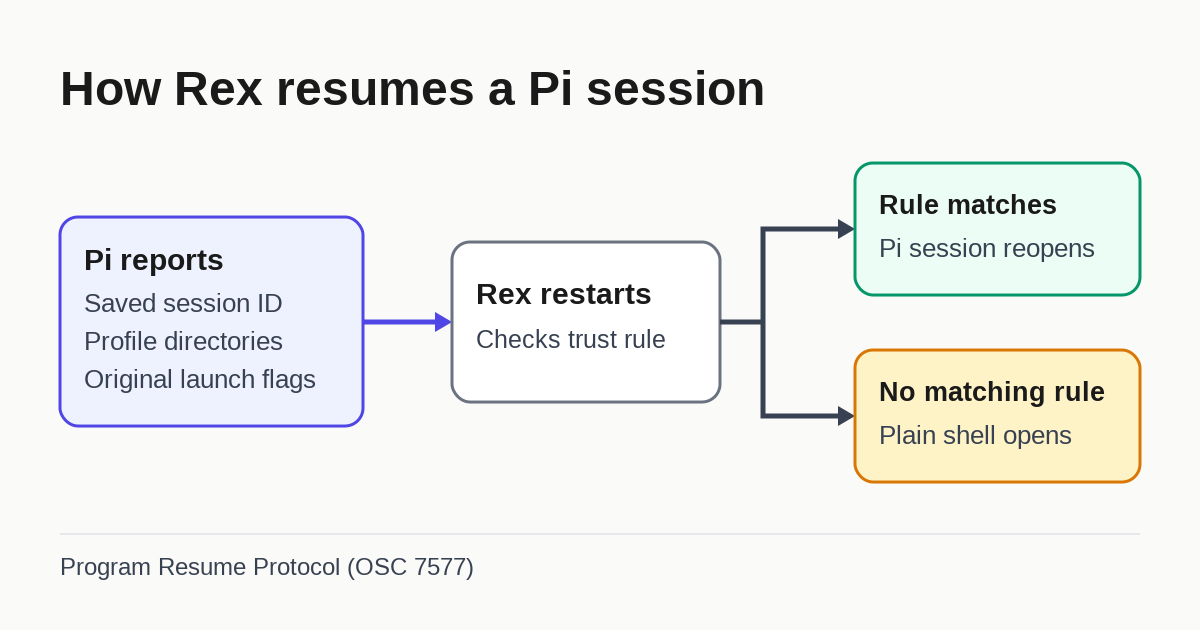
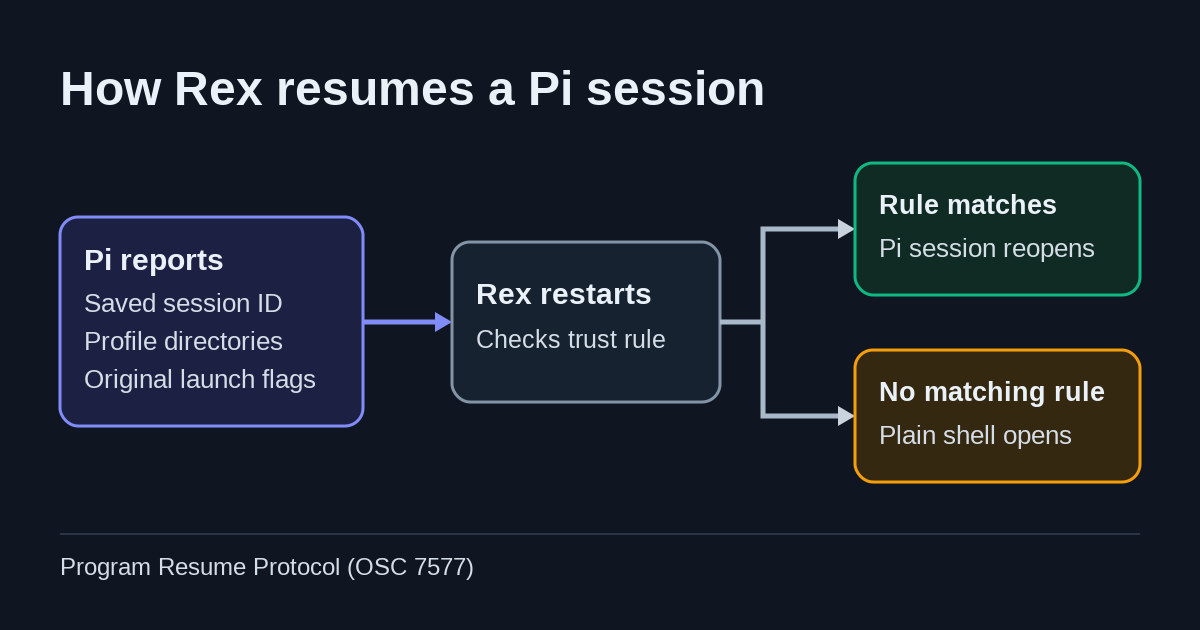
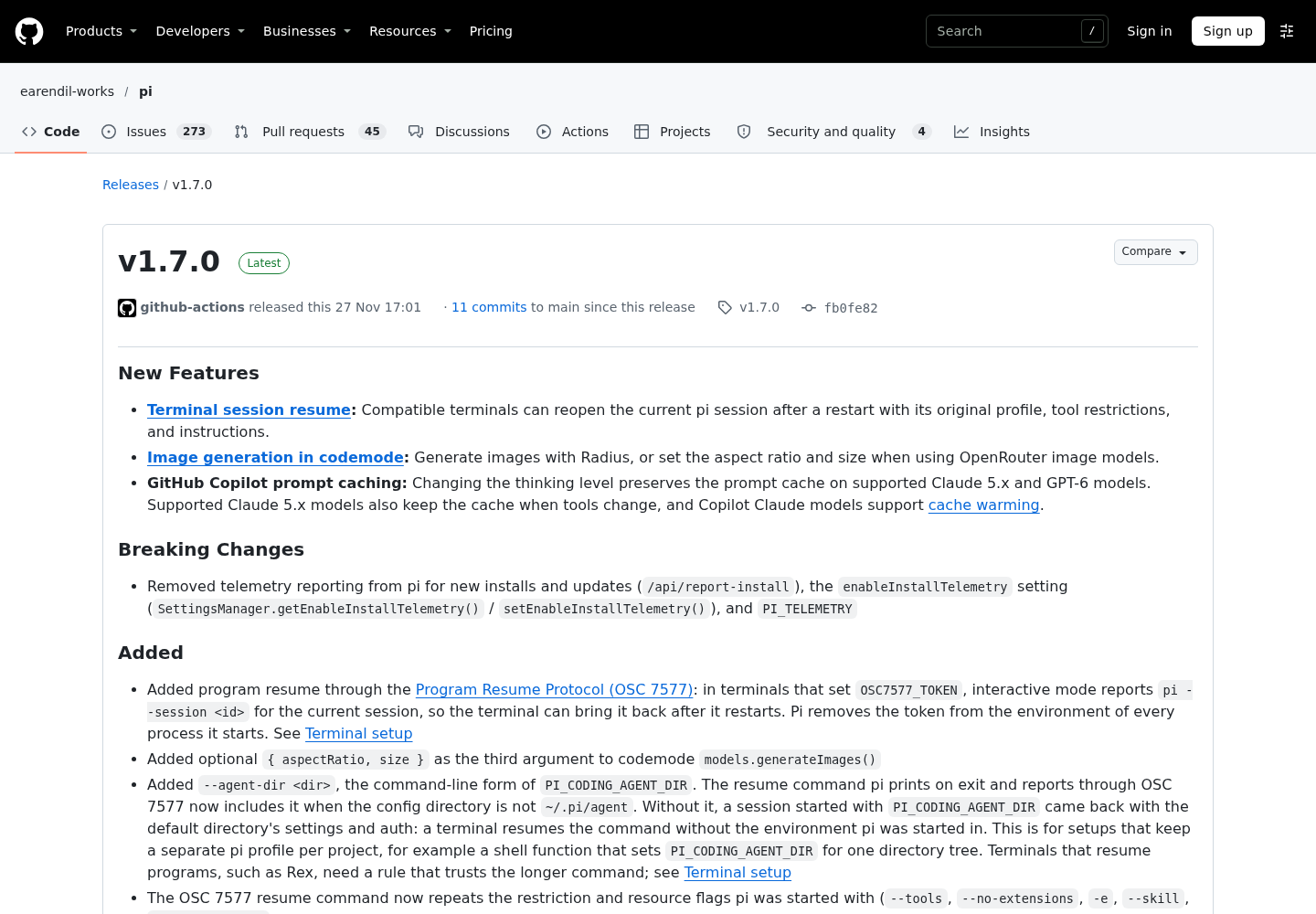
Pi 1.7.0 adds terminal-driven recovery for interactive coding sessions. After a compatible terminal restarts, it can reopen the saved conversation with the tool and instruction flags Pi was originally launched with. That matters if you use Pi to inspect a repository with a limited tool list, or keep separate Pi profiles for different projects. The terminal can bring back the conversation without making you reconstruct those launch options from memory. Pi 1.7.0 release notes
What the terminal gets from Pi
Pi uses the Program Resume Protocol, also called OSC 7577. A supporting terminal supplies a token that tells Pi it can report a resume command. That command identifies the saved session and includes --agent-dir and --session-dir when the corresponding directories differ from their defaults. Pi also repeats launch flags for tools, extensions, skills, and instruction sources as typed. The session itself keeps the model, thinking level, and name. Pi’s versioned terminal setup guide
The profile directory is especially important if a shell function sets PI_CODING_AGENT_DIR when you enter a particular project. The restarted terminal launches Pi without the original process environment. By passing the directory explicitly through --agent-dir, Pi can find the intended profile’s settings and authentication. Pi’s guide says the terminal runs the resume command in the session directory. If you open a session from a different directory after launching with flags, Pi clears the resume command because relative paths in the launch arguments could resolve somewhere else. Pi’s versioned terminal setup guide
What Rex has to trust
The protocol lets the terminal verify a report and decide whether to accept it. If the terminal chooses to restore the session, it launches a new process under the same user. It passes the reported arguments through individually and uses the environment it sets up for the new shell. In-flight processes and the old shell’s state are outside that restore operation. Rex’s Program Resume Protocol specification
Pi’s guide documents a Rex-specific limitation. Node overwrites the command line that Rex checks against rules using a flags table. Pi’s documented setup uses a command rule for each launch combination, with flags in their original order. A rule for a plain session therefore covers a different launch from one that includes -t read,grep,find,ls and --no-extensions. If no rule matches the restricted launch, the guide says Rex returns to a plain shell. That’s a useful diagnostic when the terminal layout returns but Pi is missing. Pi’s versioned terminal setup guide
Try the restart with a session you can discard
- In Rex, start Pi in a scratch repository with the limited tool list you plan to use. Add the corresponding
commandtrust rule using the Pi guide. Use the same spelling and order for the flags in your launch and your rule. - Send a short message and let the reply finish. Pi registers a new session after its first message. Restart the terminal application with Pi still open. Quitting Pi first clears its resume command.
- Check that the original conversation appears. Give Pi a small task that needs one allowed tool and inspect the available tool list against your launch settings. If you use a custom profile, check that a recognizable setting from that profile is active before returning to real work. Pi’s versioned terminal setup guide
For manual recovery, keep the original restriction flags handy. Pi’s guide says the command printed on normal exit omits the repeated restriction and resource flags that it sends to the terminal. If you need to reopen the session yourself, rebuild the intended launch settings alongside the saved session ID. For the related question of how terminals learn whether an agent is working or waiting, see our guide to OSC 7501, the protocol Pi uses for status reporting. Pi’s versioned terminal setup guide · OSC 7501 agent status guide