LFM3 Lands in Ollama: A 1.7B Tool-Calling Model at About 1 GB, Now on Linux and Windows
Ollama v0.40.13 adds Linux and Windows support for Liquid AI's LFM3 family. The 1.7B text model calls tools at a 1.1GB-1.7GB download with a 256K window, and Ollama can launch it straight into Claude Code, OpenCode and OpenClaw.
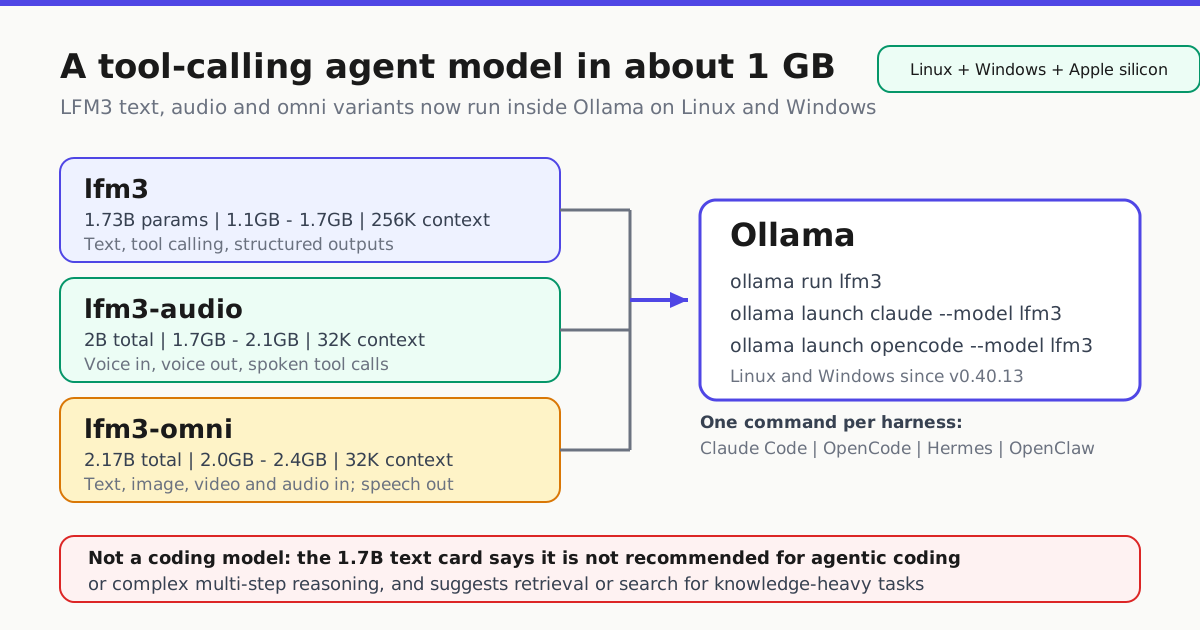
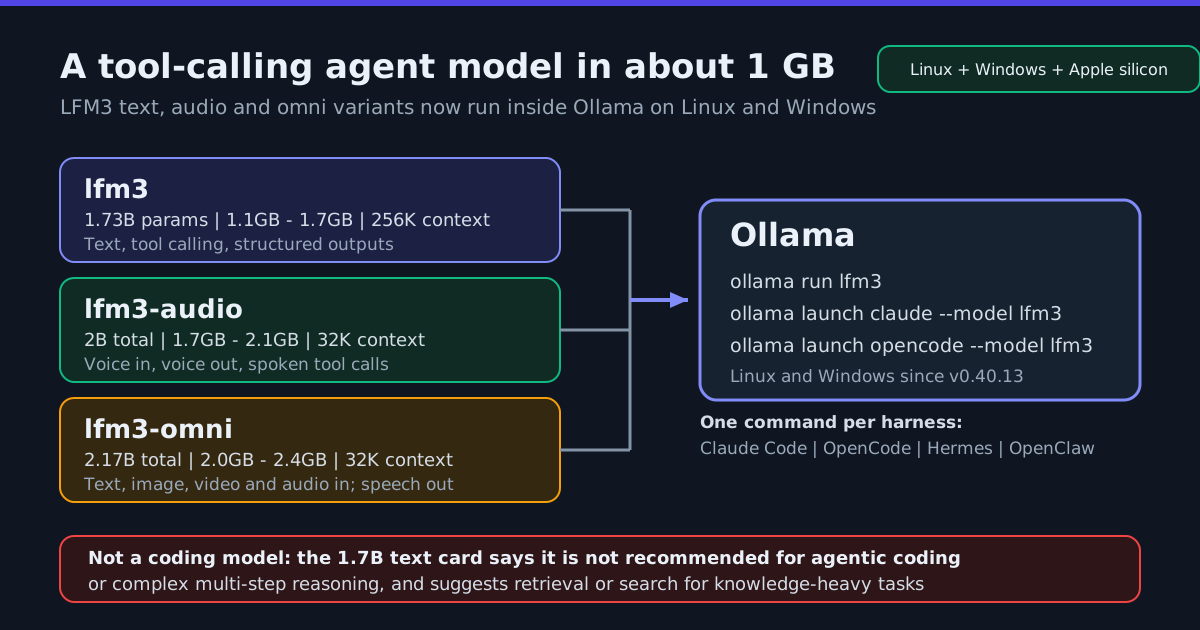
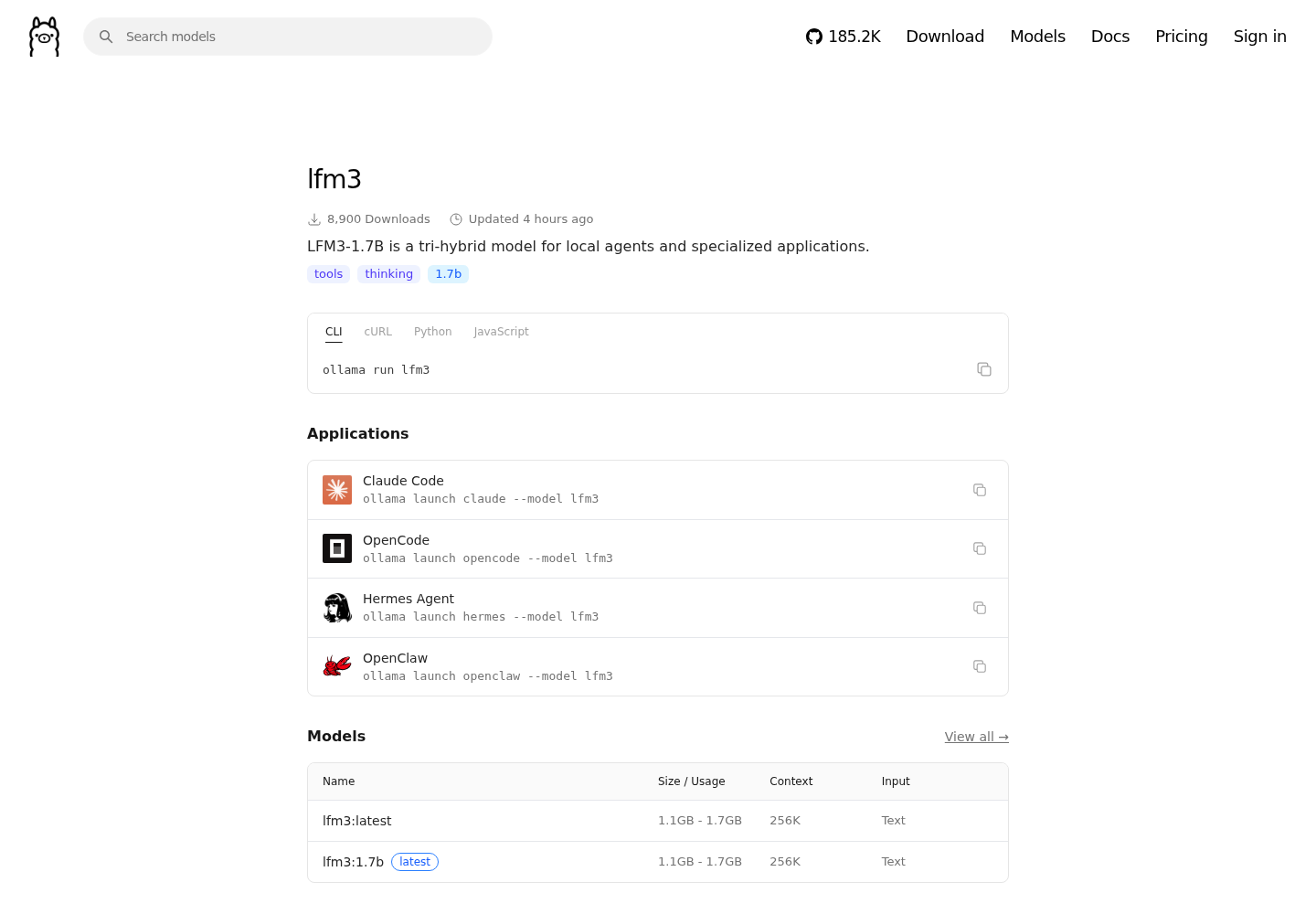
Liquid AI’s LFM3 family now runs from Ollama, and the number that matters is not a benchmark score — it is the download size. The Ollama library page for lfm3 lists LFM3-1.7B at 1.1GB-1.7GB with a 256K-token context window and tool calling, and the model card on that page says that at 4-bit precision it takes about 1 GB of memory, so it “fits on any phone or laptop” (Ollama library: lfm3).
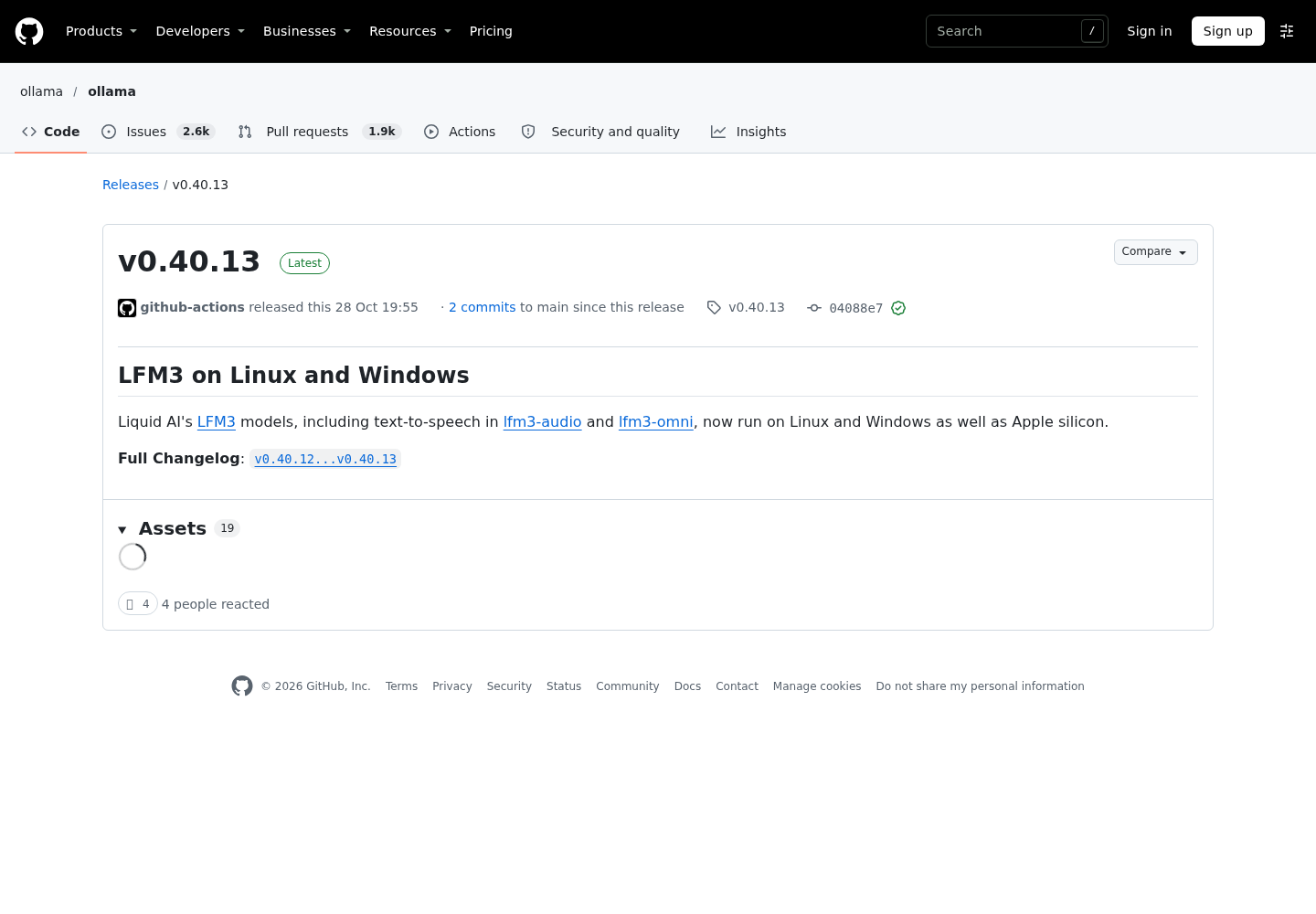
The second half of the story landed in Ollama’s own v0.40.13 release on 28 October: the LFM3 models “now run on Linux and Windows as well as Apple silicon” (Ollama v0.40.13 release notes). Until that release the platform story for LFM3 was mostly a Mac story. Now a Linux or Windows laptop can hold a private agent lane with no hosted API call in the loop.
What shipped, and what it is not
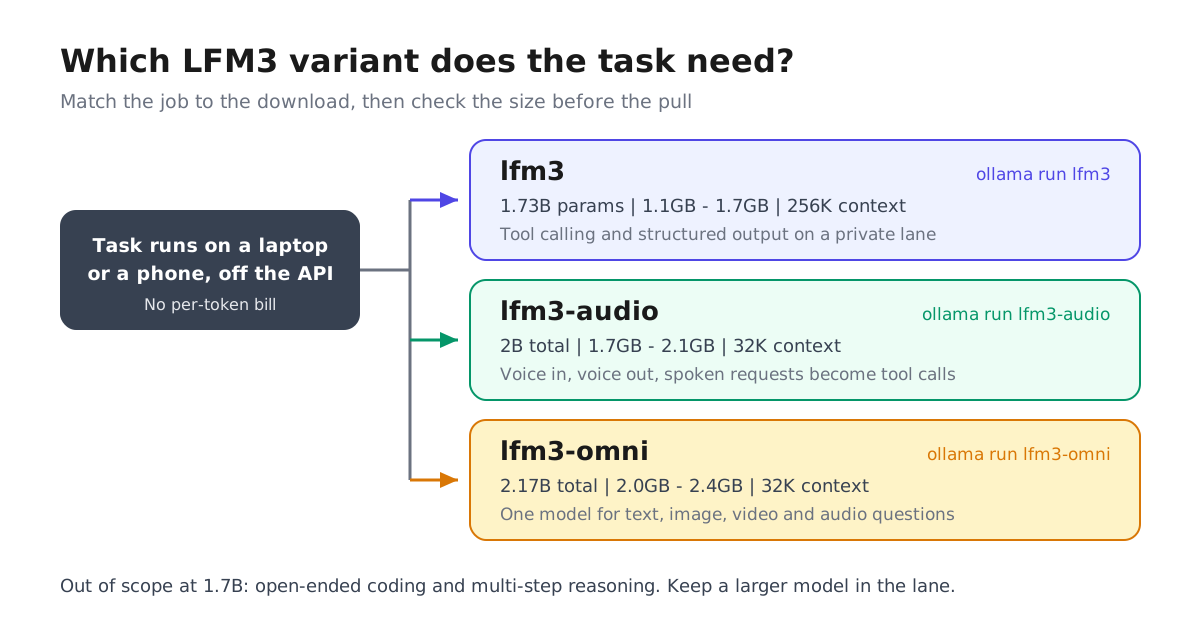
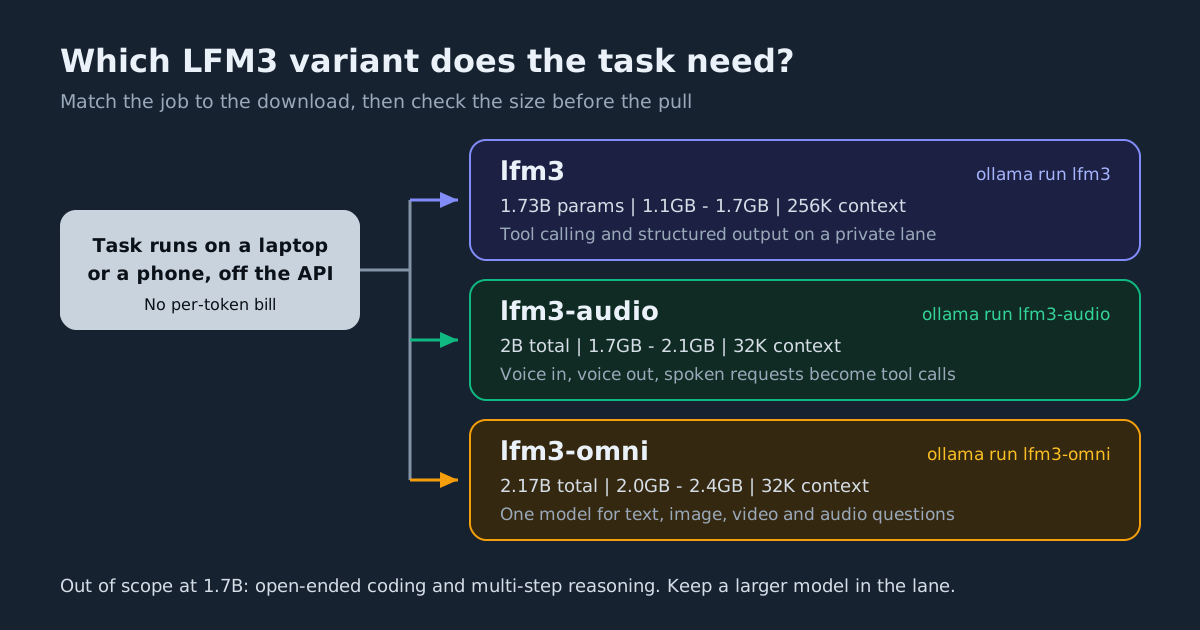
The model card on the lfm3 page lists six members of the LFM3 family — base, text, vision, audio, omni and decision — and the text, audio and omni members have Ollama library pages today. Each of those three pages is tagged for tools.
| Ollama tag | Parameters | Download | Context | Job it takes |
|---|---|---|---|---|
lfm3 |
1.73B | 1.1GB-1.7GB | 256K | Text, tool calling, structured outputs |
lfm3-audio |
2B total | 1.7GB-2.1GB | 32K | Speech in, speech out, spoken tool calls |
lfm3-omni |
2.17B total | 2.0GB-2.4GB | 32K | Text, image, video and audio in; text or speech out |
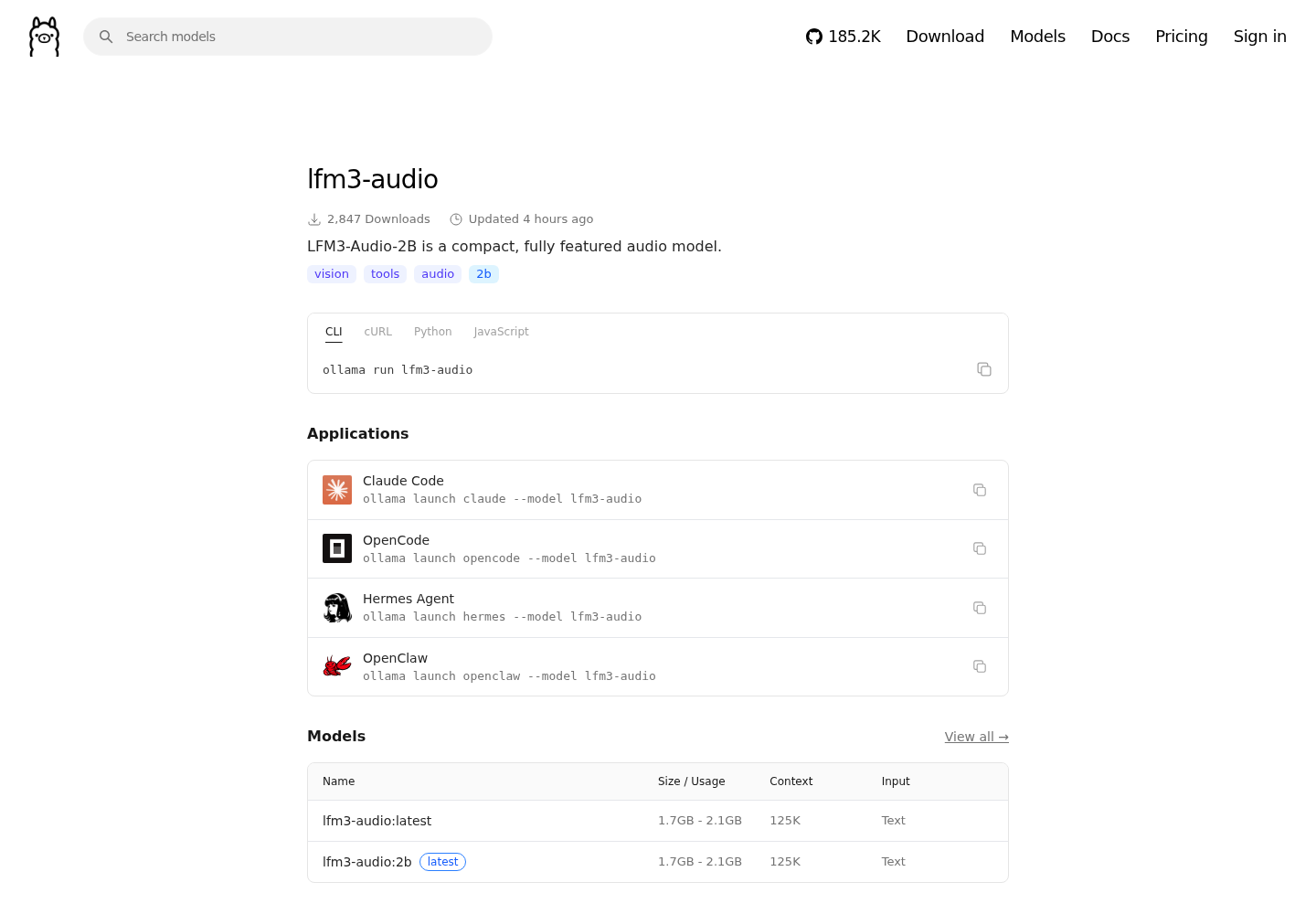
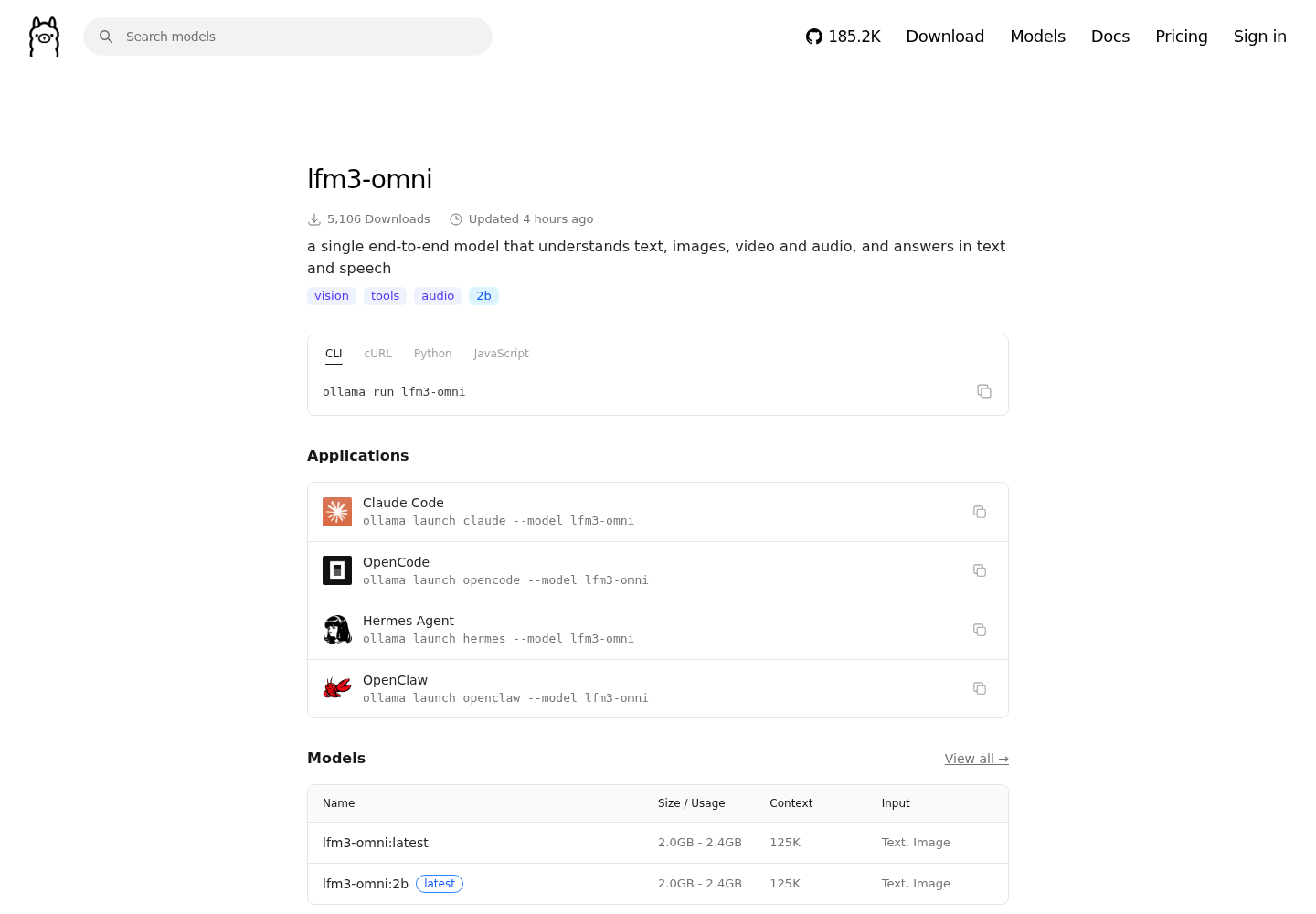
One caveat on that table: the lfm3-audio and lfm3-omni pages advertise a 125K context window in the page header, but the specification table on those same pages lists a context length of 32K tokens, input plus output. Plan against 32K.
What LFM3 is not is a coding model. The card states plainly that LFM3-1.7B “is not recommended for agentic coding or complex multi-step reasoning due to its small size,” and that you should use retrieval or search for knowledge-heavy tasks. That constraint is the point: keep a larger model in the lane for the hard steps and let LFM3 handle the narrow, tool-shaped ones.
One command, four harnesses
Every LFM3 page carries the same set of launch lines, which is the part that changes daily work rather than the part that changes a slide:
ollama run lfm3
ollama launch claude --model lfm3
ollama launch opencode --model lfm3
ollama launch hermes --model lfm3
ollama launch openclaw --model lfm3
For teams already wired to Ollama’s HTTP endpoint, that path is unchanged:
curl http://localhost:11434/api/chat \
  -d '{"model": "lfm3", "messages": [{"role": "user", "content": "Hello!"}]}'
The architecture in one paragraph
The lfm3 page describes a tri-hybrid design: 24 layers made of 13 gated short convolutions, 5 sliding-window attention layers and 6 global attention layers, with a 128,000-token vocabulary. Convolutions and sliding-window attention carry most of the sequence cheaply, which is how a 1.7B model holds a 256K window at a gigabyte-scale footprint. The trade is the warning above: cheap long context, weak deep reasoning.
Audio and omni change the shape of the task
lfm3-audio is not a text model with a speech wrapper bolted on. The page describes an LFM3 backbone plus a causal audio encoder that works at 16 kHz and Liquid’s LiquidCodec audio tokenizer, streaming 24 kHz speech, with speech listed across 18 languages and the ability to turn a spoken request into a tool call (Ollama library: lfm3-audio). That is the “ask your agent out loud” pattern in 1.7GB-2.1GB.
lfm3-omni takes text, images, video with or without its soundtrack, and 16 kHz audio, and answers in text or speech. The card’s framing is that one model “replaces a separate ASR model, vision-language model, LLM and TTS model” — four slots collapse into a single 2.0GB-2.4GB download, with video sampled at 2 fps and images processed at native resolution (Ollama library: lfm3-omni). The same page says it plainly too: this is a non-reasoning model, and thinking is not supported.
What to do on Monday
- Pick the variant by job, not by name. Text tool calls start with
lfm3; spoken interaction needslfm3-audio; anything mixing a picture, a clip or a recording with a question needslfm3-omni. - Budget the artifact, not the token price. The operating cost of this lane is the download and the resident memory, which is the math operators tend to skip (see Ollama q2_0 GGUF import and the memory math).
- Prove the lane stays private. If the model should never leave the machine, Ollama local-only mode is a setting to verify rather than assume.
- Keep a bigger model for the hard steps. LFM3 is the fast, cheap, private hop; the card is explicit that complex multi-step coding is out of scope.
- Check the license. The weights ship under the LFM Open License v1.0, which is not the same thing as a permissive OSI license, and a small artifact is not the same thing as free inference.
Where this sits against Liquid’s previous family
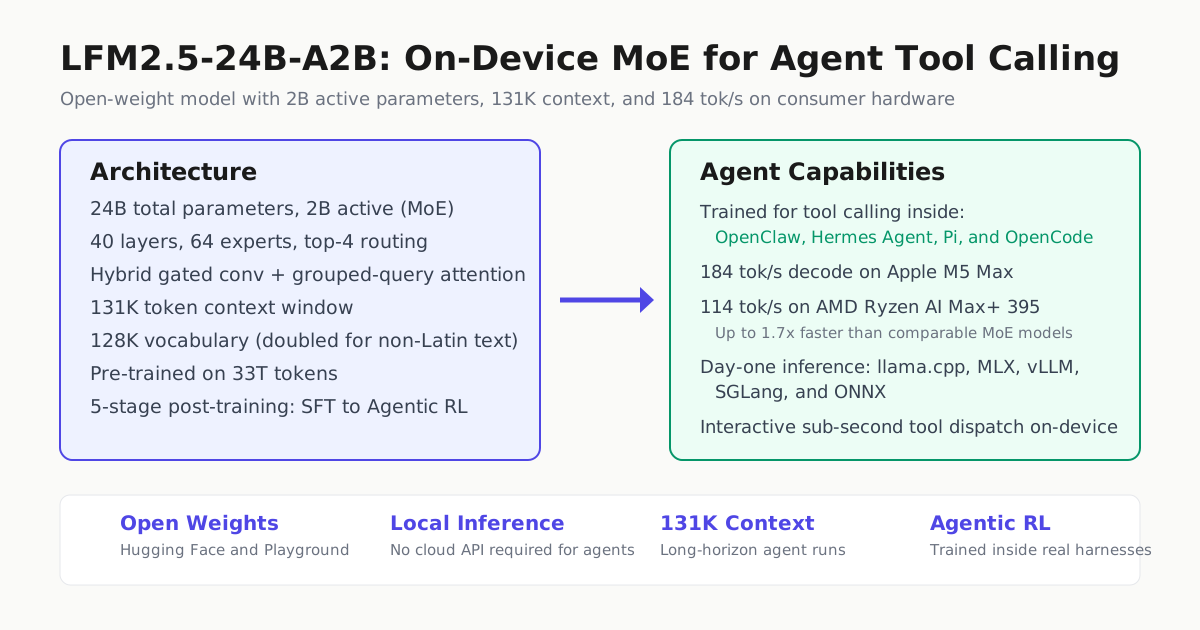
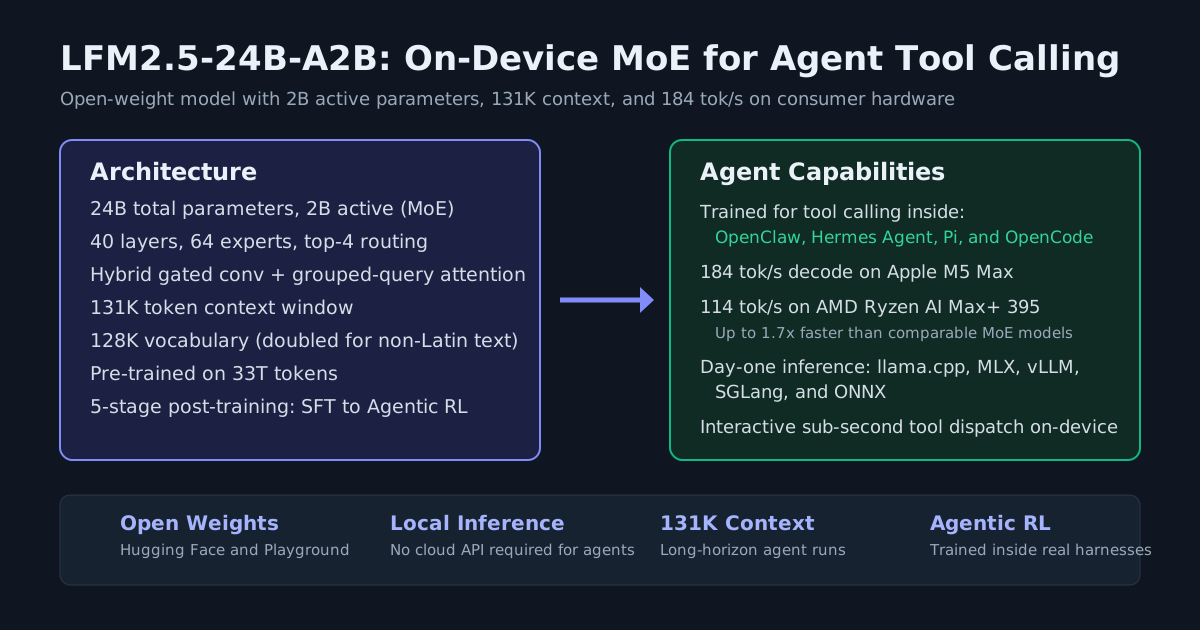
Liquid’s LFM2.5-24B-A2B was a different shape — a mixture-of-experts model with 2B active parameters aimed at on-device code agents at 184 tokens per second (Automater on LFM2.5-24B-A2B). LFM3 is not a version bump of that. It is a small tri-hybrid text model plus the first audio and omni members of the family, sized for a gigabyte rather than a workstation, and the card also lists base, vision and decision members this article does not cover. Ollama’s own work on decision-model support has separate coverage in Automater’s v0.40.4-rc0 report, and Ollama is where open coding models keep landing first, as it did with Recursive’s Flint. The model card remains the place to check whether an open-weight model can actually drive your harness, alongside Automater’s field guide to open-weight models that can drive a harness.