Gemini Can Now Generate and Edit Google Docs, Sheets and PDFs Inside the Chat
Google's Gemini app now generates, previews and edits PDFs, Google Docs, Sheets, slide decks, Markdown, TXT and code without leaving the chat. PDF editing works on mobile too; every other format is web-only for now.
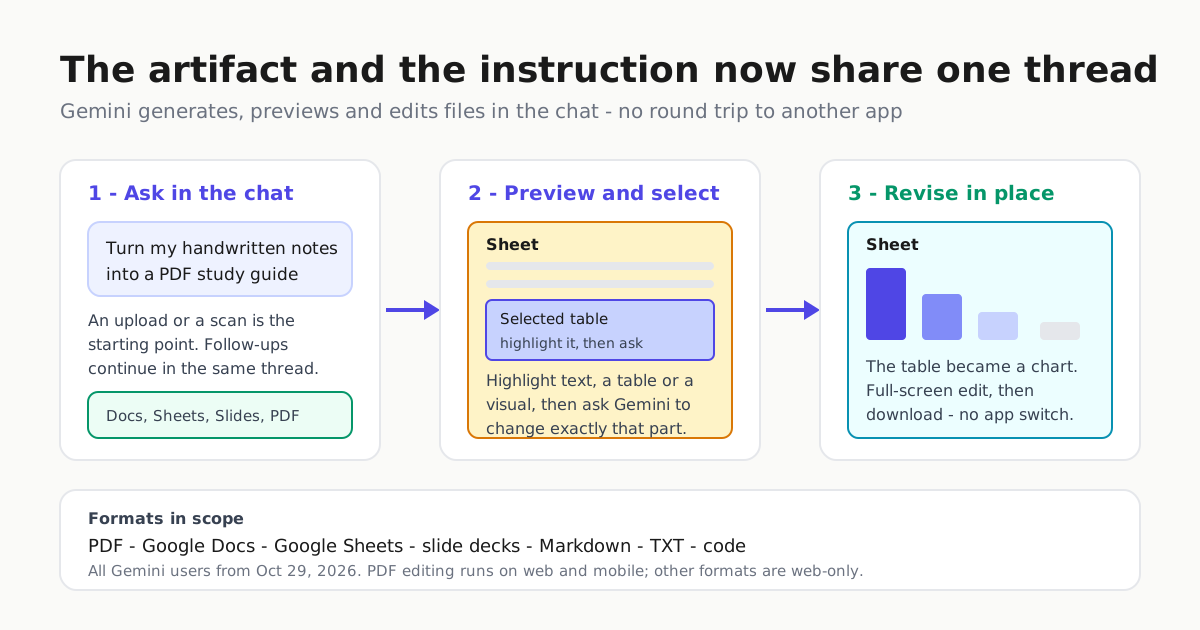
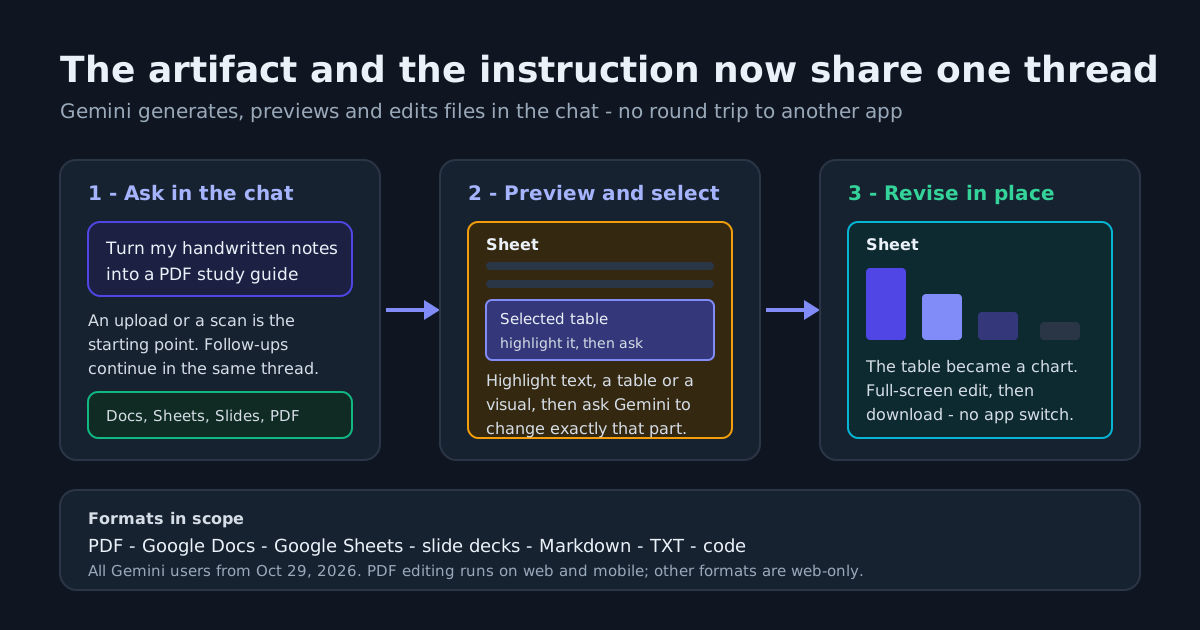
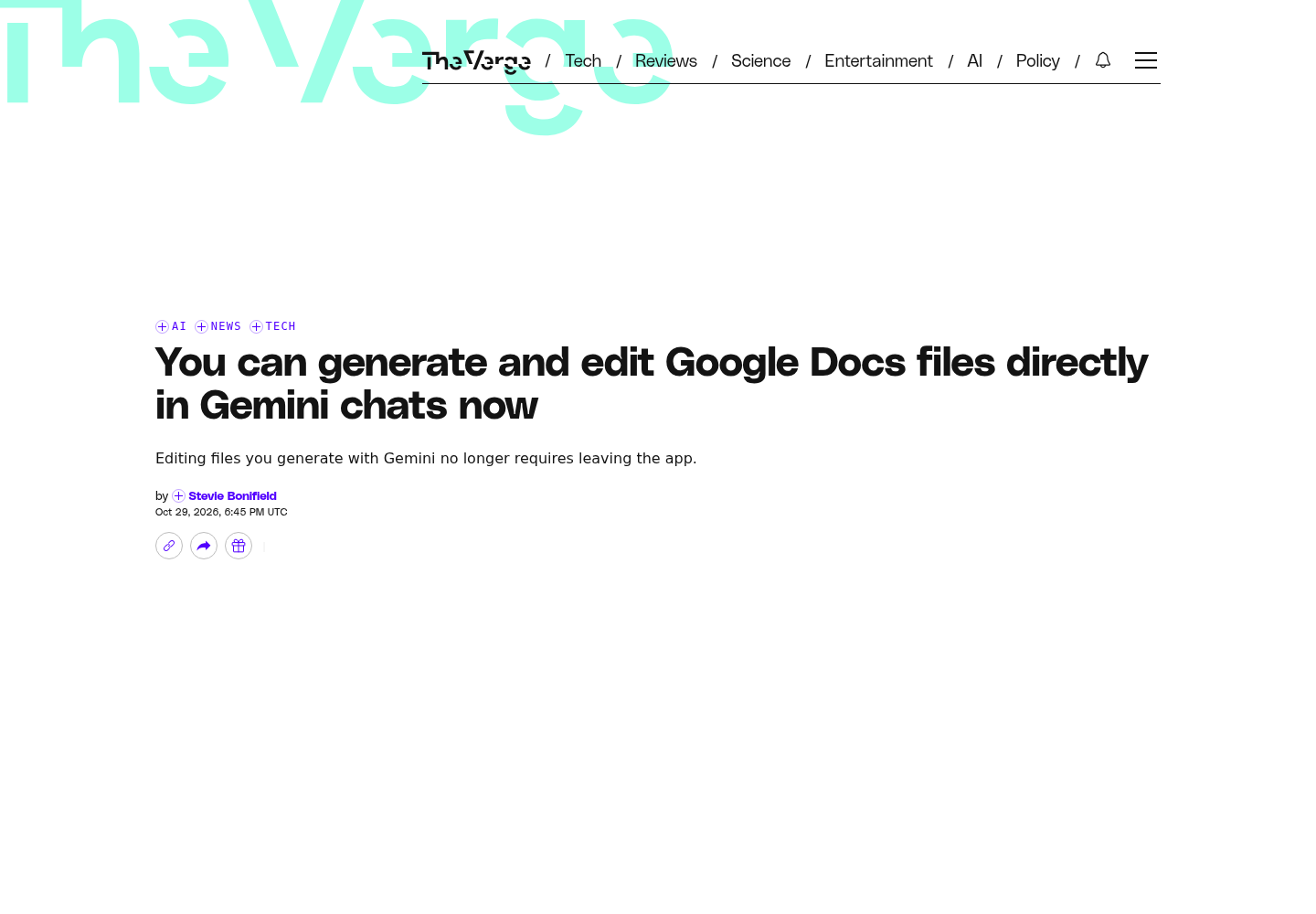
Google has moved document work into the Gemini chat itself. As of October 29, 2026, the Gemini app can generate, preview and edit PDFs, Google Docs, Google Sheets, slide decks, Markdown files, TXT files and code without sending you out to a separate editor to make a change. The Verge reports that the capability is available starting today for all Gemini users, with PDF preview and editing live on both the web and mobile apps while every other format is web-only for now. Google’s own account announced the same thing on X at 4:36 PM the same day, listing documents, PDFs, presentations and spreadsheets.
What is actually new
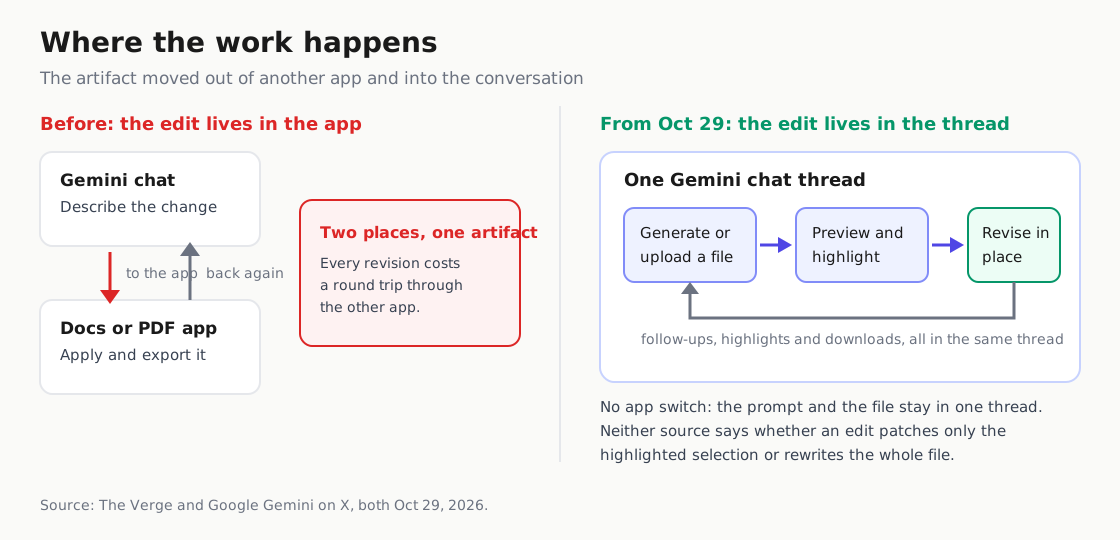
Two changes are being reported as one. Google added support for generating and downloading files in Gemini earlier in 2026; what is new is that you can now revise those files without leaving the app. The Verge also notes you could already edit files through Gemini’s Workspace integrations, such as the Gemini bar in Google Docs. This is not the first time a Gemini model has rewritten a document. It is the first time the document and the instruction sit in the same thread.
That difference is operational, not cosmetic. Under the old arrangement the edit happened in Docs and the conversation happened in Gemini, so a second change meant re-establishing context. Under the new one the artifact is the chat’s working surface, and a follow-up question can be aimed at the thing you just made. The loop stops being “copy it over” and becomes “keep talking to it.”
The competitive read matters too. Anthropic also shipped a feature earlier in 2026 that lets users generate and edit documents and presentations in Claude chats, so in-chat file work is no longer a Gemini exclusive. What the cited reporting does support is the set of gestures: Google’s own account describes highlighting sections for Gemini to edit text or visuals, and The Verge describes expanding a document to edit it in full-screen mode. That is the same shift the generative-versus-agentic framing describes for software — a single pass produces an artifact, a loop revises one.
Selection as the prompt
Google describes two editing gestures. The first is expansion: documents open in a full-screen editing view, so you can adjust a generated file by hand rather than asking for a regeneration.
The second is selection as prompt: highlight text, a table or a visual inside the file, then ask Gemini a question or request a change to exactly that part. The example is highlighting a table and asking Gemini to turn it into a graph. Google’s own post adds three more details — you can manually tweak content, highlight sections for Gemini to edit text or visuals, and keep asking follow-ups in the same thread — and leads with an intake case that matters more than it sounds: turning handwritten notes into a PDF study guide.
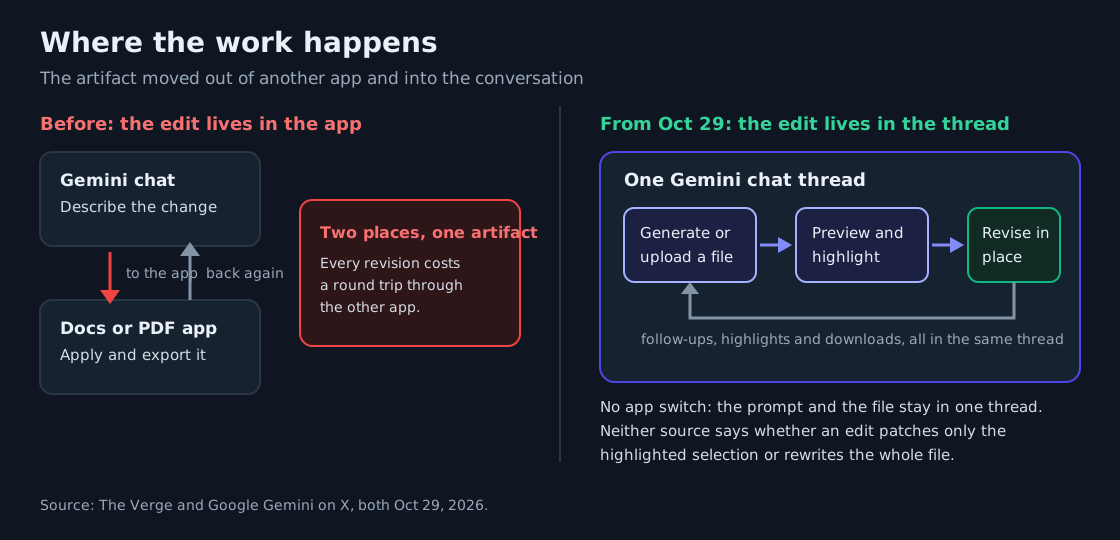
Selection as prompt is the part worth carrying to other tools, and it is the same idea Cursor’s Annotate feature applies to interface work: point at the thing you mean instead of describing it. It is a tighter interface, because a selection-scoped prompt is meant to change just that part rather than the whole file — though the sources do not document how far such a change reaches. The open questions are what happens when the model edits a selection you did not intend, and how the interface shows you what changed.
Availability: shipped, broad, and uneven
This is availability, not announcement. The Verge’s line is that the file editing capabilities are available starting today for all Gemini users.
Two qualifiers are worth carrying. First, the surface split is real: PDF preview and editing work on web and mobile, but every other format — Docs, Sheets, slide decks, Markdown, TXT, code — is web-only for now. On a phone, the one format you can revise is a PDF.
Second, plan gating, which is the norm elsewhere in Gemini Apps rather than the exception here. Google’s Gemini Apps help documentation shows the pattern: Deep Research report visuals are an AI Ultra feature, AI Pro and Ultra subscribers get higher limits on research requests and concurrent runs, and research reports can be exported to Docs from the Canvas panel. The file editing feature is not described as plan-gated. The question is not “is this a Pro feature” but “is this live for the accounts I already have.”
What it competes with
Three surfaces did this work before, and each answers a different question now.
Add-ins and workspace sidebars live inside the file you are already editing, and remain the right place for a change to a file you did not just create.
The class that still emits a file and stops is good at first drafts and weak at revisions, because revising means starting over.
Agentic canvas surfaces treat the artifact as the output of a research run rather than a thing you keep editing. Gemini’s Canvas panel, where a Deep Research report can be exported to Docs, is the closest Google has shipped to that idea, and Google’s Deep Review launch is a related bet on agentic document work.
Gemini’s new file surface collapses the second and third into the first: the artifact becomes something you can interrogate and revise without a round trip.
What is not established
No quality, speed or usage figures are published. There is no claim about how often an in-chat edit is correct, what it costs, or how long a revision takes, and no benchmark sits behind the handwritten-notes-to-PDF case.
No mechanism detail. Neither source says whether an in-chat edit patches only the highlighted selection or rewrites the file, so how far a change reaches is undocumented.
No failure-mode documentation. Selection-as-prompt and full-screen editing pull user edits into a model-driven loop, and the sources do not describe undo, version history, or what happens to a file Gemini rewrites.
And no migration story for the workspace path. The Gemini bar in Docs is not going away, and the two editing surfaces will coexist. Which becomes the default depends on things no announcement can tell you.
What to do next
Try the loop on a real file, not a demo. Selection-to-change is only worth evaluating on a document with structure — a table-heavy spec, a deck with charts — because that is where a targeted edit and a full regeneration differ.
Decide where your editing surface lives. If much of your work is revising files, an in-chat surface changes what you need from an add-in: it changes the handoff, and the handoff was the cost.
Watch the mobile gap and the plan-gating pattern together. PDFs are the mobile-friendly format today and the one most likely to be worked on away from a desk, so the PDF path is the first to test and the web-only formats carry a portability problem.
Sources
- You can generate and edit Google Docs files directly in Gemini chats now | The Verge
- Google Gemini on X: "You can now generate, preview, and edit documents, PDFs, presentations, spreadsheets, and more directly in Gemini. Easily turn your handwritten notes into a PDF study guide, manually tweak content, highlight sections for Gemini to edit text or visuals, and even ask follow-ups."
- Use Deep Research in Gemini Apps - Computer - Gemini Apps Help