Gemini can build a Pixel widget from a prompt. Here’s how to test what it actually does
A Pixel 11 Pro hands-on shows how Gemini’s Create My Widget can turn a request for live bus arrivals into a search shortcut. Check what the tile displays, where its data comes from, and what a tap changes.
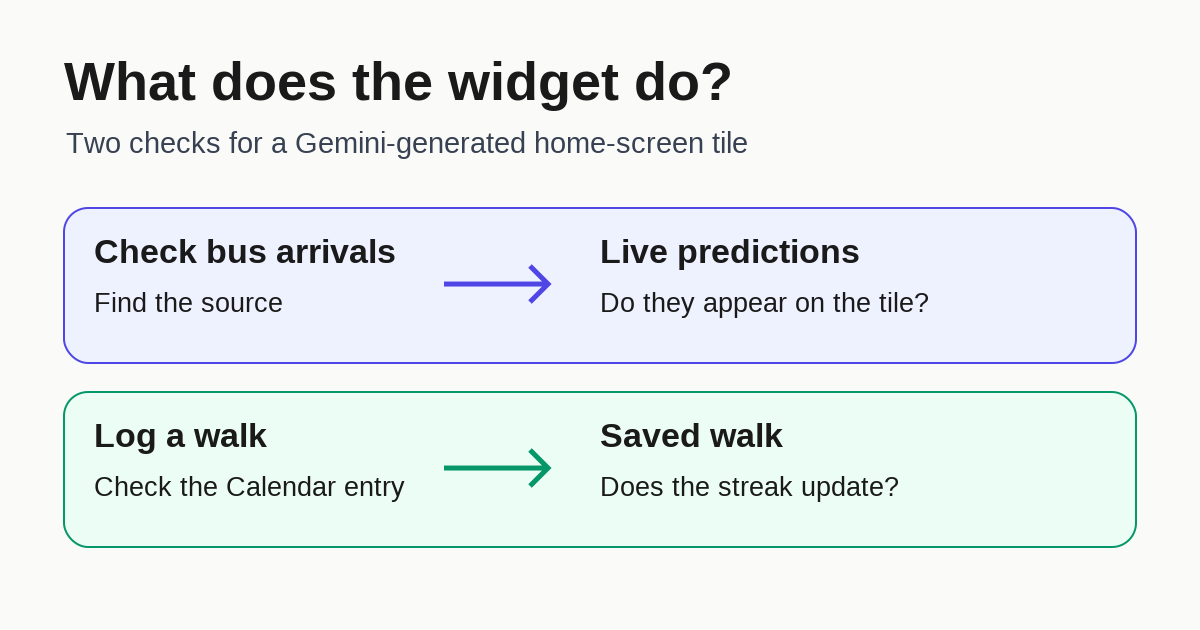
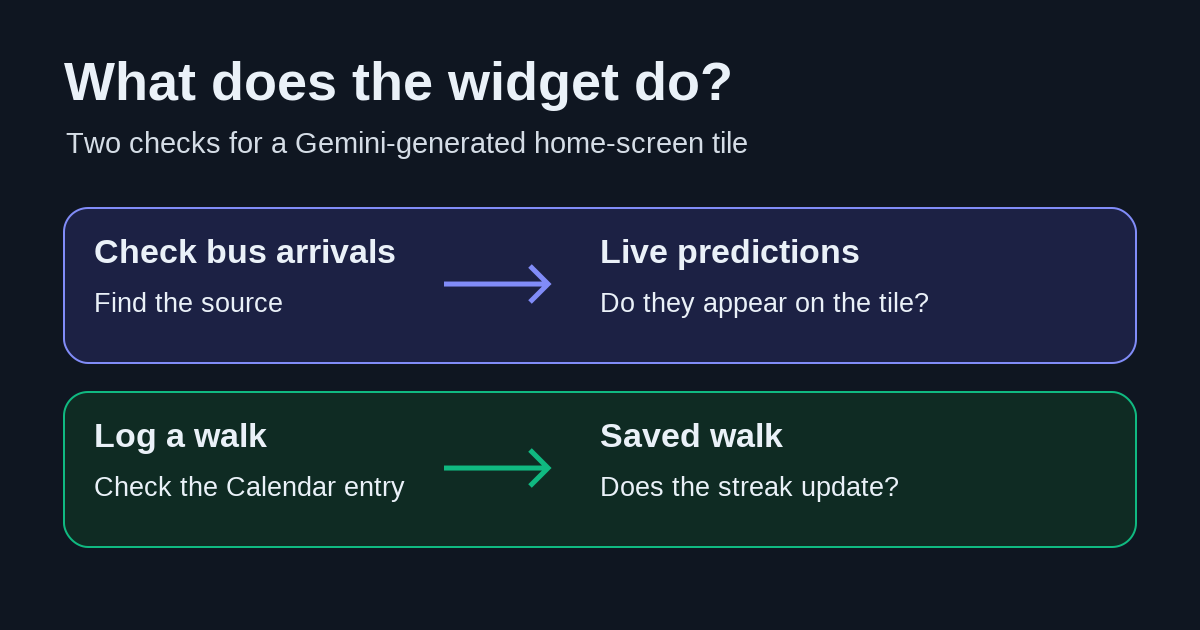
Google’s Create My Widget beta lets Pixel users describe a home-screen widget and add the result without writing code. In a Nov. 27 hands-on, The Verge’s Allison Johnson asked a Pixel 11 Pro for real-time arrivals at her bus stop. Gemini made a tile labeled “Bus Arrivals.” Tapping it opened a Gemini search that returned an estimate based on the schedule. To decide whether she could still catch the bus, Johnson needed fresh predictions she could read on the home screen. The Verge’s hands-on
Check what the tile displays and what a tap does
The bus example exposes two separate requirements. The tile needs live predictions for the right stop and direction, and it needs to show them before the rider taps. A preview can demonstrate where those predictions would appear. To test whether the data is live, compare the tile with the transit operator’s live board for the same stop and direction. Check again when a prediction changes. If the tile starts a search or gives only scheduled times, use the operator’s live board to decide when to leave.
Johnson asked for a way to log a week’s worth of walks and got a “Log Walk” tile that invoked Gemini to add a Calendar event. That action could save a few taps for someone who already records walks in Calendar. Showing a streak would also require counting consecutive days with saved walks and displaying that count. Android Authority’s Brady Snyder described a similar handoff in a habit tracker that depended on Gemini to update a Google Doc, Sheet, or Keep note after a tap. If you build one, log a test entry and look for it in the destination app. If you asked to see a streak, return to the home screen and check whether it reflects the newly logged day. The Verge’s walk example · Android Authority’s widget tests
Start with a result you can verify
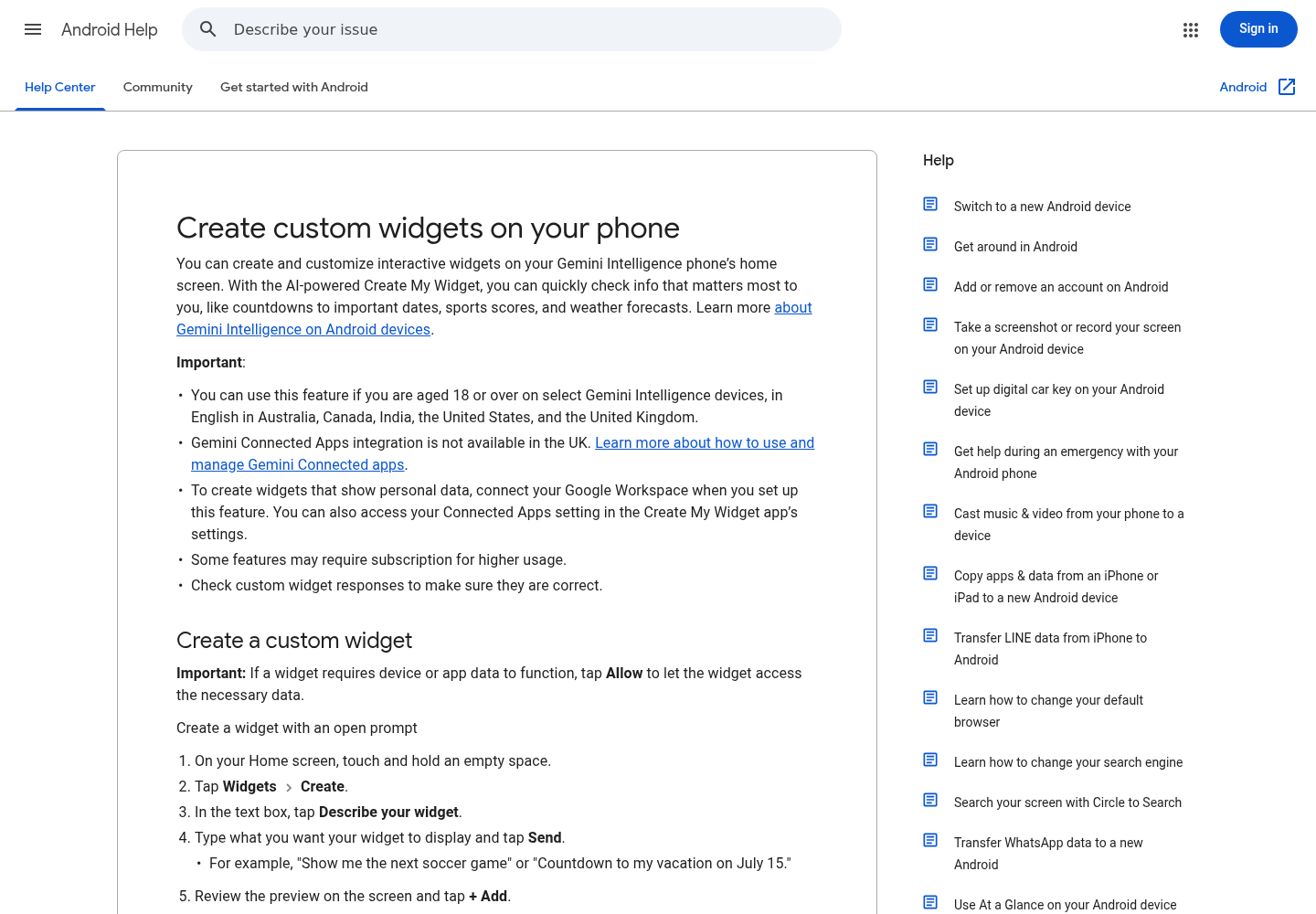
Google documents two ways in. Touch and hold an empty spot on the home screen, then open Widgets → Create. Use Describe your widget for an open prompt or start from a suggested category. Review the preview before adding the widget. Google lists the feature for users aged 18 or older on select Gemini Intelligence devices, in English in Australia, Canada, India, the United States, and the United Kingdom. Widgets that show personal data require connecting Google Workspace, according to the support page, and Gemini Connected Apps integration is unavailable in the UK. Android Help
A countdown to a fixed date makes a good first test because you can verify the number yourself. Snyder also built a sports widget that displayed recent scores, offered a manual refresh, and opened Google Sports when he tapped a result. His Gmail-based flight widget opened the confirmation email. That behavior fits a tile for finding a booking reference. Tracking a delay would require a source that reports current flight status. Before adding a widget, decide what you want to see at a glance and where you expect a tap to take you. Android Authority’s widget tests
What Android developers can take from the test
Google identifies RemoteCompose as the engine behind Create My Widget and describes it as the framework bringing richer interactions to Jetpack Glance. Google also describes Android AppFunctions as an API that lets developers expose specific app data and actions to the OS and agents. A renderer can adapt a tile to its allotted space. Live arrivals still depend on a source, and a log button needs a destination and a way to show that the write succeeded. Android Developers Blog · Our coverage of Android AppFunctions
For a tile that displays changing information, show when the source was last checked and label scheduled times if you fall back to them. For a tile that writes to another app, name the destination on the button or in its confirmation. If the tile promises to track a streak, update the count from the saved entries so the user can see that the latest walk counted.