
Automater Lite 0.1.29 Makes Automater Core the Only Engine and Opens Conversations in Codex, Grok Bot and GitHub Copilot
Automater Lite 0.1.29, published 2026-10-08 in the official releases feed, makes Automater Core the only engine on Windows, macOS and Linux, opens conversations straight in Codex, Grok Bot and GitHub Copilot, states that Grok Bot conversations open without flicker, and asks for permissions only when you choose Allow.
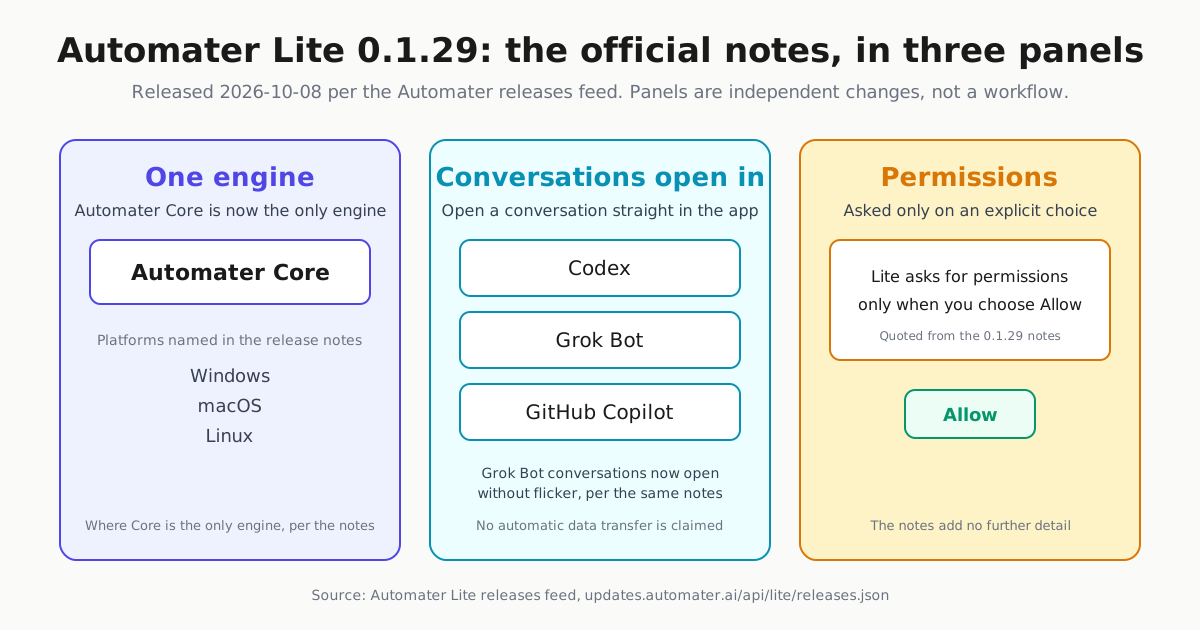
Automater Lite 0.1.29 landed in the company’s official releases feed at 04:42 UTC on 8 October 2026, roughly 30 hours after 0.1.26 opened a fast October run of builds. The feed entry is terse but concrete: Automater Core is now the only engine on Windows, macOS and Linux; a conversation can be opened straight in the Codex, Grok Bot or GitHub Copilot app; Grok Bot conversations open without flicker; and Lite asks for permissions only when you choose Allow.
For anyone running Automater’s free tray app alongside AI coding tools, the build matters less for any single line than for the combination: one engine to reason about per machine, three named apps a conversation can be opened in, and permission prompts tied to an explicit choice. Those four statements are the whole of the 0.1.29 note.
What the release notes establish
The primary record is the public releases feed at updates.automater.ai/api/lite/releases.json, which lists version 0.1.29 with a releasedAt value of 2026-10-08T04:42:56.547Z.
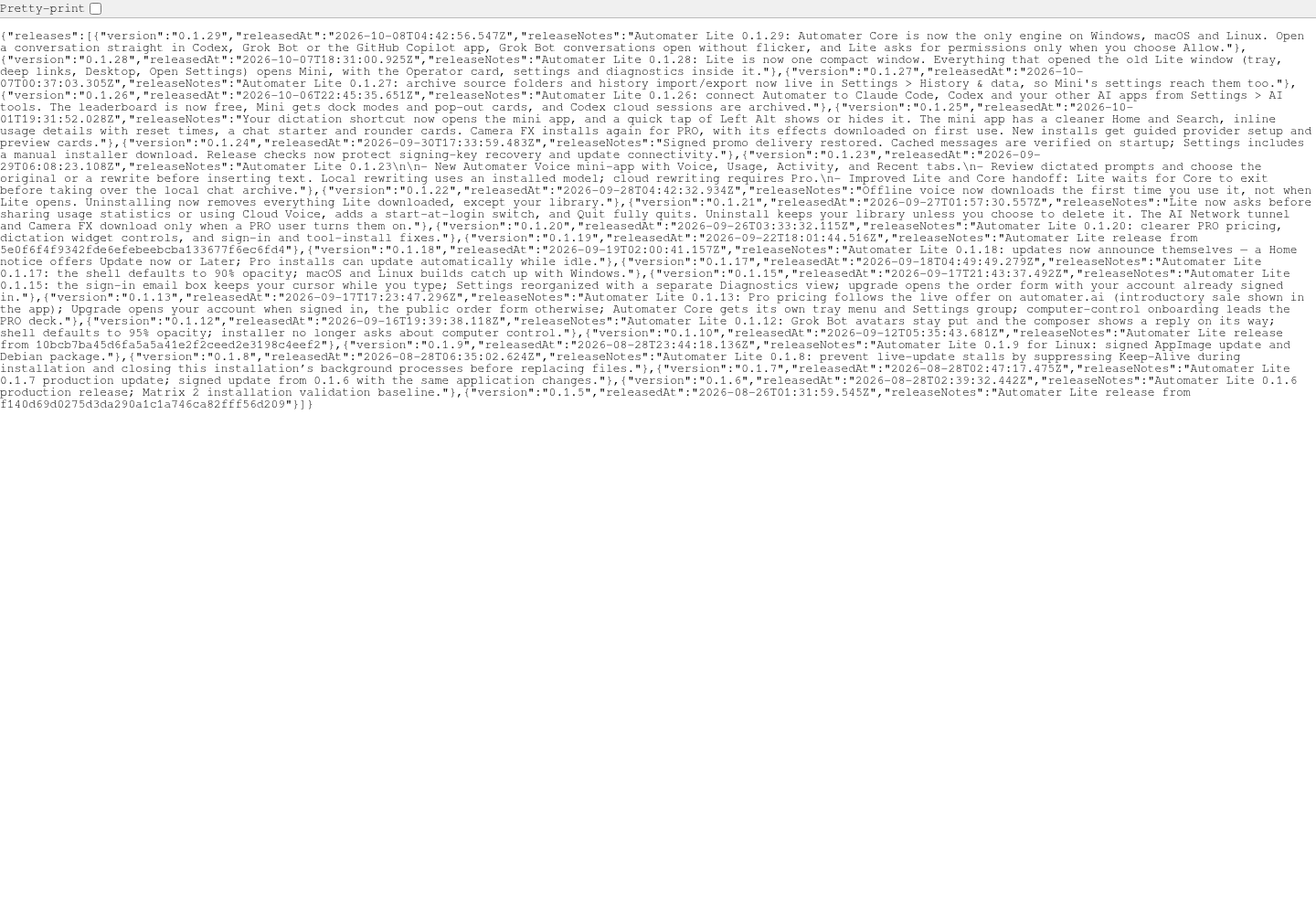
The notes support exactly four claims:
- One engine on three named platforms. “Automater Core is now the only engine on Windows, macOS and Linux.” The feed does not name what the consolidation replaced, describe how the engine behaves, or claim availability beyond those three platforms.
- Conversations open straight in three external apps. “Open a conversation straight in Codex, Grok Bot or the GitHub Copilot app.” That extends the connections work Automater shipped in Lite 0.1.26, which added connecting Automater to Claude Code, Codex and other AI apps from Settings. The notes describe opening a conversation in those apps; they do not describe transfer of transcripts or context between products.
- Grok Bot conversations open without flicker. That is the note’s wording verbatim; it adds no mechanism, scope or benchmark beyond the sentence.
- Permission prompts tied to Allow. “Lite asks for permissions only when you choose Allow.” That sentence is the extent of the feed’s statement on permission behavior; it does not enumerate which permissions or detail a wider consent model.
Where 0.1.29 sits in the October cadence
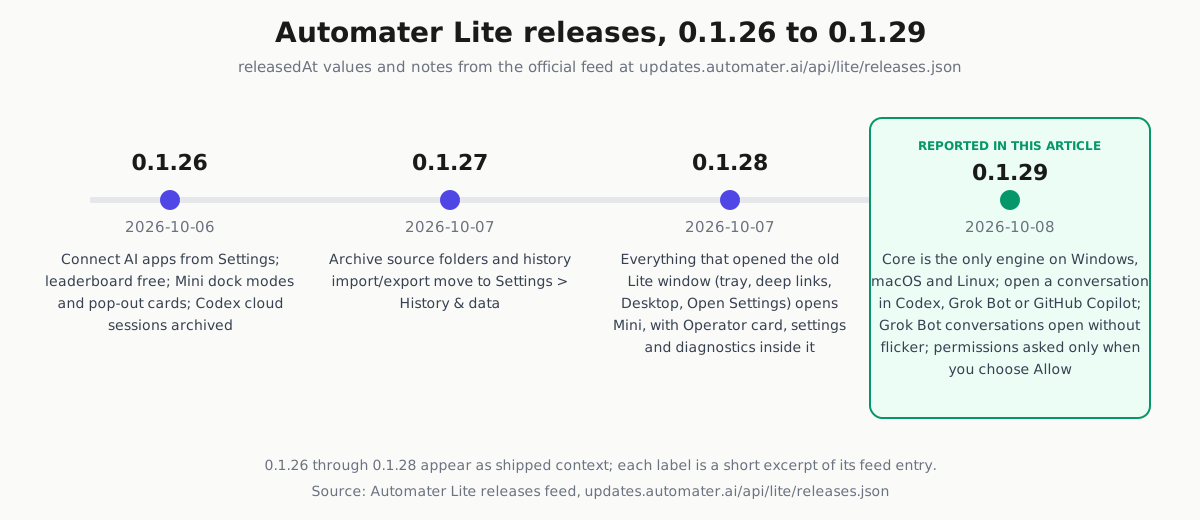
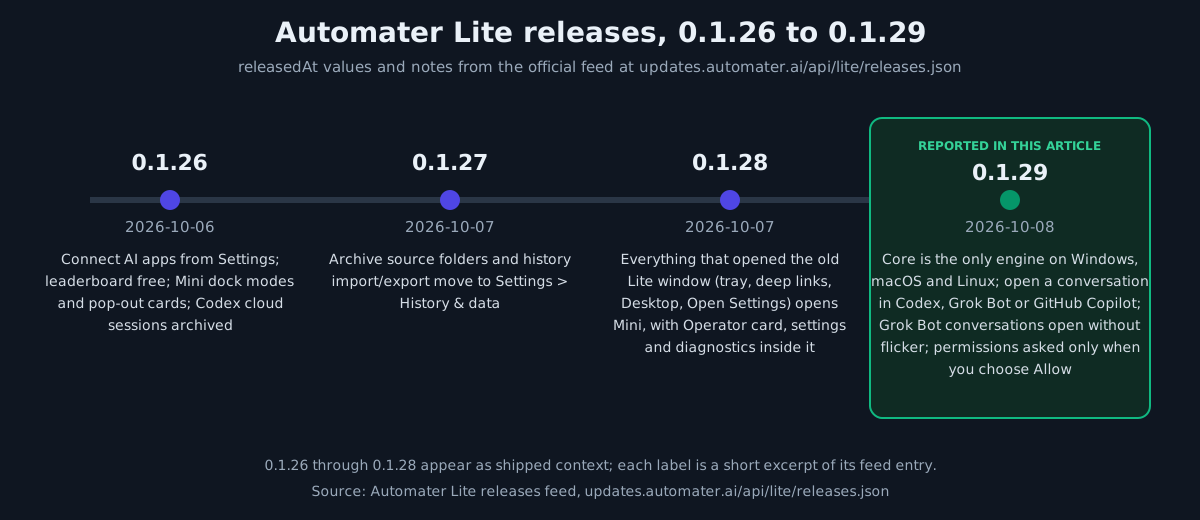
Four builds shipped across 6-8 October. 0.1.26 connected AI apps from Settings, made the leaderboard free, added Mini dock modes and pop-out cards, and archived Codex cloud sessions. 0.1.27 moved archive source folders and history import/export into Settings > History & data. 0.1.28, released at 2026-10-07T18:31:00.925Z per the feed, made Lite one compact window: everything that opened the old Lite window - tray, deep links, Desktop, Open Settings - opens Mini, with the Operator card, settings and diagnostics inside it. That compact-window change belongs to the 0.1.28 note alone; 0.1.29 is simply the next entry in the feed, and its note does not say where in the interface the new behaviors appear.
Download status on the public site
The public changelog’s downloads panel currently states that “Desktop downloads are paused for new installs while we finish a review,” that “Existing installs keep updating,” and that anyone looking for the free tray app should “Download Automater Lite.” As of the fetch, then, the free Lite app remains the publicly downloadable client while new Desktop installs wait on a review. At the same fetch time, the changelog page’s rendered notes list began with the 0.1.28 entry; the 0.1.29 notes are published in the releases feed.
The marketing build serving the public pages
Automater’s public release manifest at automater.ai/release.json currently identifies build marketing-2026.10.08.1, built at 2026-10-08T04:47:19.224Z, with deployedAt null and a rollback target of marketing-2026.10.07.16. Two cautions apply: builtAt is a build timestamp, not a launch date, and a successful public read proves only that the build was available at fetch time. The manifest does not establish synchronized marketing, desktop and Lite releases, and it says nothing about Lite binary availability.
What remains beta, and what remains future
The changelog’s roadmap keeps the boundaries explicit. Session archive across 45 formats, usage meters with Needs You flags, local voice, signed installers with auto-update and Automater Desktop are all listed under “In beta now” and retain that qualification - the page itself states that “Beta means it runs on real machines now and can still change.” Live Visualizer, resource monitor hog scores and pop-out mini-apps on every platform sit under Next; bots with their own computers, fleet factory runs, shared agent computers and an agent gateway sit under Later. None carry dates.
Why tray operators will care
A single named engine reduces what to expect running on each machine when auditing the tray companion - background in Automater Lite: The Windows Tray That Watches Your AI Fleet - and the open-in options mean the notes describe opening a conversation in Codex, Grok Bot or the GitHub Copilot app, which matters both when deciding what belongs in a tray versus a full desktop agent (Tray Companion or Desktop AI Agent: The Decision Rule) and when coordinating several assistants around Grok Bot (Many Assistants, One Boss). None of this should be read past the notes: the feed does not promise transcript preservation, replacement of external configuration files, performance benchmarks or platform coverage beyond the three named operating systems.
Sources: Automater Lite releases feed · Automater changelog · Automater release manifest