Many Assistants, One Boss — What Grok Bot Changes
What Grok Bot is, where its data lives, and how to manage it beside local AI CLIs without blurring cloud storage, permissions, or transcript boundaries.

Go deeper. Build your own.
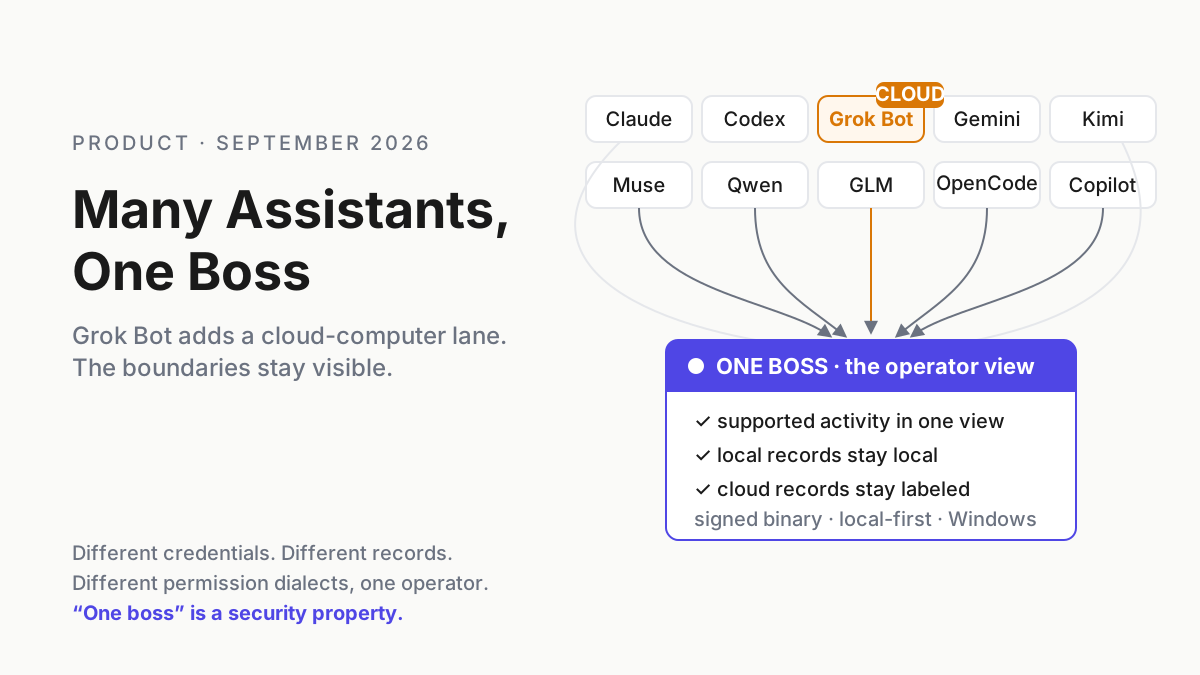
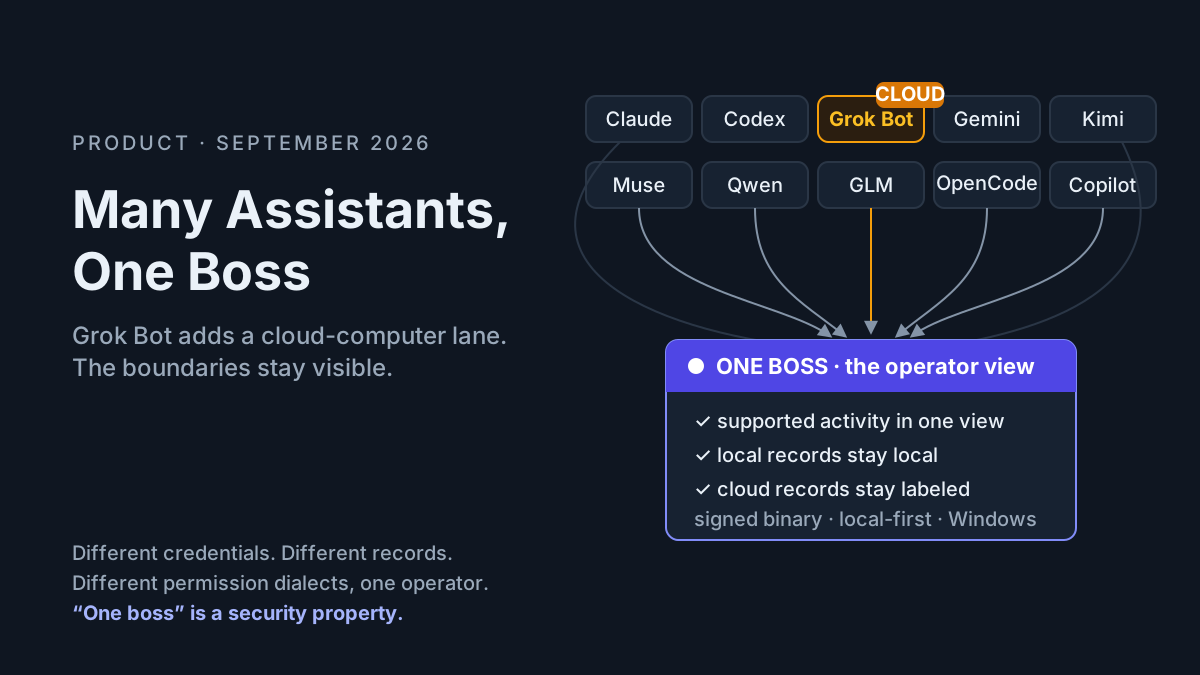
Grok Bot is the newest name on Automater’s homepage, but the interesting part is not another logo in a provider wall. It is the boundary Grok Bot crosses. xAI’s product is not a terminal coding CLI. It is a desktop and iOS app for persistent agents that run on their own cloud computers, sign into websites and tools, remember conversations, and keep working after you leave.
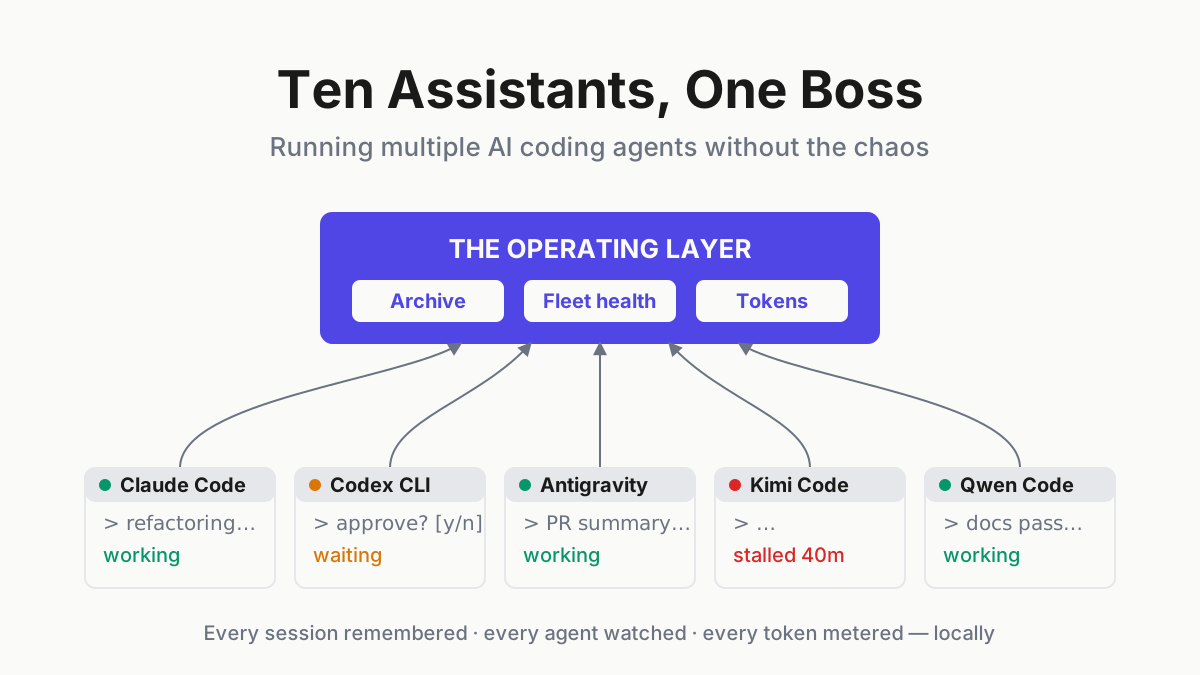
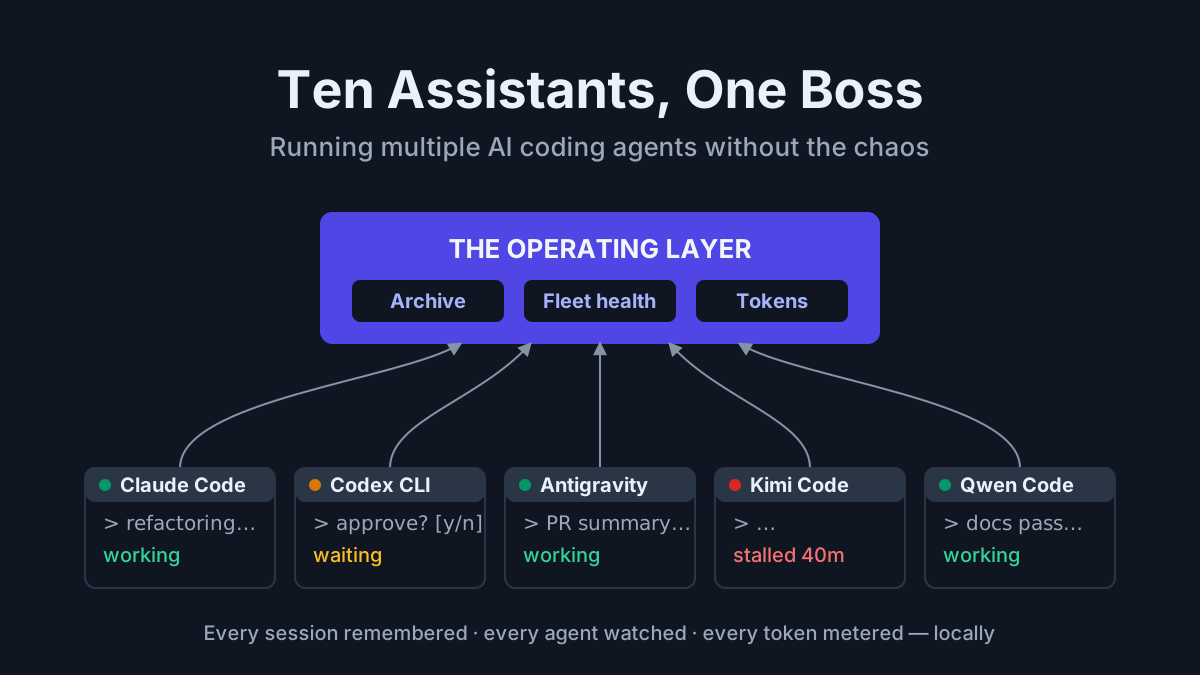
That architecture makes the “one boss” problem more urgent and more precise. A fleet can now include local terminal agents, IDE agents, desktop apps, and persistent cloud workers at the same time. One operating view can help, but it must never flatten their different data paths into a false claim that everything is local or governed identically.
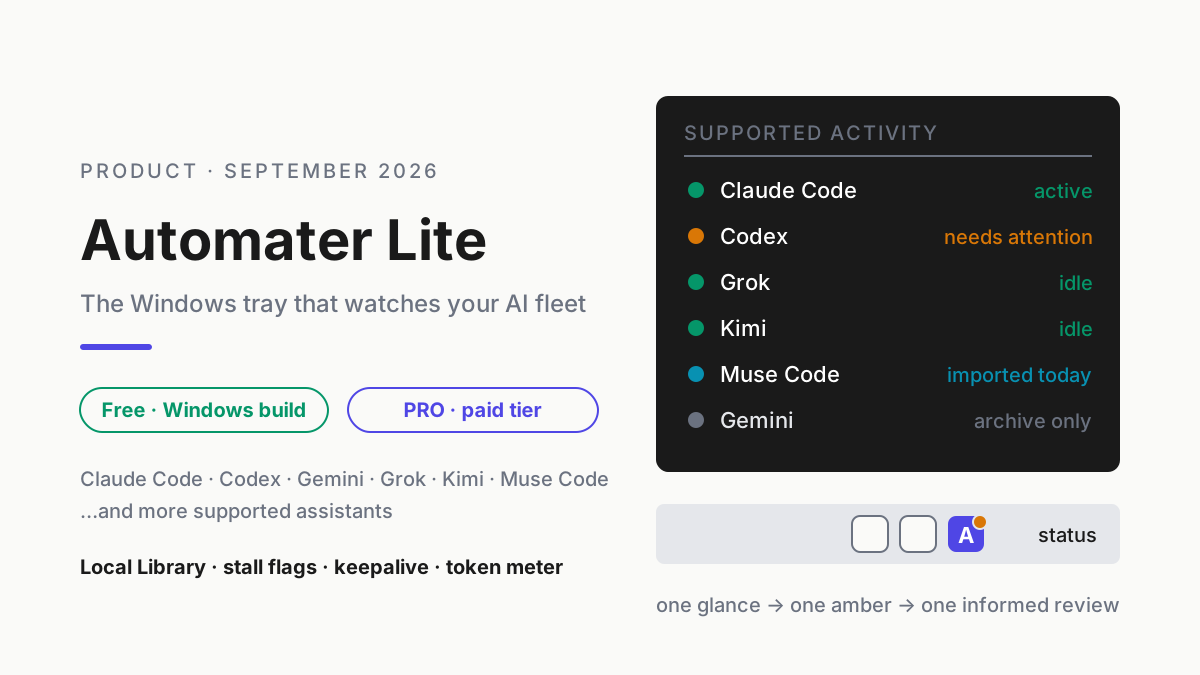
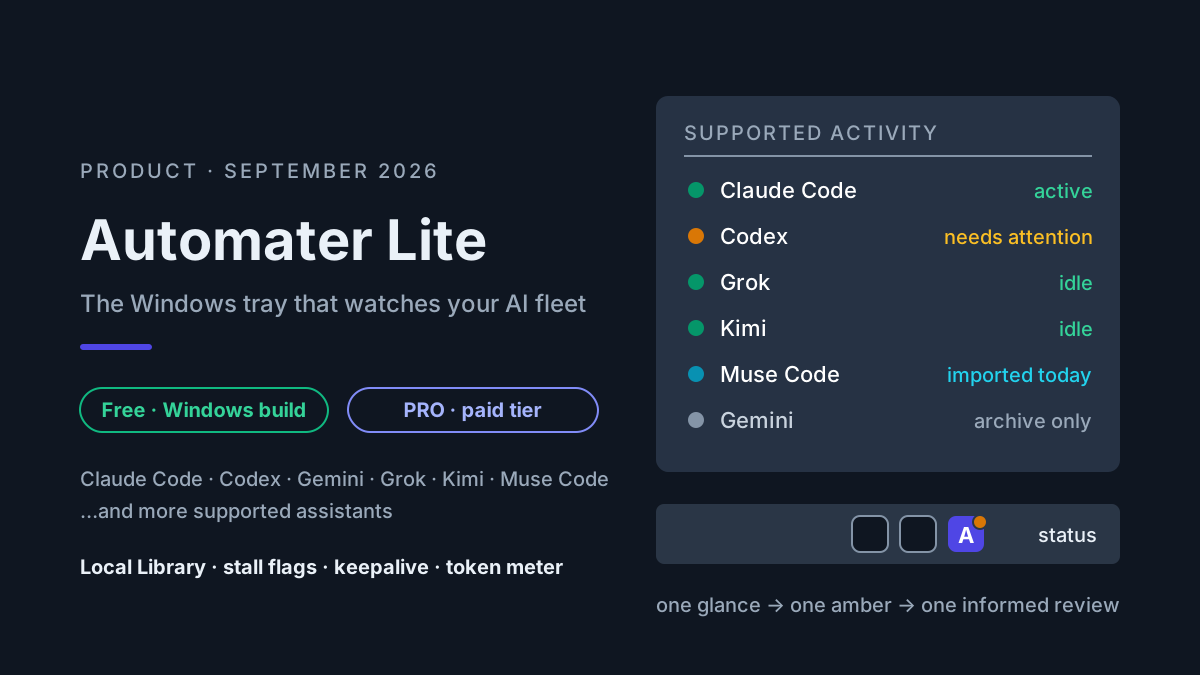
Two adjacent operator layers clarify the comparison. Automater Lite’s tray view covers supported fleet awareness and local records, while the local-first vault covers redaction before deliberate sharing. Neither changes where Grok Bot performs work or keeps the vendor-side state its documentation requires.
What Grok Bot is
xAI introduced Grok Bot on August 11, 2026 as an early-beta product for always-on agents. In xAI’s terminology, a Bot is a persistent, named AI teammate. Each Bot runs on a cloud virtual machine with a browser, filesystem, and terminal. It can use connectors and MCP where available, or computer use when an application has no clean API.
The current setup documentation adds details procurement and security reviews should not skip:
- Grok Bot is a desktop app for macOS and Windows, plus iOS; xAI says no Linux desktop app is currently available.
- Access depends on an eligible SuperGrok or Cursor plan.
- The app signs in through a Cursor account.
- Grok Bot requires cloud data storage; accounts using the legacy privacy mode must move to a supported Cursor data setting.
- Each Bot has durable conversation and working context on its cloud computer.
That definition rules out calling Grok Bot “the CLI on the Grok side” or assuming it writes a complete local transcript. Official docs describe a desktop app backed by persistent cloud computers and required cloud storage.
Why a cloud Bot belongs in the fleet conversation
A local coding CLI and a persistent cloud Bot solve different problems. The CLI works in a repository and terminal on the machine where you launched it. Grok Bot is designed to work across apps and websites on its own computer, continue for long periods, and return when it needs approval.
They still share an operator. That operator must answer the same five questions for every worker:
| Surface | Local CLI question | Grok Bot question |
|---|---|---|
| Identity | Which local account and provider token? | Which Cursor identity and eligible plan? |
| Compute | Which Windows, WSL, or remote process? | Which persistent xAI cloud computer? |
| Record | Which local transcript and retention path? | Which cloud conversation and working context? |
| Permissions | Which tools, files, and shell rules? | Which apps, sites, connectors, and approvals? |
| Cost | Which subscription, API key, and local meter? | Which eligible plan and product allowance? |
“One boss” is valuable when it makes those differences visible. It becomes dangerous when it reduces them to a single green dot and implies the same controls apply everywhere.
Place work by boundary, not by logo
Start with the workload rather than choosing one worker for everything. Identify where the sensitive inputs originate, which accounts the task must touch, whether it must continue after the operator’s machine sleeps, and which durable record has to remain available after the trial ends. Those questions expose the architectural trade before convenience obscures it.
A local CLI is the clearer fit when source material must remain on a controlled machine, the work is repository-centered, and the operator can keep that process available. A persistent cloud Bot is the clearer fit when the operator accepts the documented cloud-storage boundary and needs a named worker to continue across approved apps or websites without depending on the local terminal. Neither placement is automatically safe. The local lane still inherits provider network behavior and local credential risk; the cloud lane still needs scoped accounts, connectors, approvals, and a revocation plan.
Mixed work should be split at an explicit handoff. Keep the repository change in the controlled local lane, for example, and give the cloud worker only the external workflow and minimum approved data it needs. Record what crossed the boundary, which side owns the final artifact, and where a reviewer can inspect the result. Do not paste an entire transcript merely because both tools appear in one dashboard.
This framing also prevents a misleading feature comparison. “Runs after my laptop closes” and “keeps the repository on my workstation” are different requirements, not competing scores. Choose the execution boundary first, then test whether the operating view can report identity, activity, record location, usage evidence, approvals, and revocation accurately for that lane.
What Automater currently claims
The live Automater homepage carries a “Now works with GrokBot” notice in its provider section. The same page says Lite detects supported AI apps, normalizes supported histories into a local Library, shows live activity, and meters supported-provider usage. Its trust section says the Lite archive has no cloud copy and leaderboard publishing is opt-in.
Those public claims do not establish every possible Grok Bot capability. They do not, by themselves, prove that a Bot’s complete cloud conversation is imported, that Grok Bot usage maps to a local token meter, that a local process state represents the remote Bot’s health, or that Automater can answer Grok Bot approvals. Those are adapter-specific behaviors to verify in the current build.
The safe reading is:
- Automater publicly lists Grok Bot compatibility.
- Grok Bot itself requires cloud storage and runs work on persistent cloud computers.
- Automater Lite’s own session archive remains local.
- A local archive does not relocate or erase the vendor-side record of a cloud-first product.
That is a stronger statement than “everything stays on your machine” because it survives contact with both products’ documentation.
One boss is an operating property
The productivity version of “one boss” is obvious: fewer places to look when several assistants are active. The security version matters more. Every new assistant can add a credential store, update channel, transcript or conversation store, permission dialect, and set of standing instructions.
The point of a boss layer is to make those surfaces reviewable:
- Inventory: show which supported agents and apps are present, including local and cloud-connected ones.
- Attention: identify which supported session needs a human without claiming a color diagnoses the cause.
- History: make supported local records searchable and exportable while naming vendor-side records that remain elsewhere.
- Usage: put supported-provider measurements in one view without pretending a local estimate replaces a vendor bill.
- Permissions: give the operator a consistent place to see context, then preserve the provider-specific approval boundary.
Automater Lite is free and the public pricing page includes its archive, meters, voice, widgets, and signed updates. PRO, in the site’s own words, adds “the controls that operate this machine and the rest of your fleet.” That does not mean every provider supports every managed action. Check the exact integration before treating “one surface” as “one enforcement point.”
Automater Lite is a free download for Windows, macOS and Linux at automater.ai/downloads.
Permission policy still belongs to the workspace
Claude Code’s current CLI reference documents permission modes plus --allowedTools, --disallowedTools, and --tools. Those real controls show the fleet problem clearly: each harness expresses scope differently, so policy cannot depend on remembering one imaginary universal flag.
A practical fleet policy starts with the workspace and action, not the brand:
- Unknown repository: read-only plan and inspection until a human approves writes or commands.
- Trusted development repository: scoped file edits and routine test commands; destructive and network actions still prompt.
- Credentials, production, billing, or customer data: explicit tool allowlists, audited connectors, and no unattended high-impact action.
- Persistent cloud agent: separate approval for every app, connector, account, and scheduled or recurring function.
Then map that policy into each tool’s actual controls. A common dashboard can help humans remember the policy. It cannot manufacture enforcement the underlying provider does not expose.
The Grok Bot integration checklist
Before adding Grok Bot to an existing assistant fleet, test these behaviors with the exact build and account you will use:
- Detection: Does the companion show the Grok Bot desktop app, individual Bots, or only a generic provider state?
- Activity: What event makes a Bot green, amber, idle, completed, or unavailable? Is that state local observation or vendor API data?
- History: Which records are imported locally, and which remain only in xAI or Cursor cloud storage?
- Resume: Does “resume” open the Grok Bot conversation, create a local handoff, or do nothing?
- Usage: Is usage visible, how is it measured, and does the vendor expose a billable unit that maps cleanly?
- Approvals: Can the operator see pending approval context? Can the companion answer it, or only open the source app?
- Revocation: What happens to Bots, credentials, and local references when the Cursor account or eligible plan is removed?
- Export: Can you take the durable record with you in a useful format?
Record the answers. “Works with” is the beginning of an integration review, not the end.
Local archive and cloud worker can coexist
There is no contradiction in using a local-first companion beside a cloud-first agent, as long as the boundary is explicit.
The local archive can hold the records it is permitted and able to import. The cloud worker can keep the persistent state it needs to continue running on its own computer. The operator can choose which tasks belong on each side: local coding sessions for repositories and shell work; persistent Bots for cross-application workflows that justify their cloud access.
The contradiction appears only when marketing language collapses the distinction. “The archive is local” does not mean “Grok Bot is local.” “Now works with GrokBot” does not mean every cloud record moved to disk. “One boss” does not mean one universal permission system. Clear boundaries make a mixed fleet manageable; vague boundaries make it un-auditable.
FAQ: Grok Bot in an AI fleet
What is Grok Bot?
Grok Bot is xAI’s early-beta product for persistent, named agents that run on their own cloud computers. Bots can use browsers, filesystems, terminals, apps, websites, connectors, and computer use, and they keep durable conversation and working context.
Is Grok Bot a command-line coding agent?
No, not according to xAI’s current product documentation. It is a desktop and iOS app for cloud-computer agents. A Bot’s cloud computer includes a terminal, but that is different from a local CLI installed in your shell.
Does Grok Bot store data locally?
xAI says Grok Bot requires cloud data storage and persistent cloud computers. The desktop app may have local application state, but the product’s durable Bot context is cloud-based. Review the current xAI and Cursor data settings for your account.
Does Automater support Grok Bot?
Automater’s current homepage says “Now works with GrokBot.” Treat that as a compatibility claim and verify the exact detection, activity, history, usage, resume, and approval behaviors in your installed build. The public page does not establish that every Grok Bot record or action is available locally.
Can one tool manage all my AI assistants?
One tool can provide inventory, history, usage, and attention views for the integrations it supports. It cannot erase provider-specific data stores or enforce permissions the provider does not expose. The useful goal is one operating view with honest boundaries, not a fictional universal control plane.