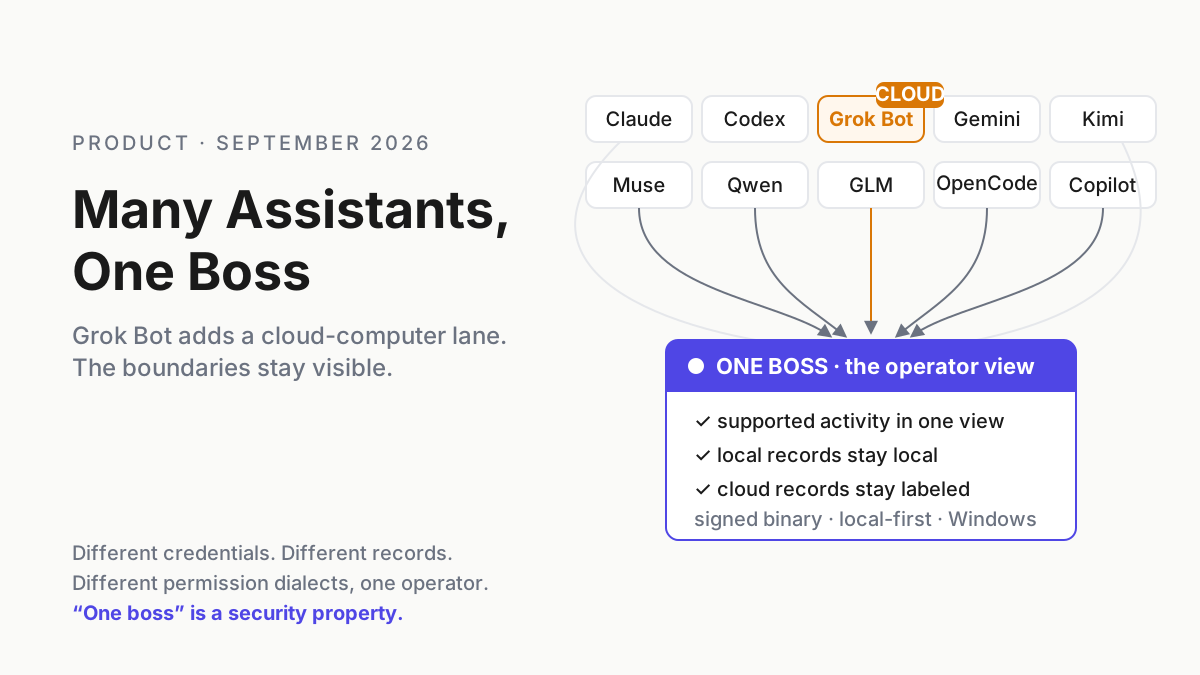
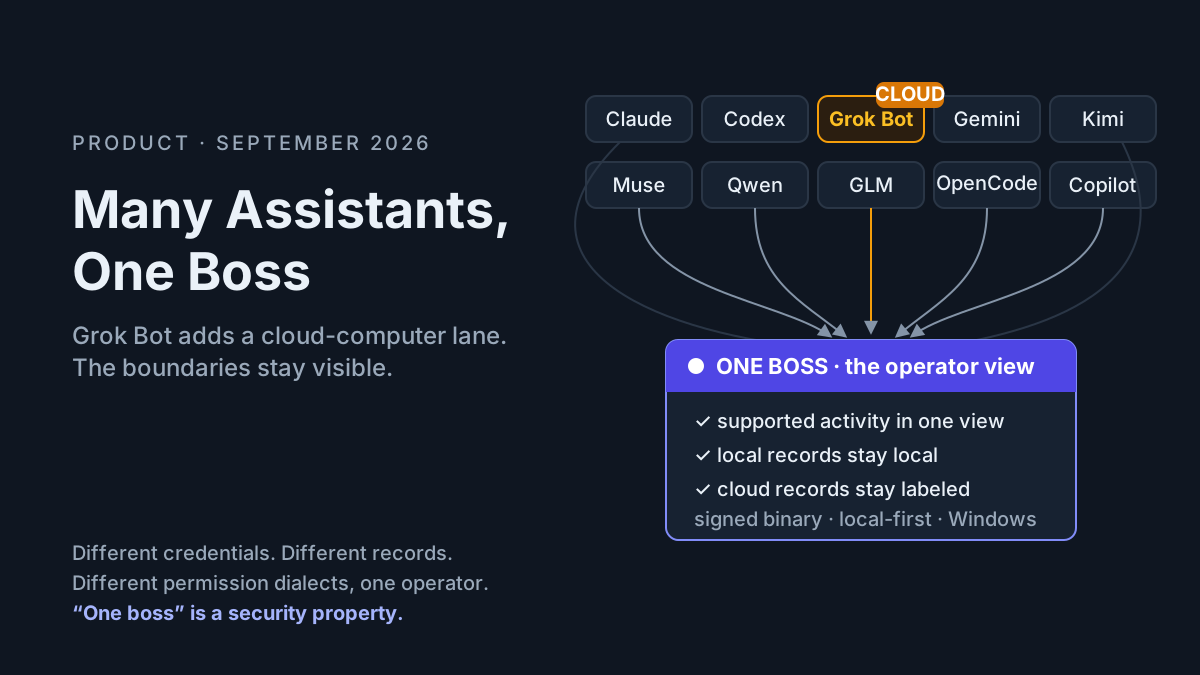
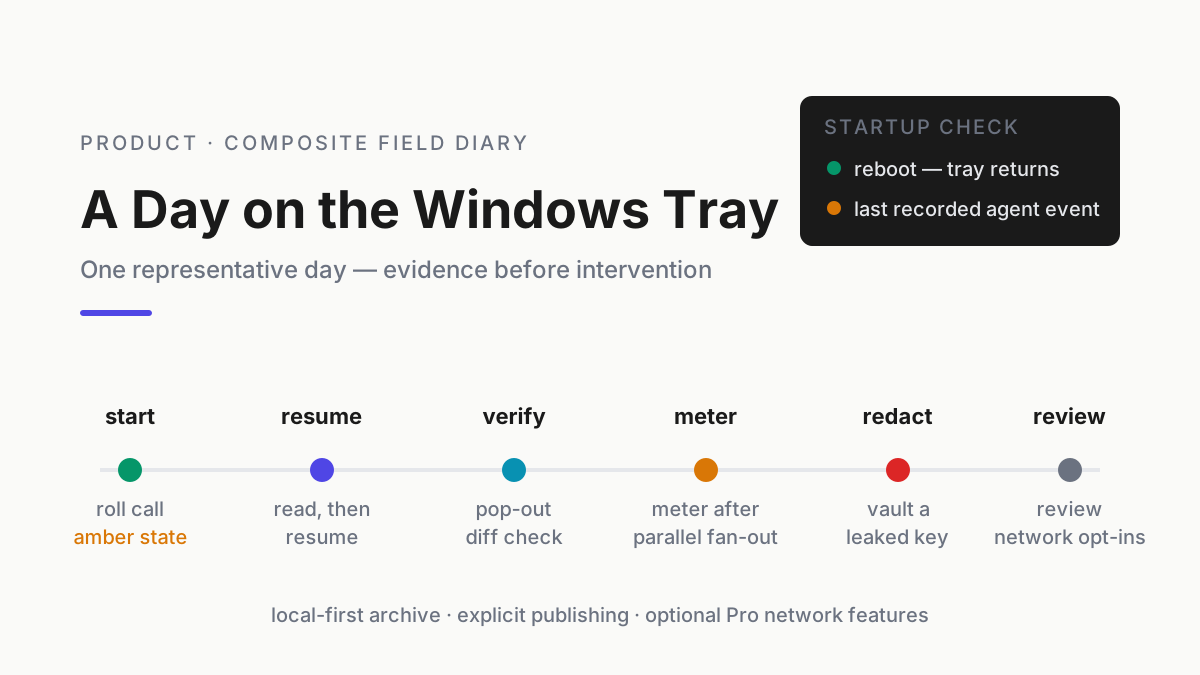
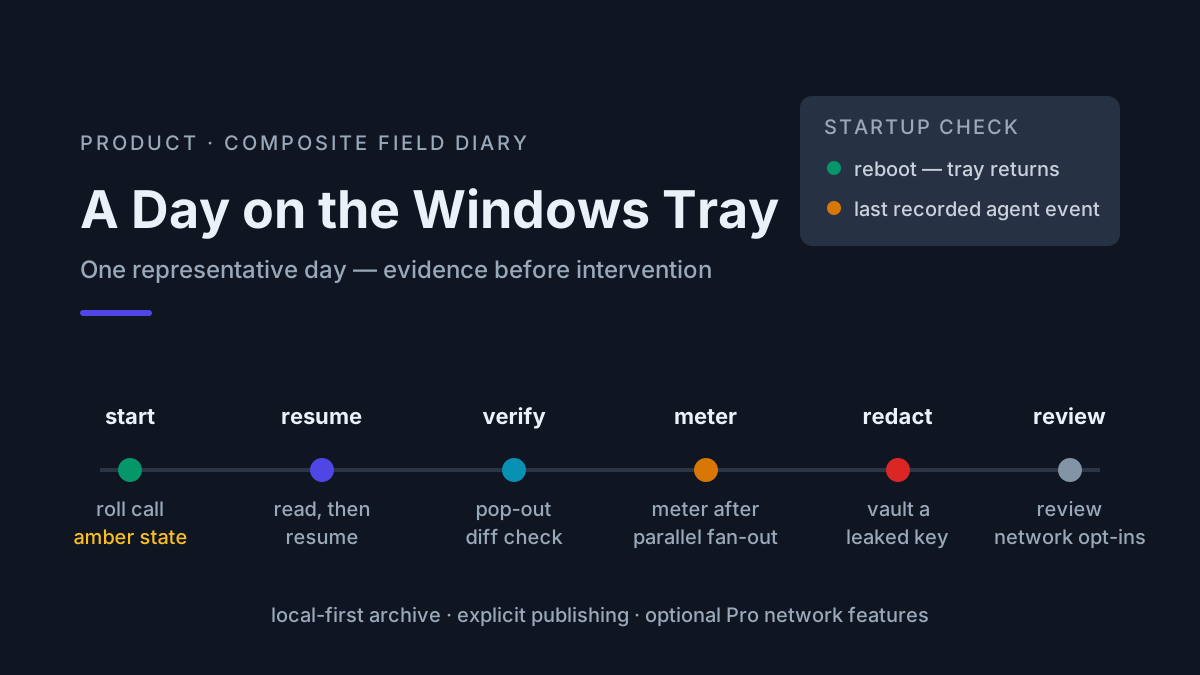
A Day on the Windows Tray
A composite day of Windows AI fleet management: recover after a reboot, inspect a stalled session, review a diff, meter parallel work, and redact a secret.

Go deeper. Build your own.
Product pages show features standing still. Operators experience the Windows tray companion as interruptions: the amber state before coffee, the transcript needed during review, the usage spike that changes an afternoon plan, and the credential that must be removed from the local archive before it becomes easy to find forever.
What follows is a composite operator diary, not a literal captured log. The events are arranged into one representative Windows workday so the workflow can be evaluated without pretending invented timestamps are production telemetry. Every Automater capability and tier boundary below is grounded in the current Automater site.
Before the clock starts — define the baseline
A tray view becomes useful only when its labels mean something. Before treating green or amber as operational truth, establish four baselines on the real machine.
Coverage. List the assistants and session formats the installed build actually supports. An icon proving that a CLI is installed is not the same as a transcript adapter proving that its sessions can be imported and resumed. Run one disposable session per provider and confirm detection, archive import, search, and resume separately.
Freshness. Record how quickly the watcher reflects a new process, a permission prompt, and a completed session. A status that updates after five minutes may be fine for an archive and too slow for a stall alert. The user interface should expose stale state rather than rendering old information with a reassuring green dot.
Privacy. Confirm the normalized archive’s local path, leaderboard opt-in state, redaction workflow, and any Pro network feature enabled on the account. “Local-first” describes a default and a data boundary; it should be testable on the workstation.
Usage provenance. Understand which providers report authoritative quota data and which values are local estimates derived from transcripts or CLI output. A shared meter is valuable precisely because provider systems differ. It should preserve those differences instead of presenting every number as equally certain.
The baseline turns the diary from a tour into an operating procedure. The clock below assumes those checks already passed. If they have not, treat every status as a hypothesis and validate at the provider or process layer before acting.
07:52 — roll call after a reboot
Windows restarted overnight. The first distinction matters: the old agent processes did not survive the reboot. Keepalive helps return the companion and its watcher to the tray; it cannot preserve a process that the operating system terminated.
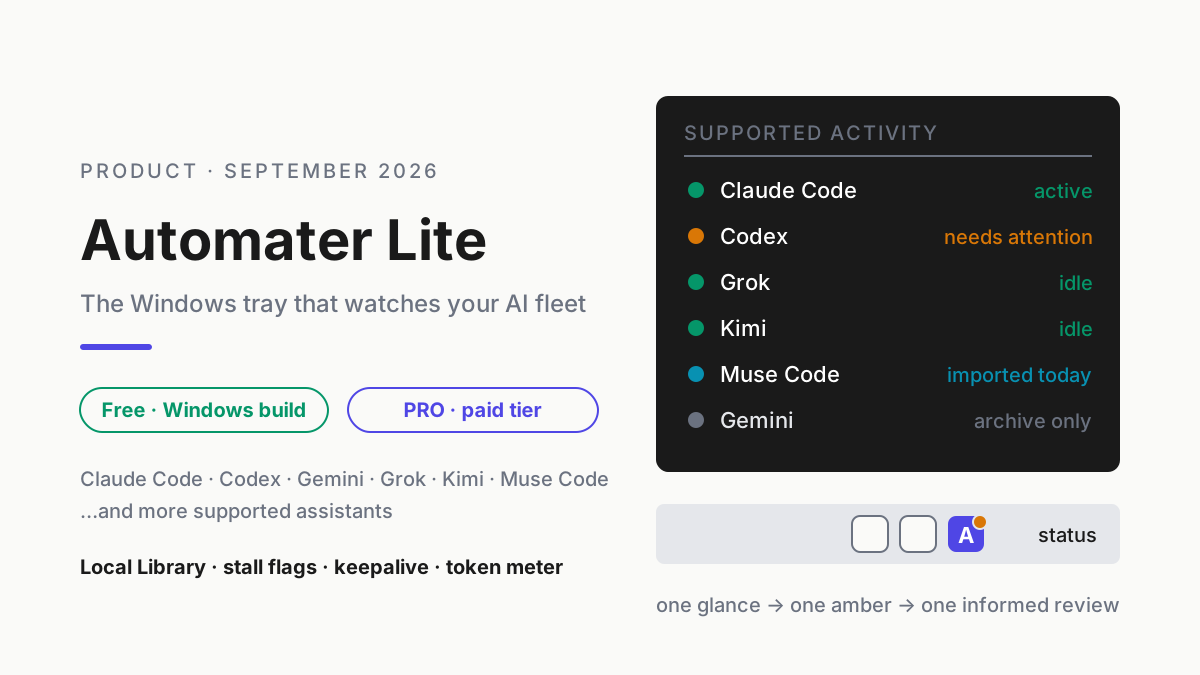
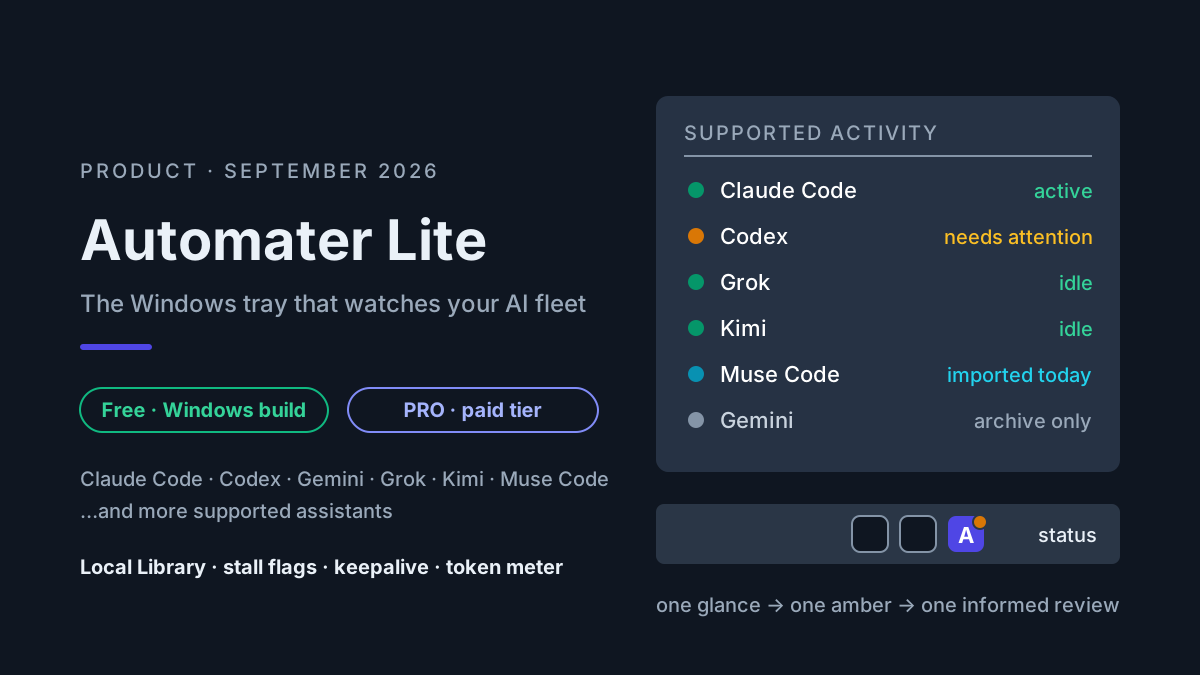
The archive still provides continuity. One overnight Codex record ended at 02:17 with a permission question and no subsequent tool result. The tray marks the session amber because it needs attention. Other detected assistants show their current state without requiring a tour of terminals.
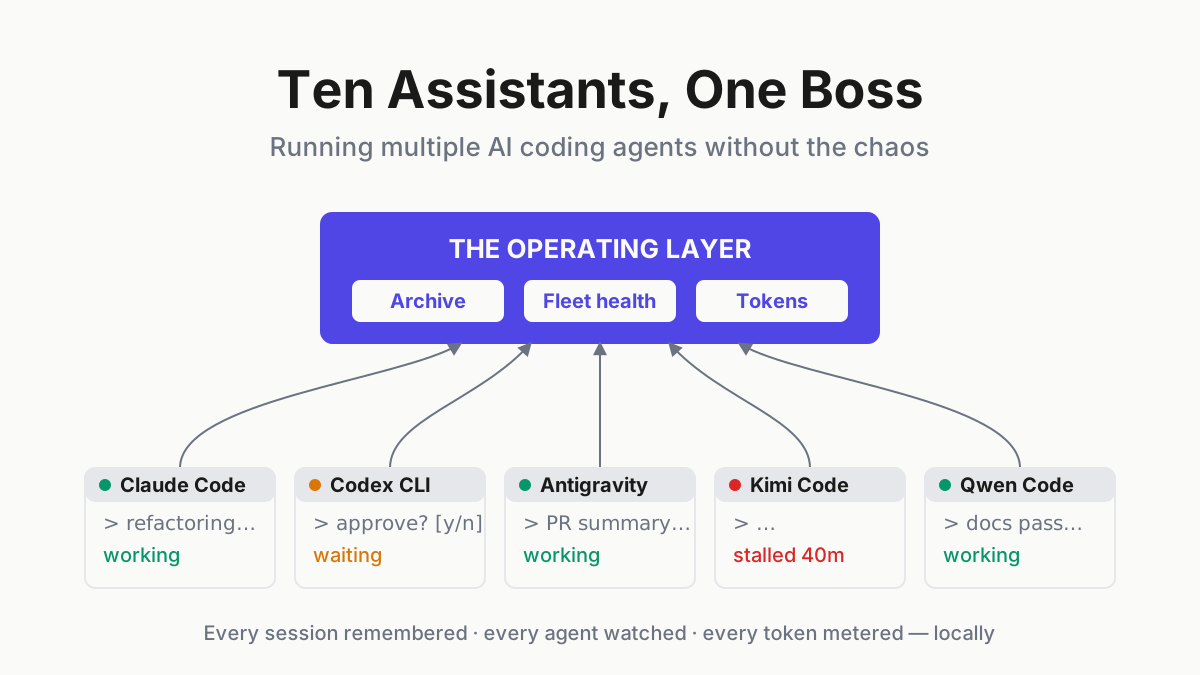
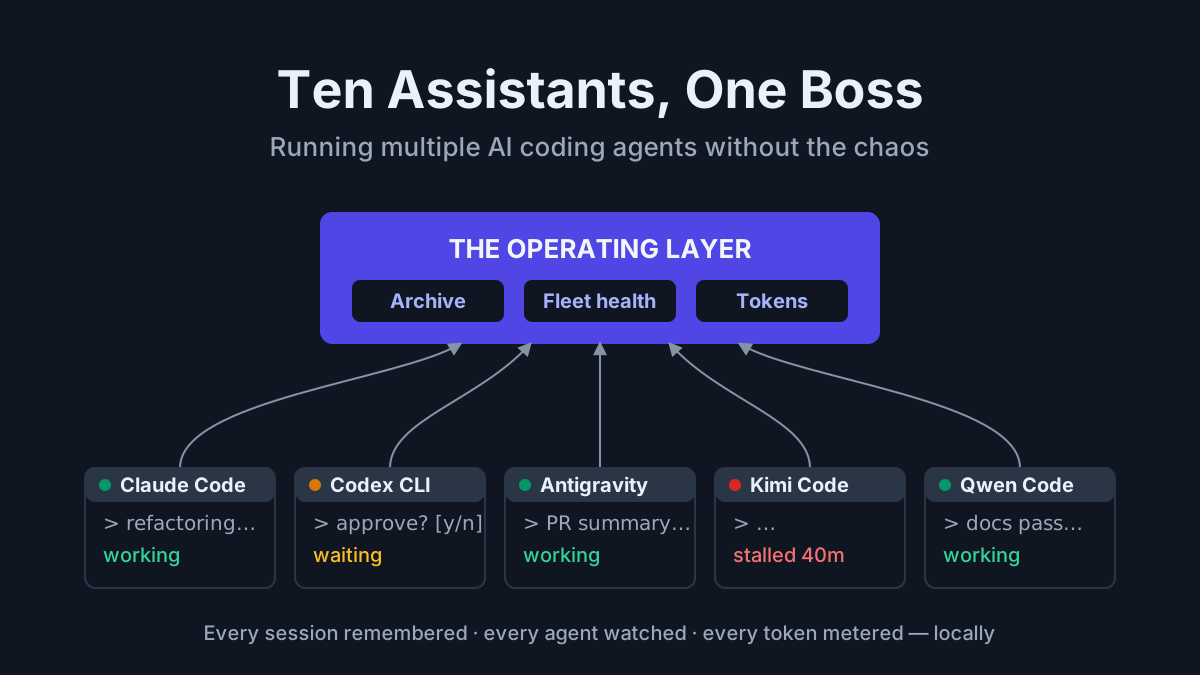
That is the useful unit of AI fleet management at one desk: not “all agents are immortal,” but “the operator can see which runtimes returned, which sessions ended, and where the last recorded request is waiting.” For the recovery layers underneath that distinction, use the cold-restart playbook.
08:15 — read before resuming
The operator opens the local Library and searches lockfile across the previous night’s supported sessions. The final Codex exchange asked whether it could modify a lockfile outside the task’s stated directory. That is a reasonable place for a run to stop.
The right sequence is:
- inspect the saved transcript and tool results;
- verify the repository, branch, and working tree;
- restore any WSL, container, or service dependency the task needs; and
- resume the saved conversation in its own CLI, then tell it that the machine rebooted.
Resume preserves conversation history, not yesterday’s world. A dependency may have changed; a server may still be down; an unflushed edit may be absent. The session should recheck state before acting.
The Library remains local by default. Reading a transcript on disk does not consume model tokens. Sending part of it into another model does, which is why search-first retrieval pairs well with the memory budget playbook.
10:05 — review the diff beside the evidence
The resumed upgrade task completes. The diff lists nine files even though the task named eight. A CI workflow is the surprise.
The review uses two evidence streams: the working-tree diff and the transcript’s tool calls. Search the session for the workflow path. If the file was touched outside the requested scope, revert or isolate that change before running the targeted checks. Do not let a confident summary stand in for the actual edit log.
This is where the current PRO boundary can matter. Automater lists a built-in terminal, repository and file browser, pop-out mini-apps, and inline replies among PRO features. Keeping the diff and transcript together reduces navigation, but it does not waive code review. The file list, hunk content, and test result remain the evidence.
11:40 — attach the decision to the record
The operator leaves a short note with the archived session:
Stopped on an out-of-scope lockfile permission. Recheck scope before the next sweep. CI workflow edit was not requested and was removed before validation.
The note is useful because it records a human conclusion next to the source trace. Months later, a search for the same workflow or dependency can surface both what the assistant did and how the operator resolved it.
Keep the distinction clear. The transcript is observed activity. The annotation is an interpretation. A good incident review preserves both without making them look equivalent.
12:30 — add a new assistant without adding a new archive
A second CLI is evaluated over lunch. The onboarding criterion is not brand enthusiasm; it is operational fit:
- Does the CLI persist usable local session records?
- Can the companion detect its process and state accurately?
- Does resume return to the correct project and conversation?
- Are credentials and network behavior understood?
- Can a trial tag collect enough evidence to support a keep-or-remove decision later?
If the session format is supported, its record joins the same local Library. If it is not supported, the gap should stay visible rather than being covered by a generic “every assistant” claim. Fleet coverage is an adapter contract, not a slogan.
14:30 — the meter explains parallel work
A migration task fans out across several workers. Wall-clock time drops because the work is parallel, while token usage rises because each active worker carries its own context and tool dialogue. Anthropic’s current cost guidance describes agent-team usage as scaling roughly with the number of active teammates. It does not support a universal seven-times multiplier.
The tray’s local Usage card is useful here because it puts supported providers beside one another. Values are evidence from this machine, not public plan allowances or a promise of billing precision.
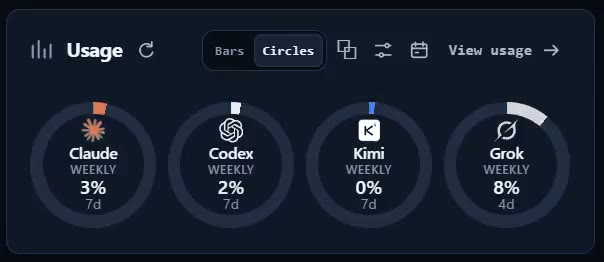
The operating decision now has numbers: keep the parallel run because its time benefit is worth the measured usage, reduce the number of workers, or move independent work to a provider with more available capacity. Metering does not make the choice for you. It makes the trade visible before a plan limit does.
16:50 — redact before the archive becomes memory
During transcript review, a debug command is found to have echoed an API key. In this composite day, the correct response is immediate and two-part:
- rotate or revoke the credential at its source; and
- use Vault redaction to scrub the sensitive span from the normalized local archive.
Redaction is not credential rotation. Rotation stops the leaked value from working; redaction reduces future exposure through search, review, screenshots, and recall. The local-first vault exists because a well-indexed secret is still a secret leak.
Also check the provider’s original transcript and any shell history. Scrubbing one normalized copy does not prove every copy is gone.
18:10 — close the day with an accurate privacy model
The local archive, meter, and companion widgets work without an Automater account. According to the current product FAQ, normalized sessions stay on the machine and nothing is published to the leaderboard unless the operator opts in.
The privacy boundary is not “the entire product can never use a network.” Provider CLIs may call their model services, and PRO has optional connected features. Those features should be treated as explicit networked workflows with their own configuration and trust review, while the archive remains local-first.
The day’s composite tally is modest: one ended session reconstructed, one out-of-scope file removed, one annotation kept with its evidence, one parallel run metered, and one credential rotated and redacted. Each save came from the same primitives — visible state, searchable records, and a number available before it became a surprise.
Automater Lite is a free download for Windows, macOS and Linux at automater.ai/downloads.
Turn the composite into a measured day
Do not copy the timestamps as a productivity routine. Instrument one ordinary day on your own desk and capture the facts that decide whether the companion helps.
| Event | What to record | What success looks like |
|---|---|---|
| Process starts | CLI, repo, worktree, detection delay | Correct assistant and project appear without manual refresh |
| Session blocks | Last transcript event, prompt type, alert delay | Amber state leads to the actual waiting decision |
| Resume | Session ID, current directory, branch, restored dependencies | Correct conversation opens and re-verifies current state |
| Review | Requested file scope, actual diff, final check | Out-of-scope edits are visible before merge |
| Parallel run | Worker count, wall time, usage change, outcome | Extra spend corresponds to a measured time or quality gain |
| Secret handling | Source copies, rotation time, redaction targets | Credential is invalidated and archived copies are scrubbed |
At the end of the day, review false positives and misses. Did a long-running command look stalled even though it was healthy? Did a permission prompt fail to trigger amber? Did the Library omit a provider record or link resume to the wrong worktree? Did a usage figure update late enough to change the decision?
Those gaps are more useful than a perfect demo. A companion is an operational instrument, so calibrate it like one. Keep a short note with build version, provider versions, and observed delays. Re-run the disposable coverage checks after upgrades that change transcript paths, session metadata, or provider authentication.
The other useful measure is intervention quality. Count how many alerts caused a correct action, how many archive searches resolved a question, and how many times the unified surface merely duplicated information already visible in a terminal. Fleet management earns its place by shortening the path from signal to verified action, not by maximizing the number of cards on screen.
A real day may have no secret, no reboot, and no fan-out. That is fine. The composite concentrates edge cases so the controls are visible; your measured day tells you which controls deserve permanent attention.
FAQ
Do I need Automater PRO for this workflow?
Lite currently includes the local archive, fleet awareness, usage meters, Vault redaction, widgets, and keepalive. PRO, in the site’s own words, adds “the controls that operate this machine and the rest of your fleet.” Check the live pricing page before purchase because packaging can change.
Does Automater Lite send my sessions to a cloud archive?
The current product FAQ says the normalized archive stays on the machine and leaderboard publishing is opt-in. That does not make provider CLIs offline; they retain their own model-service and telemetry behavior.
Does keepalive make agent sessions survive a Windows reboot?
No. It helps restore the companion and watcher. A terminated CLI process must be relaunched, and any resumed session must verify its repository and runtime state. The saved transcript is continuity evidence, not a live process snapshot.
Sources
- Automater — current Lite capabilities, PRO features, archive privacy, supported assistants, and pricing
- Claude Code costs — current agent-team cost behavior and usage controls
- Claude Code sessions — local persistence and resume semantics