
Automater Lite 0.1.31 Hardens AI Tool Setup, Verifies Installed Versions, and Fixes Linux Voice
Automater Lite 0.1.31 hardens AI tool install/update flows on Windows and macOS, verifies installed tool versions, preserves per-user desktop app locations, and repairs local voice that had broken in Linux AppImage builds.
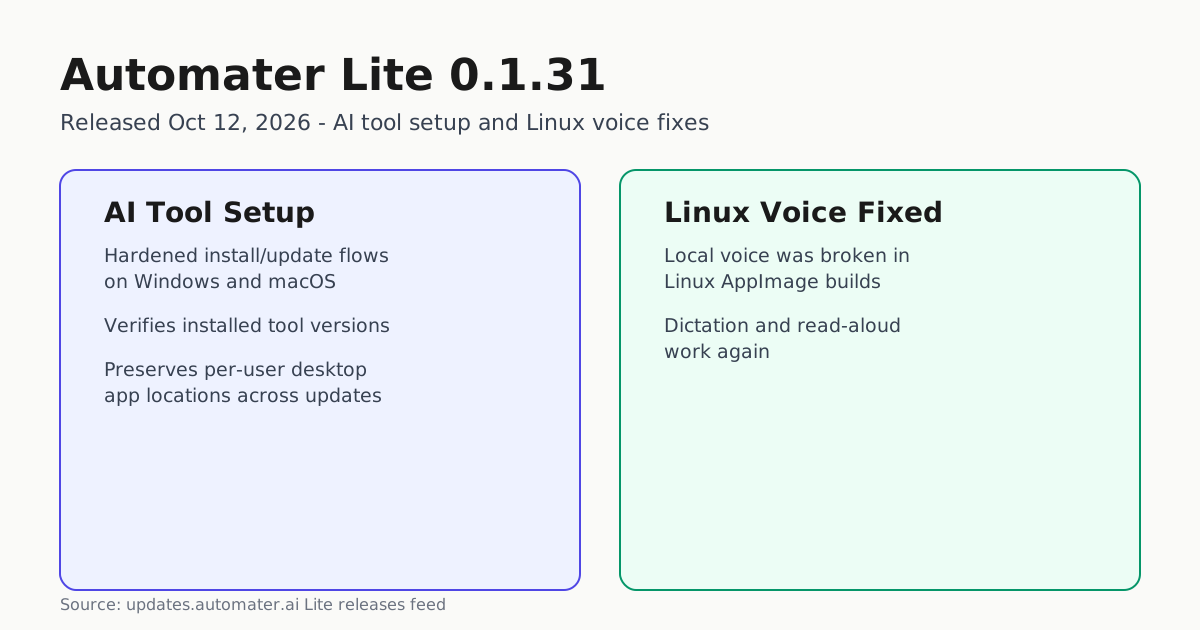
Automater Lite 0.1.31 landed on October 12, 2026, with release notes that focus on day-to-day reliability rather than new surface area: hardened AI tool setup and update flows on Windows and macOS, verification of installed tool versions, preserved per-user desktop app locations across updates, and a fix for local voice that had been broken in Linux AppImage builds.
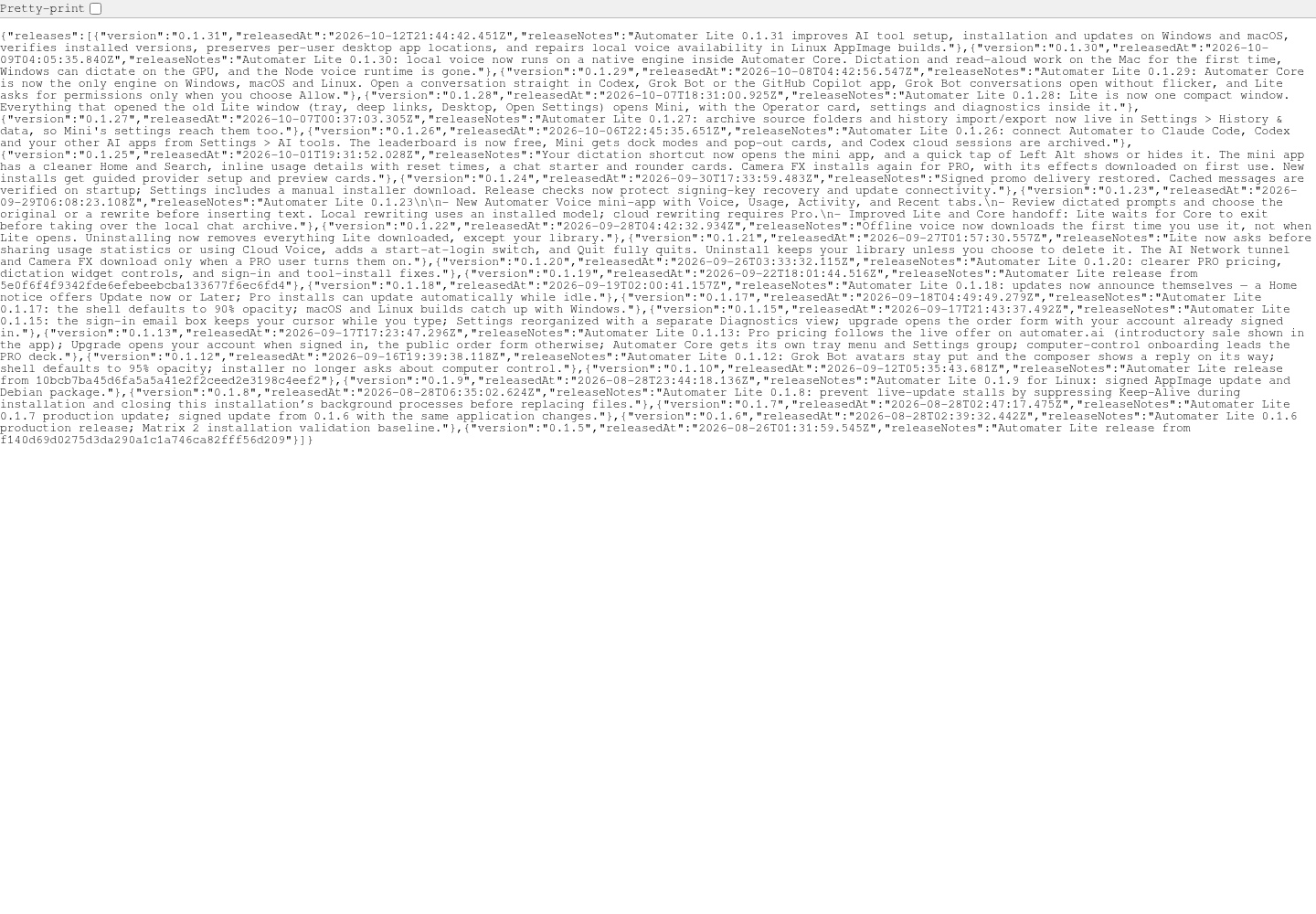
The version first appears in the official Lite releases feed, timestamped 2026-10-12T21:44:42.451Z. The same release note text is republished verbatim at the top of the public Automater changelog, corroborating both the date and the content from a second live source.
The full note reads: “Automater Lite 0.1.31 improves AI tool setup, installation and updates on Windows and macOS, verifies installed versions, preserves per-user desktop app locations, and repairs local voice availability in Linux AppImage builds.”
Below is the live Lite releases feed itself, the primary record for this version’s existence, timestamp and release note text.
What changed, concretely
Four distinct fixes are named in the release note, and each maps to a specific operational pain point for people running connected AI tools through Lite:
- AI tool setup, installation and updates (Windows, macOS): Lite has shipped the ability to connect to external AI command-line tools since version 0.1.26, when Settings > AI tools was added for linking Claude Code, Codex and similar apps, as covered in Automater Lite 0.1.26 Adds Claude Code and Codex Connections. The 0.1.31 note scopes this round of setup, installation and update hardening specifically to Windows and macOS.
- Verifies installed versions: Lite now checks the version of an AI tool it finds already installed, rather than assuming the tool is current or absent.
- Preserves per-user desktop app locations: updates no longer reset or relocate where Lite’s desktop app lives on a per-user basis, addressing a class of update-time regression.
- Repairs local voice on Linux AppImage builds: local dictation and read-aloud, which had stopped working specifically in Linux’s AppImage packaging, work again.
Linux voice fix in context
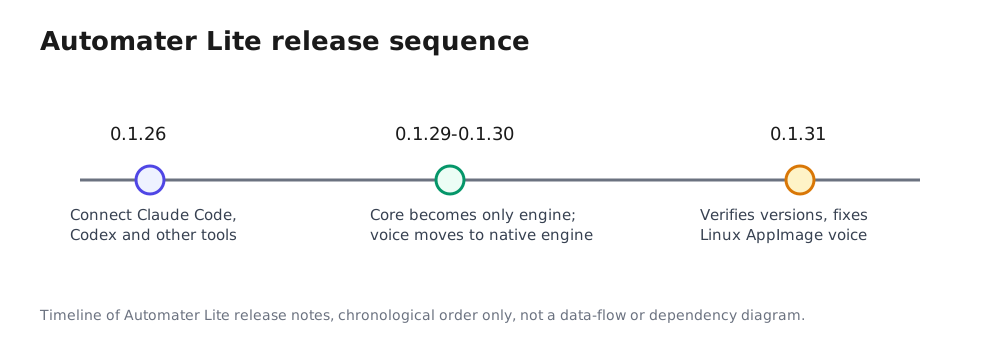
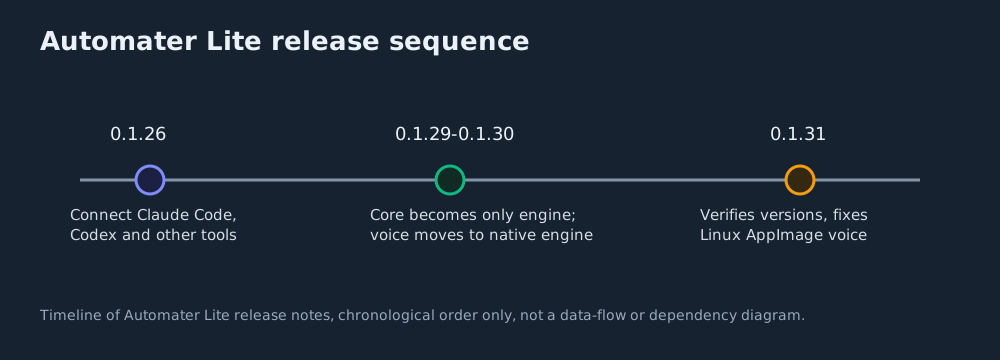
The Linux AppImage voice repair arrives shortly after two related engine changes to Automater Lite. In 0.1.29, Automater Core became the only engine across Windows, macOS and Linux, and Lite gained the ability to open a conversation directly in Codex, Grok Bot or the GitHub Copilot app — detailed in Automater Lite 0.1.29 Makes Automater Core the Only Engine and Opens Conversations in Codex, Grok Bot and GitHub Copilot. The following release, 0.1.30, moved local voice itself onto a native engine inside Automater Core, enabling Mac dictation and read-aloud for the first time, adding GPU-based dictation on Windows, and removing the separate Node voice runtime entirely. Neither the 0.1.31 release note nor the public changelog states which release introduced the Linux AppImage voice regression that 0.1.31 fixes; the timeline below shows the chronological sequence of these related changes, not a confirmed cause.
Build identity, kept separate
Automater’s public marketing site runs on its own release track. The current manifest at automater.ai/release.json records build marketing-2026.10.13.1, built at 2026-10-13T04:05:01.929Z, with deployedAt recorded as null — the same manifest fields explained in coverage of the previous marketing build, marketing-2026.10.12.4, reported earlier. That build timestamp establishes only that the marketing site’s current build exists and was read successfully; it does not establish a deployment time, and it is not evidence that the Lite desktop app and the marketing site ship on a synchronized schedule, or that this particular Lite binary is distributed through that site. The two are tracked, versioned and released independently, and this report treats the manifest only as supporting current-build-identity context.
For operators who install and update Claude Code, Codex or other connected AI tools through Lite, 0.1.31 is a maintenance release worth picking up: it targets exactly the setup, update-verification and per-user path problems that show up during routine tool upgrades, and it closes a platform-specific regression for anyone using Lite’s voice features inside a Linux AppImage install. Nothing in the release note describes new user-facing features beyond these four fixes, and none of it extends to claims about credential storage, proxy routing, or voice completeness that the note itself does not make.