Mistral Vibe Lands on Desktop: One App for Local and Cloud Coding Agents
Mistral shipped Vibe as a native macOS and Windows desktop app: local and cloud coding sessions in one place, Git worktrees, parallel tasks and PR review, with no separate CLI install — plus a free Pro trial for European builders.
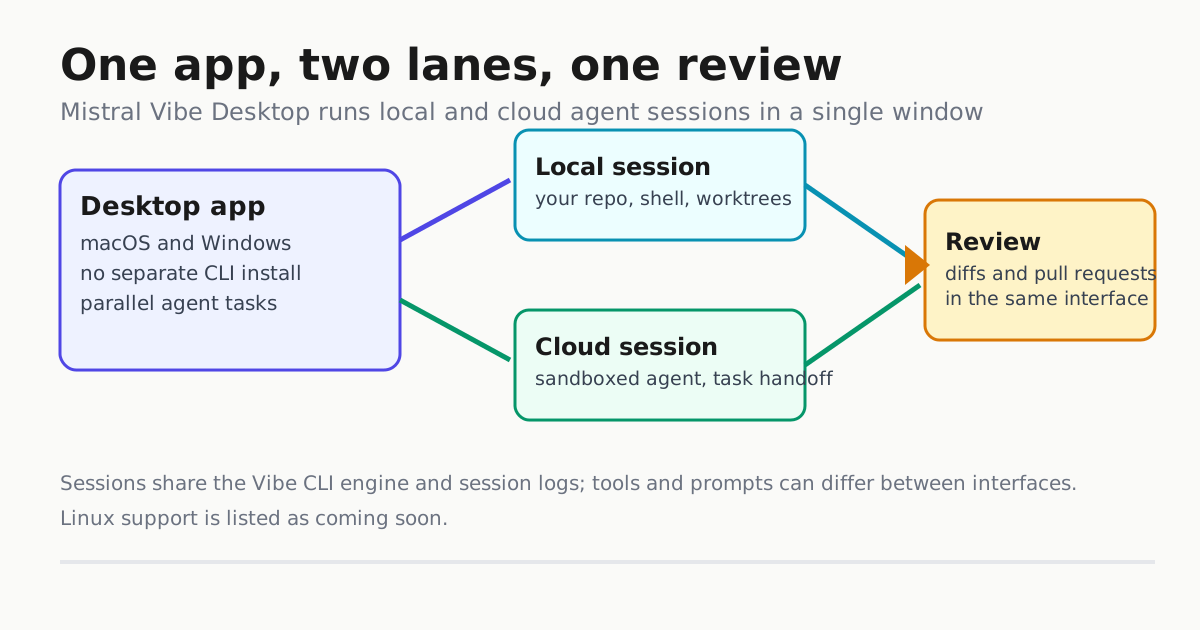
Mistral has shipped Vibe as a native desktop app for macOS and Windows, collapsing its local CLI workflow and its cloud coding sessions into a single window. The announcement landed on X on Nov. 18: run agents locally or remotely, and start shipping straight from your Mac or Windows device. For developers who have watched Anthropic and Kimi move their harnesses onto the desktop, this is the open-weights vendor’s answer — and it arrives with a coupon (LECHONK) that gives builders in Europe a free trial of the Pro plan.
What actually shipped
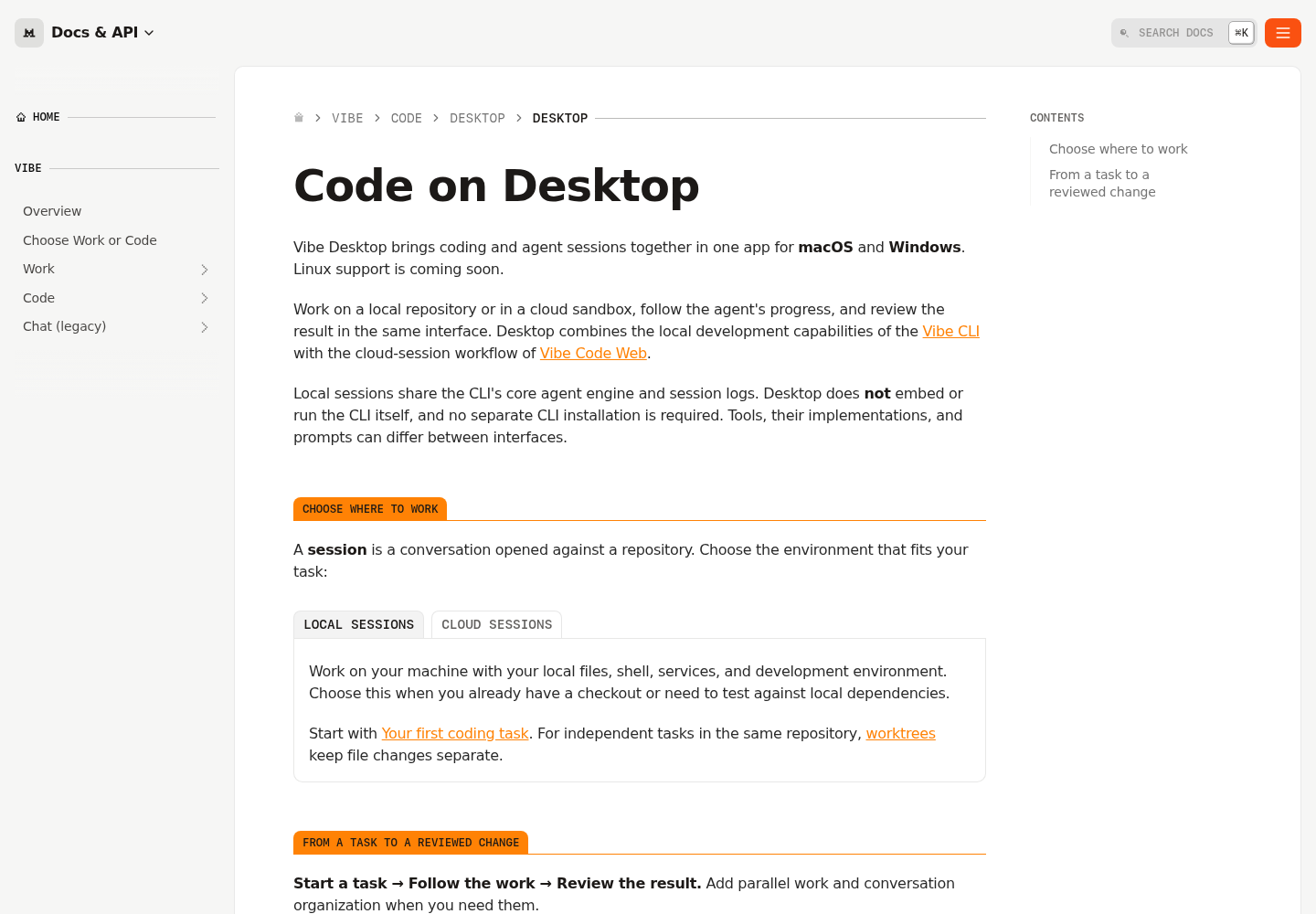
Vibe Desktop is a coding and agent-session app built around one core move: a session is a conversation opened against a repository, and you choose per task whether it runs on your machine or in a cloud sandbox. The official docs describe it as combining the local development capabilities of the Vibe CLI with the cloud-session workflow of Vibe Code Web.
Two details matter to anyone who already runs the Vibe CLI:
- No separate CLI install is required. Desktop shares the CLI’s core agent engine and session logs, but does not embed or run the CLI itself.
- Behavior can differ. Mistral is explicit that tools, tool implementations and prompts can differ between the interfaces. If you have carefully tuned a Vibe CLI setup, do not assume the desktop lanes behave identically.
For Linux users, the docs say support is “coming soon” — so today this is a macOS and Windows story.
The workflow: task, follow, review
Desktop organizes work as start a task → follow the work → review the result, with two additions layered on when you need them: parallel work and conversation organization.
Local sessions use your files, shell, services and development environment — the right lane when you already have a checkout or need to test against local dependencies. Cloud sessions run in Mistral’s sandbox, matching the delegation pattern popularized by Codex cloud and Claude Code on the web: hand off a task, check the result later.
The parallel-work piece is where Git worktrees come in. For independent tasks in the same repository, Desktop keeps file changes separate using worktrees — the same isolation primitive Claude Code Desktop and Qwen Code adopted this year. That means two agents can refactor different parts of one repo without stepping on each other’s diffs, and you review each result on its own branch. Review covers both local diffs and pull requests in the same interface.
Why the desktop shift is happening everywhere
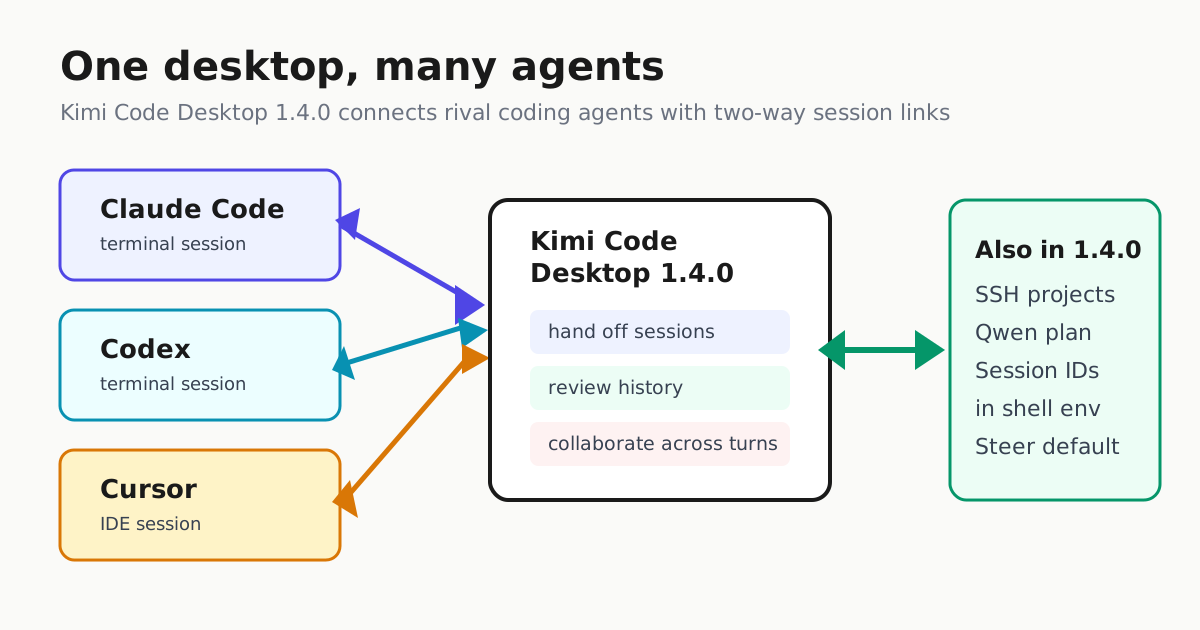
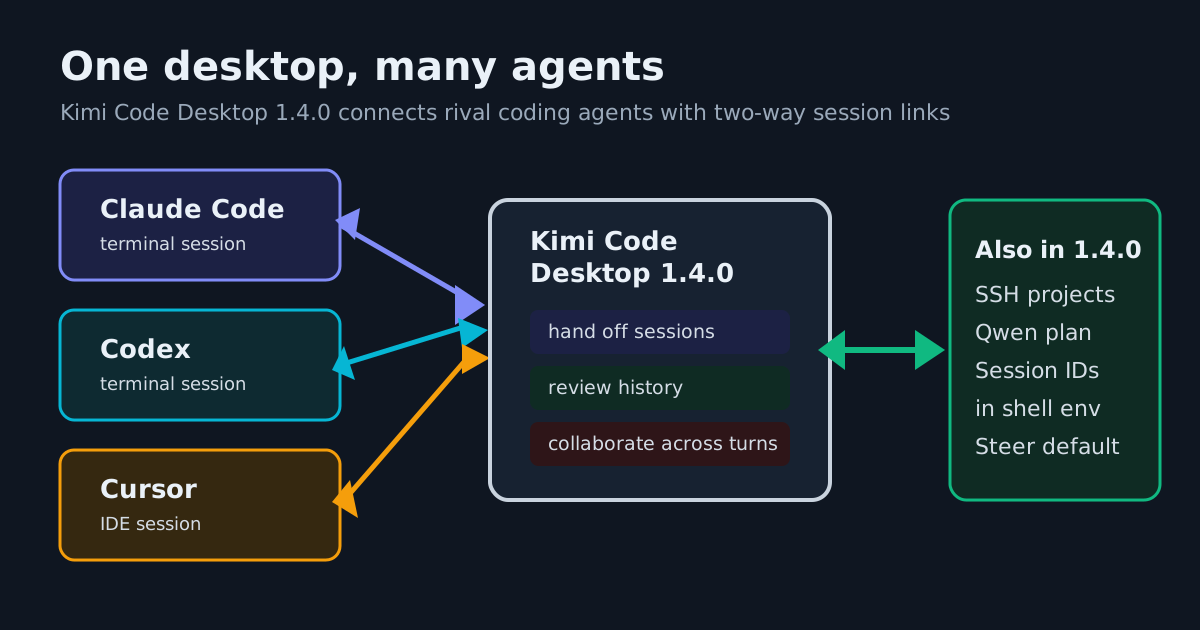
A terminal CLI was the reference harness surface of 2025. In 2026, every major vendor has concluded that parallel sessions, diff review and task panes want a real GUI — Automater covered the same move in Claude Code Desktop’s parallel worktree sessions and Kimi Code Desktop’s agent handoffs. Vibe Desktop follows the pattern: one app, many concurrent agents, review in place.
For a primer on why the harness (not just the model) determines what you experience, see Automater’s agent harness field map — Vibe sits in the new-wave lane the map describes, and Desktop is its surface decision.
There is also a strategic read. Mistral’s news feed shows the trajectory: Vibe 2.0’s terminal era came first (the “Terminally online Mistral Vibe” release of Jan. 27, 2026), the unified Vibe agent with Work and Code modes followed in May 2026, and the Le Chonk model family (Mistral Large 4, open weights since late October) gave the company a credible coding engine. Desktop is the distribution play — a GUI harness is how a vendor reaches developers who never adopt a terminal tool, and a worktree-and-review app is table stakes for that audience.
What to try first
If you are evaluating Vibe Desktop against your current harness:
- Start with a local session on a real checkout. The docs’ “your first coding task” path exercises the local engine, your shell and your dependencies — the lane where harness differences show up fastest.
- Run two independent tasks with worktrees. Pick two non-overlapping changes in one repo (a dependency bump and a test refactor, say) and confirm the diffs stay cleanly separated.
- Hand a self-contained task to a cloud session. Delegate something with a checkable finish line (a failing test that should pass), then review the PR in-app.
- Diff the behavior against your CLI habits. Because Mistral says tools and prompts can differ between interfaces, run one task you already know well and compare the tool calls.
European builders can apply the LECHONK coupon for the free Pro trial, per the announcement — Mistral noted it added more codes after running out the day before, which suggests real demand.
The caveat worth keeping
Desktop consolidates surfaces; it does not change the model. What you gain is workflow: parallel worktree tasks, in-app review, and one place for local and cloud sessions with no CLI install to manage. What you still owe is the operator discipline that applies to any harness — review the diffs, gate the writes, and price the plan against your task volume before the trial ends.
Sources
- Mistral AI on X: "Mistral Vibe is now available on Desktop! Run agents locally or remotely, and start shipping straight from your MacOS or Windows device. You can try the Pro plan for free if you’re building in Europe. Coupon code: LECHONK (yes, we added more after we ran out yesterday). Use t…
- Code on Desktop | Mistral Docs
- Mistral Blog