Open WebUI 0.13.1 Puts Coding Agents in the Model Picker, Ships Tether and an Auto-Approval Mode
Open WebUI 0.13.1 puts coding-agent CLIs in the model picker, ships Tether for local files, keeps tool chats cacheable and adds an Auto approval mode — plus security fixes.
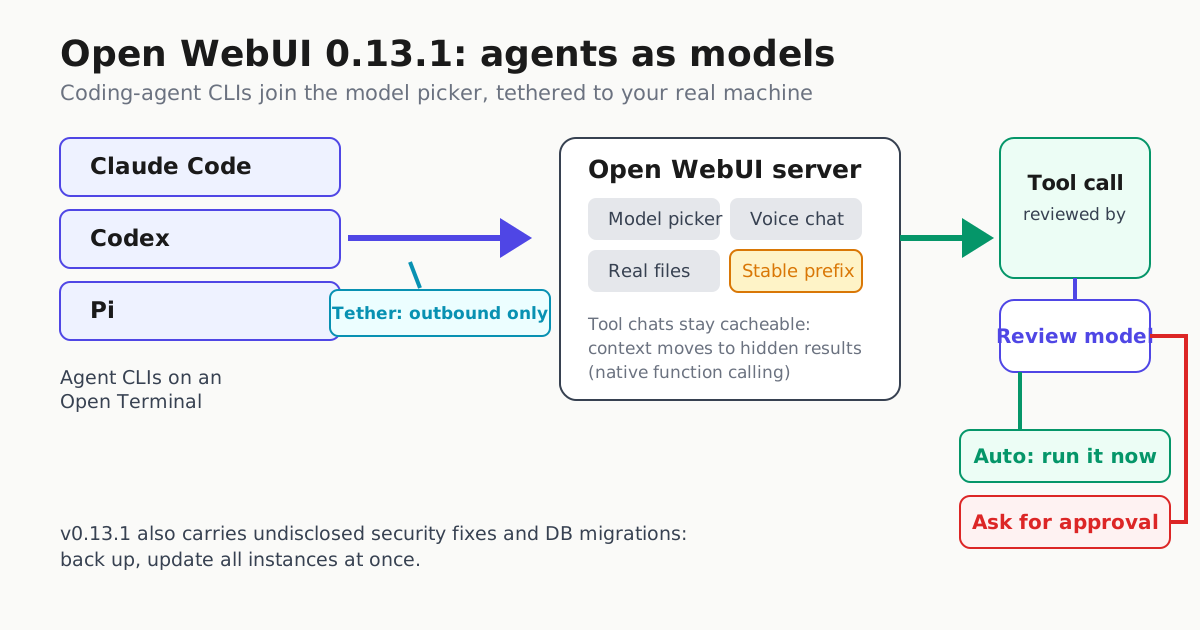
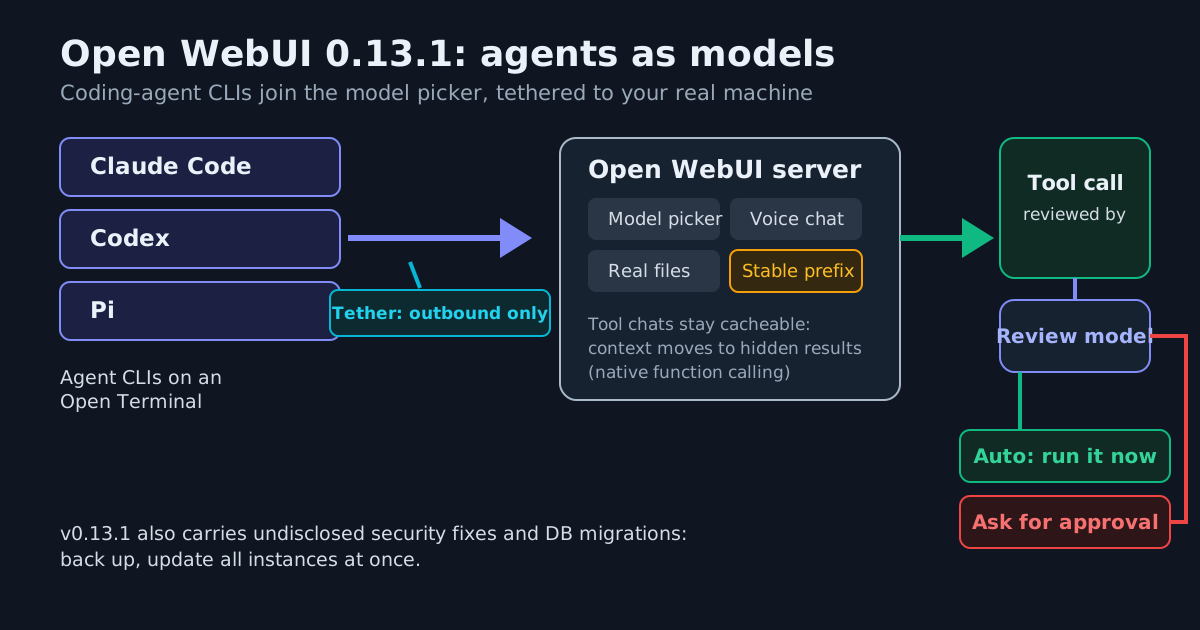
Open WebUI v0.13.1, shipped Nov 8, 2026, is not a patch release. A self-hosted chat platform with a large following is repositioning itself as a workstation for coding agents — and it carries undisclosed security fixes that make staying on 0.13.0 a bad idea. A follow-up v0.13.2 landed the same day to fix chat loading over plain-HTTP LAN and Docker addresses, so anyone upgrading should simply go to the latest tag.
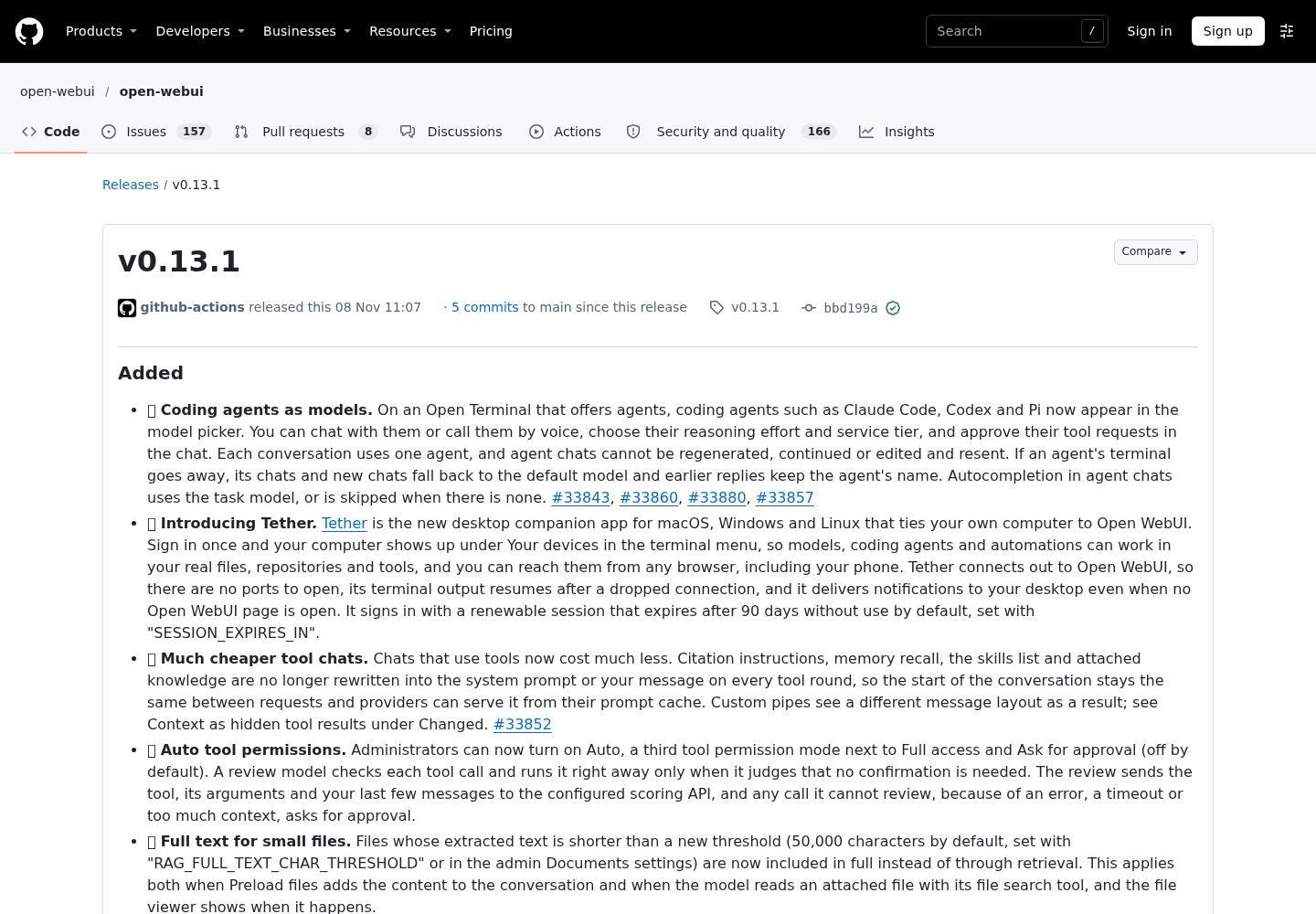
Coding agents become models
On an Open Terminal that offers agents, coding agents such as Claude Code, Codex and Pi now appear directly in the model picker. You can chat with them or call them by voice, choose their reasoning effort and service tier, and approve their tool requests inline in the conversation. Each conversation is bound to one agent: agent chats cannot be regenerated, continued, or edited and resent, and if the agent’s terminal disappears, chats fall back to the default model while earlier replies keep the agent’s name.
That last detail matters operationally. Agent availability becomes a runtime dependency of your chat history — think about how your fleet logs which agent actually answered a conversation before you rely on these threads.
Tether: your real files, no open ports
The release also introduces Tether, a desktop companion app for macOS, Windows and Linux. Sign in once and your computer appears under Your devices in the terminal menu, so models, coding agents and automations can work in your real files, repositories and tools — reachable from any browser, including a phone. Tether connects out to Open WebUI, so no ports need to be opened for that link, terminal output resumes after a dropped connection, and desktop notifications arrive even when no Open WebUI page is open. Sessions are renewable and expire after 90 days without use by default (SESSION_EXPIRES_IN).
Outbound initiation is the right default shape for this class of tool: the connection does not require exposing a listening port to the network. It is still a full agent surface on a real workstation, so the usual inventory questions apply — who can route work to the device, and what the approval gate is before a tool touches a file.
Tool chats get cheaper by staying cacheable
The most consequential change for anyone running tool-heavy chats is structural: citation instructions, memory recall, the skills list and attached knowledge are no longer rewritten into the system prompt or your message on every tool round. With native function calling, the explicitly documented moved context — memory recall, the skills list and the attached knowledge list — now arrives as hidden tool results after your message instead of in the system prompt. Because these items no longer churn the front of the request, the start of the conversation stays the same between requests, preserving a cacheable prefix that providers can serve from prompt cache, subject to each provider’s caching behavior.
This is the same prompt-caching discipline that Claude Code operators apply to the /usage cache line: stop breaking the prefix. Custom pipes will see a different message layout — a tool message can now be the last message — so pipe authors should test before upgrading production.
Auto: a review model approves tool calls
Administrators get a third tool-permission mode next to Full access and Ask for approval: Auto (off by default). A review model checks each tool call — the tool, its arguments and your last few messages go to the configured scoring API — and runs it immediately only when it judges no confirmation is needed. Any call it cannot review, because of an error, timeout or too much context, falls back to asking.
This is delegated approval, and it deserves the same skepticism as any model-gated permission scheme: approval fatigue and rubber-stamp queues are exactly what a review model can reintroduce at scale. The fail-closed fallback on review errors is the correct design; verify it holds under your real latency budget before enabling.
Everything else an operator should check
- Small files in full: extracted text under a new 50,000-character threshold (
RAG_FULL_TEXT_CHAR_THRESHOLD) is included in full instead of retrieved, both for preloaded files and file-search reads. Retrieval defaults also changed —RAG_TOP_KandRAG_TOP_K_RERANKERnow default to 10 instead of 3,CHUNK_SIZEto 1024 — which lengthens knowledge prompts unless you saved your own values. - Preload files off by default: with native function calling, attached files are no longer added to the conversation automatically; models without tool support cannot see attachments until you enable Preload files in Capabilities. API requests that bypass the web UI keep the old behavior.
- Git and workspace depth: clone Git repositories from the file browser, see changed lines in the editor, Git status letters in the file browser, editable Excel and Markdown files, split tab panes, and per-chat tab layouts saved server-side and restored across devices.
- Performance: large chats open about twice as fast; typing after a 16,000-line paste drops from 8.6 seconds to 74 milliseconds per keystroke; access checks no longer load whole conversations.
The upgrade call
The release notes state plainly: “This release contains security fixes. We strongly recommend updating all deployments as soon as possible.” The fixes are not listed — advisories follow CVE assignment. On top of that, the release includes database migrations: back up first, and on multi-worker, multi-server or load-balanced deployments all instances must update simultaneously; rolling updates will fail on schema incompatibility.
The workaround for plain-HTTP LAN installs landed within hours in v0.13.2, along with fixes for comments and Markdown editing over plain HTTP.
For self-hosters, the practical read is this: Open WebUI, now at about 158.1k GitHub stars, is converging with the dedicated agent harnesses — one surface where chat models, coding-agent CLIs, your real filesystem and an auto-approval reviewer coexist. Upgrade for the security fixes; stay for the cache savings; treat Auto mode as a policy decision, not a checkbox.