AWS Quick Ships Reusable Agent Skills: Encode a Team Workflow Once, Run It Every Week
AWS renamed Amazon Quick to AWS Quick and detailed its new skills model, where teams encode repeatable instructions once and agents reuse them for weekly reports.
What changed
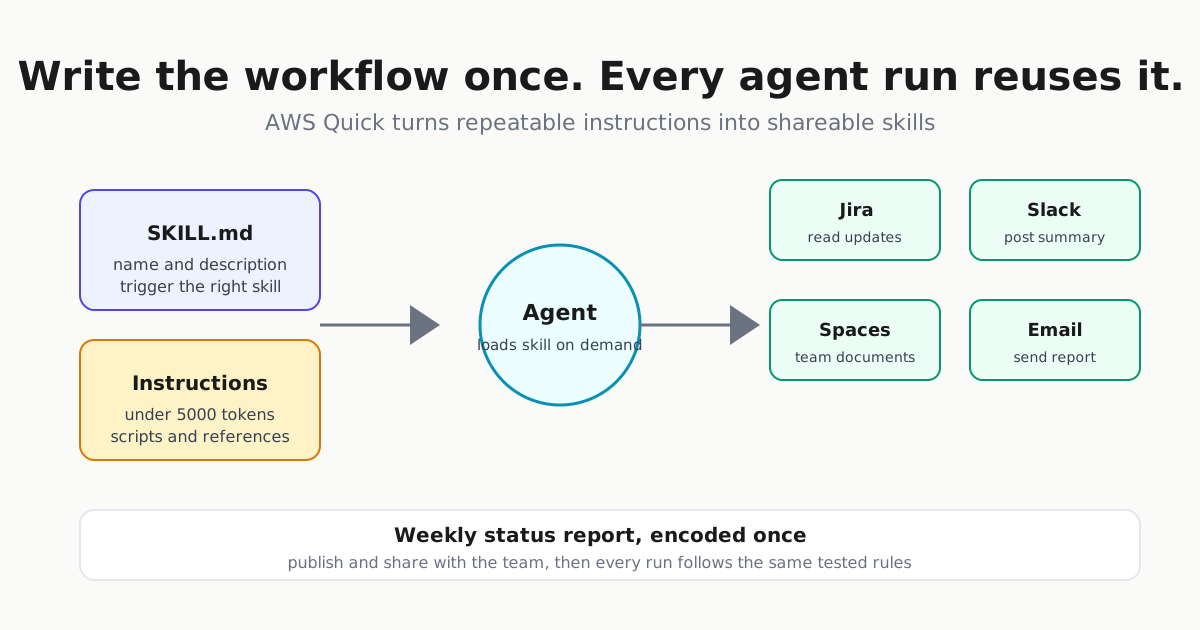
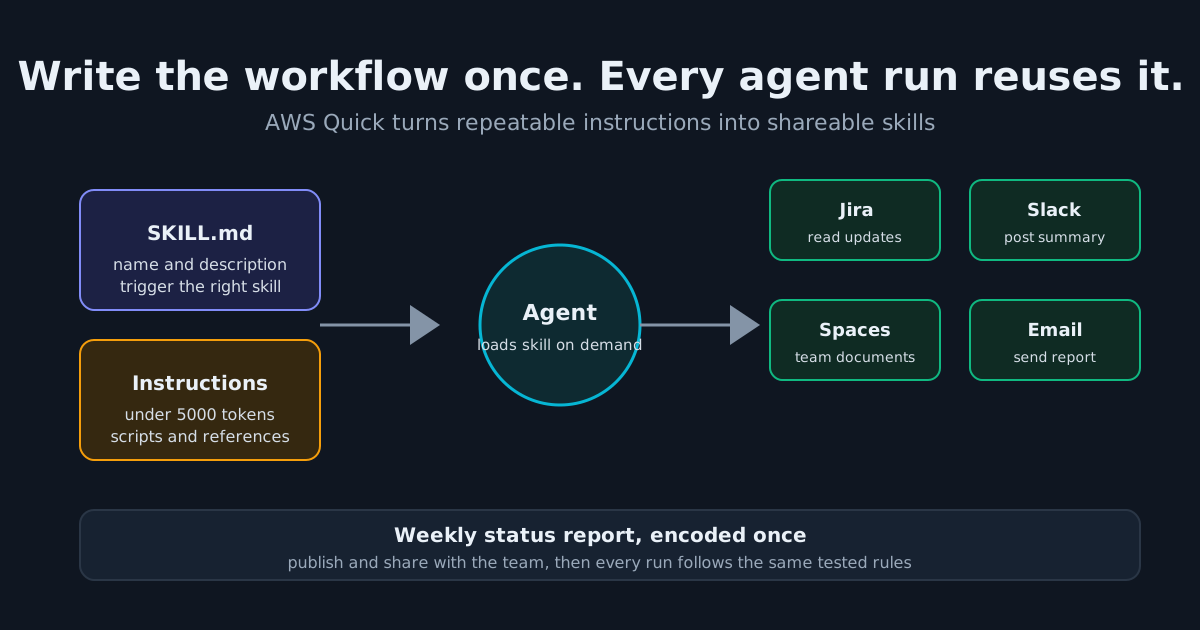
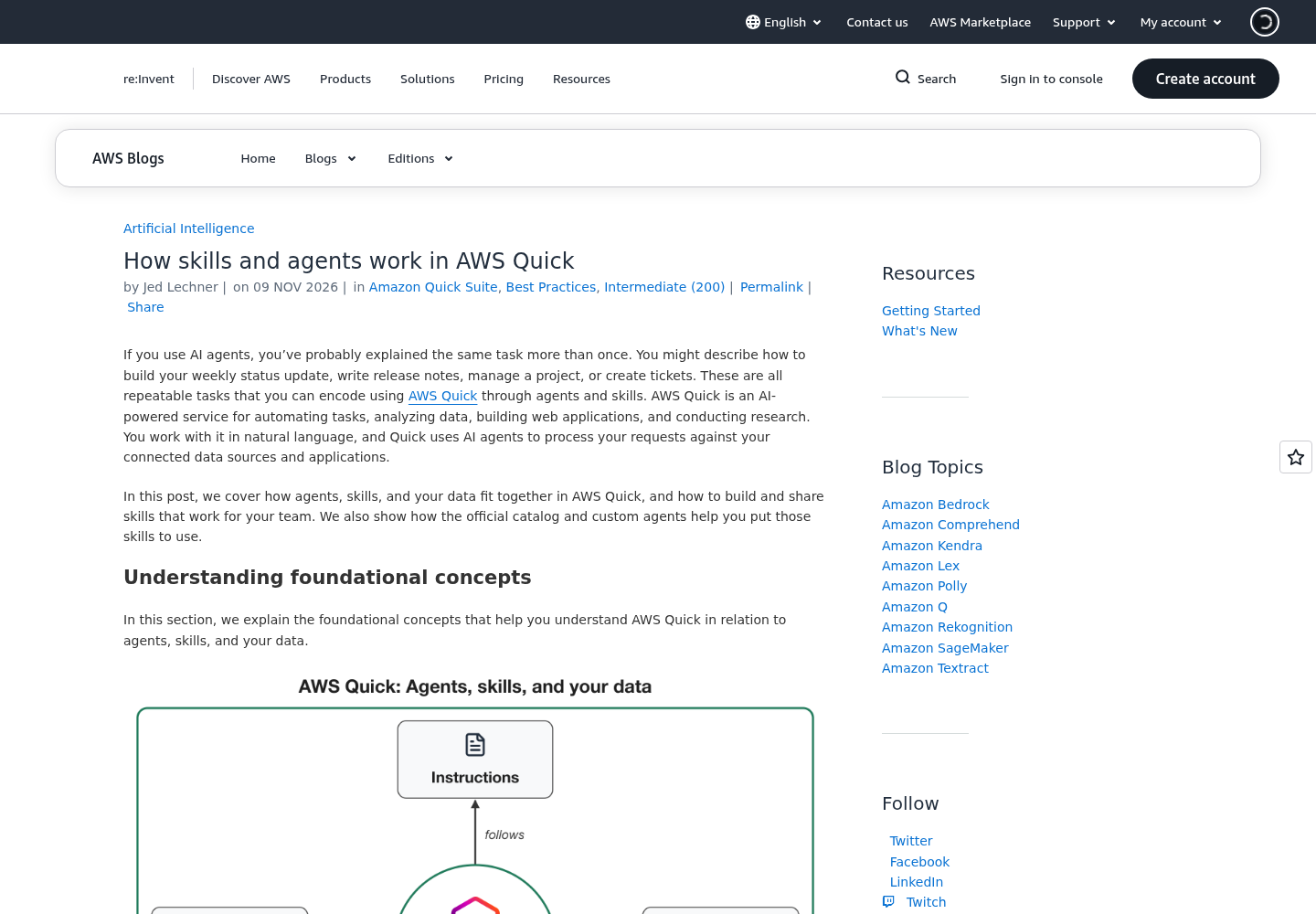
AWS made two moves on the same day. On November 9 it renamed Amazon Quick to AWS Quick, saying the new name reflects the enterprise security and governance built into the service; existing customers need to take no action. That same day it published a guide to how skills and agents work in AWS Quick, the most concrete documentation yet of the service’s reusable-skills model.
The pairing matters more than either announcement alone. The rebrand folds Quick into the AWS brand at exactly the moment the company is explaining how teams turn repeated prompts into durable, shareable instructions. If you run agents against Jira, Slack, Confluence or email, this is the pattern to watch: write the workflow once, test it, publish it, and stop re-explaining it every Monday.
What a skill actually is
AWS Quick is an AI workspace where agents answer questions and take actions across connected data sources and applications. A skill, in AWS’s definition, is “a reusable set of instructions that teaches an agent how to do a specific task” — the foundation of how an agent in Quick behaves and completes work.
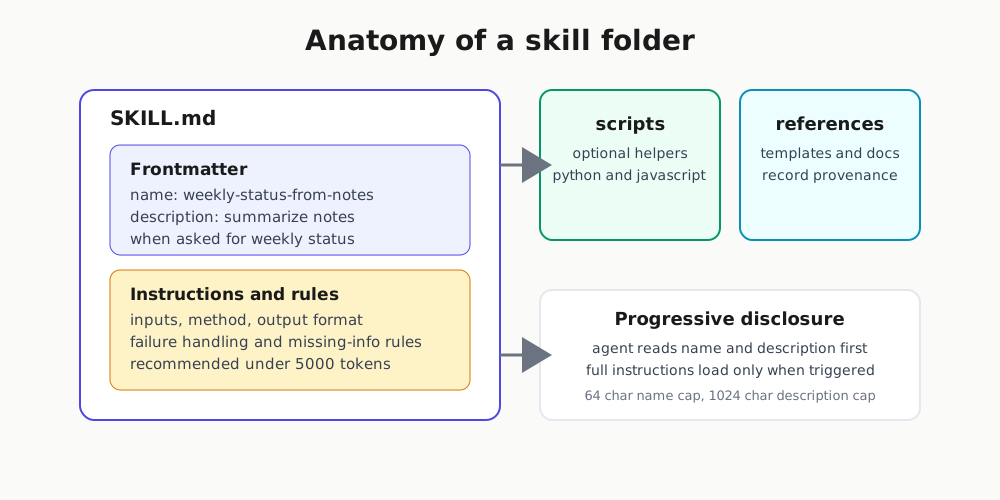
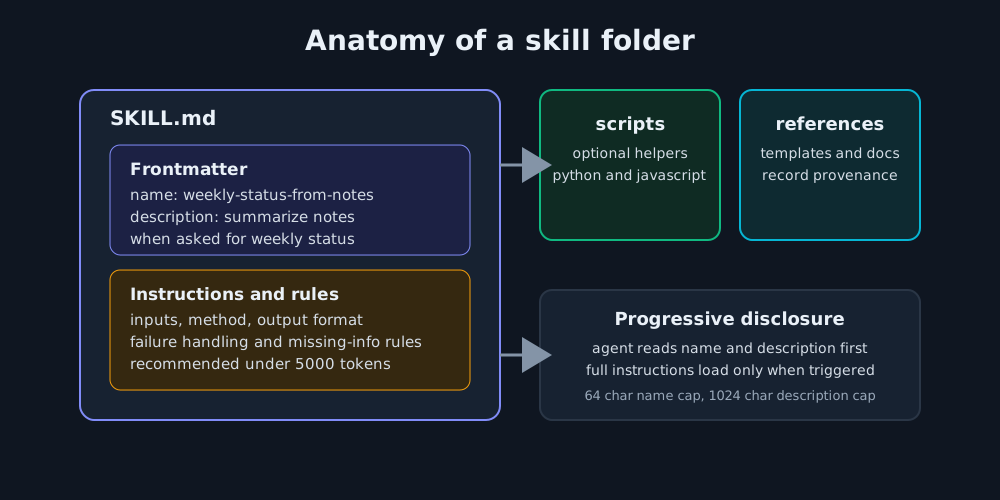
Skills follow the Agent Skills specification that Anthropic originally released as an open standard. A skill is a folder whose root contains a SKILL.md file plus optional scripts or reference files. The file’s frontmatter holds the name and description, and the specification caps the name at 64 characters and the description at 1,024, recommending instructions under 5,000 tokens.
That frontmatter is not decoration. Quick loads skills with progressive disclosure: the agent reads only each skill’s name and description until a request calls for it, then loads the full instructions. The AWS post gives a shortened example:
---
name: release-notes-generator
description: "Generates human-readable release notes from merged pull requests, commits, or changelogs ... Use when asked to 'generate release notes', 'write changelog', ..."
---
The practical consequence: the description is your trigger surface. Phrases like “generate my release notes for version 2.3” activate the right skill, so writing honest, task-specific descriptions matters more than clever prompt engineering inside the body.
The workflow worth copying: a weekly status skill
AWS’s own example is a weekly status report: grab data from named sources on a cadence, transform it in a defined sequence, produce a report in a stated format, and send it to listed stakeholders through a connector. Skills can also span connectors — one example in the guide gathers the week’s Jira updates and posts a summary to Slack — or run Python calculations and chart results with JavaScript.
Building one takes three steps in Quick: describe the task in chat (or import a .md or .zip file, or generate a skill from a previous conversation), publish it, and share it. AWS stresses that publishing and sharing are separate — publishing alone gives nobody access — and that people you share with stay in sync each time you publish again.
An accompanying Automater Intel tutorial takes the idea further into production discipline: it authors a complete weekly-status-from-notes skill, imports it by file, tests it with the documented Try it flow against three synthetic project notes, edits one draft instruction, and repeats the identical test case to catch regressions. Its acceptance table is the part worth stealing — for each task note it defines what the report must and must not claim: a merged patch must not become a deployed fix, a failing test must keep its blocker, and an unassigned task must not acquire a plausible owner.
That last failure mode is the real risk of agent-generated reporting, and it is why AWS’s engineering best practices read like a code review checklist:
- Plan for failures. Give the agent explicit instructions for when a step breaks, especially on scheduled runs without a human in the loop.
- Test every change with cases you generate yourself, in the environment your users will run.
- Keep hardcoded values out — declare them as inputs each person provides.
- Record human-readable dates and provenance for reference files, and store a checksum so you can tell when a copy diverges.
Connect skills to agents deliberately
Custom agents in Quick combine instructions, knowledge sources (spaces), connectors (Outlook, Slack, Jira, Asana, Salesforce, hosted or local MCP servers), and a chosen set of skills. AWS’s warning deserves attention: by default an agent can use all of your skills, and when you share an agent it runs with the access of whoever invokes it. The same request can reach different data for each person and return incomplete answers when it needs a source only you can access. Bound each agent to the spaces, skills and connectors its use case requires — and if you share the agent, share the sources too, or colleagues get answers from data they already had.
Once several of these agents are running recurring work for a team, the operating questions multiply — who owns a failed scheduled run, how you review what agents did overnight, and how you keep sharing from becoming silent privilege escalation. That is the discipline covered in AgentOps: Running a Fleet of AI Agents Without Losing Your Mind: treat each published skill as fleet infrastructure with an owner, a test record and a rollback path, not as a chat trick.
Why this is more than a rebrand
The rename signals AWS consolidating Quick as its flagship agent workspace — the service is HIPAA eligible and holds FedRAMP, SOC 2, and ISO 27001 certifications, with data that stays in your environment. The skills model is the load-bearing feature: it turns prompt craft into team infrastructure, the same shift described in Codex Skills Setup: Write a SKILL.md and in the manual-to-skill-to-cron ladder in Scheduled AI Agent Skills Earn Their Cron. AWS adopting the open Agent Skills specification means a skill you write once may transfer across harnesses — start with a tested personal draft in Quick, and only schedule it once it survives repeated runs.