GitHub Secret Scanning Now Covers Actions Workflow Logs: Agent CI Output Becomes a Scanned Secret Surface
GitHub's new Actions workflow log scanning turns agent CI output into a monitored secret surface. What it catches, what it misses, and the enable-and-check runbook for enterprises.
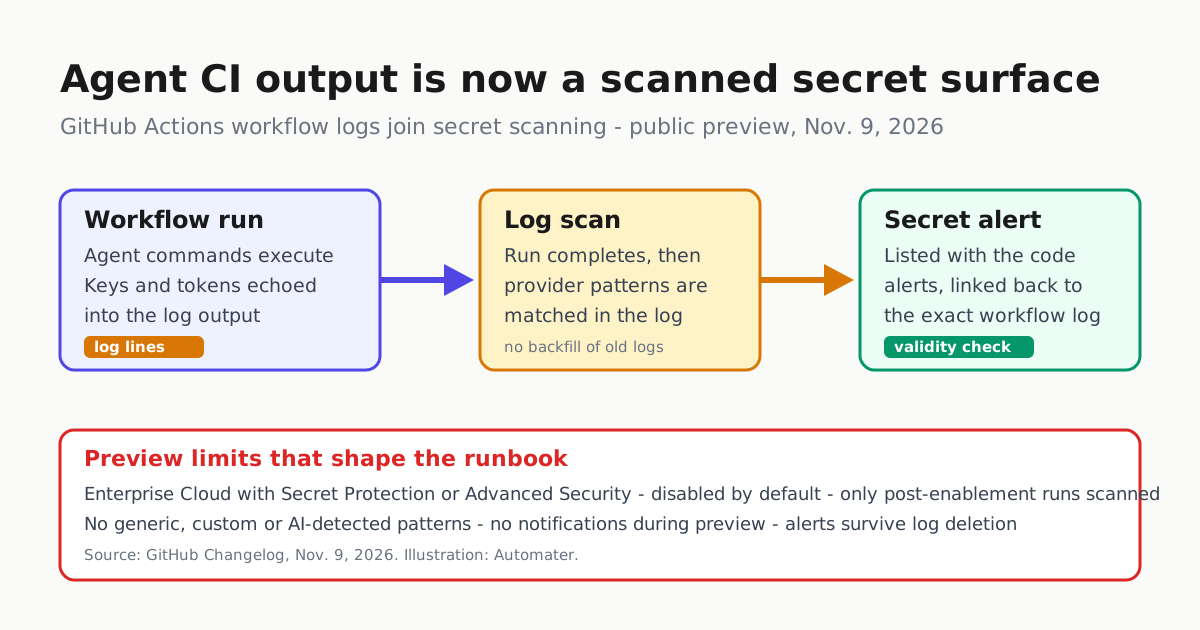
Agent-driven CI has a quiet habit: it prints things you would never commit. A debug line echoes a provider key, a deploy step curls a signed URL into the console, a test fixture logs a token so a human can eyeball it. Until now, GitHub scanned your code, issues, wikis, discussions and pull requests for that pattern — but not the one place agent output lands by the gigabyte every day.
That changed on Nov. 9, when GitHub announced in its changelog that secret scanning now detects secrets in GitHub Actions workflow logs, in public preview (GitHub Changelog). When a workflow run completes, GitHub scans its logs for provider patterns. Findings land in your repository’s secret scanning alert list alongside alerts from code and other content, with a link back to the exact workflow log. Validity checks run for supported secret types, and alerts remain available even after the logs are deleted.
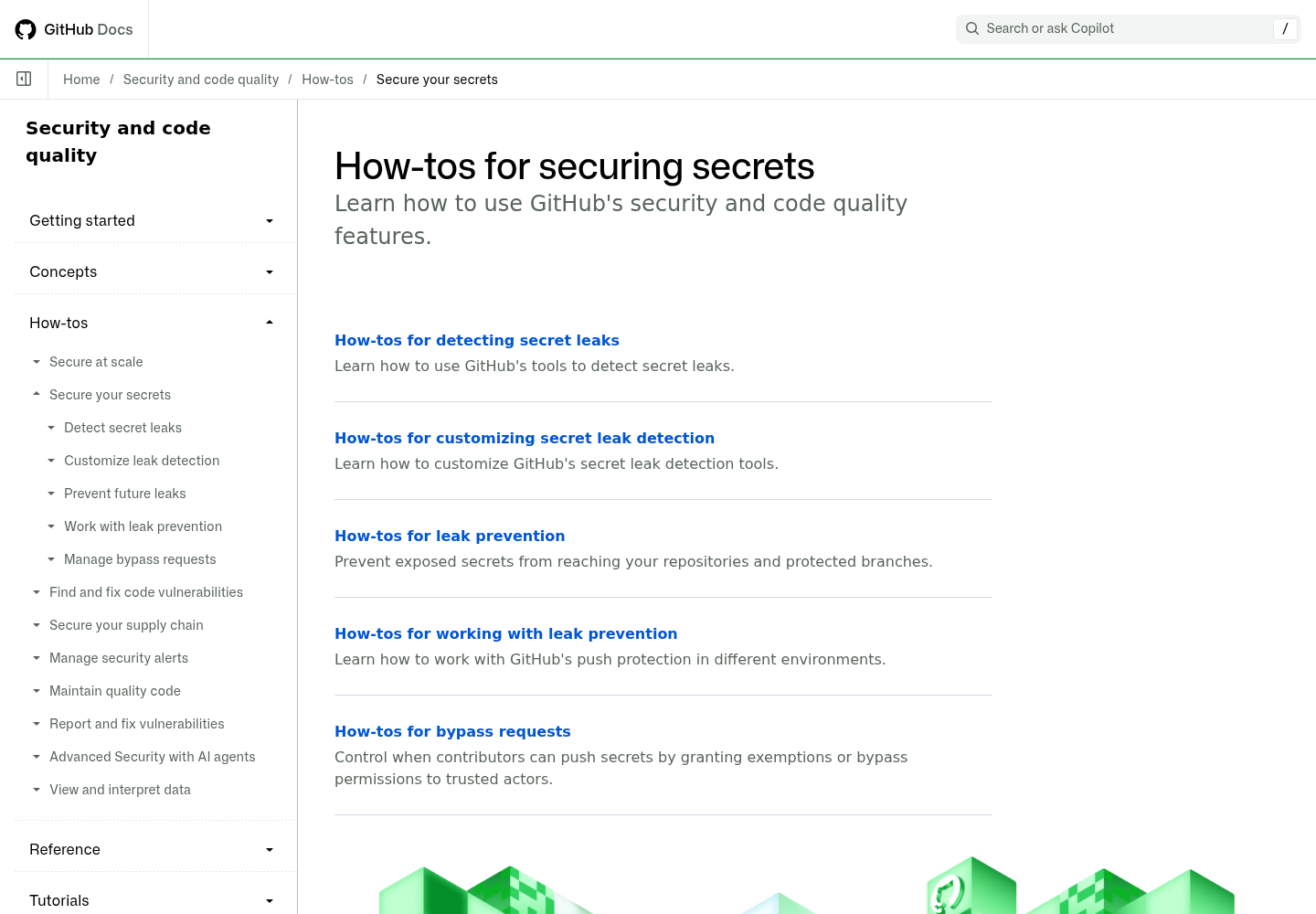
GitHub’s own changelog index lists the item as a Nov. 9 improvement under application security (GitHub Changelog index), and the configuration workflow sits in the existing secret scanning documentation, shown above (GitHub Docs). This is not a new scanner bolted onto the side — it is a new input surface feeding the alert pipeline your security team already triages.
Why this lands hardest on agent CI
Human-authored workflows leak too, but agent runs change the exposure profile. A coding agent driven by an issue comment, a cron schedule or a fleet coordinator executes commands nobody reviewed line by line. Debug verbosity a human would never enable, environment dumps for diagnosis, and raw tool output echoed for the transcript all end up in the log — which is retained, searchable, and now scanned.
The detection loop GitHub describes is straightforward: run completes, logs are scanned for provider patterns, an alert appears with a link back to the log, and a validity check tells you whether the credential still works. Alerts surviving log deletion matters for forensics: rotating a key does not erase the record that it leaked.
The preview’s boundaries are the runbook
The changelog is unusually clear about limits, and each one is an action item for a security engineer:
| Limit in the preview | What you should do about it |
|---|---|
| Only runs completing after enablement are scanned; existing logs are not backfilled | Treat history as unaudited. Assume old agent logs may hold live credentials and review the highest-risk ones manually. |
| Generic patterns, custom patterns, AI-detected secrets, and already-masked secrets are not detected | Your internal token formats and anything Actions masked are invisible to this scan. Keep your own log scrubbing. |
| Alerts do not generate notifications during the preview | Check the repository secret scanning alert list directly; a notification-based triage flow will silently miss these. |
| Enterprise owners must enable the policy; it is disabled by default | If nobody flips the enterprise policy, none of this runs. |
The enablement path itself is enterprise-scale: the preview is available to enterprises on GitHub Enterprise Cloud with GitHub Secret Protection or GitHub Advanced Security, including data-residency tenants on GHE.com. An enterprise owner opens enterprise settings, selects Policies, then Advanced Security, and chooses Enabled in the All repositories dropdown. The policy applies only to repositories that already have secret scanning enabled under those licenses.
For teams without those licenses, the docs describe the broader secret scanning toolkit — enablement, validity checks, custom patterns, alert management — but workflow log scanning specifically is gated to the enterprise tiers (GitHub Docs).
A first-day checklist for the enterprise owner
- Enable the enterprise policy, then verify which repositories actually have secret scanning on — the new policy only reaches those.
- Drive one deliberate test run that prints a synthetic provider-shaped token, confirm the alert appears with a working log link, and confirm the alert list is on someone’s review path this week, since no notifications fire in preview.
- Assume backfill never happens. Pick your highest-risk historical agent workflows — anything touching deploy credentials or package publishing — and scan those logs out of band.
- Close the gaps the scanner cannot see. Generic and custom patterns are out of scope, so add
::add-mask::calls at the source and keep a log-scrubbing step in agent workflow templates. - Wire the alert source into fleet governance. An alert on an agent workflow log is evidence about which agent, which credential and which trigger produced the leak — the same identity questions covered in AI Agent Identity: Treat Every Agent as a Privileged User.
Context in GitHub’s recent security sequence
This announcement is part of a fast-moving Actions security streak. GitHub has already moved to block pull_request_target by default on Dec. 2, which forces public repositories to allowlist the trigger or their agent CI stops running, as we covered in GitHub Blocks pull_request_target by Default on Dec. 2. Combined with workflow log scanning, the direction is consistent: the outputs and triggers of agent CI are becoming governed surfaces rather than assumed-private plumbing.
Treat the two as one program. Trigger allowlisting shrinks who can start a run; log scanning shrinks how long a leaked credential survives inside a run’s output. Neither substitutes for least privilege on the credentials themselves — a scan detects the leak, but a contents: read default plus a gated write job prevents the blast radius in the first place, as our broader guidance in Securing AI Agents: Prompt Injection, Least Privilege, and the New Attack Surface argues throughout.
The bottom line: if you run coding agents on Actions under an enterprise license, the enterprise policy is off until an owner turns it on, no notifications will tell you anything fired, and logs older than today are not covered. Enable it, verify an alert end to end, and audit the agent workflows whose history the scanner will never read.
Sources: GitHub Changelog announcement (primary, Nov. 9, 2026); GitHub secret scanning docs; GitHub Changelog index.