DeepSeek Harness Adds Creator Mode: Describe an Idea and the Agent Builds a Plugin
DeepSeek Harness announced Creator Mode, which turns a plain-language idea into a usable plugin. Here is what is verified, why it matters, and how to test it safely.
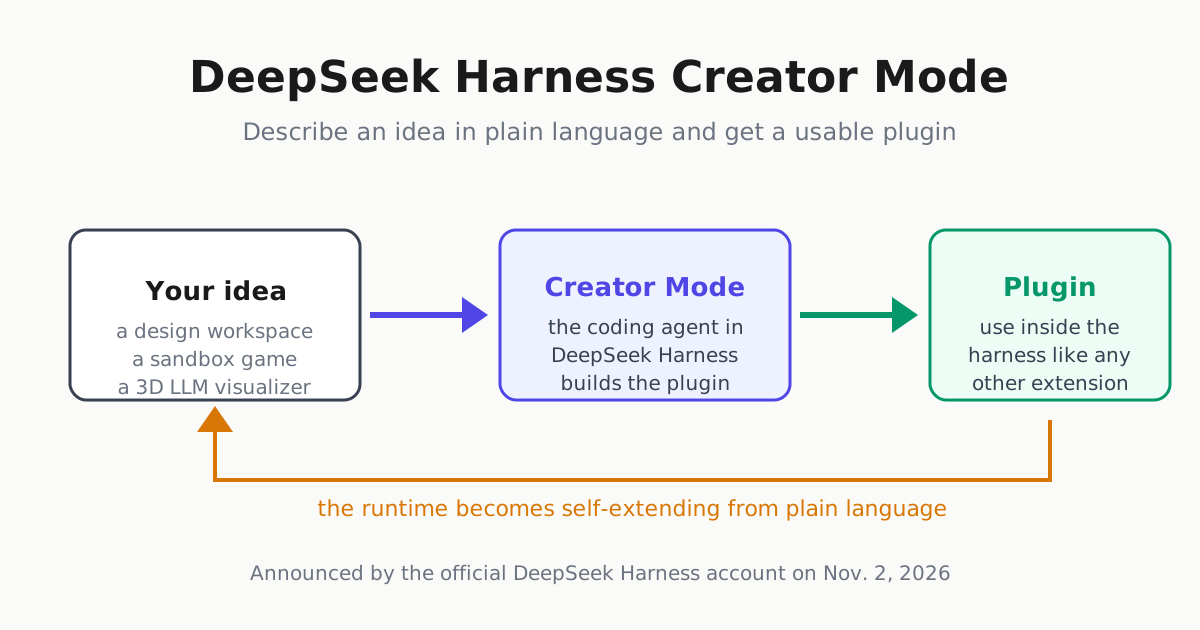
DeepSeek Harness, the open plugin-runtime harness for coding agents, announced a feature on Nov. 2, 2026 that changes who can extend it. The official DeepSeek Harness post says: “Your Harness. You Define It. Meet Creator Mode in DeepSeek Harness. Turn ideas into plugins that you can use, from a design workspace to a sandbox game or a 3D LLM visualizer. What will you create?” In the captured post, the announcement showed about 2 million views, 22K likes and 641 replies when fetched on Nov. 3, unusually broad reach for a harness feature announcement.
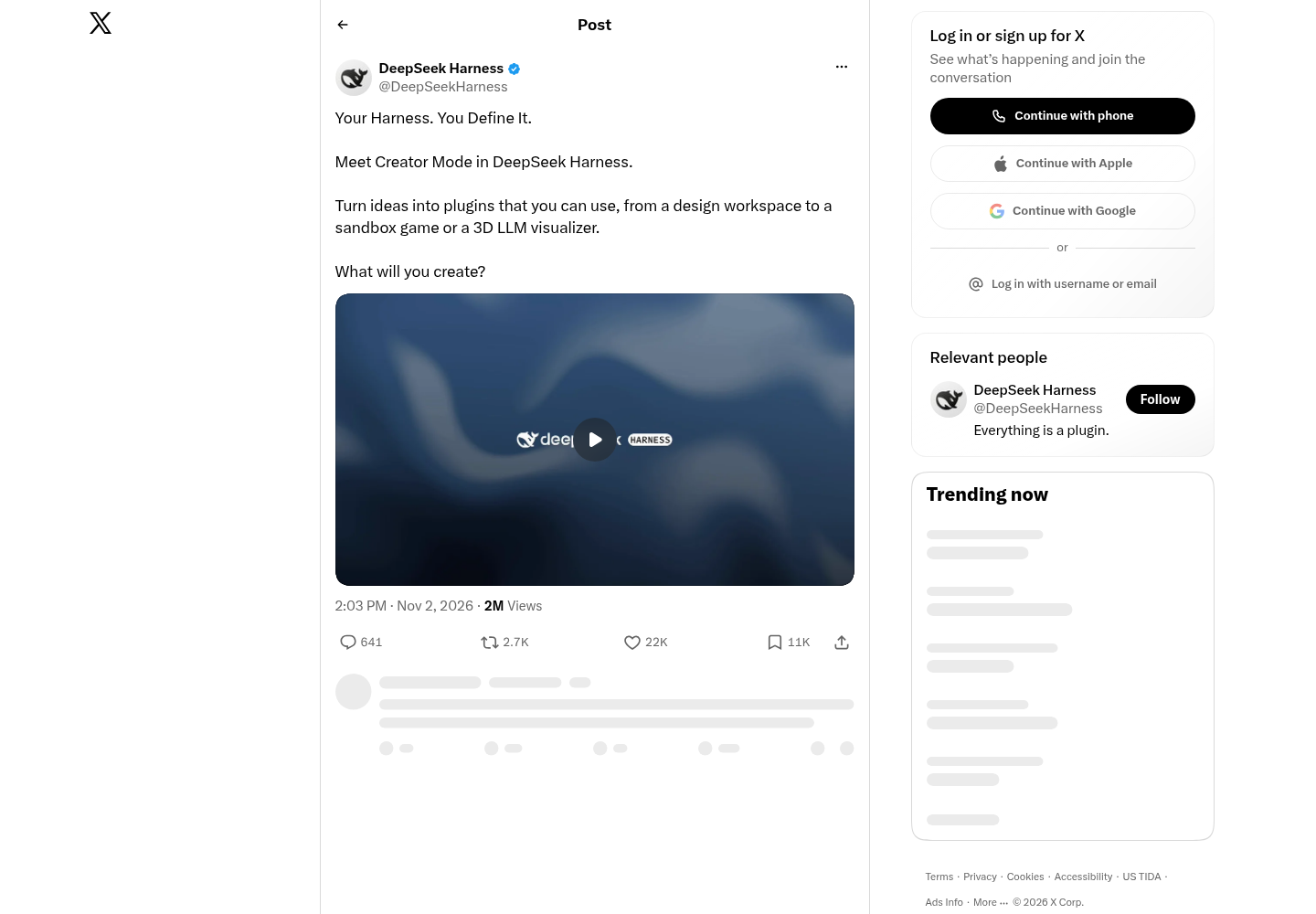
One caveat up front: this is announcement-level evidence. The announcement names the capability and gives example outputs, but the fetched public pages do not yet include docs, a changelog entry, or a verified demo recording. Our fetch of DeepSeek’s main account showed 1.2 million followers but no visible repost of the announcement, so we are not treating a parent-lab repost as confirmed. What follows separates what is verified from what you should test yourself.
What Creator Mode changes
DeepSeek Harness has been built around the idea that everything is a plugin: models, tools, and agent bundles install into the same runtime. That is why we reviewed it as a plugin-first alternative to Claude Code and Codex in our DeepSeek Harness review, and why the recent v0.2.1-rc.1 compatibility bundles mattered. Until now, extending the harness meant writing or adapting a plugin yourself, or asking the agent to build one during a coding session.
Creator Mode compresses that into one step: describe the thing you want in plain language, and the agent produces a plugin you can use. The examples matter more than the slogan because they describe different artifact classes:
| Example from the announcement | What it implies |
|---|---|
| A design workspace | A UI-heavy plugin with panels and persistent state |
| A sandbox game | A self-contained interactive app with a runtime loop |
| A 3D LLM visualizer | A visualization plugin that likely calls a model API |
None of these is a narrow code-assistant feature. They are end-user applications. If the generated plugins are genuinely usable and install cleanly, Creator Mode moves the harness from a tool developers configure into something a non-developer can shape by describing outcomes. The affected audience is not only engineers looking for another CLI; it includes designers, operators, and builders who want a coding agent to produce the surrounding workspace, not just patch a repo.
The ecosystem context: bundles first, self-extension second
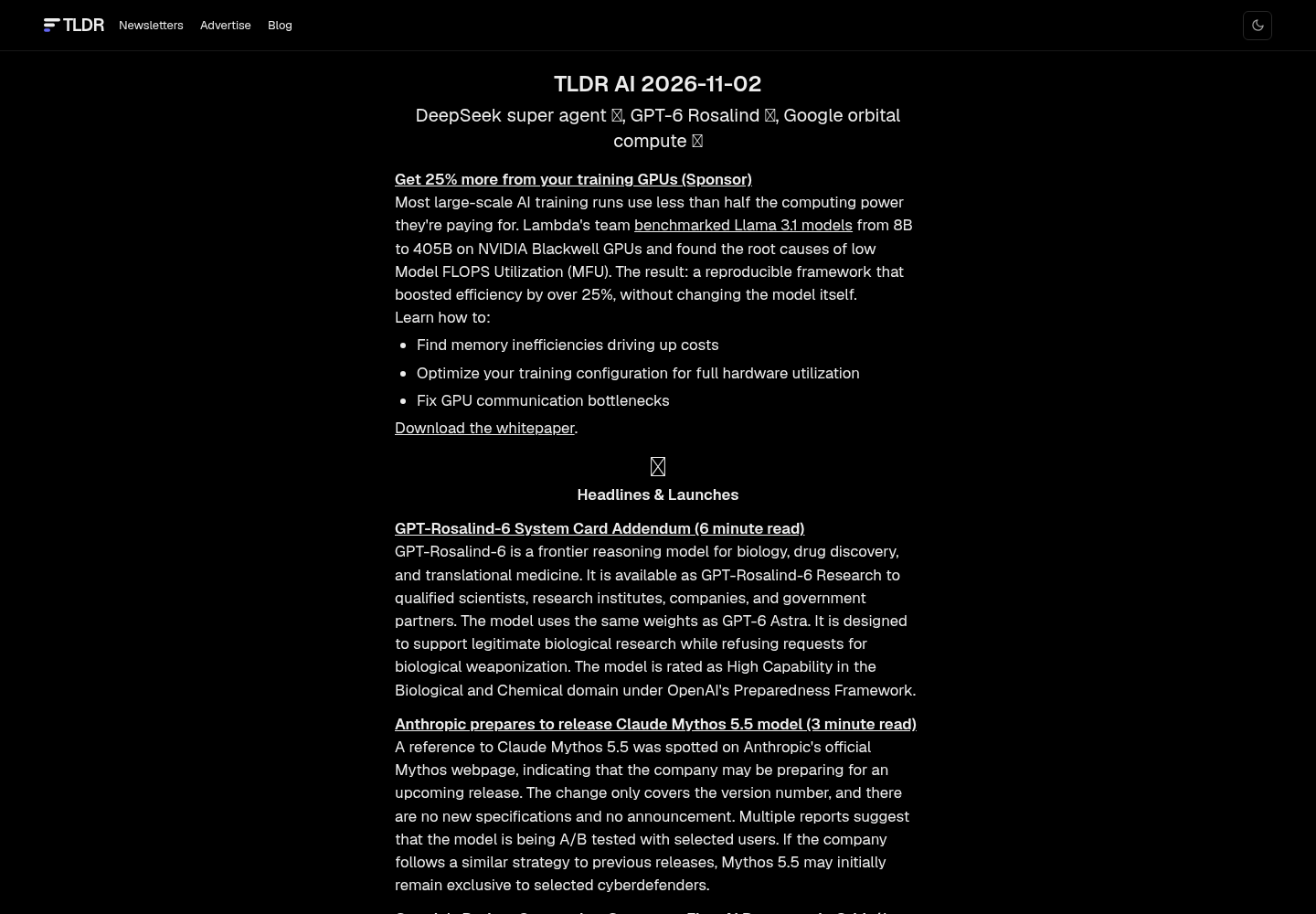
Creator Mode did not arrive from nowhere. TLDR AI’s Nov. 2 edition, under the headline “DeepSeek super agent,” lists dsh-superagent, a GitHub repo packaged as a DeepSeek Harness bundle. TLDR describes it as a coding agent that can watch GitHub, open work items, work in its own agent session and directory, and answer in the original conversation, acting only when asked or when a team-written rule allows it.
Read together, the two items sketch a deliberate arc. First, ship pre-built agent bundles so the harness can run full coding agents. Second, let users generate their own extensions from descriptions. A runtime that can host agents and then let those agents’ users author new capabilities is a different competitive position than a fixed-feature CLI. For readers evaluating open alternatives to Claude Code and Codex, that is the consequential change, not any version number.
How to try it without getting burned
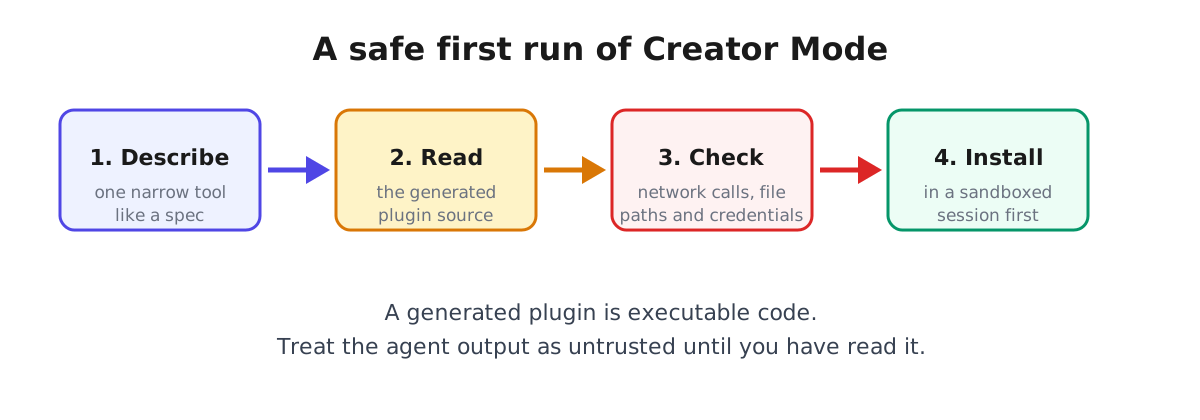
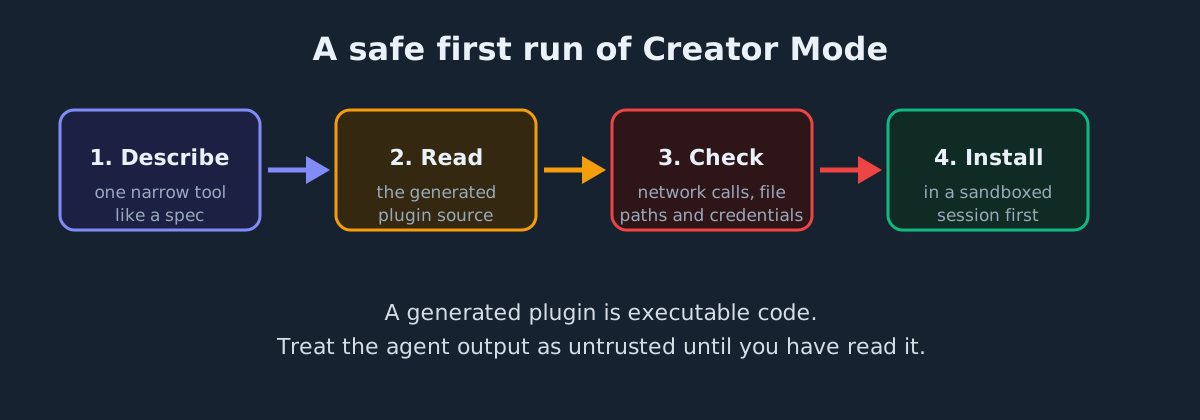
Generated plugins are executable code inside your harness, so the first run should treat Creator Mode output as untrusted until reviewed. The same posture in our plugin marketplace hygiene guide applies here: install from the official channel, read what the agent produced, and keep early runs inside a sandbox.
- Install or update from the harness’s own channel, not a mirror, so you know which build you are running.
- Start small. Describe one narrow tool, such as “a plugin that renders a Markdown file as a slide preview,” before attempting a sandbox game.
- Read the generated plugin before installing. Check endpoints, file paths, environment variables, credential reads, and shell access.
- Run it in a sandboxed session first. Keep first runs away from production tokens and private repositories.
- Write the description like a spec. Name inputs, the output surface, and failure behavior; a one-sentence wish produces a one-sentence plugin.
What would confirm it
Three things would upgrade this from announcement to confirmed capability: documentation or a changelog entry naming Creator Mode, a reproducible demo of one listed example, and evidence that generated plugins install cleanly on a fresh harness. If you test it, the design-workspace example is the most informative: it exercises state, UI, and persistence in one shot.
The direction is the story. A coding-agent runtime that lets users describe and use their own extensions is betting that the harness with the most user-authored plugins wins, the same dynamic that made VS Code and Obsidian durable. Whether Creator Mode delivers depends on what the agent builds from a sentence, which is exactly what readers can now test.
Sources
- DeepSeek Harness on X: "Your Harness. You Define It. Meet Creator Mode in DeepSeek Harness. Turn ideas into plugins that you can use, from a design workspace to a sandbox game or a 3D LLM visualizer. What will you create?" / X
- DeepSeek (@deepseek_ai) / X
- DeepSeek super agent, GPT-6 Rosalind, Google orbital compute | TLDR AI