Subagent Orchestration: Fleet Patterns for Daily Drivers
Subagent orchestration without framework theory: five fleet patterns — worktrees, planner/worker, skeptic pairs, swarms, background agents — with real setups.

Go deeper. Build your own.
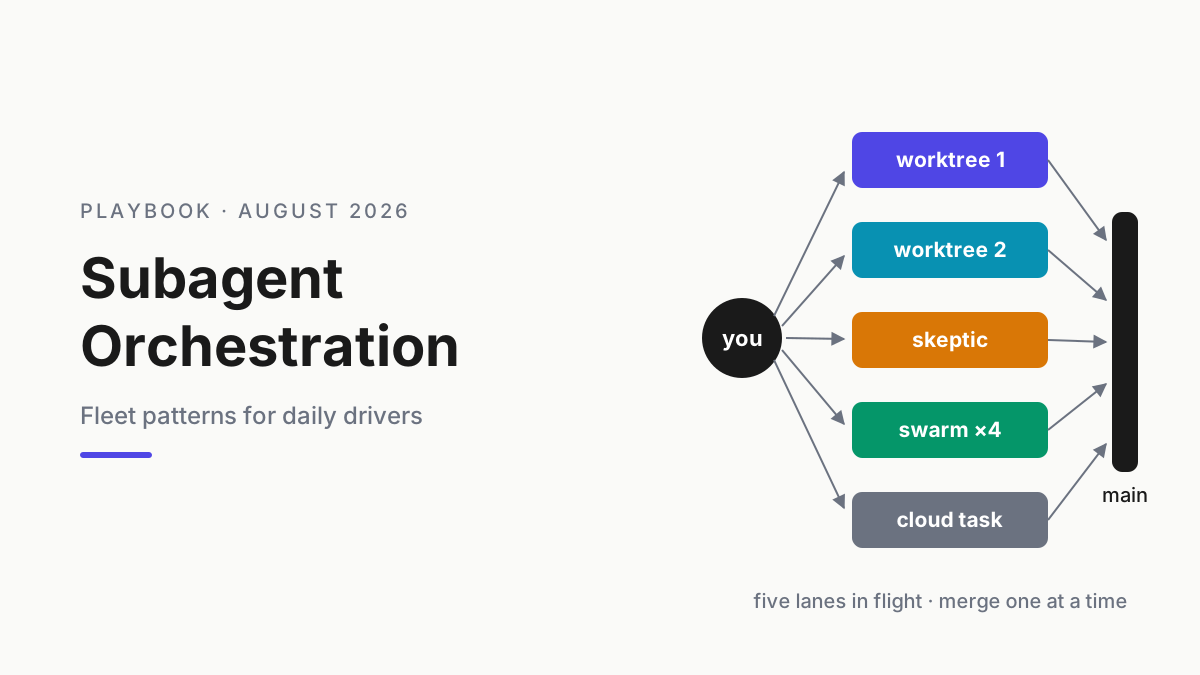
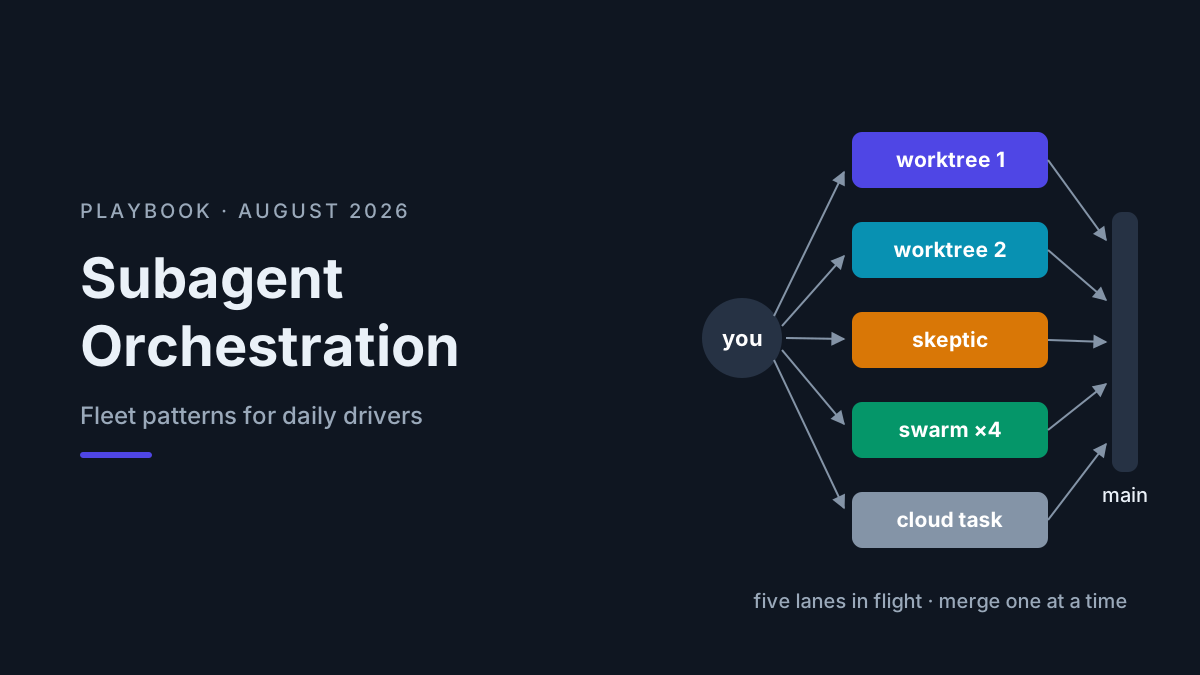
Somewhere between the first agent you trusted with a real branch and the fifth terminal tab you opened this morning, the job changed. You stopped being a programmer with an assistant and became the lead of a small, tireless, occasionally overconfident team. Subagent orchestration is the craft of running that team on purpose — deciding what to parallelize, which patterns hold up under daily use, and what to do before three agents decide to edit auth.ts in the same hour.
This is a daily-driver playbook, not architecture theory — if you want graphs, supervisors, and message buses, the AI agent frameworks guide covers that lane. Here we stay with the tools you already run: five patterns with real setups (worktree parallelism, planner/worker, reviewer/skeptic pairs, verification swarms, and background delegation through Codex cloud and GitHub Copilot’s coding agent), the coordination mechanics that keep lanes from colliding, the failure modes with guards, and a starter fleet recipe you can run this week.
When to parallelize — and when one thread should win
Parallelize a task when it is independent and verifiable. Independent means it touches its own files and shares no open decision with other in-flight work. Verifiable means a test suite, a type checker, or a written acceptance list can accept the result without you re-deriving it from scratch. A task needs both properties, not one: independent-but-unverifiable work just moves the bottleneck to your review queue, and verifiable-but-coupled work turns into merge archaeology.
| Trait | Send it to the fleet | Keep it single-threaded |
|---|---|---|
| Coupling | Own module, own files | Shares files or an open decision |
| Verification | Tests and checks can accept it | Only your judgment can |
| Spec | Written down, fits on one screen | Discovered as you go |
| Stakes | Reversible, branch-isolated | Migrations, deploys, anything near prod |
Exploration and design stay interactive. Parallel AI agents multiply throughput, not judgment — a gnarly debugging session or an architecture decision gets worse when you’re context-switching across four other lanes. The honest budget question is never “can the agents handle five tasks” (they can) but “can I review five results well” (usually not). Your attention is the scheduler, and as of August 2026 that is still the binding constraint on every fleet we’ve seen or run.
Isolation is the point
Subagent orchestration is the practice of splitting agent work across multiple isolated sessions — subagents, worktrees, or cloud tasks — so each unit runs with a fresh context window and returns only a compact result. The parallelism is a bonus. The isolation is the point: exploration mess and implementation churn stay out of your main thread.
That framing comes straight from the context engineering playbook: a window is a budget, and a worker that greps forty files spends its own budget, not yours. Claude Code’s subagents run with their own context windows and scoped tool access (subagent docs); Codex cloud gives every delegated task a fresh container by construction. Different mechanisms, same principle — and the same reason fleets scale at all: contexts that don’t share rot.
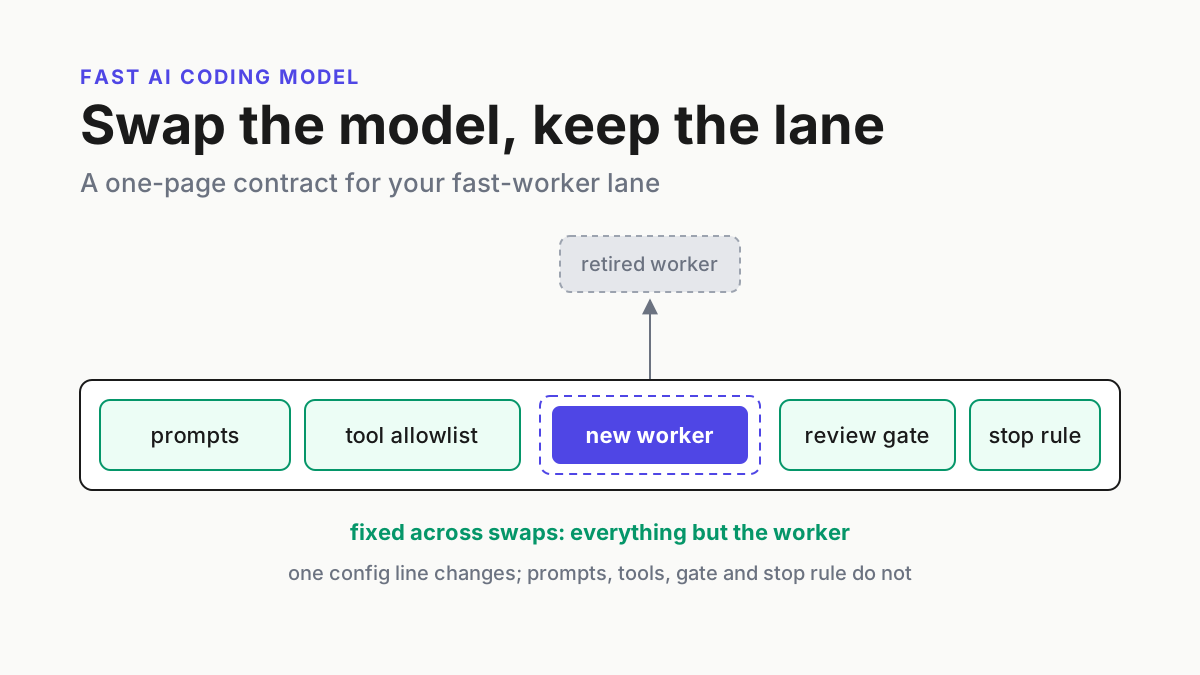
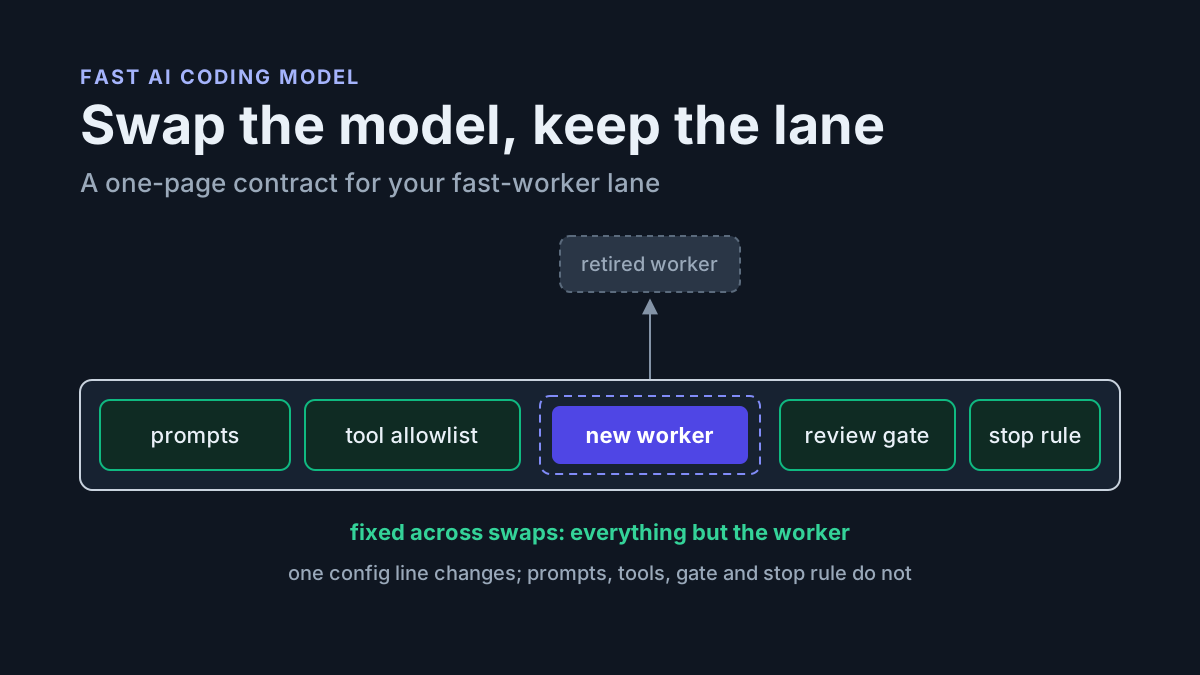
The corollary is a rule you’ll reuse in every pattern below: results must come back small. A summary, a diff, a verdict. A subagent that returns its full transcript has just relocated the landfill into your main session, and a harness engineering habit as simple as “cap every worker’s report at 300 words” preserves the whole economic argument.
The five subagent orchestration patterns
Every fleet we’ve watched work in daily practice reduces to five patterns. Learn them separately; combine them freely.
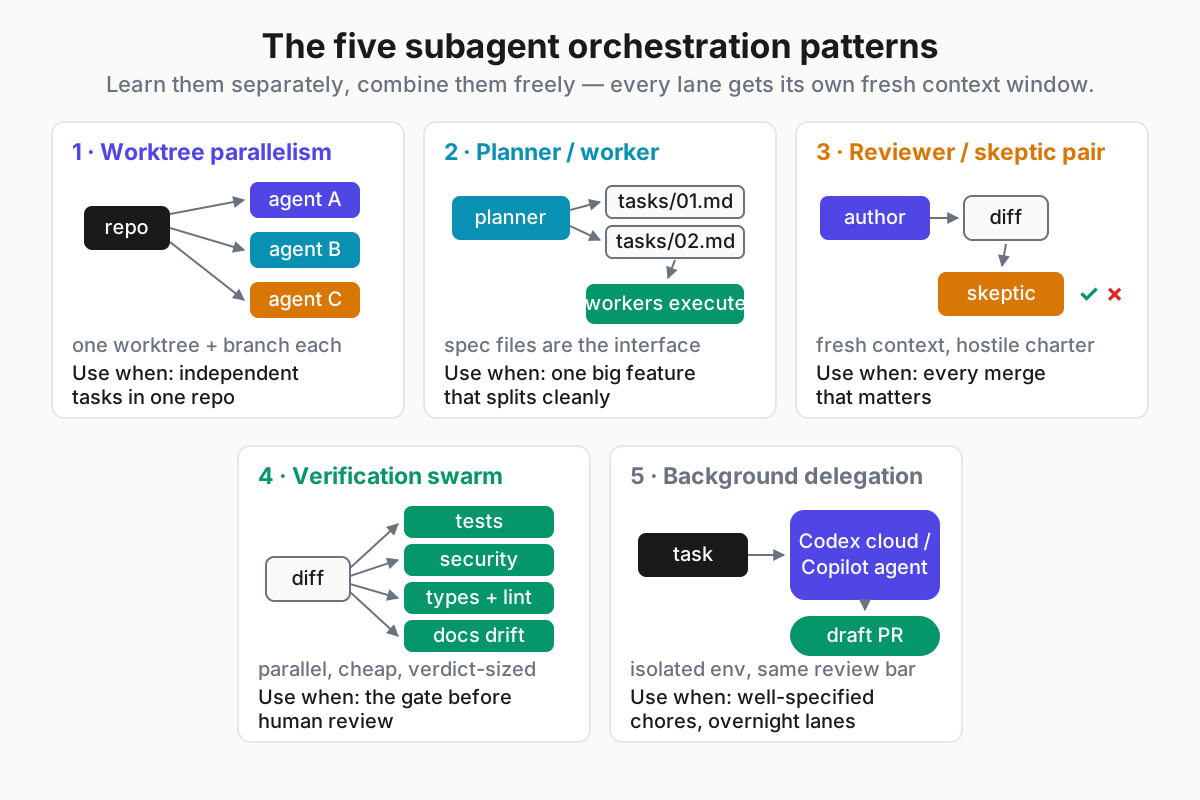
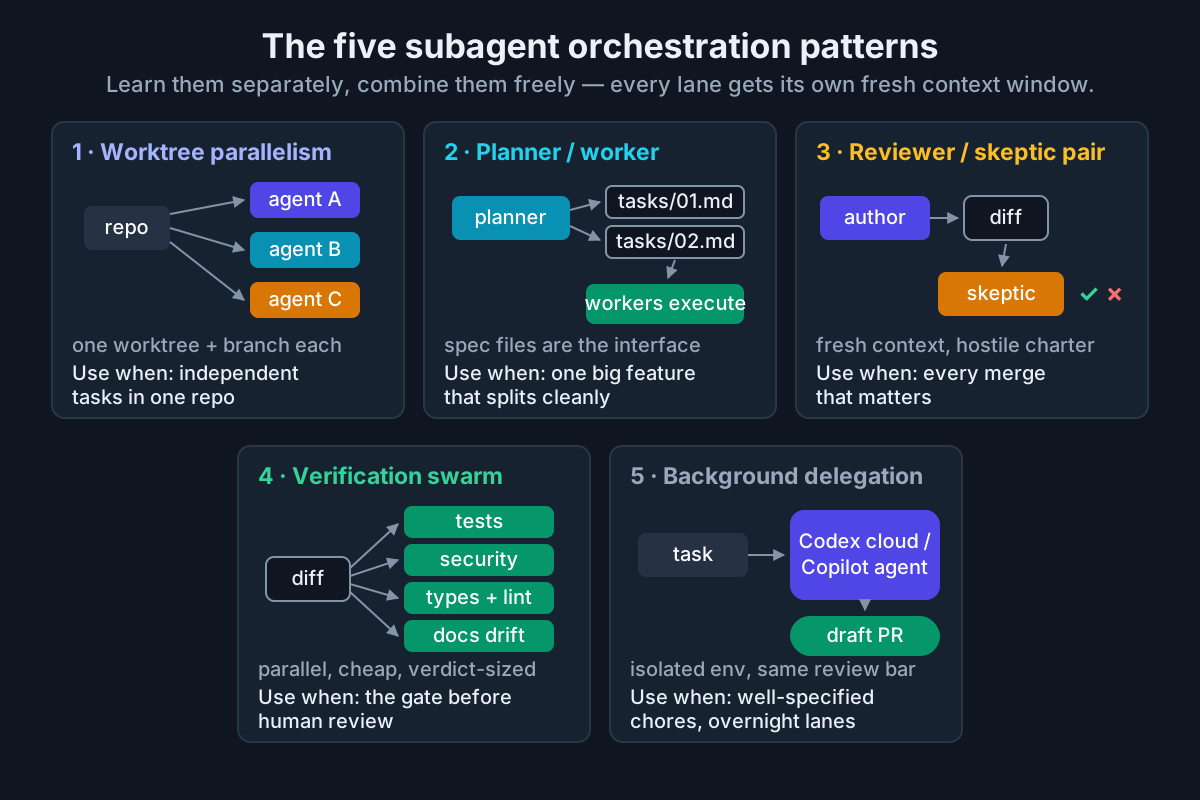 The catalog. Patterns 1–4 run on your machine; pattern 5 runs while you sleep.
1. Worktree parallelism
The workhorse. git worktree gives you several working trees backed by one repository — separate directories, separate checked-out branches, shared history (git-scm.com). One tree per agent means agents physically cannot overwrite each other’s edits:
git worktree add ../app-auth  -b agent/auth-retry
git worktree add ../app-flags -b agent/feature-flags
git worktree add ../app-docs  -b agent/api-docs

# one terminal (or tmux pane) per tree
cd ../app-auth  && claude    # worker 1
cd ../app-flags && claude    # worker 2
cd ../app-docs  && codex     # worker 3 — mix harnesses freely
Give each worker its brief in the first message, work the lanes round-robin, and merge when a lane’s checks pass. Worktrees are a git feature, not a harness feature, so this works with anything on the 2026 harness field map — Claude Code documents it as a first-class workflow (common workflows), and OpenCode, Codex CLI, and Crush all run happily inside one.
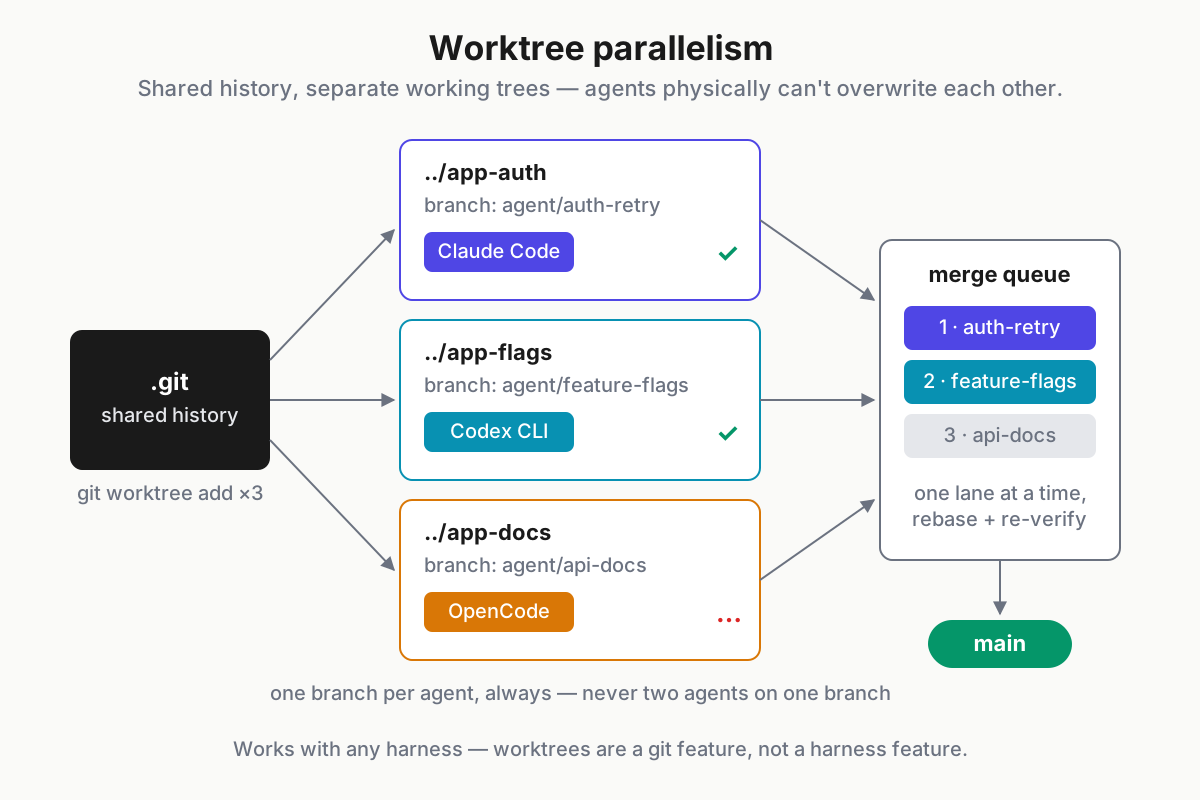
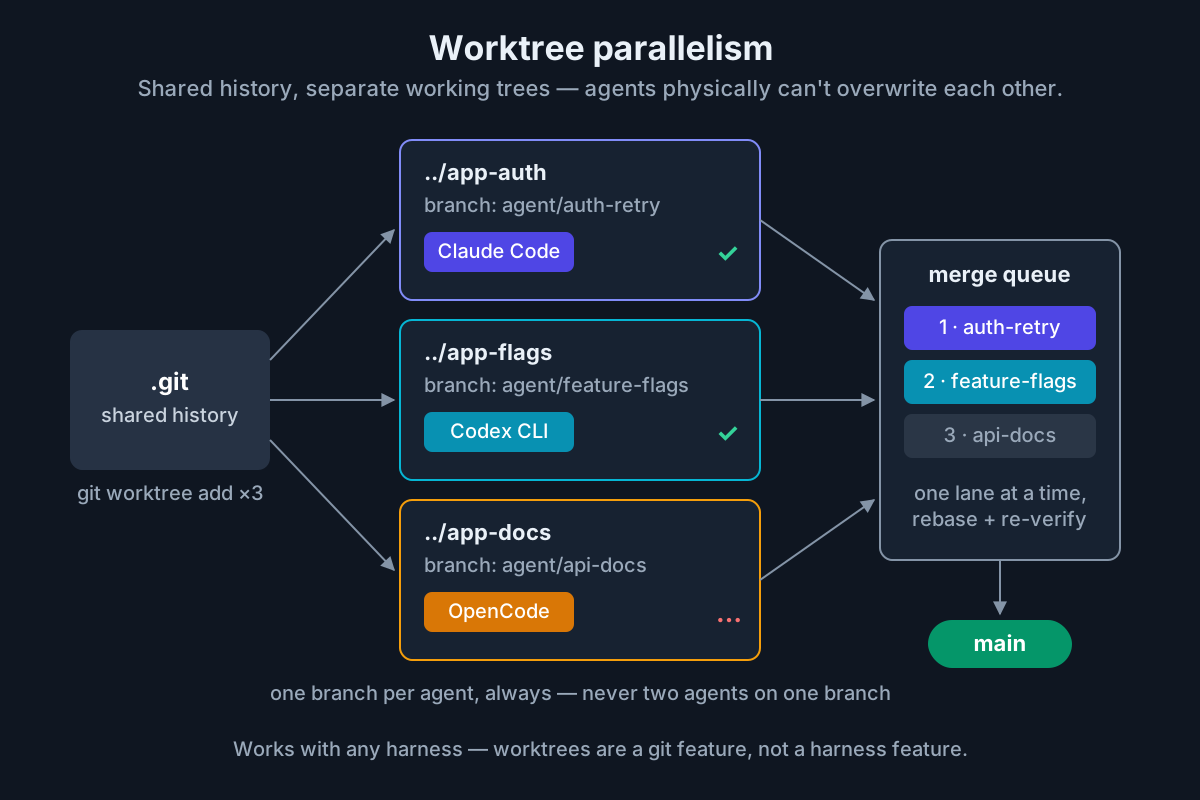 Shared history, separate working trees, one branch per agent — then merge one lane at a time.
Discipline that makes it work: branch names like agent/<lane>/<task> so a git branch listing reads like a status board, and one branch per agent, always — two agents sharing a branch is how you get force-push fights. Use it for two to four independent tasks in one repo; the ceiling is your review bandwidth, which is where the failure-modes section comes in.
2. Planner/worker
One session plans; several sessions execute. The planner runs read-only (in Claude Code, cycle to plan mode with Shift+Tab) and decomposes the feature into per-task specs written to files — files, not chat history, because files are an interface workers can load cold:
tasks/
  01-extract-rate-limiter.md   # goal, files in scope, out of scope, acceptance checks
  02-add-redis-backend.md
  03-wire-metrics.md
Planner brief: “Split PROJ-142 into independent tasks. One file per task under tasks/, each with goal, files in scope, and acceptance checks. Flag any pair that can’t run in parallel.” Worker brief, one fresh session per worktree: “Read tasks/01-extract-rate-limiter.md. Implement exactly that. If the spec is wrong, stop and report — don’t improvise.”
The pattern lives or dies on spec quality, which is its own craft — spec-driven development covers writing task contracts agents can actually ship against. Use planner/worker when one large feature splits cleanly, or when the split crosses repos and a shared plan is the only thing holding it together.
3. Reviewer/skeptic pairs
Agents grade their own homework generously — the same context that produced the bug will happily approve it. The fix costs one file: a second agent with fresh context and an adversarial charter.
# .claude/agents/skeptic.md

---

name: skeptic
description: Adversarial reviewer. Use on any diff before merge.
tools: Read, Grep, Bash

---

You did not write this code and you do not trust it. Find reasons to
reject: broken edge cases, missing tests, silent behavior changes,
security smells. Verdict first (approve / request changes), then at
most five findings with file:line references. Never fix code yourself.
The fresh context is the mechanism, not a nicety: the skeptic never saw the author’s reasoning, so it can’t inherit the author’s blind spots. You can get the same effect one-shot by piping a diff into a clean headless session — git diff main...agent/auth-retry | claude -p "Review as a hostile senior engineer" — a trick the Claude Code power guide covers alongside the rest of the headless surface. Cross-vendor pairs are even better: have Codex review Claude’s diff or vice versa, because different models miss different things.
Run the pair on every merge that matters. One extra reading costs a few cents; a merged bug costs an afternoon.
4. Verification swarms
After implementation and before human review, fan out narrow mechanical checks in parallel — each one a subagent with a single charter and a verdict-sized report:
- tests — run the suite, flag changed lines without coverage
- security — grep the diff for secrets, injection sinks, missing authz on new endpoints
- types-and-lint — the boring gate, run without mercy
- docs-drift — do README, config samples, and API docs still match the code?
In Claude Code, define each as an agent file and ask the main session to “run the tests, security, and docs subagents in parallel on this diff and collect verdicts in a table” — parallel fan-out is native. Swarm checks are high-volume and low-difficulty, which makes them the natural cheap-model lane: agent files can pin a smaller model per subagent , or you can run the swarm under an open-model harness entirely — at DeepSeek V4 Flash’s $0.14 per million input tokens, the credible price floor for agentic work (mid-2026 open-model roundup), a five-check swarm costs less than the coffee you drink while it runs.
To be precise about what this is: a swarm doesn’t replace your test suite, it runs the suite and reads the output — the distinction the reinvented test harness draws between checks that exist and checks that get read. Use it as the standing gate in front of every fleet merge.
5. Background delegation: Codex cloud and Copilot’s coding agent
The async lane — work that never needs your terminal. Two mature options as of August 2026:
Codex cloud. Delegate a task from the Codex CLI, IDE extension, or web app; it clones your repo into an isolated container (with your configured setup script), works the task, and hands back a diff you review and open as a PR (OpenAI platform docs). Fresh context per task by construction, several tasks in flight at once — the Codex daily-driver review walks the whole surface.
GitHub Copilot’s coding agent. Assign an issue to Copilot — from the issue itself or the Agents panel — and it works in a GitHub Actions-powered environment, then opens a draft PR you iterate on through review comments (Copilot docs). Budget note: Copilot moved to usage-based AI credits on June 1, 2026 (github.blog), so background tasks now meter like everything else.
Send this lane well-specified, low-context chores: dependency bumps, flaky-test fixes, docs backfill, mechanical refactors, the good-first-issue backlog. Keep anything that needs your judgment mid-flight on your machine. And hold background PRs to the same standard as local ones — they enter through the skeptic and the swarm, not around them. The move that makes this lane compound: queue two or three tasks at the end of the day, review them over coffee.
Coordination mechanics: branches, queues, and merge etiquette
Patterns give you lanes; mechanics keep the lanes from crossing.
Branch discipline. One branch per agent per task, named so the listing is a status board (agent/auth/retry-queue). Agents never push to main or to shared integration branches; merging is a human act, or a merge queue’s.
Task queues. A queue can be a directory. Give every task file a claimed-by: line; a worker claims before it works; one writer per file, ever. Teams already living in issues get the same effect with agent:ready / agent:claimed labels. The claim rule looks bureaucratic until the day it prevents two lanes from independently fixing the same bug in two incompatible ways.
Merge etiquette. Merge one lane at a time, smallest and least-risky first. After each merge, surviving lanes rebase — ideally each worker rebases its own branch and re-runs its own checks — and the verification swarm runs again post-rebase, because a rebase is a change. If your host offers a merge queue, use it; it’s this etiquette, automated.
Sync points. Twice a day, walk the fleet: read each lane’s last message, answer blockers, kill anything drifting. Ten minutes, timer-enforced. This is AgentOps at desk scale — same discipline, smaller fleet. And keep the fleet honest: three to five concurrent lanes is the practical ceiling for one operator in mid-2026. Past that you’re not orchestrating, you’re a full-time scheduler with a backlog of unread diffs.
Failure modes, and the guards that stop them
Every one of these is survivable, and every one has a cheap guard. Install the guards before you need them.
| Failure mode | What it looks like | The guard |
|---|---|---|
| Merge storm | Three finished branches, conflicts everywhere | Specs assign disjoint file scopes; merge one at a time; rebase and re-verify after each |
| Duplicated work | Two lanes independently “fix” the same bug | Claim rule in the task queue; scopes name files, not vibes |
| Cost blowup | A retry loop grinds for four hours; the invoice tells you next month | Per-lane budgets; /cost at every sync point; local metering across providers |
| Zombie session | A worker sat blocked on a question for six hours | Stall alerts; the twice-daily walk; specs include “stop after 30 minutes blocked” |
| Review debt | Five PRs queued, so you rubber-stamp | Swarm gate before human review; WIP limit — no new lanes while two PRs wait |
| Context bleed | One immortal session does five tasks, each worse | One task, one session; fresh windows per lane |
The two that bite hardest are the quiet ones. Cost blowups are silent because each lane looks individually reasonable — it’s the fleet total across two harnesses and three providers that nobody is watching. Zombie sessions are silent because a blocked agent doesn’t page you; it just waits, politely, while you believe work is happening. Both are observability problems before they’re agent problems.
Product note: Five sessions in flight means the scarce resource is your attention, and the failure modes above are exactly what a fleet dashboard exists to catch. Automater Lite’s Fleet Awareness watches every installed AI CLI locally — amber/green session health, stall detection with tray notifications when a worker sits blocked — and its usage metering tracks tokens across all your providers, so a runaway lane surfaces the same day instead of on the invoice. Free, on automater.ai.
The starter fleet recipe
Don’t stand up all five patterns on day one. This sequence takes one week and ends with a working fleet:
- Day 1 — two worktrees. Pick two genuinely independent tasks (apply the table from the top). Write both specs first, one screen each.
git worktree addtwice, one harness per tree, work them round-robin. Merge one at a time. - Day 2 — add the skeptic. Drop
skeptic.mdinto.claude/agents/. Nothing merges without its verdict, today included. - Day 3 — add a three-check swarm. Tests, security, docs-drift. Run it before the skeptic so the human-shaped review only sees work that already passed the mechanical gate.
- Day 4 — open the background lane. At the end of the day, hand one well-specified chore to Codex cloud or Copilot’s coding agent. Review it over coffee on day 5, through the same gates.
- Day 5 — retro on numbers. Tokens per lane, merges landed, anything reverted, minutes you spent blocked on your own review queue. Keep what the numbers defend; cut what they don’t.
The steady state this converges on: a main thread for the work that deserves your full attention, two worktree lanes for independent tasks, a skeptic and a swarm standing guard, and a background lane digesting chores overnight. That’s a fleet of five doing the work you used to queue serially — and the moment it clicks, you’ll notice the job title quietly changed. You’re running multiple AI coding agents now. Run them like you mean it.
FAQ: subagent orchestration
What is a subagent in AI coding?
A subagent is a worker session an agent harness spawns with its own fresh context window, its own (often restricted) tool access, and a narrow charter — explore this, review that, run these checks. It returns a compact result to the main session instead of its full transcript, keeping the primary context clean.
How many AI coding agents should you run in parallel?
Three to five concurrent lanes is the practical ceiling for one operator as of August 2026. The limit isn’t the agents — it’s your capacity to review results well and answer blockers quickly. Start with two, add lanes only while review quality holds, and enforce a WIP limit on open PRs.
Do subagents share context with the main session?
No — that’s the point. Each subagent starts with a fresh window and sees only the brief it’s given; the main session sees only the summary that comes back. Isolation keeps exploration mess out of your primary thread, and it’s why capping subagent report length matters so much.
How do git worktrees help with parallel AI agents?
git worktree checks out multiple branches of one repository into separate directories that share history. Run one agent per worktree and the agents physically can’t overwrite each other’s files; each lane commits to its own branch, and you merge lanes one at a time after their checks pass.
How do you stop parallel agents from duplicating or colliding on work?
Four rules: specs assign disjoint file scopes; every task carries a claim marker (a claimed-by: line or an issue label) that workers set before starting; one branch per agent, never shared; and merges happen one lane at a time with a rebase and re-verification after each.
Sources
- Claude Code subagents documentation (docs.claude.com)
- Claude Code common workflows — worktrees (docs.claude.com)
- Git documentation (git-scm.com)
- OpenAI platform documentation (platform.openai.com)
- GitHub Copilot documentation (docs.github.com)
- GitHub Copilot is moving to usage-based billing (github.blog)
- Best open-source coding models, 2026 roundup (morphllm.com)