What Is an AI Computer? A Daily-Driver Definition
What is an AI computer? One name covers three layers — the machine, the computer-use agent, and the operating layer. A definition with 2026's products mapped.

Go deeper. Build your own.
Three product categories now wear the name “AI computer”: a PC with dedicated AI silicon, an agent that operates a computer, and software that supervises a fleet of those agents. If you searched what is an AI computer, you deserve a definition that distinguishes them.
An AI computer has no single industry definition in 2026. The phrase is commonly used for the machine (hardware with AI-dedicated silicon or local-model capacity) and for computer-use agents (software that operates a machine). This article adds a third, operator-focused layer: software that supervises and records those agents. Treat the three-layer model as a practical glossary, not a standard.
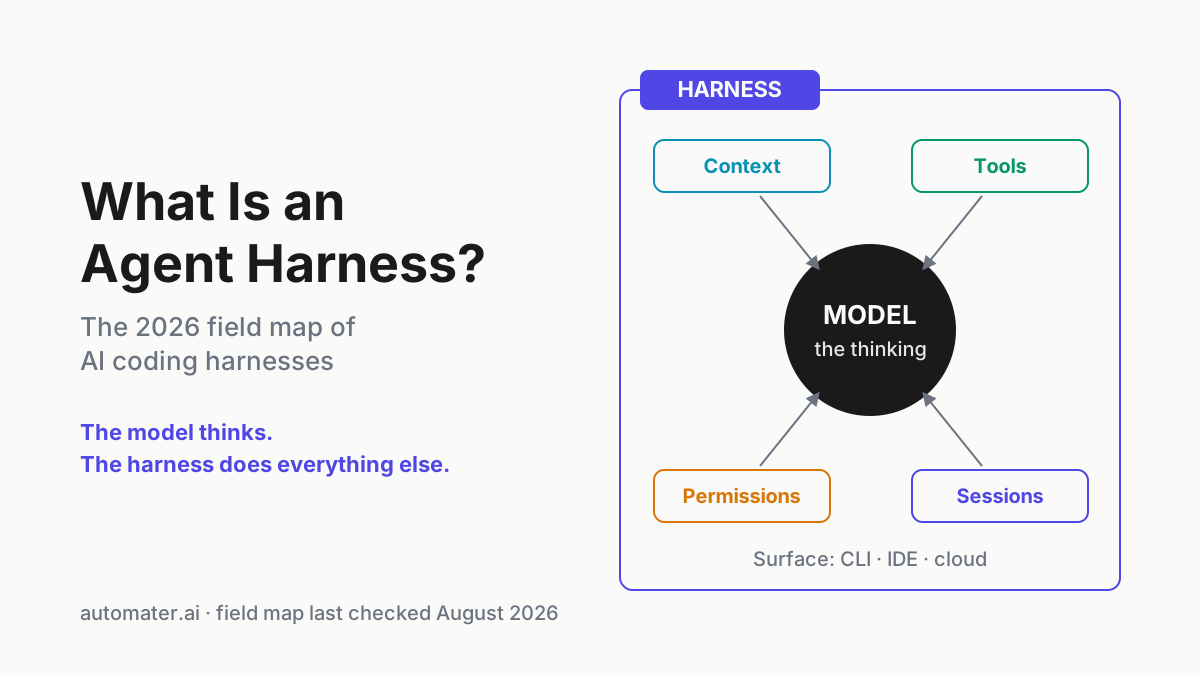
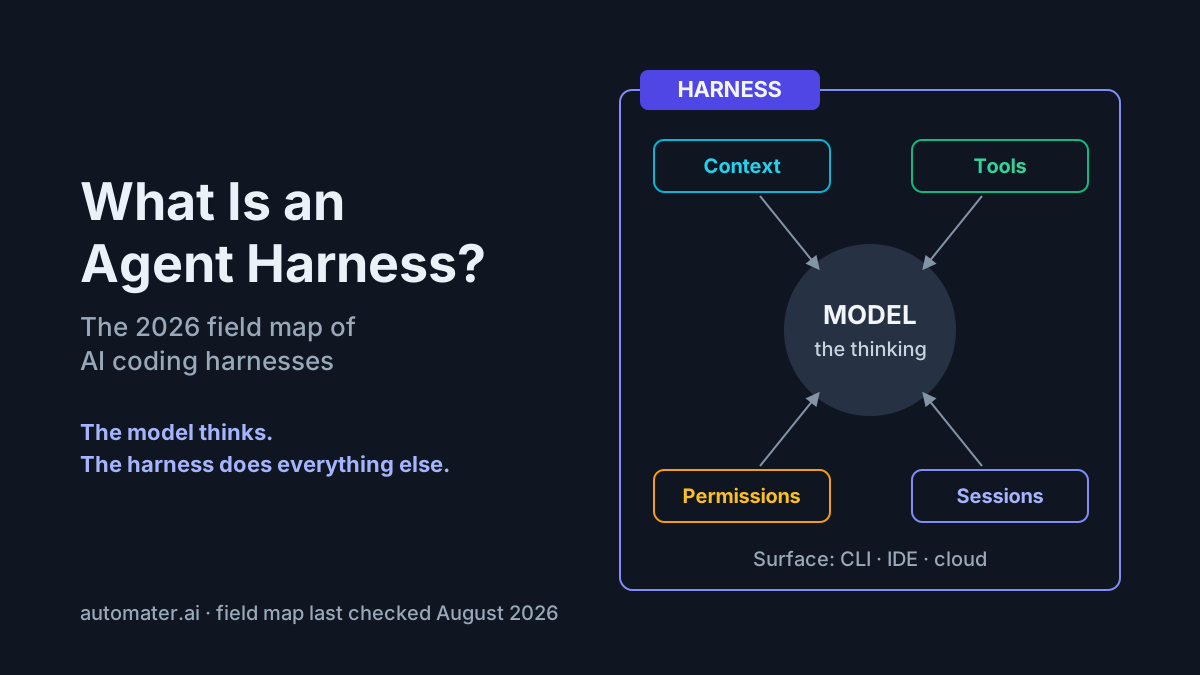
This page is a glossary rather than a laptop guide. The Perplexity news cycle has a Windows piece of its own, while the broader companion-versus-harness taxonomy separates the software roles. What follows is a three-layer grid, a market map, and a buying framework organized by workload.
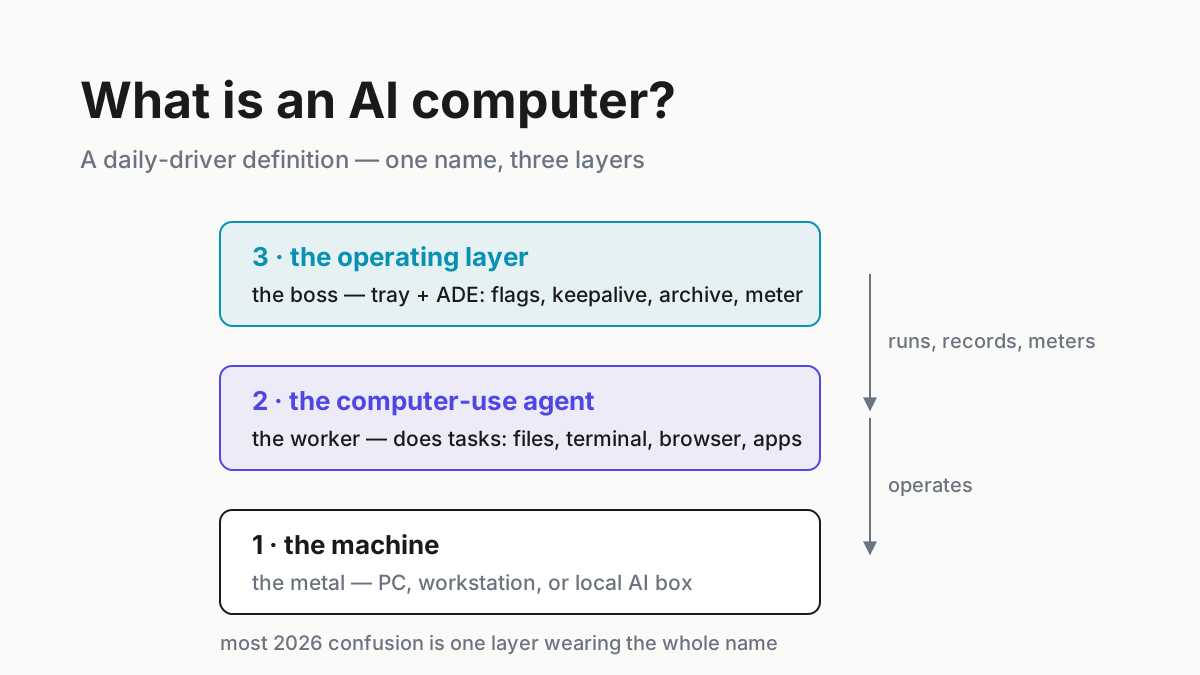
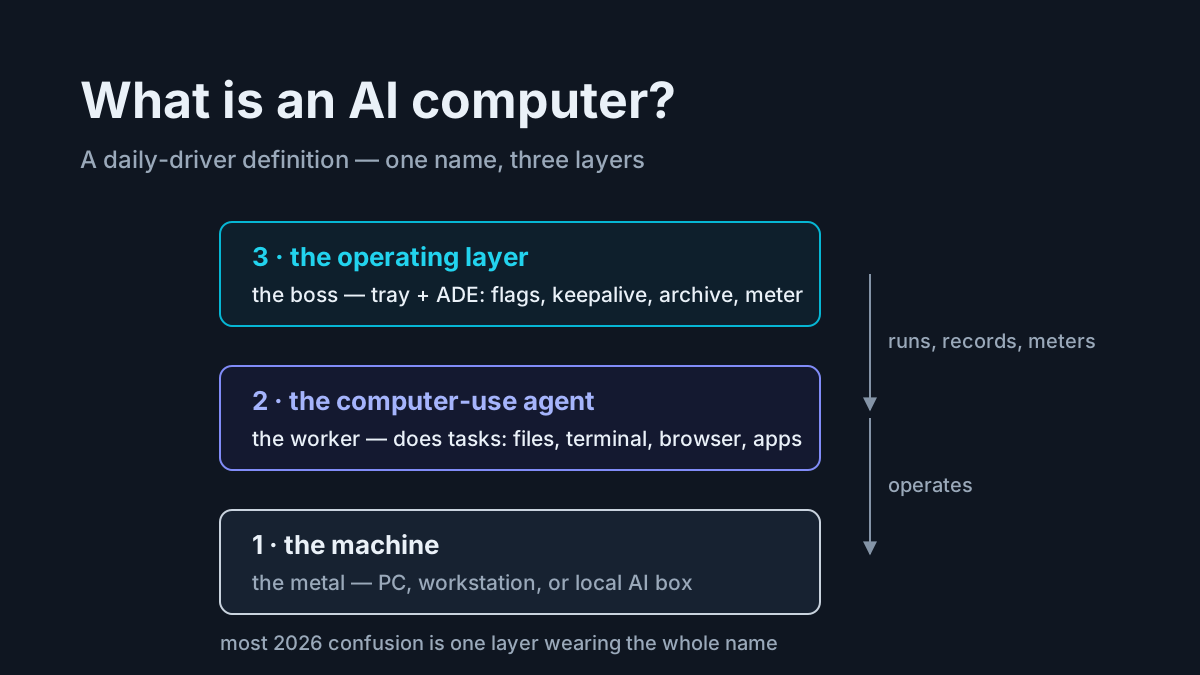
The three layers hiding in ‘AI computer’
The confusion is structural: marketing often presents one layer as the whole category. Chipmakers and OEMs call silicon an AI PC. Agent vendors call software a personal computer. Management software adds a third meaning: the tray layer that supervises supported workers and records.
The meaning drifts with the seller, which is why search results disagree. A chip vendor benchmarks TOPS. An agent vendor sells a subscription. An operator may mean the assembled stack. Each usage points to a different layer.
The operational test is simple: what capability disappears when each layer is removed? Lose the machine and local work stops. Lose a worker and its specialized actions disappear. Lose the operating layer and cross-tool history, fleet health, and unified visibility fragment. That is why comparing products from different layers by price alone produces nonsense.
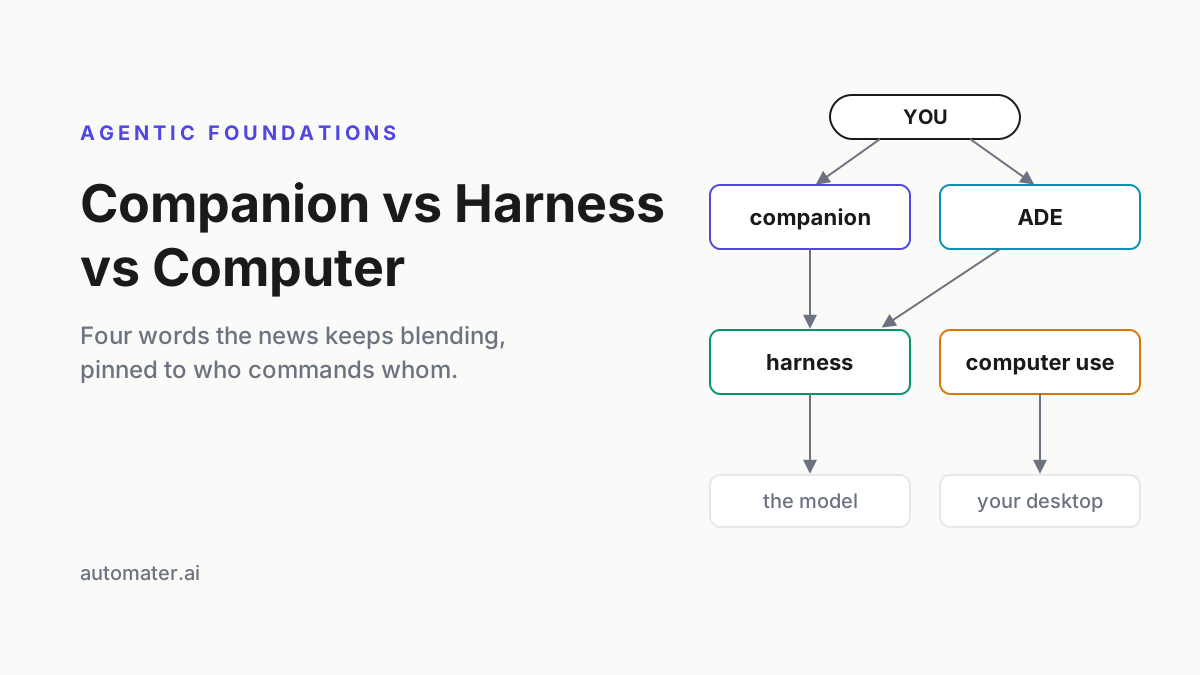
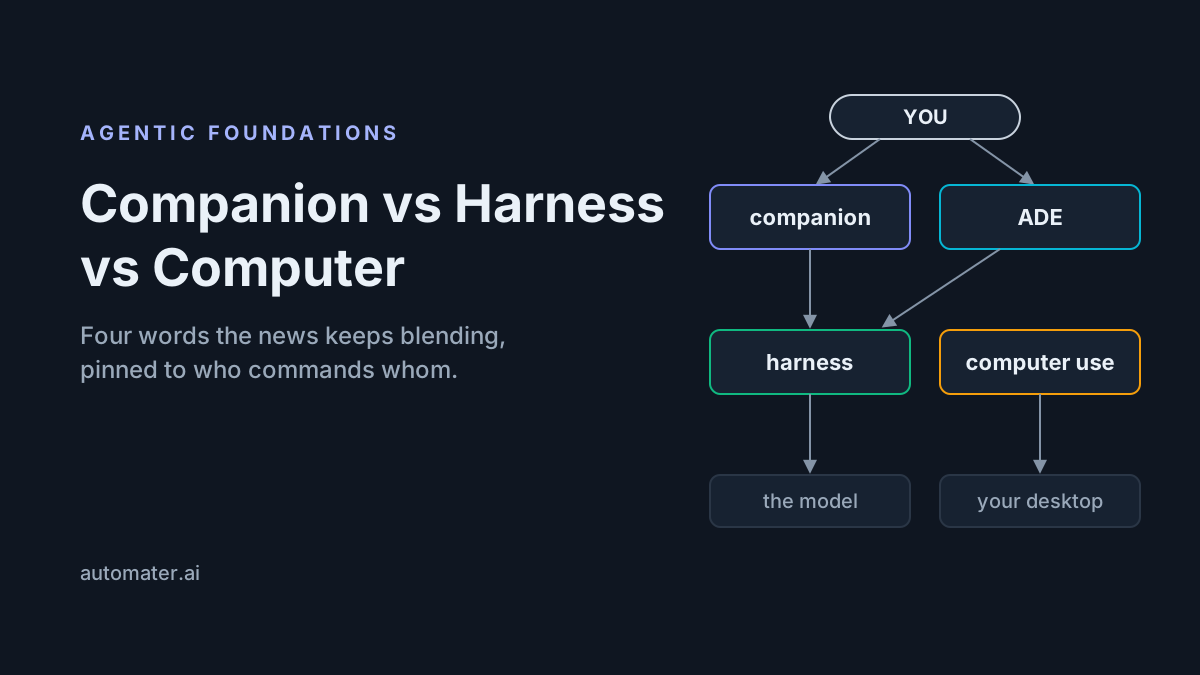
A sibling piece sorts the software you might install into companion, harness, and computer; this page sorts what the market sells under one noun. Same instinct, different axis.
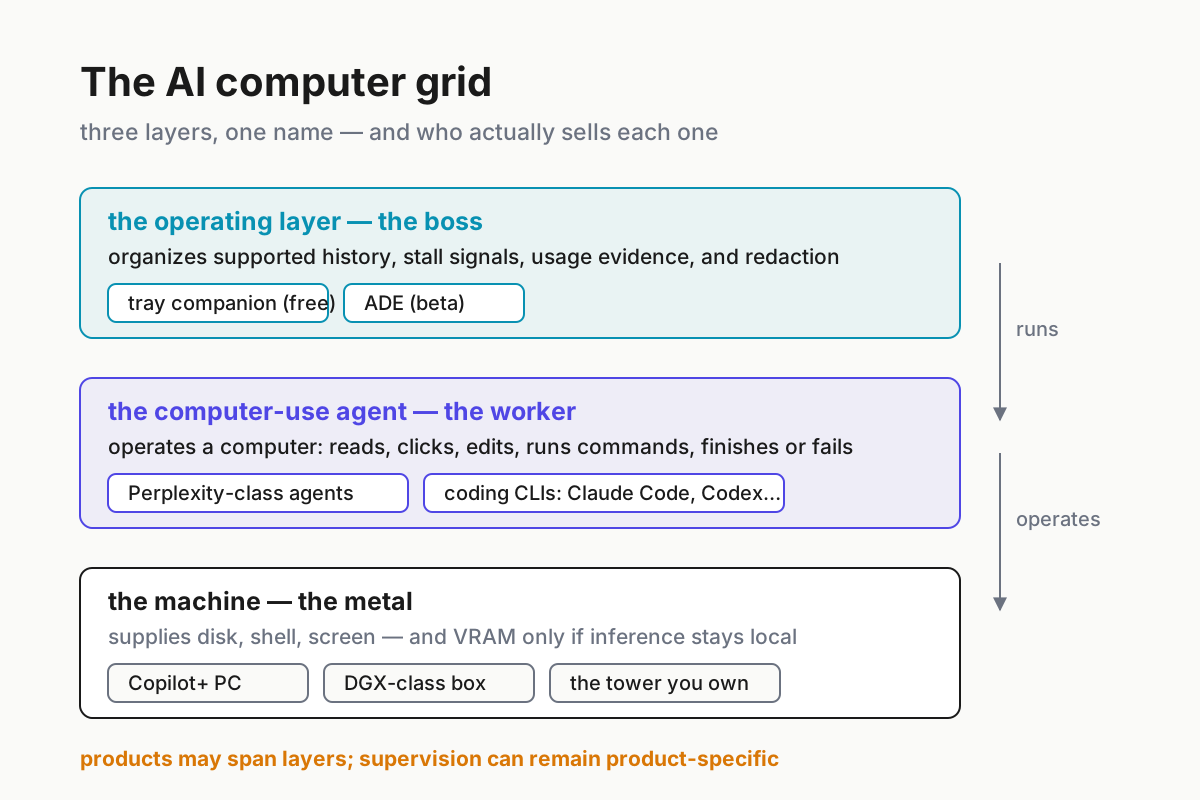
 The grid: each band is a layer, each chip is something you can actually run in 2026.
Layer one: the machine
The machine is the metal. Three reference points clarify the range in 2026. Copilot+ PCs are the retail “AI PC”: Microsoft defines the category around a 40+ TOPS NPU used for on-device Windows AI experiences. DGX Spark sits at the other end, with 128 GB of coherent unified memory for large local models. A conventional Windows workstation can run cloud-backed agents whose inference happens elsewhere without meeting either badge.
What the machine contributes to agent work is practical: fast storage, a shell, enough RAM for browsers and concurrent sessions, and a screen for supervision. Cloud-backed coding agents often bottleneck on context, service limits, or operator attention rather than local inference. Local models reverse that relationship and make GPU memory, bandwidth, and model fit decisive.
For cloud-backed daily-driver agent work, hardware is often less decisive than the worker and its operating layer. It becomes central when local inference or on-device Windows AI is a requirement. The official requirements for major cloud-backed coding CLIs do not make a 40-TOPS NPU a prerequisite; that does not mean no current or future agent application can use one.
Layer two: the computer-use agent
The computer-use agent is the worker: software that operates a computer. It reads the screen or file system, clicks, types, edits documents, runs commands, and either finishes the task or fails it. Perplexity Personal Computer combines a native Windows or macOS app with Perplexity’s cloud Computer service and local file/app access. Portable Computer moves the orchestrator, planner, tool router, scheduler, task queue, search index, and core models onto supported NVIDIA hardware, with optional, permissioned cloud escalation. Coding CLIs are a terminal-bound cousin: Claude Code, Codex, Gemini, Kimi, Qwen Code, and the rest.
Two properties define the layer. A worker does tasks. By default, workers from different vendors do not share history, budget, or supervision; each may write a different record format or expose a different usage surface. Cross-provider management requires adapters to the records and signals those products make available.
Layer two is where most variable service cost appears: subscriptions, metered tokens, credits, or per-seat plans. Each vendor reports its own slice under its own terms. A cross-provider usage view can help, but only when it identifies the source and completeness of each signal.
Layer three: the operating layer
The operating layer manages workers rather than performing their tasks. Concretely, it can provide awareness of supported installed CLIs, stall signals, bounded keepalive, a normalized archive for recognized session formats, usage indicators for providers that expose usable signals, and redaction before deliberate sharing.
Automater implements this layer in two tiers. Automater Lite is the resident tray companion for supported CLIs and local session history. Automater Desktop is an ADE in beta: Session Explorer covers supported cross-provider histories, while a separate Topology surface inventories hosts, WSL runtimes, Docker Compose stacks, and containers. The current beta does not automatically pin session nodes onto that infrastructure tree.
Worth knowing before the table: Automater Lite’s archive lives locally by default and the base companion is free. PRO adds operating surfaces and optional connected features; it does not change the default claim that normalized session history stays on disk unless the user opts into a feature that sends data elsewhere. Availability and entitlements should be checked on the current product page rather than inferred from this glossary.
The AI computer grid, 2026 edition
One table, the whole market. Read each row as “what you get, layer by layer.”
| What you’re looking at | Machine layer | Computer-use agent | Operating layer |
|---|---|---|---|
| Copilot+ PC (“AI PC”) | Yes — NPU silicon for OS features | No | No |
| DGX-class box | Yes — local-inference headroom | Bring your own | No |
| Perplexity Personal Computer | Uses a supported PC you own | Yes — hybrid local access and cloud Computer | Product-specific supervision |
| Perplexity Portable Computer | Requires supported NVIDIA hardware | Yes — local-first worker with permissioned cloud escalation | Product-specific supervision |
| Windows tower + coding CLIs + tray | The one you own | Yes — Claude Code, Codex, the roster | Yes — tray companion; ADE in beta |
Two things fall out of the table. First, the categories overlap: Personal and Portable Computer include their own task supervision, while a vendor-neutral operating layer watches multiple workers. Second, a complete setup is usually assembled from hardware, one or more workers, and whatever oversight your risk level requires. Compare prices only within the same layer and entitlement period.
Buy this, not that
Solo operator. Start from the workload. Cloud-backed workers use the machine you already own; local inference justifies DGX- or RTX-class hardware only when privacy, latency, offline operation, or high-volume economics make it a requirement. Add an operating layer as the number of workers and session formats grows. If the real goal is running all of this at home without a lab, that question has its own piece. Automater Lite is a free download for Windows, macOS and Linux at automater.ai/downloads.
IT buyer. Your ordering reverses on the machine layer only. A Copilot+ fleet refresh is a manageability and battery decision, and it is fine — just do not book it as an agent strategy. The actual agent decision on corporate Windows is policy: which workers are allowed, what they may touch, and what record survives for audit — the corporate Windows piece walks that. Buy machines on the refresh cycle, license workers per seat, and require the operating layer’s record before the rollout, not after the first incident.
FAQ: AI computer meaning
What is an AI computer in simple terms?
The phrase can mean a machine with AI hardware, an agent that operates a computer, or software that supervises and records those agents. Ask which layer a speaker means before comparing products, because the three roles solve different problems and carry different requirements.
Is an AI PC the same as an AI computer?
An AI PC is one common meaning of the broader phrase. It refers to a machine with dedicated AI hardware, such as a Copilot+ PC with a qualifying NPU. An operator may use “AI computer” more broadly for the machine, workers, and supervision stack, so ask which layer the speaker means.
Does an AI computer need an NPU?
No. Microsoft requires a 40+ TOPS NPU for the Copilot+ PC category and its on-device experiences, but cloud-backed coding CLIs do not require that hardware class. Local-model agents generally care more about supported accelerators, memory capacity, and inference software. Check the requirements of the worker rather than the badge on the PC.
Can one product cover all three layers?
Some products span more than one layer, but their supervision is usually product-specific. A vendor-neutral setup combines supported hardware, the workers you choose, and an operating layer that observes the records those workers expose. Evaluate each capability separately instead of assuming one product covers the full stack.
Sources
- Microsoft Learn — Copilot+ PC developer guide — 40+ TOPS NPU definition and on-device features
- NVIDIA — DGX Spark system overview — unified memory and local-model hardware
- Perplexity — Personal Computer on Windows — local files, Microsoft apps, web access, security, and availability
- Perplexity — Portable Computer — local architecture, cloud escalation, supported hardware, and availability
- Claude Code documentation — a current example of a cloud-backed coding CLI