Corporate AI on a Windows PC: What IT Is Actually Buying
IT is being asked to put AI agents on company computers. A corporate AI checklist that works: where sessions live, what leaves disk, who sees the fleet.

Go deeper. Build your own.
When AI coding agents reach a corporate Windows fleet, the desktop posture review reduces to three questions: what does the software write to disk, what does it send out, and how does IT turn it off? Those questions are corporate AI in 2026.
Search the phrase and you get a different meeting entirely — data-platform decks, RPA suites, governance frameworks priced per conversation. This site has answered the query that way too, with Databricks and UiPath analysis. Solid pieces, wrong buyer. The person typing “corporate ai” into a search box this year is much closer to the admin in that posture review: someone who has been told the engineering org is putting agents on the Windows estate and needs to know what that means at the level of directories, binaries, and egress.
So this is a field note for that admin, from the operator side of the table. It is not compliance advice; everything here stays at the level of what is on the disk. The checklist applies before and after an agent lands on a company machine, followed by an honest note about the tray-sized layer that exists under the harnesses — the companion seat next to the AI computer and the Windows tray.
The corporate AI aisle you get sent down
Type “corporate ai” into a search engine and the results assume you are a chief data officer. Databricks wants to govern your agents where your data lives. UiPath wants to wire them into processes. Both are real products for real buyers, and neither answers the question on the whiteboard, because the thing actually arriving on corporate machines in 2026 is not a platform. It is desktop software.
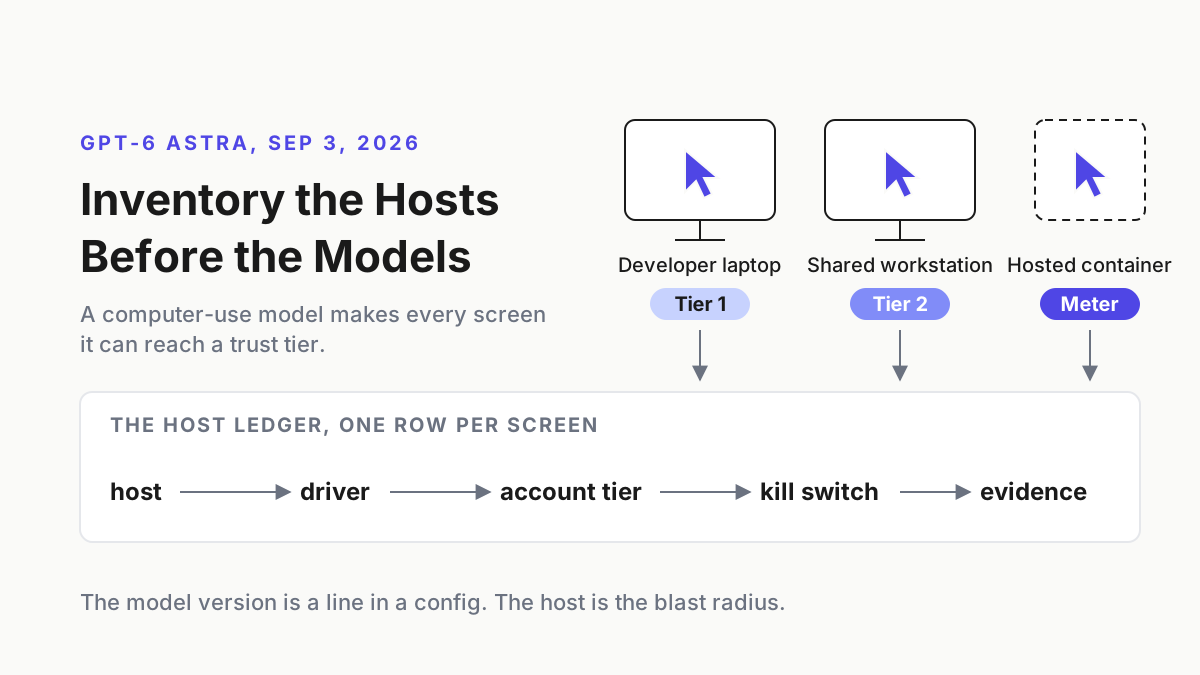
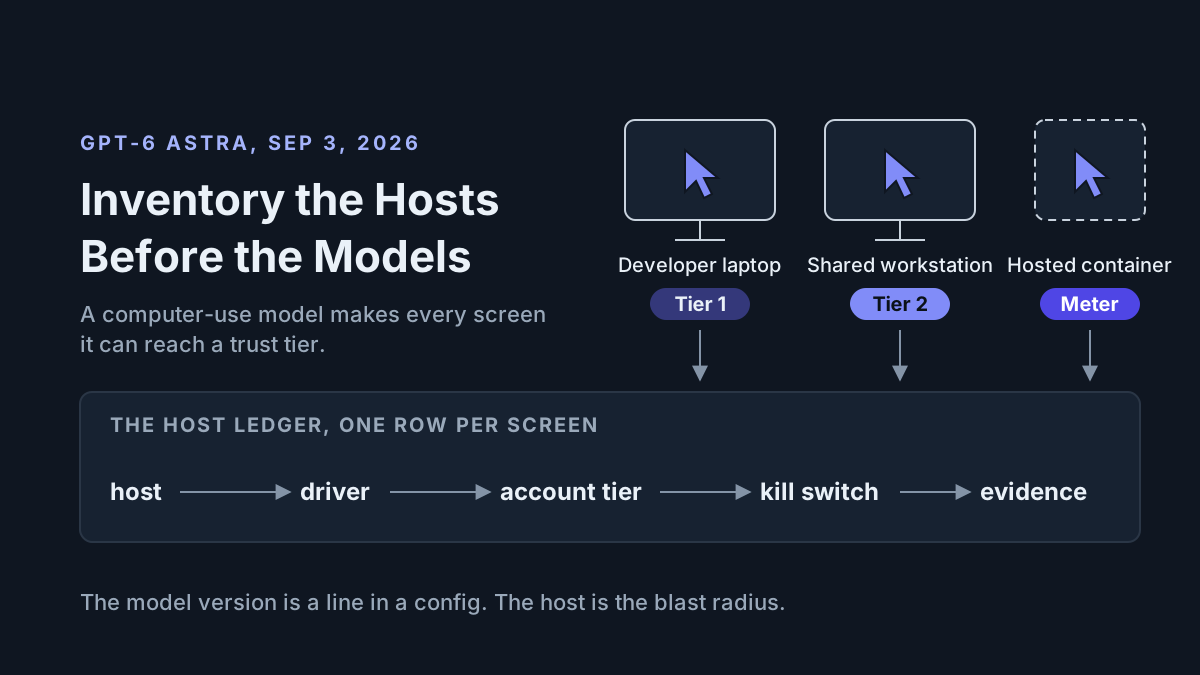
Claude Code, Codex, Copilot, an IDE fork or two — these install per machine, run as the logged-in user, write transcripts under the user profile, hold OAuth tokens, spawn terminals, and edit files. Developer tools with the blast radius of admin tools. The buying center quietly shifted from whoever owns the data platform to whoever images the laptops, and most of the content answering the commercial query has not noticed the move.
Strip the branding and the actual purchase is three things: a signed binary on every machine, a model seat behind it, and a growing pile of transcripts under each user profile. The platform deals govern the second thing. Nobody in the deck is talking about the first and third, and those are the two that live on hardware you image, patch, and eventually hand to a leaver.
That gap is the reason this piece exists. The estate is Windows, the software is agents, and the questions are operational.
This summer’s procurement weather
Two stories from August set the pricing and the risk for this purchase, and they are worth one paragraph each before the checklist.
First, the scope signal. Perplexity’s Personal Computer on Windows can work across local files, Microsoft 365, and the web. It is available on Pro, Max, and Enterprise plans, while Computer tasks consume credits under Perplexity’s current billing rules. Do not turn that into a flat $2,400-per-seat claim: eligibility and task credits are separate costs. The procurement point is simpler. When the desktop is the surface, desktop permissions and data paths become procurement questions.
Second, the continuity signal. OpenAI announced that it plans to end Cursor’s access to OpenAI models on November 12 after Cursor’s change of control. The event is unpacked in Cursor after SpaceX. The one-line version for IT: a vendor relationship can become a model cutoff on a fixed date, so every seat needs a tested fallback. OpenAI’s announcement does not establish the size of an affected corporate install base or validate unrelated claims about Cursor’s other models, so those claims do not belong in this checklist.
Different stories, same lesson. The interesting risk is not in the model layer, where everyone is staring. It is in the desktop layer: what got installed, what it wrote down, what it sends out, and what still works the day a vendor changes its mind. The threat-model half of that story is covered in securing AI agents; the rest of it fits on a checklist.
The corporate AI checklist for an admin
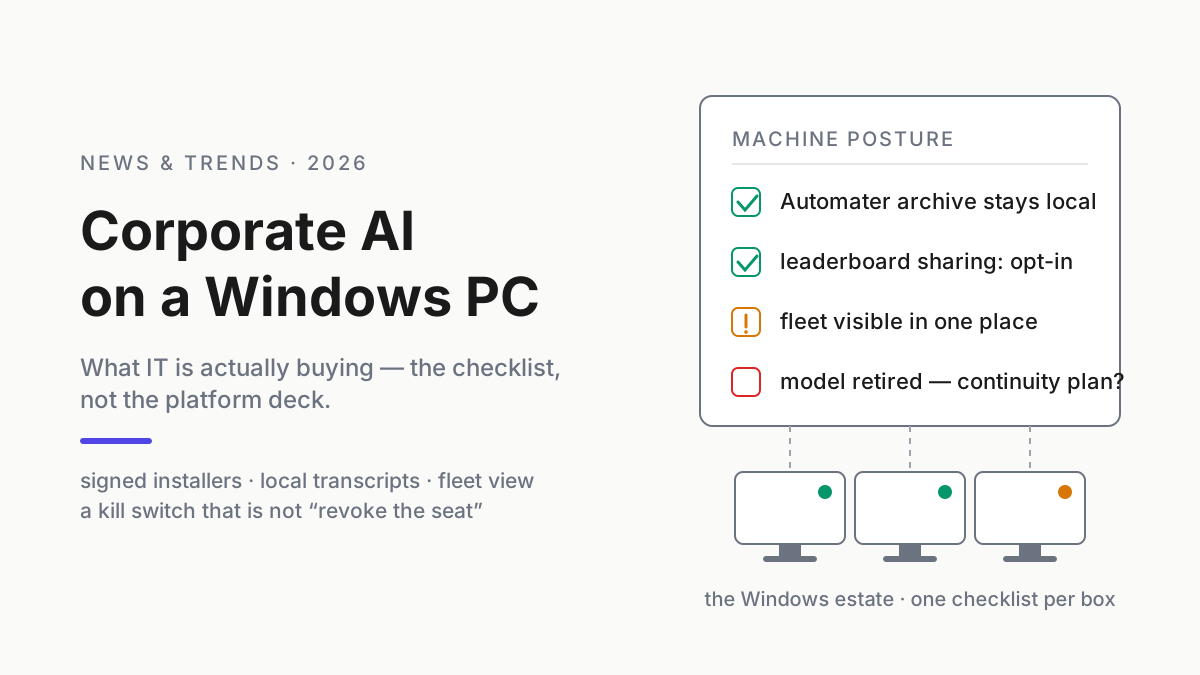
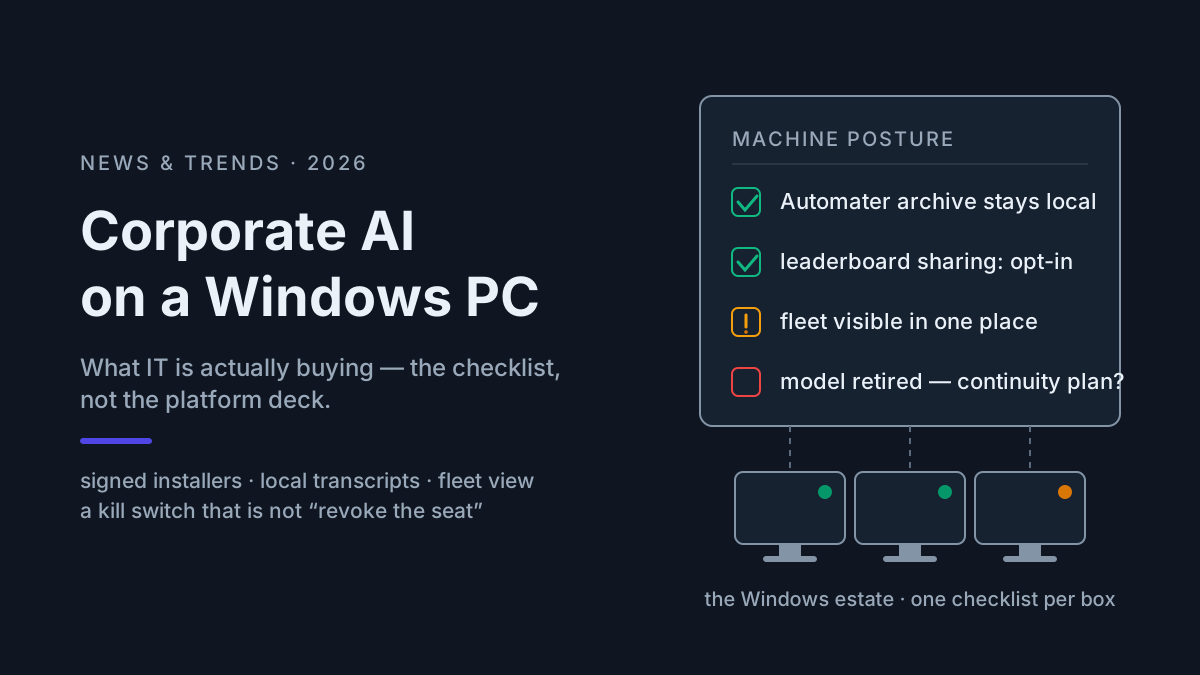
Print this. Run it per machine, or once per image if the estate is consistent. Every item is directly checkable, and none of them requires buying anything.
1. Installers and updates
- Every approved agent ships as a signed binary and you can name the signer — Authenticode, Azure Trusted Signing, a store package — not an unsigned
npm install -gor acurl | shfrom a readme. - Installation completes without mid-install scripts fetching from hosts you have never heard of; you can stage it from your own package source.
- Updates are signed and pinnable: you can hold a known-good version while you test the next one, and verify what the updater delivered.
2. Where sessions live
- You can name the local-state and transcript paths for every approved assistant and version. Claude Code’s CLI reference documents local transcripts, resume, and project-state purge; other tools use their own layouts. Record observed paths from a managed test machine instead of copying stale directories from a blog post.
- You also know where each tool parks credentials. Some use profile files; others use OS credential stores or browser-backed sign-in. Observe the installed version rather than assuming transcripts and tokens share a directory.
- Those directories are on your backup and retention map — deliberately included or deliberately excluded, never unknown.
- Someone can full-text search the lot, across assistants, without uploading a byte of it anywhere.
3. What leaves the disk
- For each tool you can separate three channels: model API traffic (the product working), telemetry (optional), and any session sync (optional) — and the second two are off or behind explicit opt-in.
- You know whether each tool creates a vendor-side session record, a local transcript, or both. A cloud-first agent may require remote storage; policy should name that copy instead of assuming it does not exist.
- Anything that does get shared out of a transcript — a snippet to a teammate, a session attached to a ticket — passes a redaction step first, so keys, hostnames, and customer identifiers stay behind. That is the vault problem, and it deserves its own read.
4. Who can see the fleet
- You can answer “which assistants are installed on this machine, at which versions” without walking to the desk or asking the user. Remember the estate is bigger than it looks: the same CLI often exists twice, once on Windows and once inside WSL, each writing its own transcripts.
- A stalled or dead supported session is visible somewhere a human actually looks. An attention indicator in the tray is useful; a log file nobody tails does not count.
- Supported-provider usage is visible locally, per machine, so an unexpected trend can surface before the invoice. Local estimates do not replace provider billing. A mixed fleet under one operating view is the shape you are aiming for.
5. When a vendor cuts a model — the actual kill switch
- The archive is readable with the vendor gone: plain files on disk, no seat required to open your own history.
- A transcript can be exported and reused without the original seat. Native resume is usually provider-specific; cross-CLI continuity means reviewed context transfer, not pretending one vendor’s session ID works in another tool.
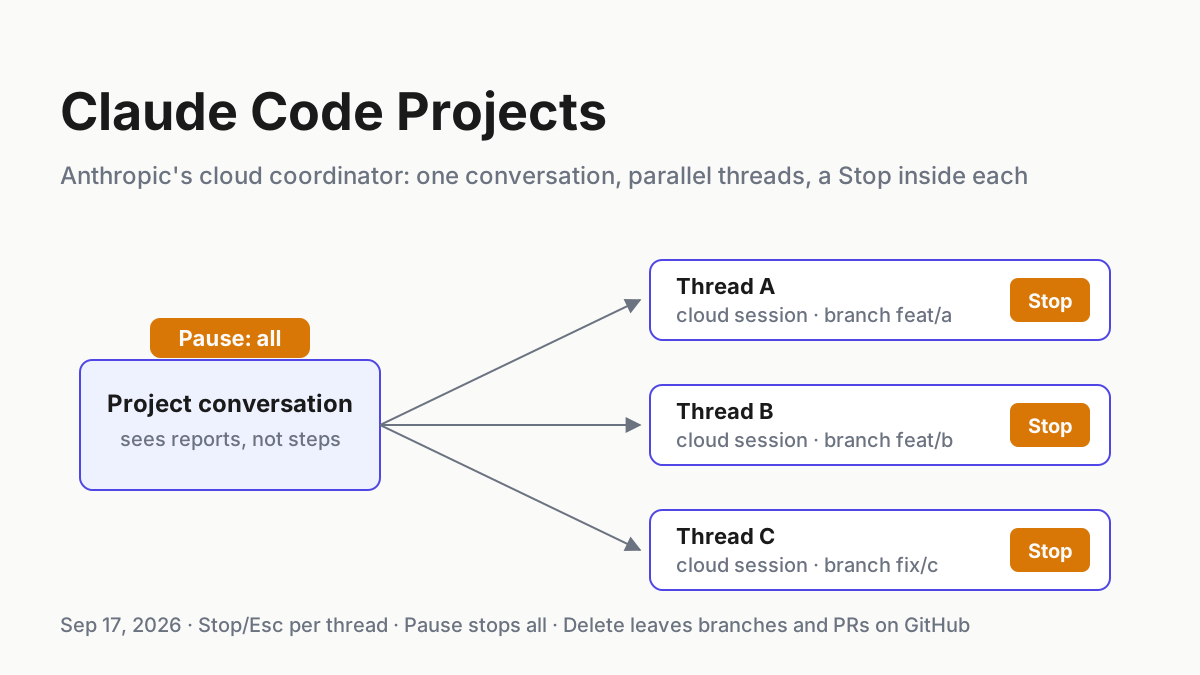
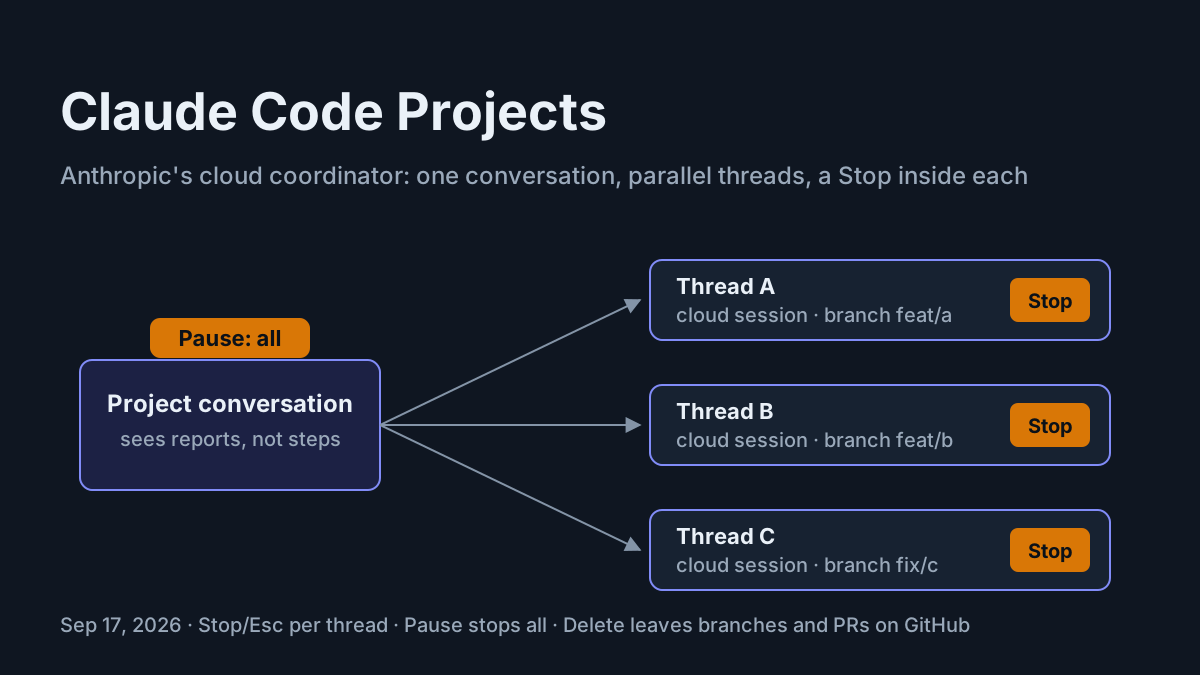
- The kill switch matches the architecture. For a local agent, end the process and preserve the transcript. For a cloud agent, revoke sessions, credentials, connectors, and scheduled work through the provider too. Seat cancellation alone may not cover every active token or remote worker.
- November 12 has a rehearsed answer for every Cursor seat you own: which machines, which fallback model, what breaks. Then generalize the drill to every vendor, and write down who may run what in which mode — a restricted-mode fleet policy is the written form of that answer.
If a vendor’s deck cannot survive those five sections, the product is not ready for the estate, whatever the demo looked like.
What the checklist implies — and an honest product boundary
The list comes from the operating requirements created by a multi-assistant Windows fleet. Automater — the software behind this site — is designed against the same requirements, so its public feature set maps naturally to several items. That overlap is product context, not independent proof that every enterprise requirement is covered.
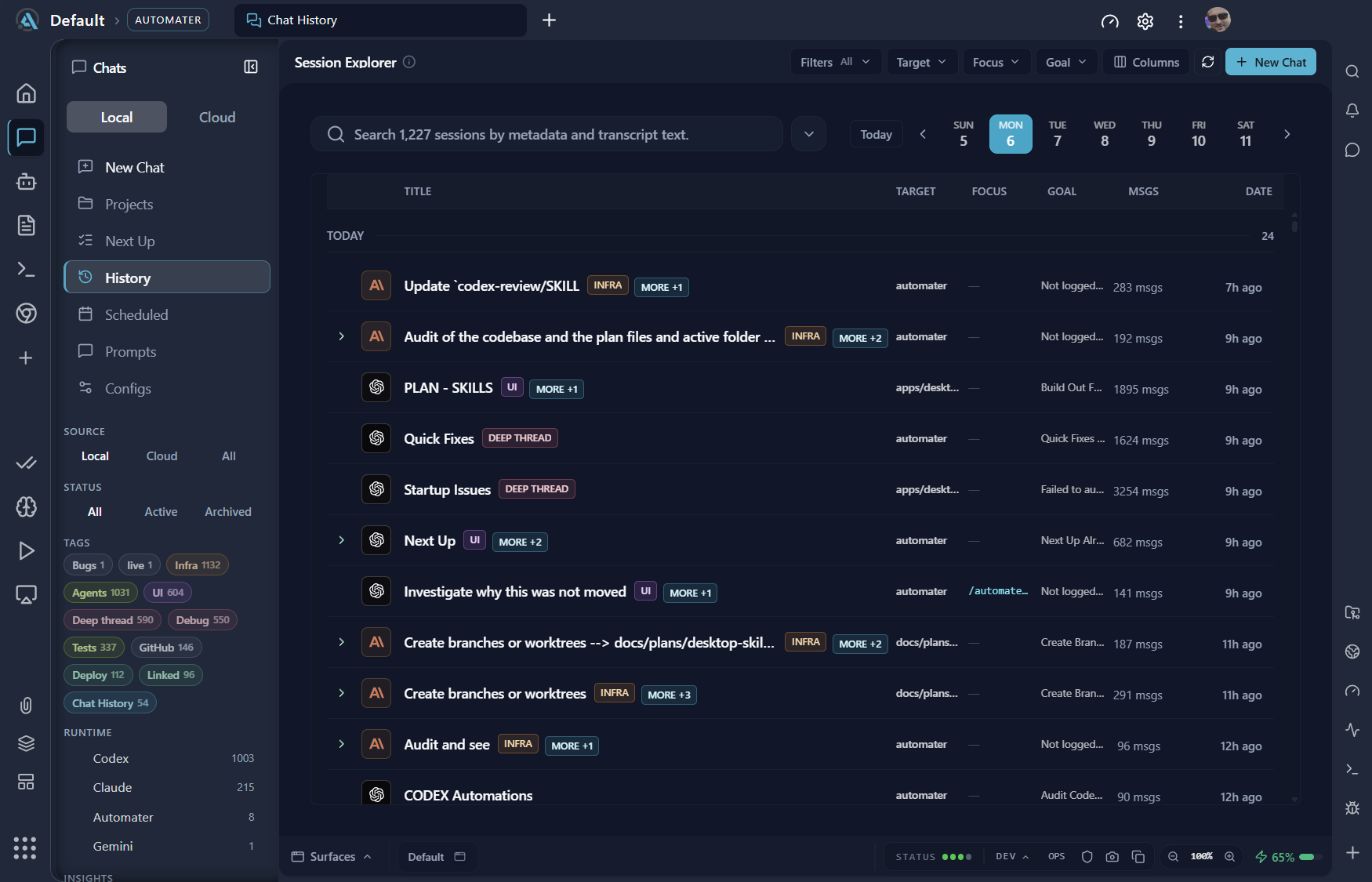
Automater Lite is a signed companion whose public trust page names Authenticode, Azure Trusted Signing, and minisign-verified updates. On Windows it sits in the tray, detects supported AI apps, and surfaces live attention states. Its Library normalizes supported histories into a local, full-text-searchable archive; a local usage meter covers supported providers, and leaderboard publishing is opt-in. Keepalive restores the companion after an unexpected exit or reboot, not the agent processes the reboot ended. PRO, in the site’s own words, adds “the controls that operate this machine and the rest of your fleet.”
Just as important is what the public material does not establish. Lite’s archive is local and per machine; PRO, in the site’s words, covers “the rest of your fleet,” but that is not evidence of enterprise SSO, centralized policy enforcement, retention controls, or compliance certifications. Evaluate those requirements explicitly instead of inferring them from “fleet.” Automater Lite is a free download for Windows, macOS and Linux at automater.ai/downloads.
What IT should take into the room
Buy model capacity however the org buys things — seats, API contracts, both at once. That layer will keep repricing itself, and this summer proved it can vanish ninety days after a change of control.
But treat the desktop layer as yours. The transcripts on those machines are corporate work product; keep them searchable and readable without depending on one model relationship. Subscription and credit prices will move. A small local operating layer does not eliminate vendor risk, but it can preserve the record needed to switch. The org that knows where its sessions live is better prepared for vendor weather, and the checklist above is a practical starting point.
FAQ: corporate AI on company computers
What should a corporate AI policy for coding agents cover?
A useful one is disk-level, not slideware: which agent binaries are allowed and who signs them, where each tool writes transcripts, what leaves the machine and under whose opt-in, how usage is metered, and what happens the day a vendor cuts a model or a seat.
Where do AI coding agents store sessions on a Windows PC?
Many coding CLIs keep local transcripts or project state under the user’s profile, but path, format, and retention behavior vary by tool and version. Build the inventory from a managed test machine, confirm it after updates, and document whether each record can be exported or read without an active seat.
Can employees use AI on company computers without data leaving the machine?
Not with a cloud-backed agent: its prompts and code context leave the machine for the model service. A fully local stack can avoid that path only after a disconnected test confirms it. Treat model traffic, local transcripts, telemetry, and optional archive sync as separate channels, then write and verify policy for each one.
What should IT do before the November 12 Cursor model cutoff?
Inventory which machines run Cursor and which workflows depend on OpenAI models, confirm relevant history is readable without the seat, choose a currently supported fallback, and rehearse one machine’s switch before November. Do not assume a replacement model is equivalent until the same representative tasks pass.
Sources
- OpenAI — Our decision on Cursor following its acquisition by SpaceX
- Perplexity — Personal Computer on Windows
- Perplexity — How credits work
- Anthropic — Claude Code CLI reference