Home AI Without a Dedicated AI Workstation
Build a useful home AI setup on the PC you own. Learn when local inference hardware earns its cost, and when archive, monitoring, and metering matter more.

Go deeper. Build your own.
A useful home AI setup on an existing Windows computer does not begin with a GPU shopping list. It begins with a workload inventory: which tasks must stay offline, which need frontier-model quality, which run often enough that metered inference becomes expensive, and which problems are really about finding, supervising, and measuring the assistants you already use.
That distinction matters because the hardware category is now real. Perplexity’s Portable Computer runs Qwen3.8 27B or PPLX27B locally on an NVIDIA DGX Spark. NVIDIA’s current US marketplace lists the Founders Edition at $4,699, with 128GB of unified memory and a 4TB self-encrypting NVMe drive. Perplexity launched the software on Linux for Pro and Max subscribers, says Windows and broader RTX-PC support are coming, and allows optional user-authorized cloud escalation.
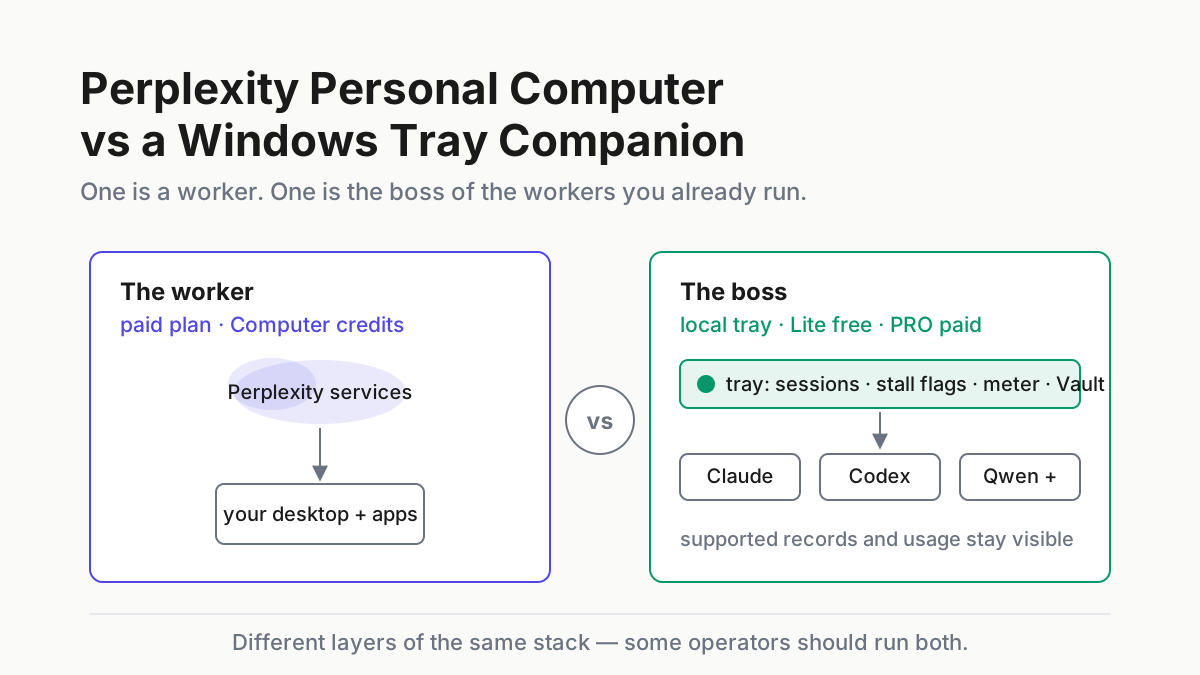
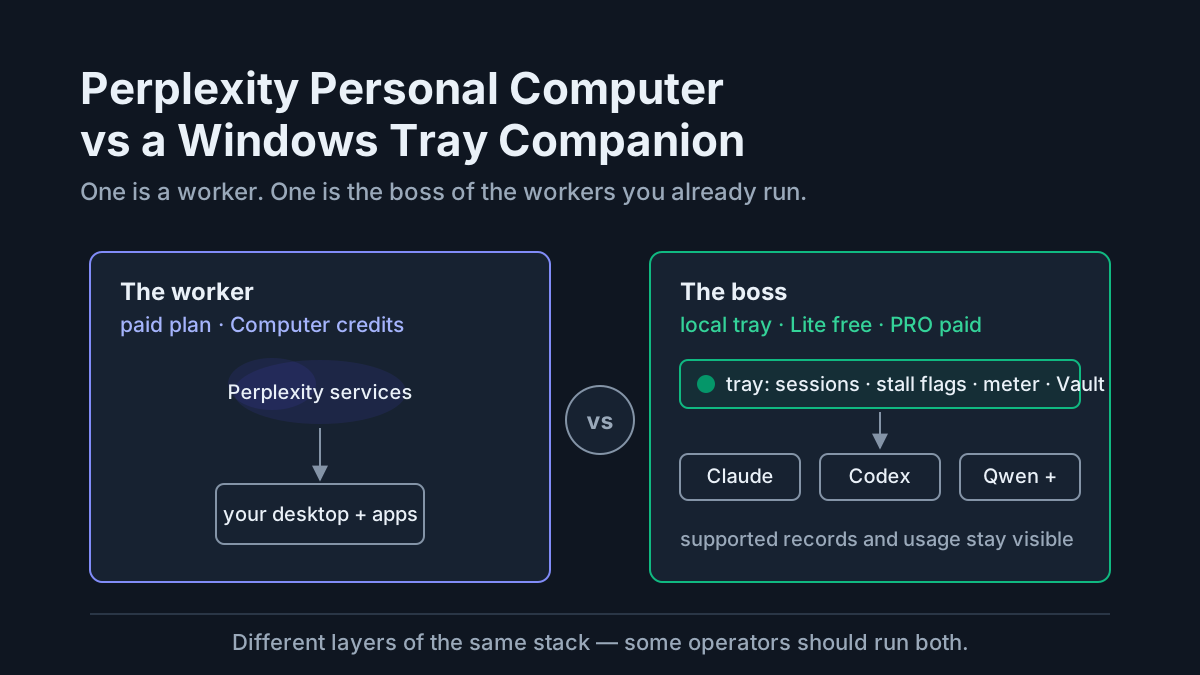
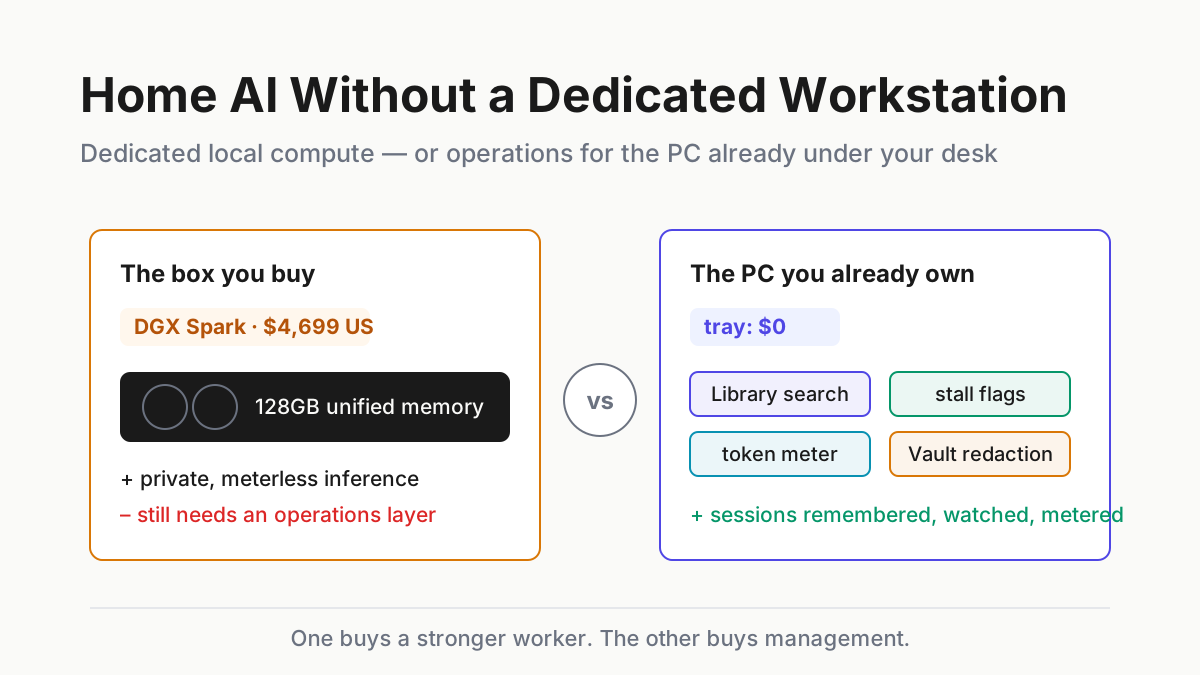
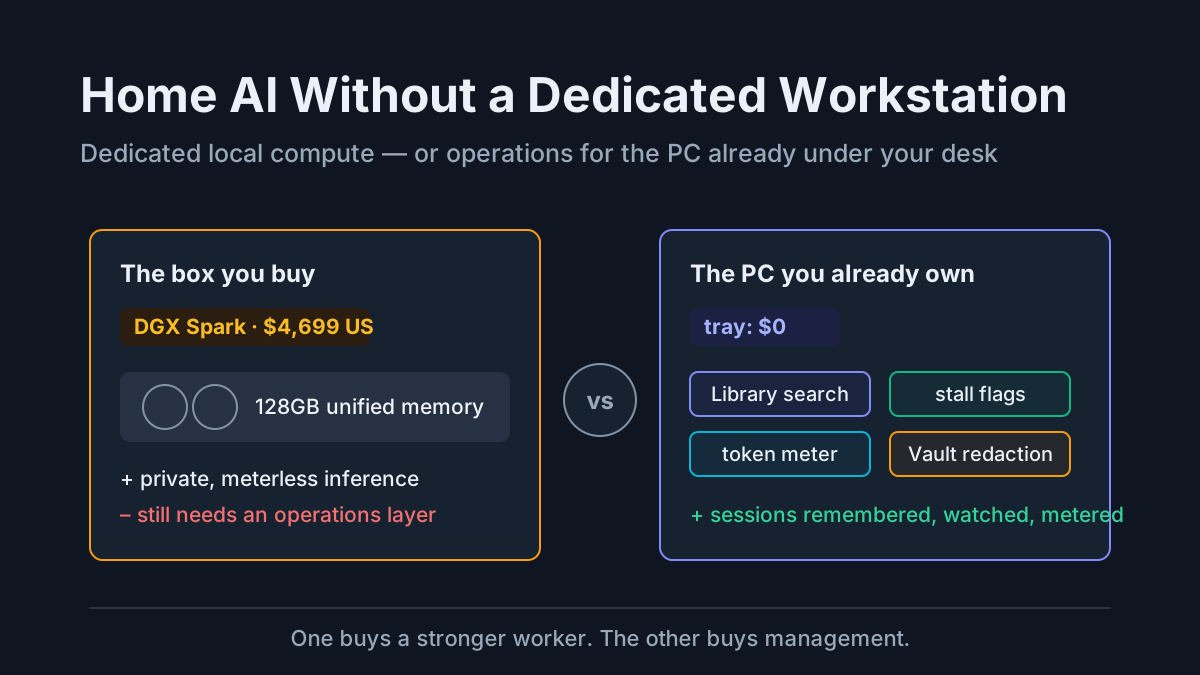
That is a serious local-inference product. It is also a different purchase from the Windows tray companion that watches the assistants on an existing PC. One buys compute. The other organizes operations. This guide separates the two before a four-figure box becomes the answer to the wrong question.
What Perplexity’s Portable Computer actually is
The official announcement is narrower and more interesting than many summaries make it sound.
- It is software designed to run models locally on a DGX Spark under Linux.
- It uses Qwen3.8 27B or PPLX27B as the local model.
- Planning, routing, tool use, memory, and execution run on the device.
- Cloud escalation is optional and requires user authorization.
- Windows and support for more RTX PCs are planned, but Perplexity does not give a September date in the announcement.
- The announcement does not define a 24GB entry model.
That last point matters. The primary source describes a 128GB DGX Spark release; it does not publish a 24GB minimum for the future RTX version. Until Perplexity publishes that hardware requirement, a buyer should not plan around an invented floor.
The current DGX Spark price also illustrates why article titles should not freeze launch pricing. NVIDIA raised US MSRP from $3,999 to $4,699 in February 2026. Hardware prices move. Workload requirements are the durable part of the decision.
What the $4,699-class box buys
A DGX Spark buys a large local memory pool, an NVIDIA AI software stack, and enough capacity to run models that do not fit comfortably on mainstream consumer PCs. NVIDIA specifies 128GB of coherent unified memory, up to one petaflop of FP4 AI performance, and support for local inference on models up to 200 billion parameters. Those are vendor specifications, not a promise that every model, quantization, or agent harness will hit the headline number.
The practical benefits are clearer than the benchmark language:
- A hard local data boundary. Tasks can run without sending prompts and outputs to a model API. If you authorize cloud escalation, that particular task crosses the boundary; local-by-default is not the same as physically incapable of egress.
- Predictable marginal inference cost. Once the machine is purchased, another local run does not create a per-token API charge. Electricity, maintenance, and the subscription or software around the model still count.
- A controllable model stack. You can choose weights, quantizations, runtime settings, and update timing instead of accepting a hosted provider’s model swap.
- Capacity for experimentation. Fine-tuning, evaluation, private retrieval, and repeated background jobs become easier when the hardware is always available.
None of those benefits automatically produces better code, reliable tool use, or safe autonomy. Model quality, context handling, and harness design still decide the result. Benchmark the exact workflow you care about before buying the machine that ran somebody else’s demo.
Who should buy dedicated local AI hardware
Three home users have a strong case.
The hard-boundary operator. Client terms, health data, unpublished research, or internal policy prohibit sending the workload to a hosted model. Local execution is a requirement, not a preference. Pair it with the local-first vault because transcripts and caches can still leak secrets on your own disk.
The high-volume automator. You have recurring jobs that are useful only when the marginal run is cheap: nightly indexing, large document classification, continuous evaluation, or repeated media processing. Compare the machine’s total cost with measured API spend over its expected life, not with one month’s subscription price.
The model experimenter. The point is testing weights, quantizations, inference servers, or fine-tunes. Here the hardware is the laboratory. The purchase can be rational even when a hosted model is cheaper per successful coding task.
If none of those descriptions fits, pause. You may be trying to solve session sprawl, silent stalls, or invisible usage with an inference purchase. A faster worker does not create a filing system or a supervisor.
The home AI setup that uses the PC you already own
An ordinary Windows PC can run agent CLIs whose models live behind APIs, local search over transcripts, usage collection, redaction, and compact local models through a runtime such as Ollama. What counts as “usable” local inference depends on the model, quantization, memory bandwidth, and acceptable latency; there is no honest universal VRAM floor.
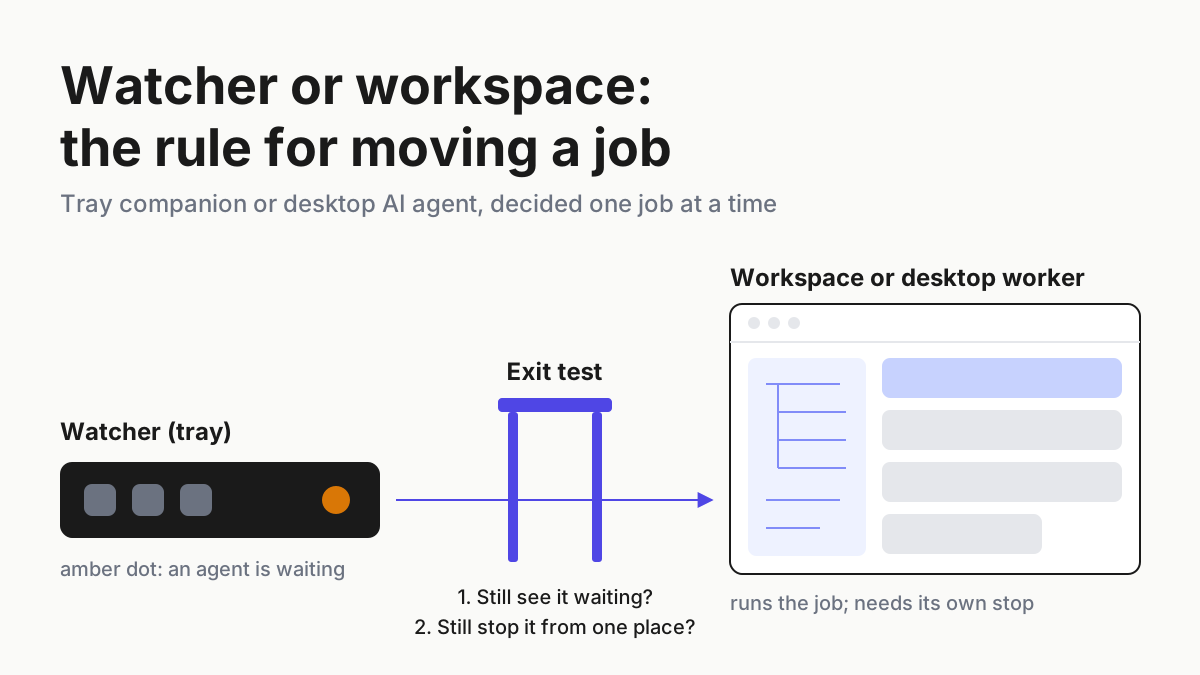
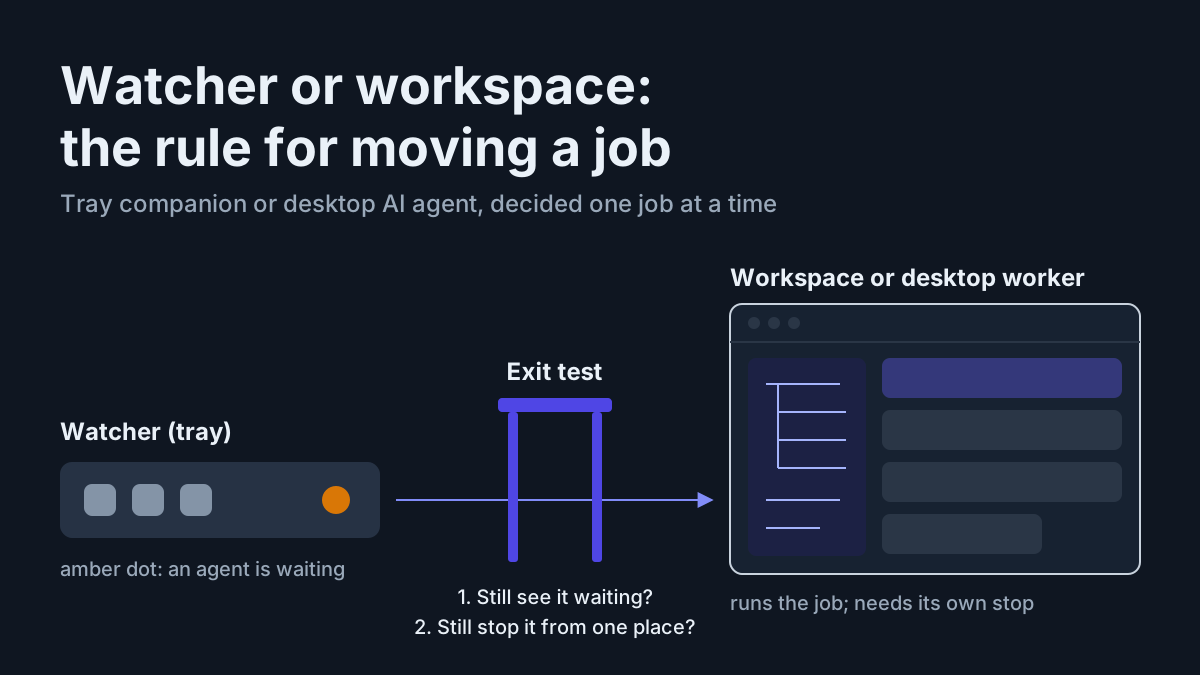
The operations layer is lighter. Transcript indexing, full-text search, process observation, and redaction are CPU-and-disk jobs. Automater Lite is one current implementation, with a supported-app view, local Library, usage meters, and signed updates. On Windows, keepalive brings the companion back after an unexpected exit or reboot; it does not revive agent processes the reboot ended. Stall flags reduce time-to-notice when a supported session needs attention.
Automater Lite is a free download for Windows, macOS and Linux at automater.ai/downloads. The Lite archive has no automatic cloud copy. PRO’s connected features are separate data paths, so evaluate them on their own rather than extending the local-archive claim to the entire paid product.
The two purchases now compare cleanly:
| Decision | Dedicated local AI workstation | Companion on the PC you own |
|---|---|---|
| Current example price | NVIDIA DGX Spark: $4,699 in the US | Lite: free; PRO: paid tier, terms on automater.ai/upgrade |
| Primary job | Run larger models locally | Organize and observe supported assistants |
| Immediate benefit | Private, controllable, meterless local inference | Search, local history, usage view, attention state |
| Does not prove | Model or agent quality on your workload | Better model output or local inference |
| Main buying test | Measured private workload and utilization | Number of tools, sessions, and hours lost to friction |
Neither column replaces the other. One is compute; one is operations.
Local AI without a GPU: what still works
“Without a GPU” should not be read as “without AI.” It means choosing workloads that fit the machine.
- Hosted agents still run against your local files and terminal; their inference happens remotely.
- Full-text search, metadata extraction, and many embedding workloads can run locally, with speed depending on corpus size and runtime.
- Compact quantized models can run through Ollama on supported CPUs, slowly enough that you should test before promising an interactive experience.
- Session archives, usage views, process monitoring, and redaction do not need a dedicated inference accelerator.
The right first measurement is not VRAM. Track which tasks you send to hosted models, their cost, their privacy class, their acceptable latency, and how often they repeat. That record tells you whether local hardware has a job waiting for it.
A purchase checklist that survives the next launch
Before buying a local AI workstation, answer these questions with evidence:
- What exact workload must run locally? Name representative inputs, output quality, context size, and tool calls.
- What model and quantization passed that workload? A parameter count is not a test result.
- What is the measured memory footprint and throughput? Use the intended runtime on the intended hardware.
- What does three years cost? Include hardware, power, storage, support, and the hosted plans you will probably keep.
- What happens when the local run fails? Decide whether cloud escalation is permitted and log when it occurs.
- Where do transcripts and credentials live? Local inference does not sanitize the record it leaves behind.
- Who watches overnight work? A local model can stall just as quietly as a hosted one.
If the answers are still “I want AI at home,” start with the existing machine. Build the archive, monitoring, redaction, and cost baseline first. A month of evidence will tell you whether the missing layer is silicon or operations.
FAQ: home AI
Can I build a home AI setup without a GPU?
Yes. Hosted agent CLIs can use your local files, terminal, and browser while inference runs through a provider API. Local archives, full-text search, usage collection, stall monitoring, and redaction are CPU-and-disk workloads. Compact local models can also run on supported CPUs, with workload-dependent speed.
What is Perplexity’s Portable Computer?
It is Perplexity’s local agent stack for NVIDIA DGX Spark. The initial release runs Qwen3.8 27B or PPLX27B locally under Linux, with optional user-authorized cloud escalation. Perplexity says Windows and broader RTX-PC support are coming but does not publish a September date or a 24GB entry requirement in the launch announcement.
How much does NVIDIA DGX Spark cost?
NVIDIA’s US marketplace listed the Founders Edition at $4,699 when this article was checked on September 1, 2026. NVIDIA says MSRP rose from $3,999 in February 2026. Prices vary by country, reseller, and OEM system, so verify the current listing before budgeting.
Do I need 24GB of VRAM for home AI?
There is no universal floor. Required memory depends on model size, quantization, context, runtime, and whether CPU or unified memory can participate. Perplexity’s first Portable Computer release targets a 128GB DGX Spark; future RTX-PC requirements have not been published in that announcement.
Will a local AI workstation replace hosted subscriptions?
Possibly for workloads the local stack completes at acceptable quality and speed. It does not follow from ownership alone. Run representative evaluations, measure failure and escalation rates, and price any hosted fallback you still need. A workstation can also leave supervision, archive, and privacy requirements unchanged.