The Operating Bill, Not the Token Bill: Price the Column Your AI Budget Skips
Your AI subscription cost is only half the bill. Price the other half, the operating bill, against the hidden bill of lost sessions, with two fleet scenarios.

Go deeper. Build your own.
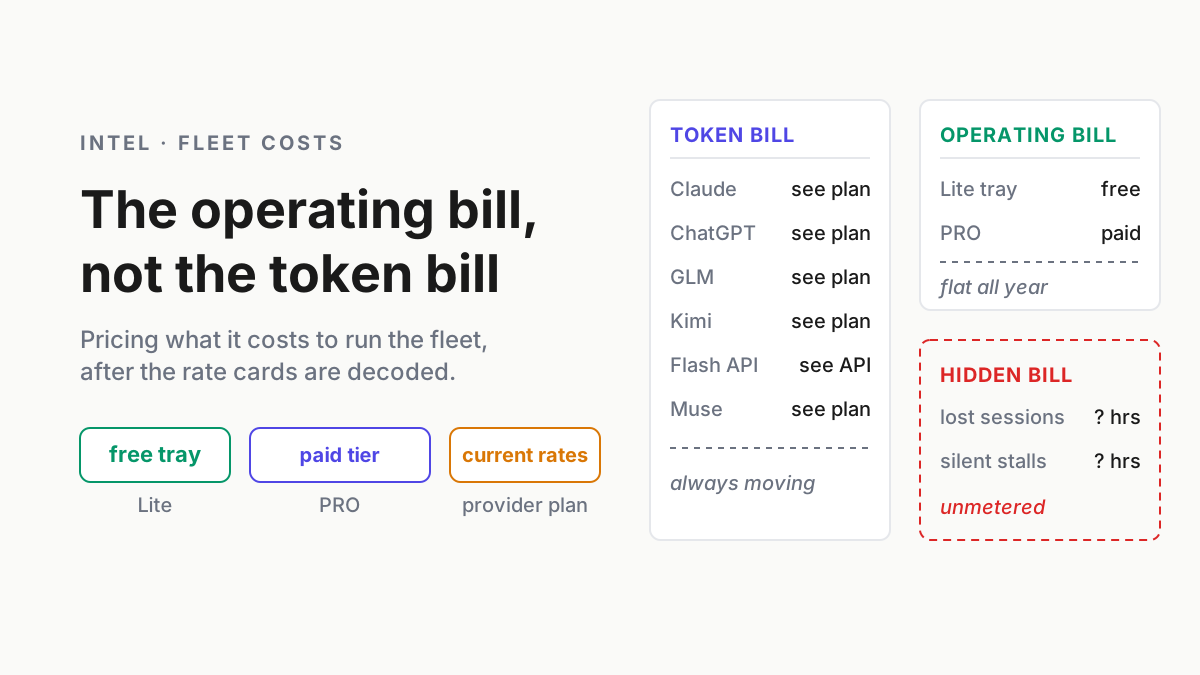
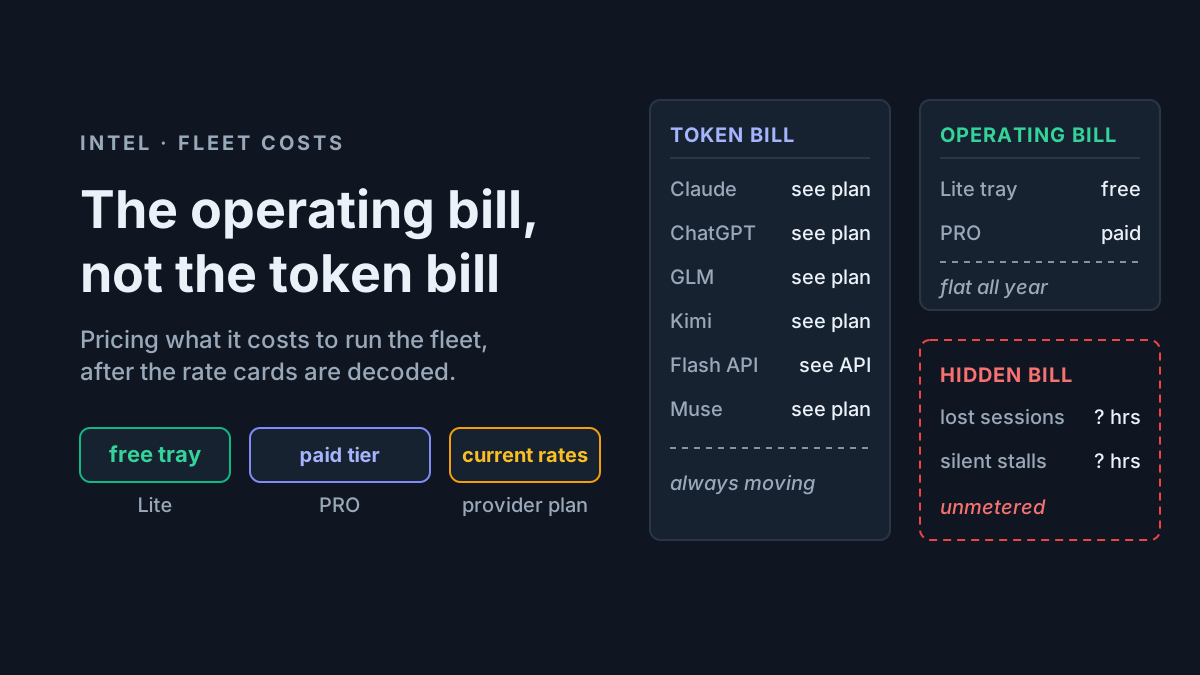
A useful AI budget needs a FLEET tab with at least two columns. The left column is the token bill — model plans plus metered APIs. The right column is what it costs to operate those subscriptions: find an old session again, see usage as it happens, keep the watcher available after a reboot, and notice a stalled run before hours disappear.
The left column has been decoded to death. The right column is the one few comparisons itemize, and it helps decide whether the left column was money well spent.
So this piece weighs the right column against the left: the Automater Lite tray is a free download and Automater PRO is the paid tier. Model plans, for comparison, start around $20 a month before metered usage. Behind both is the third bill nobody invoices — the operator’s time. The tray’s stall flags exist because of that third bill; more on it below.
The token bill: the AI subscription cost everyone already prices
The vendor rate cards — Claude Max tiers, ChatGPT Pro, Copilot’s AI credits, and metered API plans — are covered in Token Plans Decoded. This article assumes you have picked your plans and focuses on two changes that reinforce the operating-cost case.
First, metered lanes now reward scheduling. DeepSeek’s current V4 pricing page lists V4 Flash cache-miss input at $0.44 per million tokens during peak windows and $0.22 off-peak, with output at $1.32 peak and $0.66 off-peak. Peak hours are 01:00–04:00 and 06:00–10:00 UTC, Monday through Friday; other hours are off-peak. DeepSeek says the 50 percent off-peak schedule took effect August 16. GitHub also moved Copilot plans to usage-based AI Credits on June 1. Current provider pages, not an old comparison article, should drive the spreadsheet.
Second, flagship plans still package usage as allowances rather than a simple per-token bill. Anthropic’s current plan page lists Max 5x at $100 per month and Max 20x at $200 per month; OpenAI’s current consumer pricing page lists Plus and Pro separately. Treat every allowance as a moving constraint and review the vendor page on renewal day.
Put those together and the token line item is trending toward solved, the way groceries are solved: still money, but the shelves are priced and there is a discount aisle. What is not solved is everything around the shelves.
There is a corollary operators keep missing: the cheaper the token line gets, the larger the share of real spend that is operating cost. Drive the token bill toward the Flash floor and what remains — the finding, the metering, the babysitting — is most of the bill. Cheap tokens do not shrink the second column; they expose it.
The operating bill: the AI fleet cost nobody itemizes
AI operating cost is what you pay to run an AI fleet as a system instead of a pile of terminals: knowing what is installed and running, metering supported-provider usage locally, finding past sessions again, keeping the watcher available after reboots, and noticing stalls when they happen. It is priced separately from tokens — and often not priced at all, because most operators pay it in hours instead.
Here is what the two operating-layer tiers currently buy.
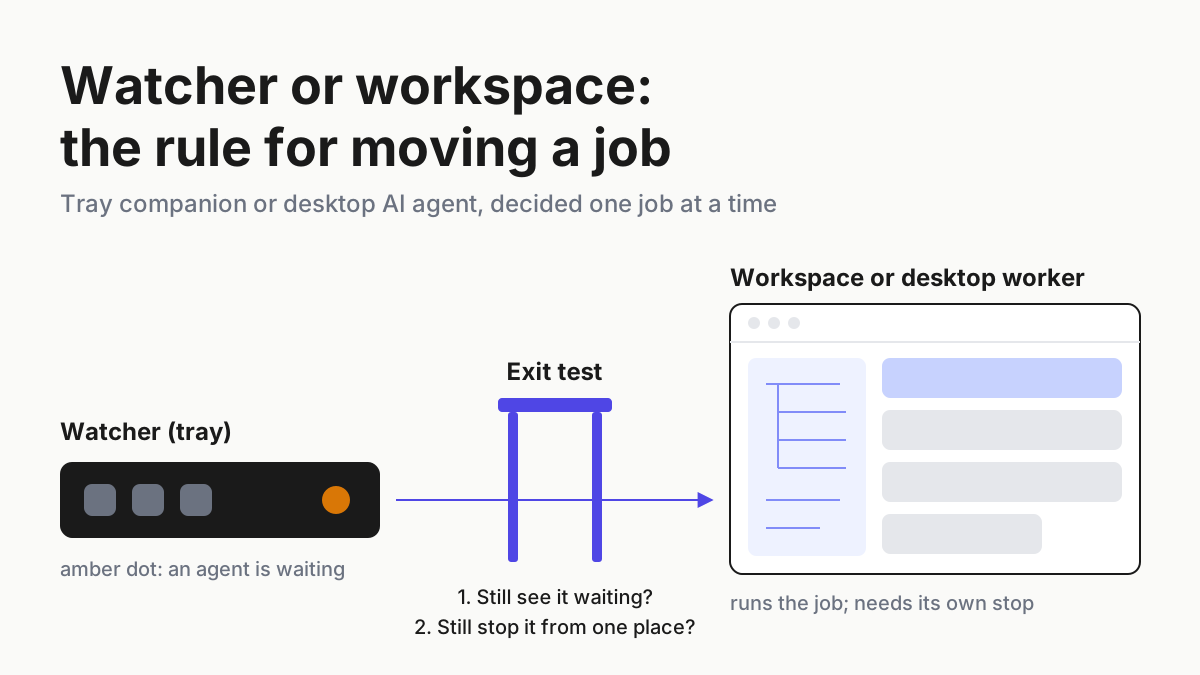
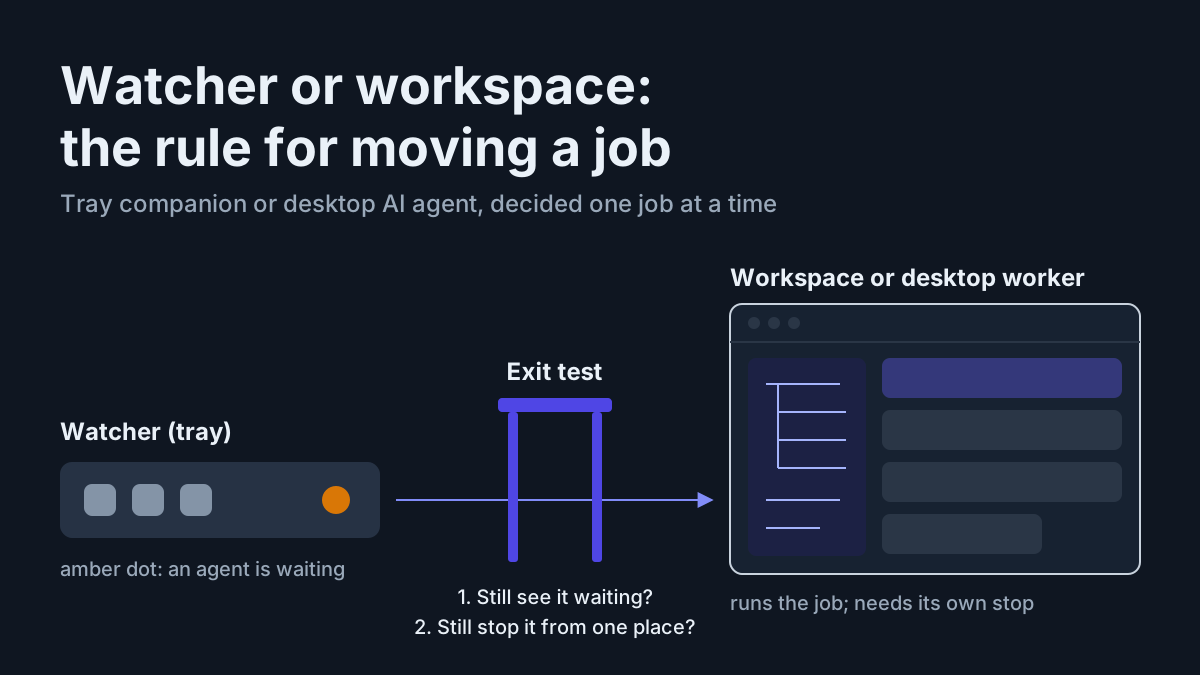
Free — the Lite tray. The public pricing page includes the local archive, usage meters, voice, widgets, and signed updates. The product page also shows supported-app detection, live attention states, full-text search, and native resume where an adapter supports it. On Windows, keepalive restores the companion after an unexpected exit or reboot. The complete roster is in the tray review.
Paid — PRO. In the site’s own words, PRO is “Everything in Lite, plus the controls that operate this machine and the rest of your fleet.” Check the current list price and terms on automater.ai/upgrade before you budget it, because pricing and bundles can change.
$20/month and up — the lab floor. That is not an operating bill; it is the entry price of the token bill wearing a subscription costume. But it is a useful yardstick: hold any operating-layer price you are quoted against it, and against the hidden bill below, before you call the tooling expensive.
Honesty section, before the math. The Lite archive is local and has no automatic cloud copy. PRO’s connected features may be useful, but they are not evidence that the archive itself moved or that every provider is manageable in the same way. Price the exact tier and workflow you will use.
The hidden bill: what lost sessions actually cost
The third column never appears on an invoice, so estimate it in hours. Three line items recur.
Hunting. CLIs that persist local history use different paths, formats, and identifiers. Claude Code’s CLI reference documents local transcripts and resume; every additional tool needs its own current inventory. Before cross-provider search, “find the session where the agent explained this build system” becomes a manual search through vendor-specific state.
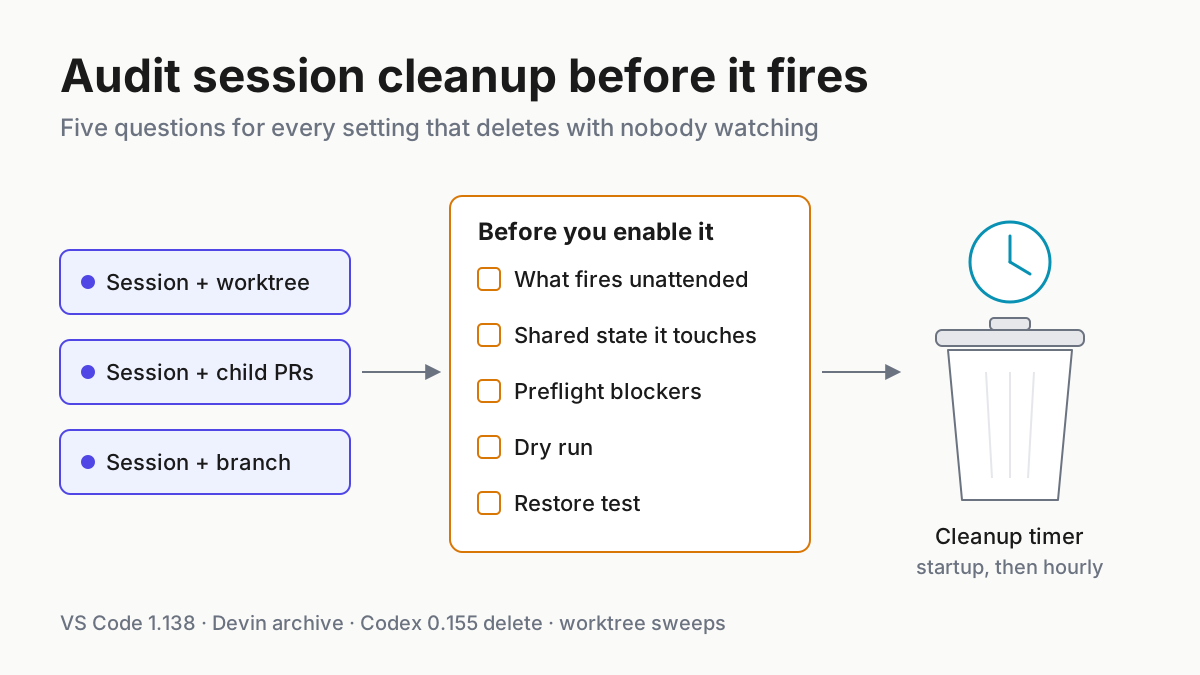
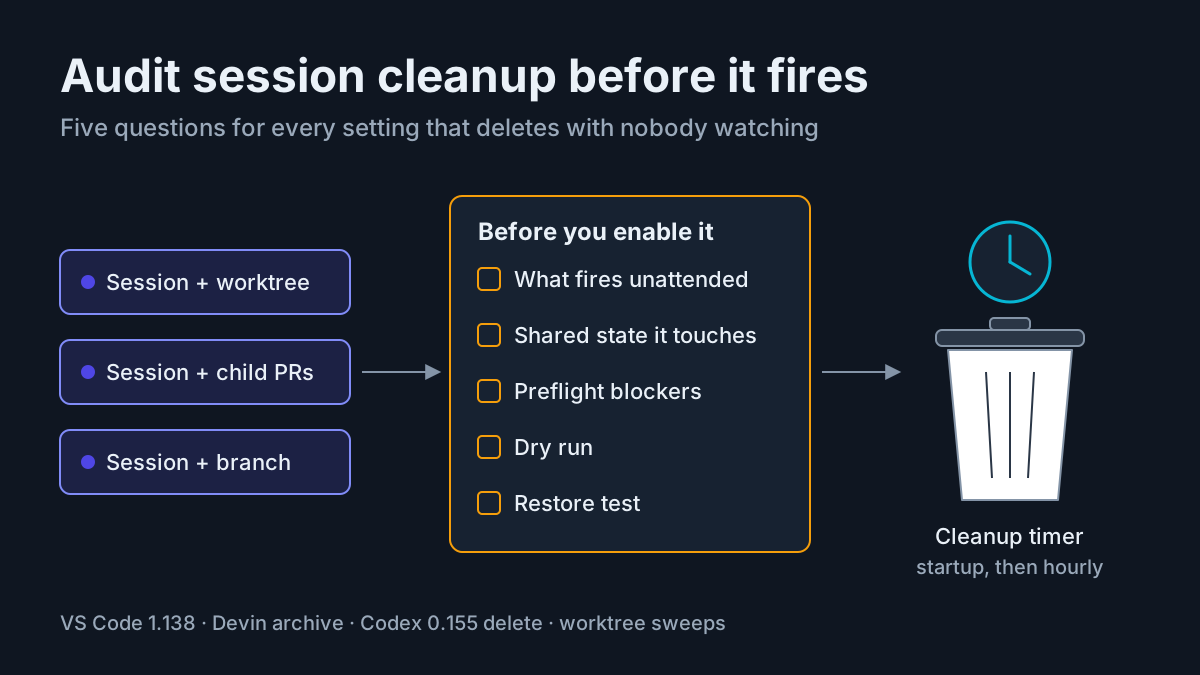
Dead runs. An overnight job can stall and sit unnoticed until the next check. The cost is not only tokens already spent; it is inspection, checkpoint recovery, and rerunning. Stall flags reduce time-to-notice. Keepalive keeps the watcher available; it does not save an agent process from a reboot. The deeper fix is giving the fleet one operating surface instead of five tabs.
Unattributed spend. Quota that bought nothing you can name: retries you never saw, a subagent fan-out you forgot was configured, and memory layers injected into repeated sessions. Fan-out multiplies model calls, but there is no universal 7× factor; the cost depends on worker count, context, retries, and output. That last leak is itemized separately in Memory That Burns Quota.
The illustrative math below assigns operator time a $75 hourly value. Substitute a real internal rate; the calculation is the useful part.
Napkin math: the two-CLI daily driver
The first illustrative persona uses Claude Code on Max 5x and Codex on a ChatGPT Plus seat for second opinions and an occasional parallel lane. There is no GPU workstation or local-model budget — just a plain desktop, which is its own viable setup.
| Line item | What it is | Annual |
|---|---|---|
| Token bill | Claude Max 5x ($100/mo) + ChatGPT Plus ($20/mo), using current vendor list prices | $1,440 |
| Operating bill | Automater Lite (free) or PRO at its current list price | Free, or PRO’s list price |
| Hidden bill | ~20 min/week hunting transcripts (~17 hrs) + one dead overnight run a month, ~2 hrs each (~24 hrs) = ~41 hrs × $75 — napkin, not telemetry | ~$3,100 |
Read the ratios, not the absolutes. In this example the hidden bill is about 2.2× the annual token bill and dwarfs the operating bill: at $75 an hour, a paid operating tier earns its keep once it saves more hours a year than its annual price divided by 75. The time assumptions are illustrative, so substitute measured minutes and your own labor rate.
For the record, the tray can move two of the three hidden line items even on the free tier: cross-provider search shortens hunting, and attention flags reduce time-to-notice. Keepalive makes sure the watcher itself comes back; it does not recover dead agent runs. What no tool recovers is the mornings already lost before you started counting them.
The honest caveat: you can attack the hidden bill with discipline and zero dollars — tidy tmux habits, your own grep scripts over transcript directories, and a scheduled check that reports when a process goes quiet. The PRO option pays for maintained product plumbing instead of a personal collection of scripts.
Napkin math: the five-CLI shop
Second persona: a solo shop or two-person team running Claude Code on Max 20x, Codex on ChatGPT’s $200/month Pro option, and a budgeted metered-API lane for batch work. The named plan prices are current vendor list prices; the API allowance below is an explicit planning assumption, not a quoted subscription.
| Line item | What it is | Annual |
|---|---|---|
| Token bill | Max 20x ($200/mo) + ChatGPT Pro 20x option ($200/mo) + an illustrative $35/mo metered-API budget | $5,220 |
| Operating bill | Same tray, same PRO — the layer does not charge per CLI | Unchanged |
| Hidden bill | ~2 hrs/week of fleet friction across five transcript formats (~100 hrs × $75 = ~$7,500) + |
~$8,000 |
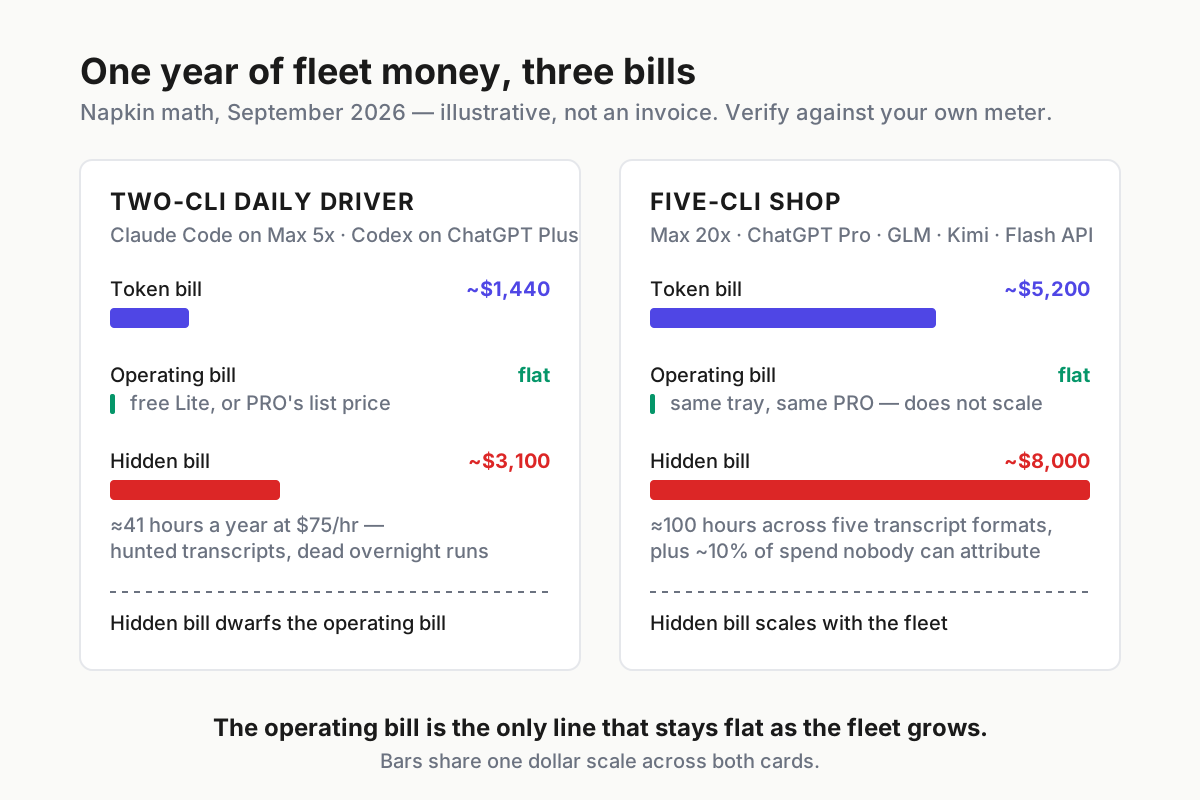
 The infographic version. One dollar scale across both cards; the green sliver is the operating bill, both times.
Note what the off-peak lane does to this persona. The entire point of DeepSeek’s discount windows is running batch work while you sleep — which is precisely when a stalled run costs the most, because nobody finds it until morning. Cheap tokens at 3 a.m. assume something is awake watching the fleet. That something is either you, or the operating layer.
Two things jump out of this table. The token bill scaled by roughly 3.6× from persona one. The hidden bill grows because every added CLI can add another transcript format, provider allowance, and place for a session to go quiet. The operating bill stays flat under the current per-user price. The values are illustrative, but the scaling question is the useful one.
What PRO actually buys — and what it doesn’t
It does not buy tokens. Not one. Pro does not raise a provider cap or discount a model plan. If your problem is the token bill, your levers are plan choice, API routing, and scheduling, and they live in the decoder piece.
What PRO buys is convenience on the operating side: sessions managed instead of remembered, pop-outs instead of buried tabs, a workbench — Files, Terminal, Browser — where supervision happens, and composing inside the Library instead of beside it. The local meter and searchable Library are in the free tray, so an operator can measure their value before choosing Pro.
A practical decision rule: one CLI and occasional use, start on the free tray and measure the remaining friction. With multiple CLIs, overnight work, or repeated time lost to session operations, compare PRO’s current annual price on automater.ai/upgrade with the measured hours the paid tools could save.
Automater Lite is a free download for Windows, macOS and Linux at automater.ai/downloads.
FAQ: AI subscription cost vs. operating cost
What is the difference between AI subscription cost and AI operating cost?
Subscription cost is what vendors charge for tokens and caps — Claude Max, ChatGPT tiers, flat Chinese plans, metered APIs. Operating cost is what you pay to run those as a fleet: finding sessions, metering spend locally, keeping runs alive, catching stalls. The first runs $20–$400 a month; the second is a free tray, or PRO at its current list price.
Why is the operating bill so much smaller than the token bill?
Because it prices software, not compute. Tokens are metered scarcity; the operating layer is a local tray app watching transcripts and processes already on your disk. That asymmetry is the point — an operating layer that recovers one lost session a year can outperform most token-plan optimizations you could make instead.
How do I estimate my own AI fleet cost?
Three lines. Token bill: sum your plans and API spend, and verify quarterly because rate cards drift. Operating bill: whatever your fleet tooling costs — the free tray, or PRO at its current list price. Hidden bill: minutes per week spent hunting sessions plus recovering dead runs, times your hourly rate. Compare that measured third line with the tooling price instead of assuming either is negligible.