Cross-CLI Memory That Survives the Session
AI session memory that outlives one tool: keep supported histories searchable and local, keep preferences small, and keep secrets out of both.

Go deeper. Build your own.
A productive coding session can accumulate the shape of a billing reconciler — which invariants matter, which test file lies, why the retry logic looks wrong but is not. Close that context and open a new tool, and none of that working state automatically follows. Re-explaining it consumes fresh input and operator attention.
That cold-start feeling is what people mean when they search for AI session memory, and the fix is not what the plugin READMEs say it is. There are two different things called “memory” in this business, and conflating them is why most memory setups either forget everything or bill you for remembering.
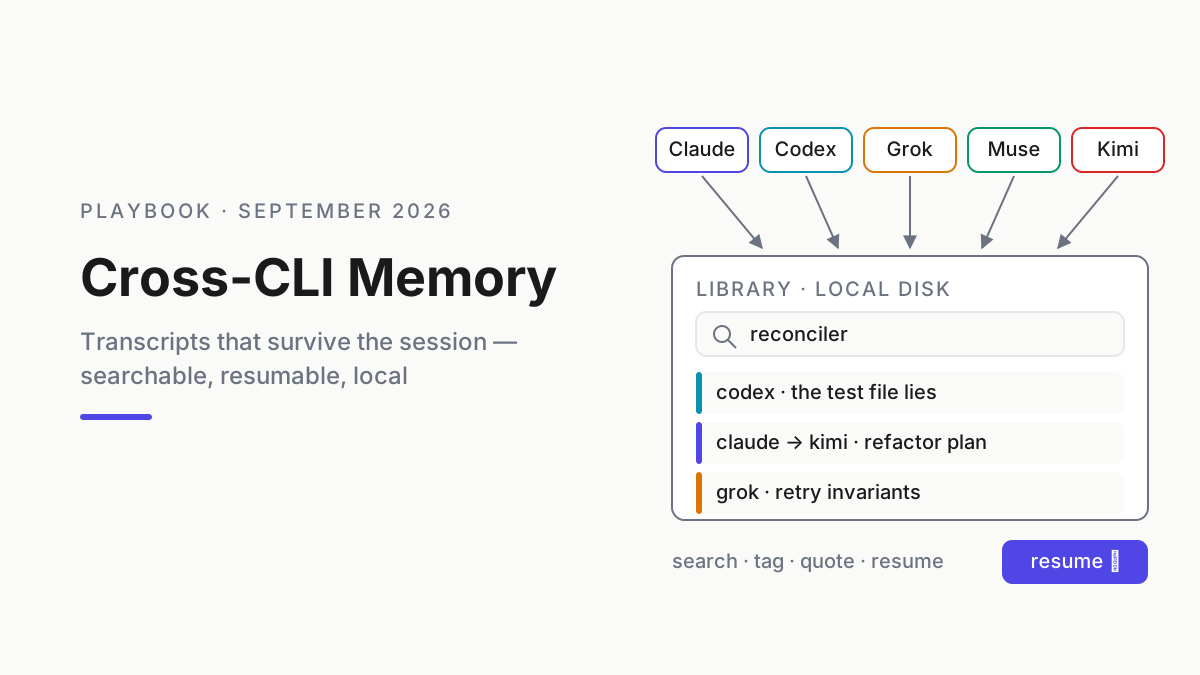
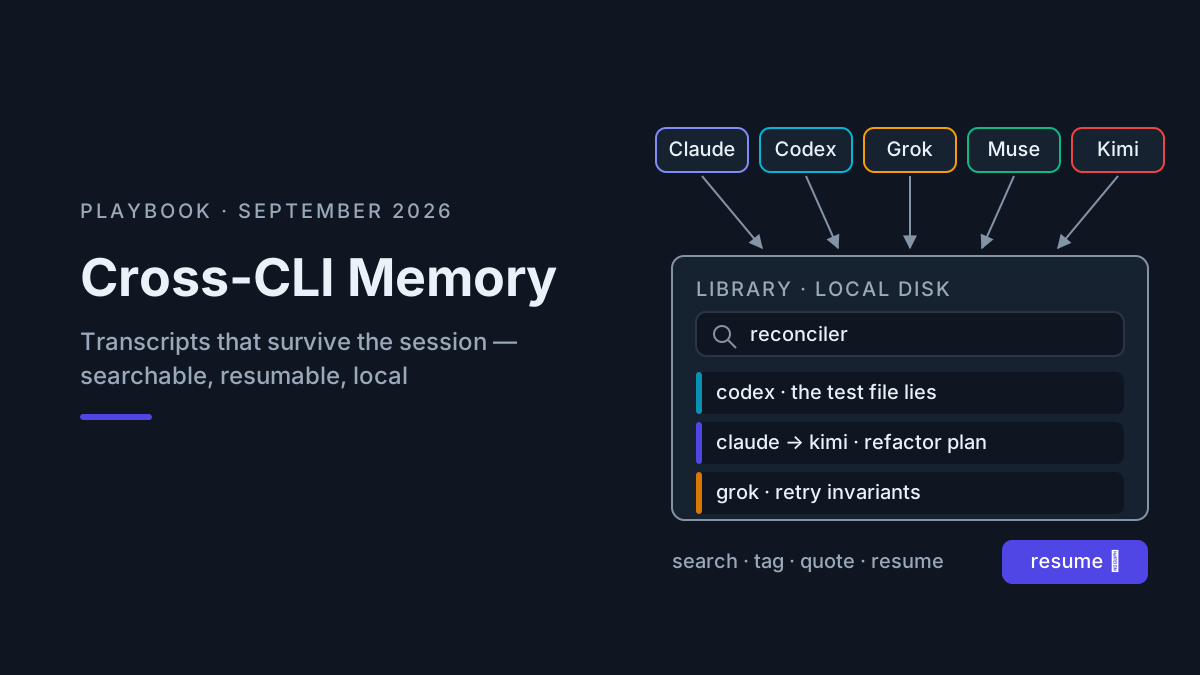
The first kind is the context window — what the model can see right now. Managing it is context engineering, and the context engineering playbook already owns that ground: budgets, compaction, CLAUDE.md hygiene, subagent isolation. Go there for the window. This piece claims the other kind: the durable record that survives the session, the reboot, and the switch from one CLI to another. Transcripts — searchable, resumable, local. It pairs with the local-first vault, which owns where the record lives and what gets scrubbed out of it; this one owns what goes in and how it gets reused. By the end, the protocol is clear: what goes in a vendor memory store, what goes in the local Library, and what goes in neither.
Inventory comes before memory design. Automater Lite’s tray view is one way to identify supported assistant lanes and the records available to its Library; unsupported or cloud-only lanes still need a documented export path. That gap list prevents a polished search screen from being mistaken for complete cross-CLI coverage.
AI session memory fails in both directions
AI session memory is the durable record of what you and an agent did — decisions, failed approaches, working configs — kept where a future session can find it. It is distinct from the context window (working memory) and from model training. Done right it is cross-tool: memory made in Claude should survive a switch to Codex or Kimi.
Nobody has it done right out of the box, and the evidence trail runs through both failure modes.
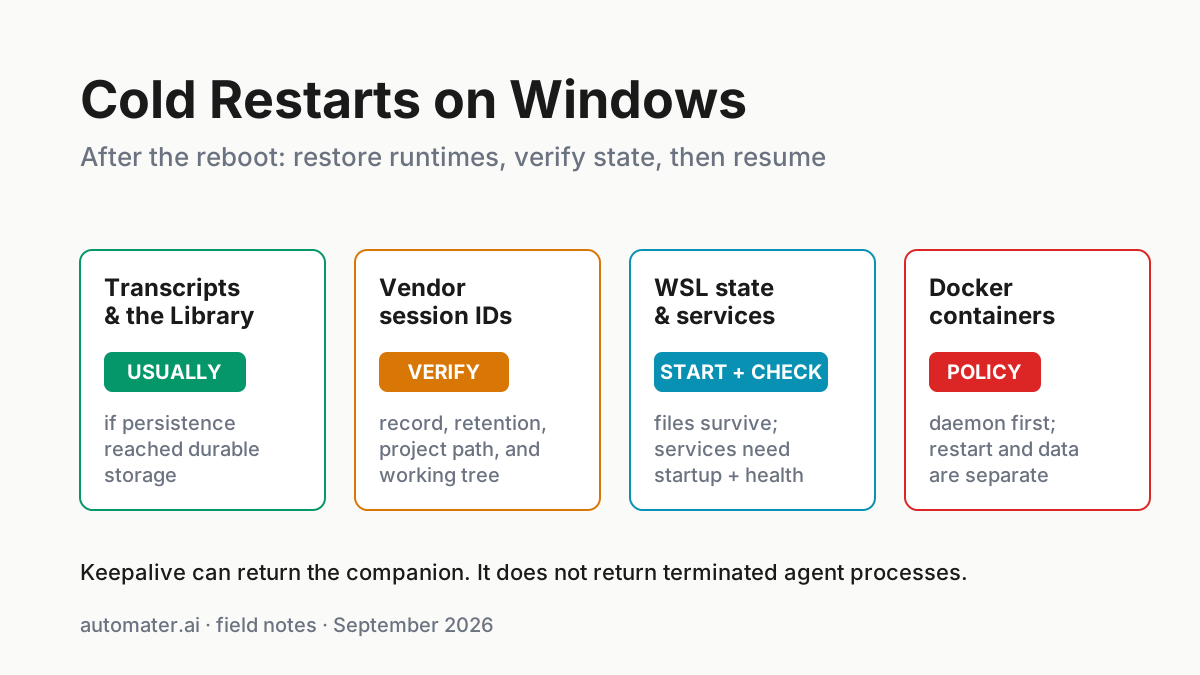
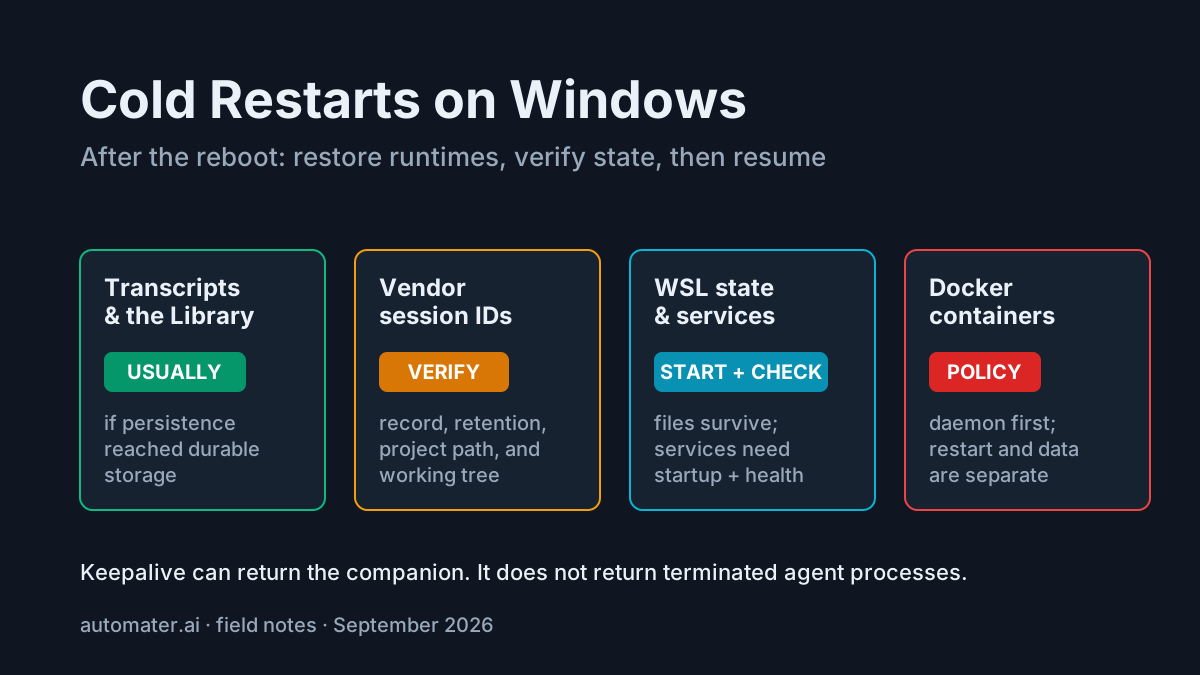
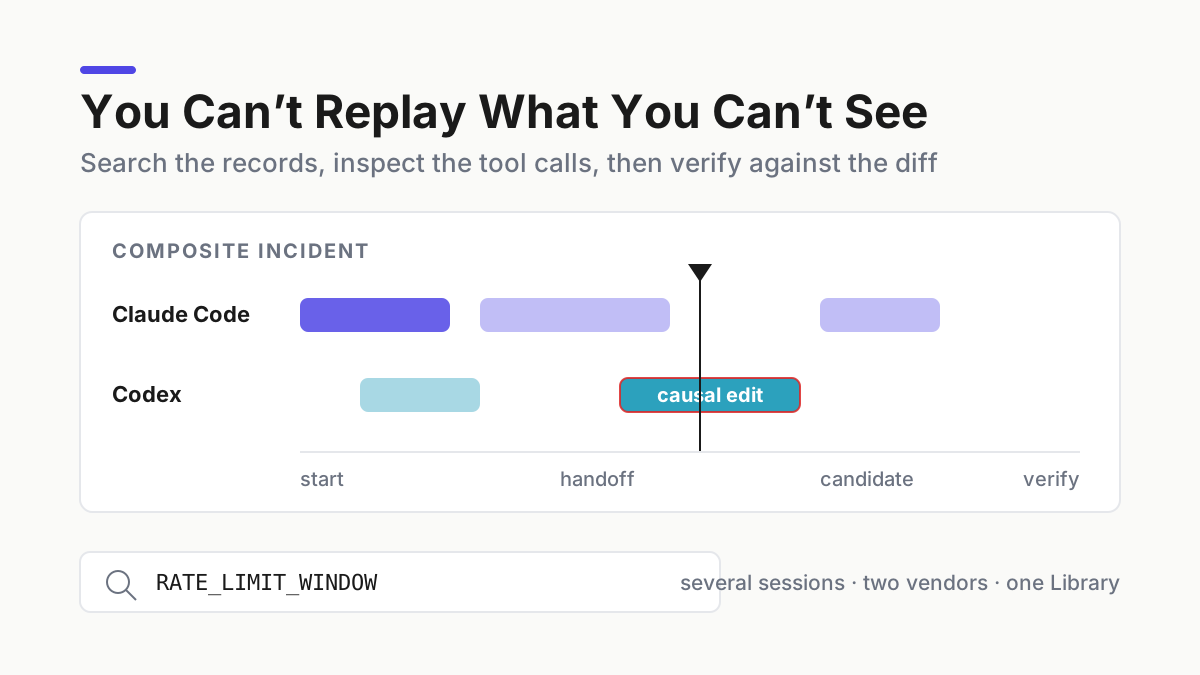
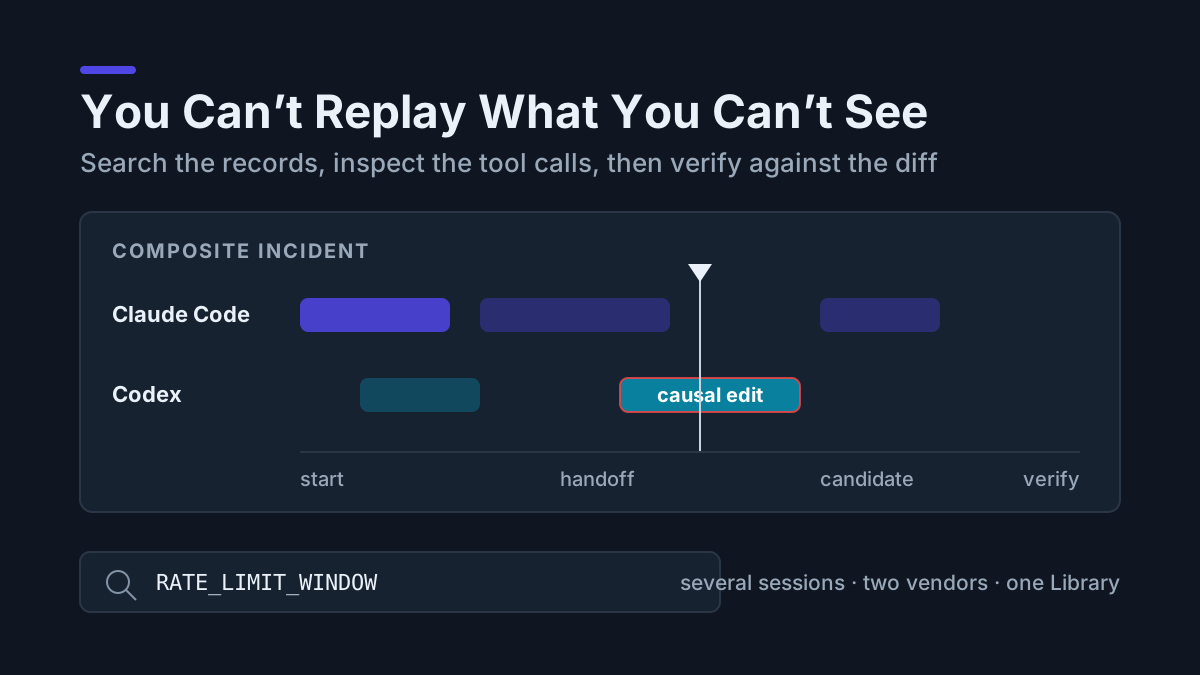
Failure one: amnesia. A new context window starts without the working state of a previous one unless the tool resumes or rehydrates it. Claude Code’s current CLI reference documents --continue and --resume; other tools expose different mechanics. Windows reboots, WSL restarts, and lost terminal tabs make that distinction visible. Automater’s Windows keepalive restores the companion, not an agent process or its model context. The Windows-specific version is covered in cold restarts on Windows.
Failure two: memory that burns quota. The community fix is injection — a plugin that loads selected context at session start. claude-mem says it captures tool use, compresses observations, and injects relevant context into later sessions. That can reduce re-explanation, but anything injected occupies input context and may count against usage. The cost is workload-specific; the repository does not establish a universal spend multiplier. The full economics live in memory that burns quota; this piece stays on protocol.
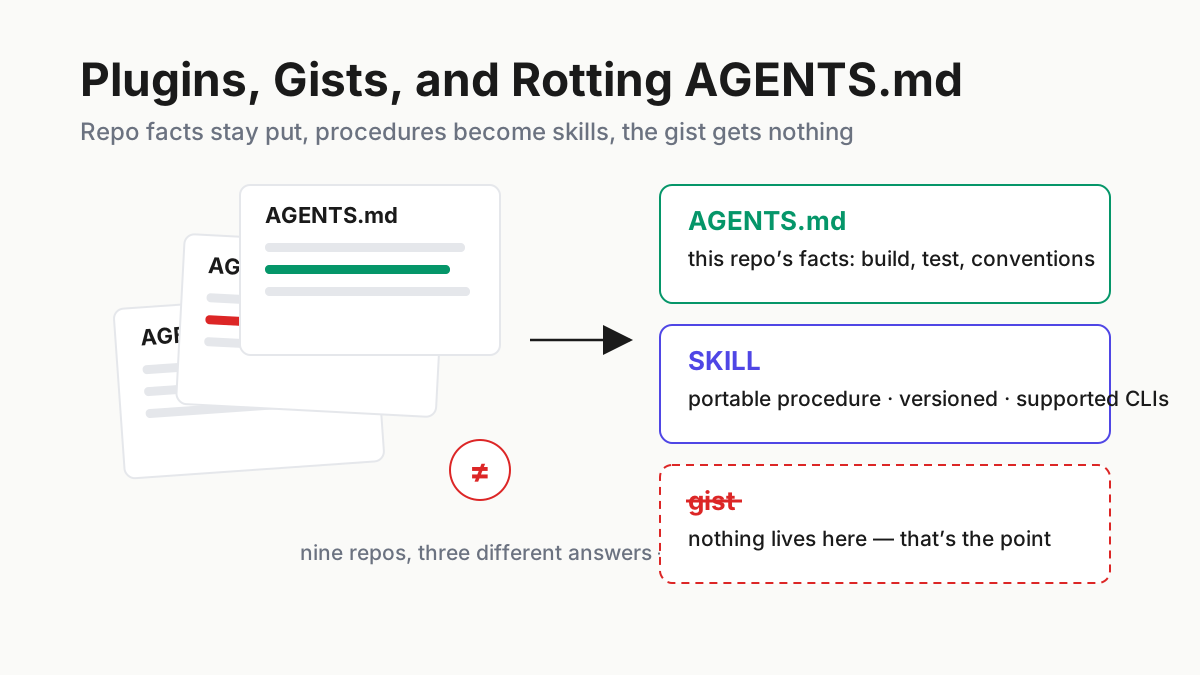
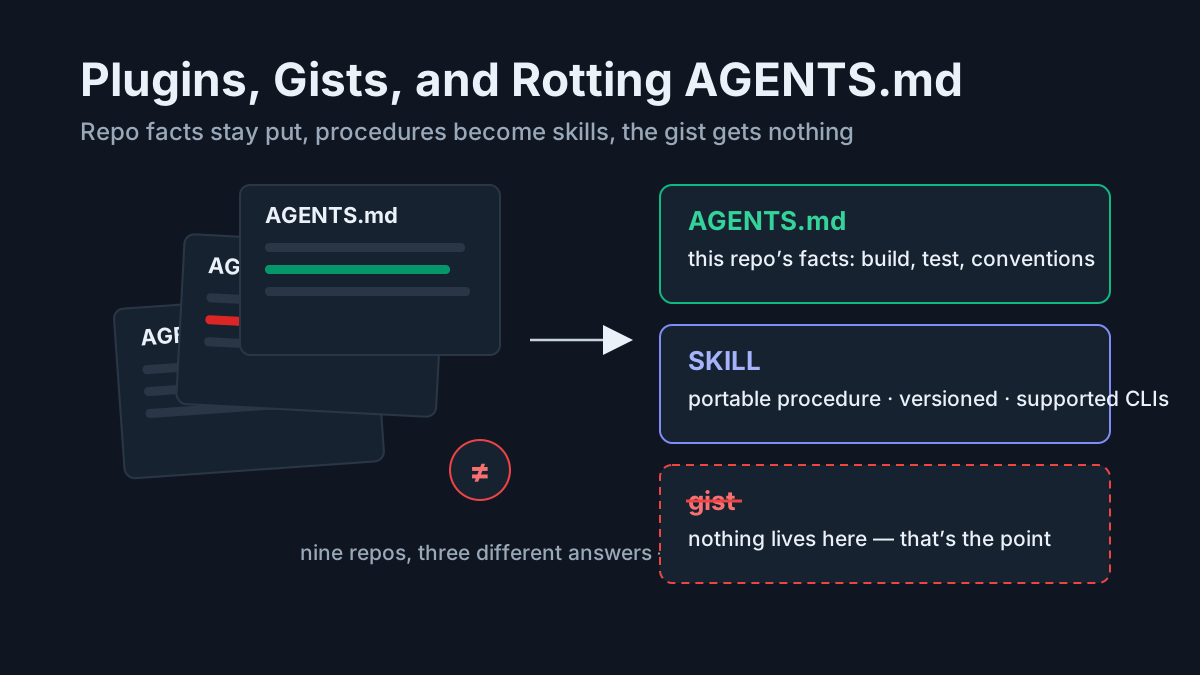
Failure three: memory nobody audits. Anthropic’s Managed Agents architecture separates an append-only session event log from the model’s context window and lets a memory tool write selected context to files. The architecture enables continuity, but selected memory can still go stale. Unaudited memory becomes drift: old preferences and obsolete repository facts compounding quietly, the same disease as AGENTS.md rot — a file everyone writes to and nobody prunes.
Amnesia, tax, drift. Any protocol has to beat all three at once.
The protocol: three tiers, three rules
Here is the deliverable. Everything you might want remembered goes in exactly one of three places.
| Tier | What goes there | Why | Ongoing cost |
|---|---|---|---|
| Vendor memory store | Small, stable preferences | Easy to audit, rarely changes | Input context whenever it is loaded |
| Local Library | Every supported history allowed by policy | It is the durable record | Disk space and archive maintenance |
| Neither | Keys, tokens, client identifiers | Secrets are not memories | Vault them once |
Tier one — vendor memory stores get small, stable preferences. The test is a paragraph and a shelf life: if it does not fit in one paragraph or changes more often than monthly, it does not belong. Confirm how each tool injects or retrieves memory; not every implementation loads every record into every session. An illustrative cross-vendor preference set stays this short:
- pnpm, not npm; never touch the lockfile without saying so
- conventional commits; no emoji anywhere
- answer terse, code first, prose after
- Windows paths; assume PowerShell unless the repo says WSL
- ask before adding dependencies
Five lines are easy to inspect and cheap to include when relevant. Compare that with hundreds of lines of yesterday’s specifics competing with today’s task. The corollary is simple: audit memory stores monthly and prune what went stale. A preference you would not re-type is a preference you should delete.
Tier two — the local Library gets the complete supported record. Import and index the histories your adapters can read, retaining raw detail where policy allows. Summaries are lossy compression performed before you know what question future-you will ask. A throwaway line can become the useful fact later; a record you can search beats a memory someone distilled too early.
Tier three — secrets go in neither. Keys, tokens, .env spans, client names: those are not memories, they are liabilities, and they will resurface in every future search and paste if you let them settle into either store. Scrub them at the point of capture — that is the vault half of the local-first vault, and it is the reason tier two can be aggressive about keeping everything else.
Where do CLAUDE.md and AGENTS.md fit? They don’t — not in this protocol. Project memory files are window furniture: instructions loaded into context at session start, which makes them a context-engineering concern with a context-engineering failure mode (they rot, they bloat, they get pasted into every window whether relevant or not). Session memory is the record of what happened; a project file is a standing order about what should happen. Conflate them and you get the worst hybrid — people appending session learnings to AGENTS.md until it is a 900-line diary that taxes every window and answers no search. Learnings live in transcripts, where they carry their full context and cost nothing until retrieved.
The transcript is the memory
The insight that makes tier two workable: many coding agents already persist local transcripts or project state. Claude Code explicitly documents local transcripts and resume. Muse publishes a Developer Preview TypeScript SDK and Muse Session Protocol for driving sessions. Formats and retention differ, and cloud-first products can keep their durable record elsewhere, so inventory the exact tools and versions you run rather than assuming every assistant leaves a useful local file.
What no vendor-specific store gives you is the cross in cross-CLI memory. Claude’s native resume helps Claude; it does not make a Claude session ID native to Codex. Antigravity, Qwen Code, OpenCode, Copilot, and other tools each need a verified adapter or an explicit export path. Multiple formats in multiple folders are raw material, not shared memory, until something normalizes them.
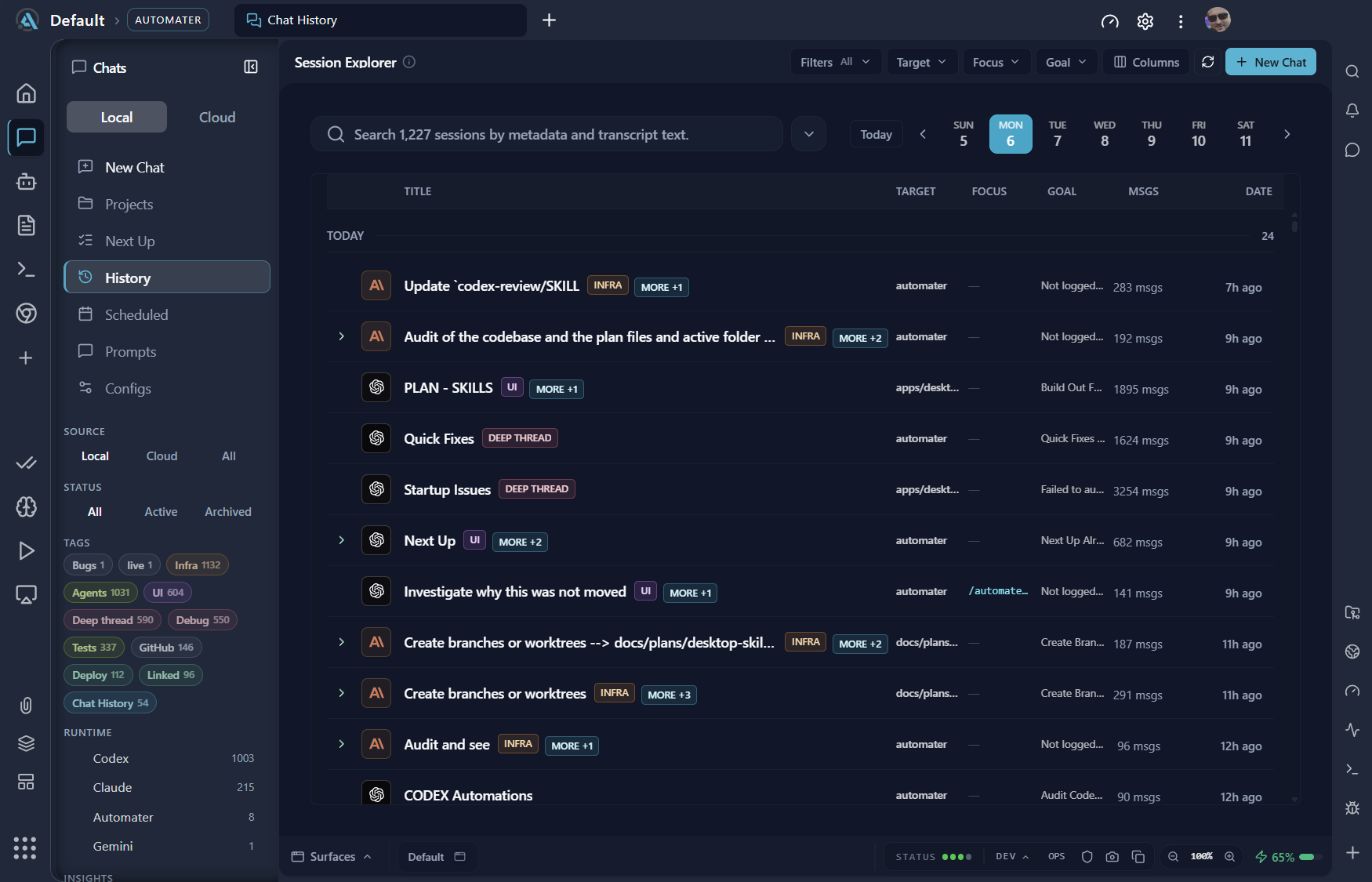
Automater Lite’s Library is one implementation of that layer: it imports supported histories, normalizes them, and provides local full-text search and native resume where the adapter supports it. Searching the local record uses no model tokens. PRO adds connected and managed surfaces, but cross-CLI reuse is still a reviewed context-transfer decision, not magic conversion between incompatible session formats.
Product note: Automater Lite is a free download for Windows, macOS and Linux at automater.ai/downloads.
Putting the protocol into practice
The protocol in daily motion is three habits: search before you prompt, resume instead of re-deriving, and tag on close.
Before a new prompt. Search the Library for the project and decision vocabulary. Pull only the lines that still matter into the next prompt. This is deliberate retrieval: no universal cache-hit or token-savings number is claimed, and subscription sessions do not all expose the same cost command.
During investigation. Search before prompting can surface a prior discussion of retry invariants or a migration command before a model is asked to derive it again. Review the retrieved lines, confirm they still match the repository, then carry only valid context forward. Retrieval avoids a new model call only when the old answer still applies; no universal savings are claimed.
When switching tools. Retrieve a plan from one supported history, review it, and quote only the relevant portions into the new tool. Two vendors can share one operator-controlled record without pretending their native session formats are compatible. That is what “survives the session” means: the record can also survive the tool.
On close. Add one useful tag while the work is fresh — reconciler, test-file-lies, execution-pass — because tags are for finding, and finding is the entire game. During a regular memory review, read the vendor stores and prune what went stale.
The habits require deliberate operator time. Injection can be useful, but it consumes context whenever it runs. Local retrieval consumes no model context until the operator chooses what to pass into a model.
Memory inside a product dies with the product
One more reason to keep an exportable record: vendor access paths change faster than projects do. Google stopped serving Gemini CLI to individual Google-account users on June 18 and transitioned them to Antigravity CLI, while enterprise and API-key use and the open-source project continued. OpenAI plans to end Cursor’s model access on November 12. A local transcript you can read and export gives you a continuity option that does not depend on one model relationship.
So: window management to the context playbook, the bill to the quota piece. This protocol is the part in between — preferences small and audited, supported records local and searchable, secrets nowhere. A tool may forget; an exportable record does not have to.
FAQ: AI session memory
Does Claude Code have persistent memory?
Claude Code documents local transcripts plus --continue and --resume. Anthropic’s Managed Agents architecture uses a vendor-managed session log and a memory tool that writes selected context to files. Neither makes a Claude session natively resumable in Codex or Kimi. Cross-tool continuity needs an exportable record and reviewed context transfer.
How do I share memory between different AI CLIs?
Through durable records where each tool exposes them. A local library that imports, tags, and full-text searches supported transcripts becomes shared memory: search the decision in one tool, then review and carry it into another. Cloud-only or unsupported histories need an explicit export path and must remain visible gaps.
Why does AI agent memory burn tokens?
Because injected memory occupies input context when the tool loads it. The exact billing and caching behavior depends on provider, plan, and implementation. Tools such as claude-mem can reduce re-explanation by injecting relevant observations; a local library defers model cost until you choose what to paste.