Free
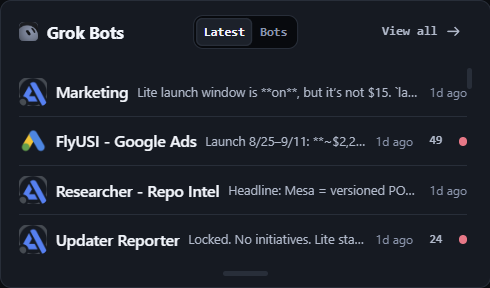
Grok Bots
Grok Bots reads the conversations Grok Bot writes on this machine and files them in the same searchable local library as every CLI session, so a bot thread and an agent run sit side by side. The card leads the Home deck and ships collapsed — open it once and it stays open.
- Grok Bot conversations imported into the local session library.
- Searchable beside every CLI transcript, not in a separate app.
- Leads the Home deck; ships collapsed until you open it.
Stays free Ships with Lite. No account, no trial clock.
Download Lite freeOpen on the grid
Free
Usage
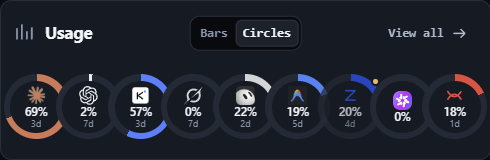
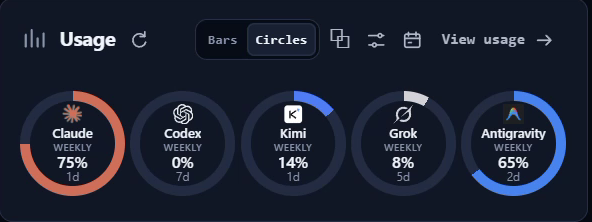
Usage counts tokens locally as your agents work and draws quota headroom for nine providers on one screen, so you see a runaway before it eats the week. A probe that cannot answer reads unknown, never zero. Publishing to the public leaderboard is free and opt-in.
- Nine providers probed for quota headroom.
- Reads unknown, never zero, when a probe fails.
- Leaderboard publishing is free and opt-in.
Stays free Ships with Lite. Pro adds the in-app rank card.
Download Lite freeOpen on the grid
Free
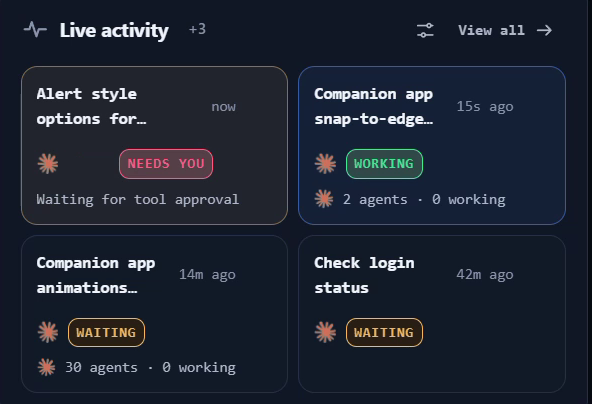
Live activity
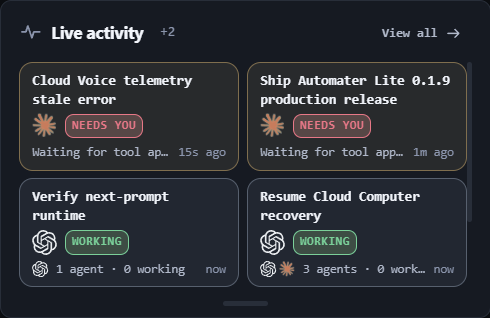
Live activity is the running picture of every agent on this machine, and Needs You is the amber flag it raises the moment one stops and waits on you — a question, a permission prompt, an approval. Billing can never take it away: Needs You and approval visibility are never paywalled.
- Amber the moment an agent blocks on you.
- Who is working and who is waiting, live.
- Approval visibility never goes behind the paywall.
Stays free Ships with Lite and is never paywalled.
Download Lite freeOpen on the grid
Free
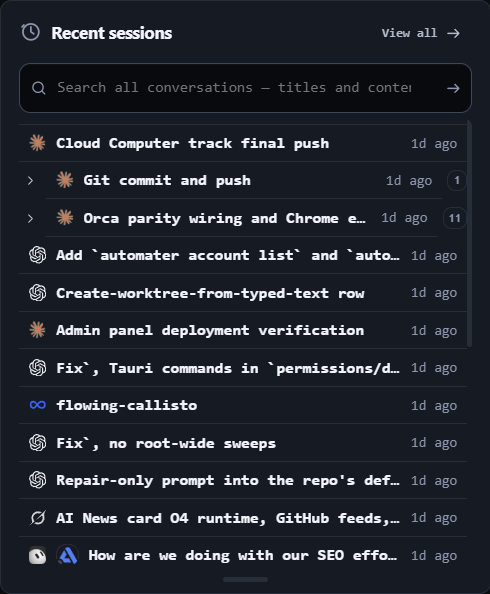
Recent sessions
Recent sessions reads the transcript files your CLIs already write and copies them into one local library you can search across vendors, then reopens a session in its own CLI where that CLI supports resume. 45 session formats today; full-text search hits all of them at once.
- 45 session formats, from Claude Code to Aider.
- Full-text search across every vendor at once.
- One-click resume on the 11 CLIs that support it.
Stays free Ships with Lite. Pro adds inline replies to a running session.
Download Lite freeOpen on the grid
Free
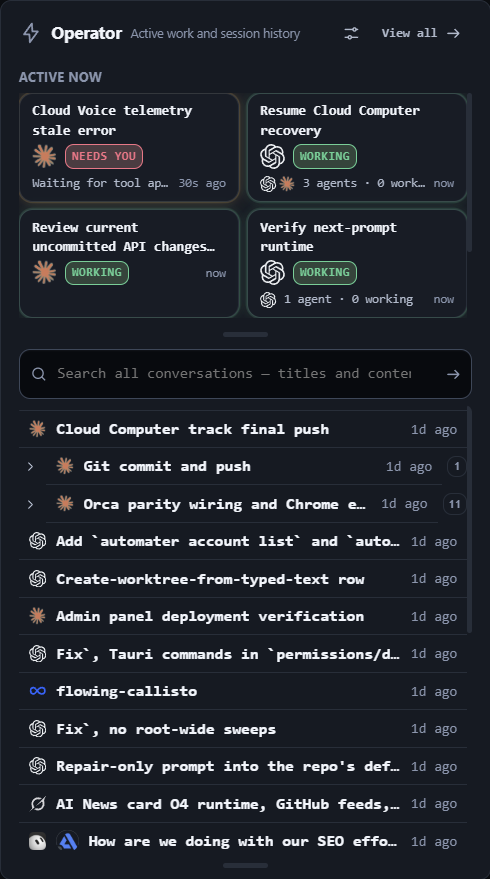
Operator
Operator is the telephony surface on the Home deck. It ships visible but off by default — turn it on from the customize panel when you want calls in the tray, and your choice sticks.
- Place and take calls from the Home deck.
- Off on first run; enable it once from the customize panel.
Stays free Ships with Lite. No account, no trial clock.
Download Lite freeOpen on the grid
Free
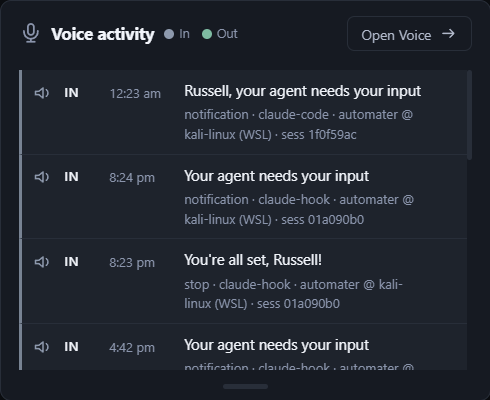
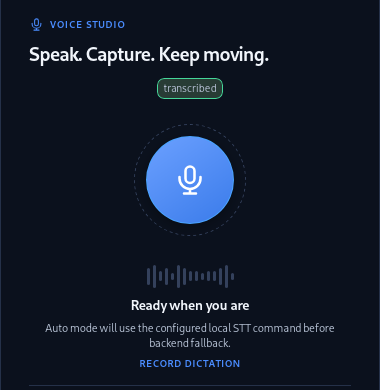
Voice activity
Press Ctrl Alt Space and speak — Parakeet transcribes on your own hardware and the text lands in whatever window has focus. Kokoro reads agent status back in a local voice. The card also carries the announce ledger: what was spoken, and when.
- Ctrl Alt Space, your global hotkey.
- Parakeet speech-to-text runs on your own hardware.
- Kokoro reads agent status back in a local voice.
Stays free Ships with Lite. Pro adds cloud voice when the machine is busy.
Download Lite freeOpen on the grid
Free
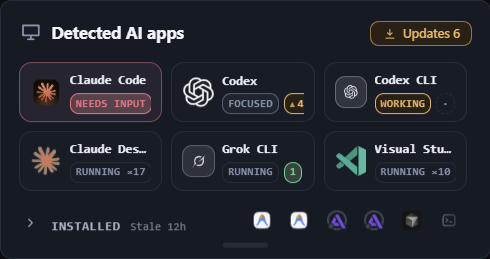
Detected AI apps
Detected AI apps scans this machine for the AI tools you have installed and shows which are running right now, with live presence and status. It closes the Home deck and ships collapsed. Pro adds the 0-100 resource hog score on top of the same list.
- Live presence and status for every detected AI app.
- Installed versus running, at a glance.
- Closes the Home deck; ships collapsed until you open it.
Stays free Ships with Lite. Pro adds live CPU, memory and I/O hog scores.
Download Lite freeOpen on the grid
Beta
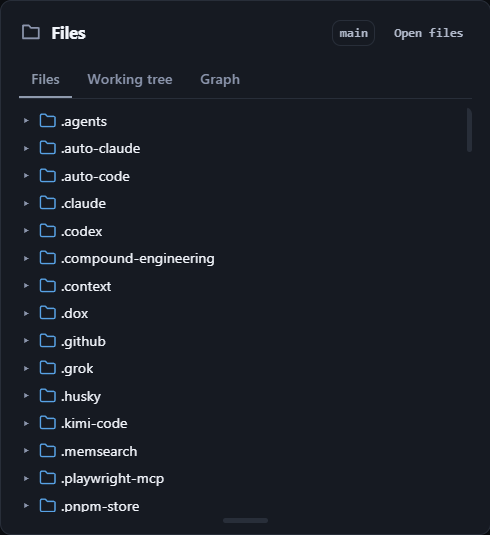
Files
Files docks a repo and file browser inside Lite: the working tree, the commit graph and the file you need, without alt-tabbing to an editor. Part of the built-in tools set, so it is paid and still experimental.
- Browse the repo tree and working tree from the panel.
- Read the commit graph without leaving Lite.
Free keeps The session library, meters, Activity and Needs You.
Upgrade to ProOpen on the grid
Beta
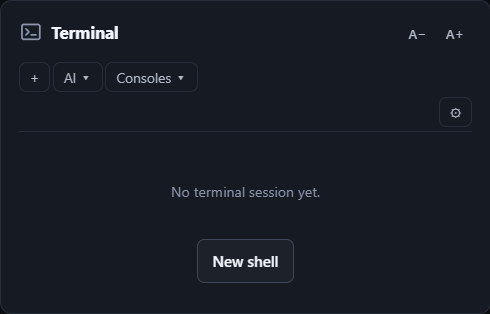
Terminal
Terminal runs local and WSL shells straight from the Home deck. It ships hidden — enable it once from the customize panel and your choice sticks. Part of the built-in tools set, so it is paid and still experimental.
- Run the built-in terminal against local and WSL shells.
- Off on first run; enable it from the customize panel.
Free keeps Your own terminal, the session library and the meters.
Upgrade to ProOpen on the grid
Pro
Usage - Rank
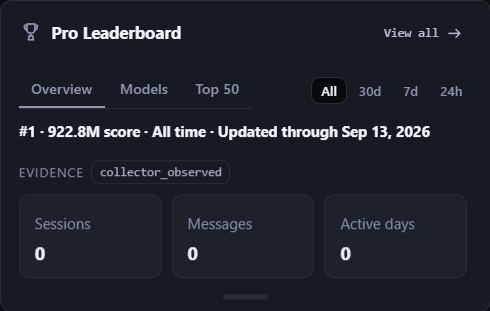
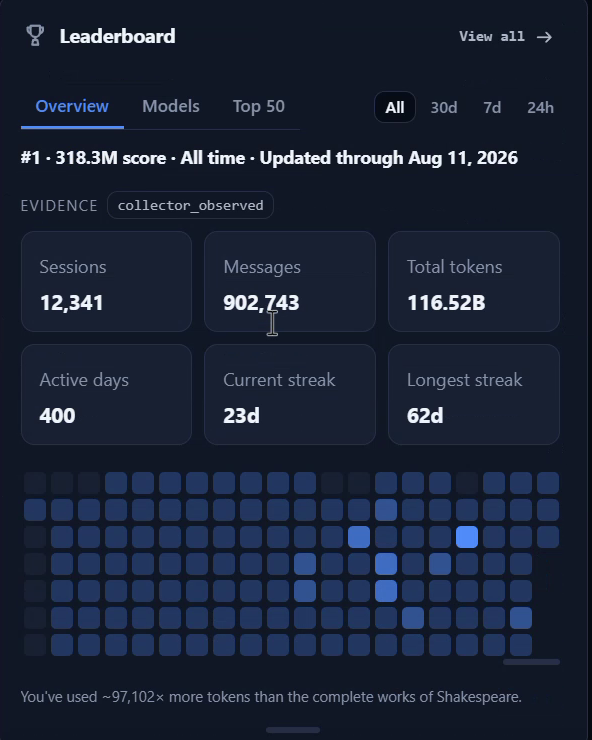
Pro Leaderboard brings your usage rank, activity insights and leaderboard profile into the app. Publishing to the public board is free and opt-in; Pro buys the in-app card. Usage meters, local activity and the session library stay free.
- Compare your usage rank and explore the top builders.
- View activity insights and manage your leaderboard profile.
Free keeps Usage meters, local activity, and publishing to the public board.
Upgrade to ProOpen on the grid
Beta
AI News
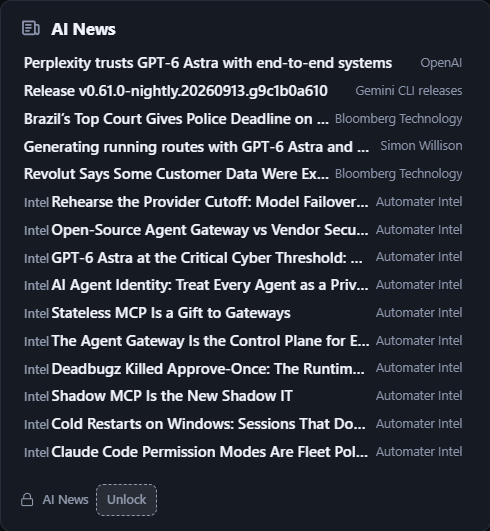
AI News & alerts ranks headlines from labs, research and industry by importance every few minutes, and adds incident and release alerts for the providers and CLIs detected on this machine. Automater Intel field guides are pinned beside the news that matters to agent builders. The five latest headlines and every Intel article stay free.
- Curated AI headlines from labs, research, and industry, ranked by importance every few minutes.
- Incident and release alerts for the providers and CLIs detected on this machine.
- Automater Intel field guides pinned beside the news that matters to agent builders.
Free keeps The five latest headlines and every Automater Intel article.
Upgrade to ProOpen on the grid
Pro
Desktop AI
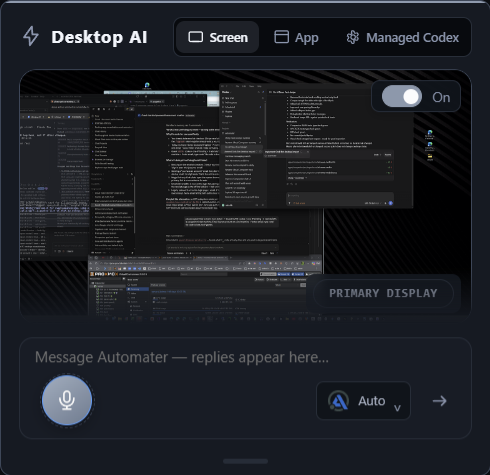
Ask Automater is the chat card on the Lite Home panel. Pick the engine you want from the card, then talk to it with the screen context and voice input already on the machine, without leaving the tray. Local dictation, voice playback and the session library keep working without Pro.
- Chat with your chosen AI engine from the Automater Home card.
- Use screen context and voice input in your conversations.
Free keeps Local dictation, voice playback and the session library.
Upgrade to ProOpen on the grid
Beta
Live Visualizer
Live Visualizer draws a repository as a live component map, with dependencies, progress and blocked work, and shows agents moving across it in real time with the files they are touching. Zoom from every repo down to the individual files a session is editing. Live activity, Needs You, approvals and the session library stay free without the map.
- See a repo as a live component map: dependencies, progress, and blocked work.
- Watch agents move across the map in real time, with the files they are touching.
- Zoom from every repo down to the individual files a session is editing.
Free keeps Live activity, Needs You, approvals and the session library.
Upgrade to ProOpen on the grid
Beta
Browser
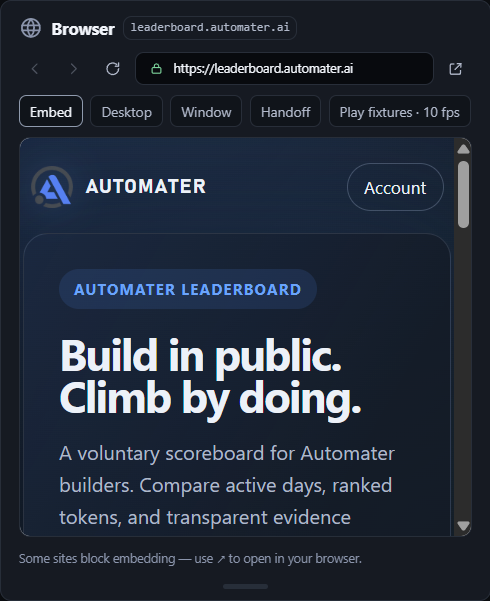
Browser puts a web view and a markdown viewer in the tray, so docs, dashboards and a rendered README open beside the agents instead of in another window. Part of the built-in tools set, so it is paid and still experimental.
- Open pages in the panel instead of another window.
- Render markdown files in place.
Free keeps The session library, meters, Activity and Needs You.
Upgrade to ProOpen on the grid
Beta
Camera
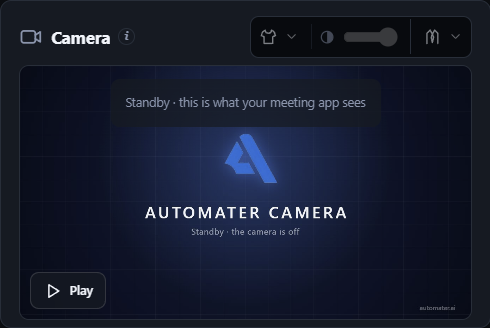
Camera FX sends an effects version of your webcam to your meeting app as Automater Camera on Windows 11. Loop a few seconds of you paying attention and step back in with one hotkey, or automatically when you talk; put a blazer over what you're wearing, or go cartoon. Everything runs on this PC; your real webcam, local dictation and the session library stay free.
- Send an effects version of your webcam to your meeting app as Automater Camera (Windows 11).
- Loop a few seconds of you paying attention and step back in with one hotkey; optional automatic return when you talk.
- A blazer over what you're wearing, or a cartoon you. Everything runs on this PC.
Free keeps Your real webcam, local dictation and the session library.
Upgrade to ProOpen on the grid
 Automater