
Vercel Drives Reaches General Availability: Persistent Storage for AI Coding Agent Sandboxes
Vercel has taken Drives out of beta, giving Vercel Sandbox a mountable, persistent filesystem that survives sandbox shutdown. Here is what it changes for agent fleets.
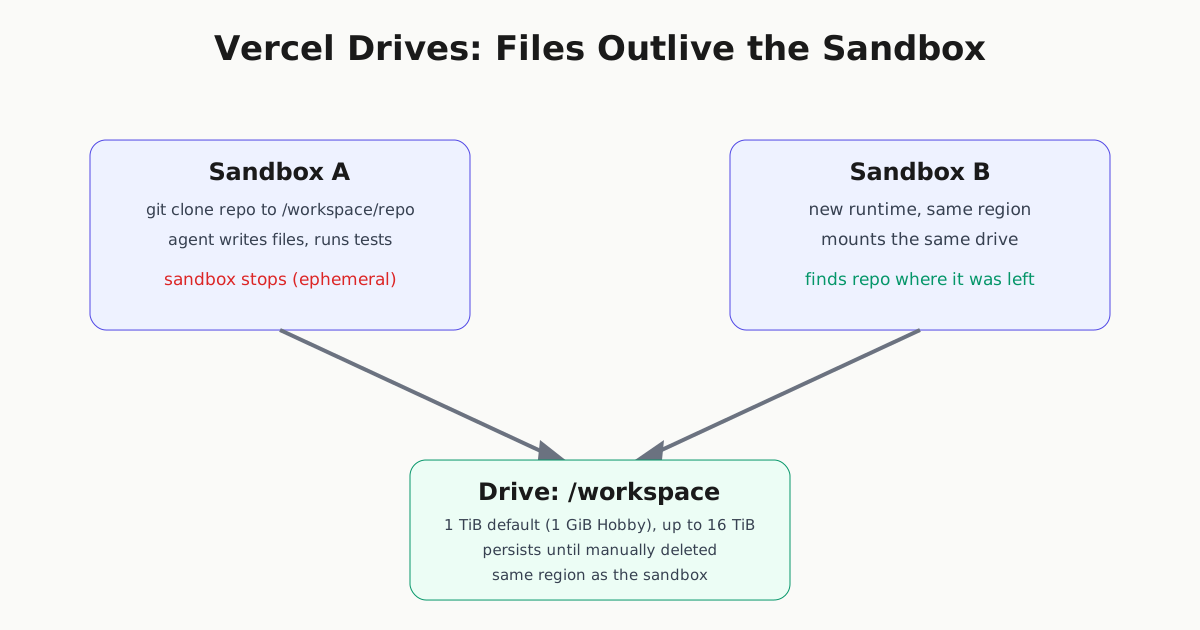
Vercel has made Drives generally available for every Vercel Sandbox plan, closing a gap that has dogged agent infrastructure since sandboxes went mainstream: a sandbox is disposable, but an agent’s work often isn’t. Vercel’s announcement describes the problem directly: agents handle work that continues across runs, and they may need a new environment with different tools or compute partway through — but they should be able to keep working with the same files when they change environments.
Drives solve that by decoupling a workspace directory from the sandbox that runs it.
How it works
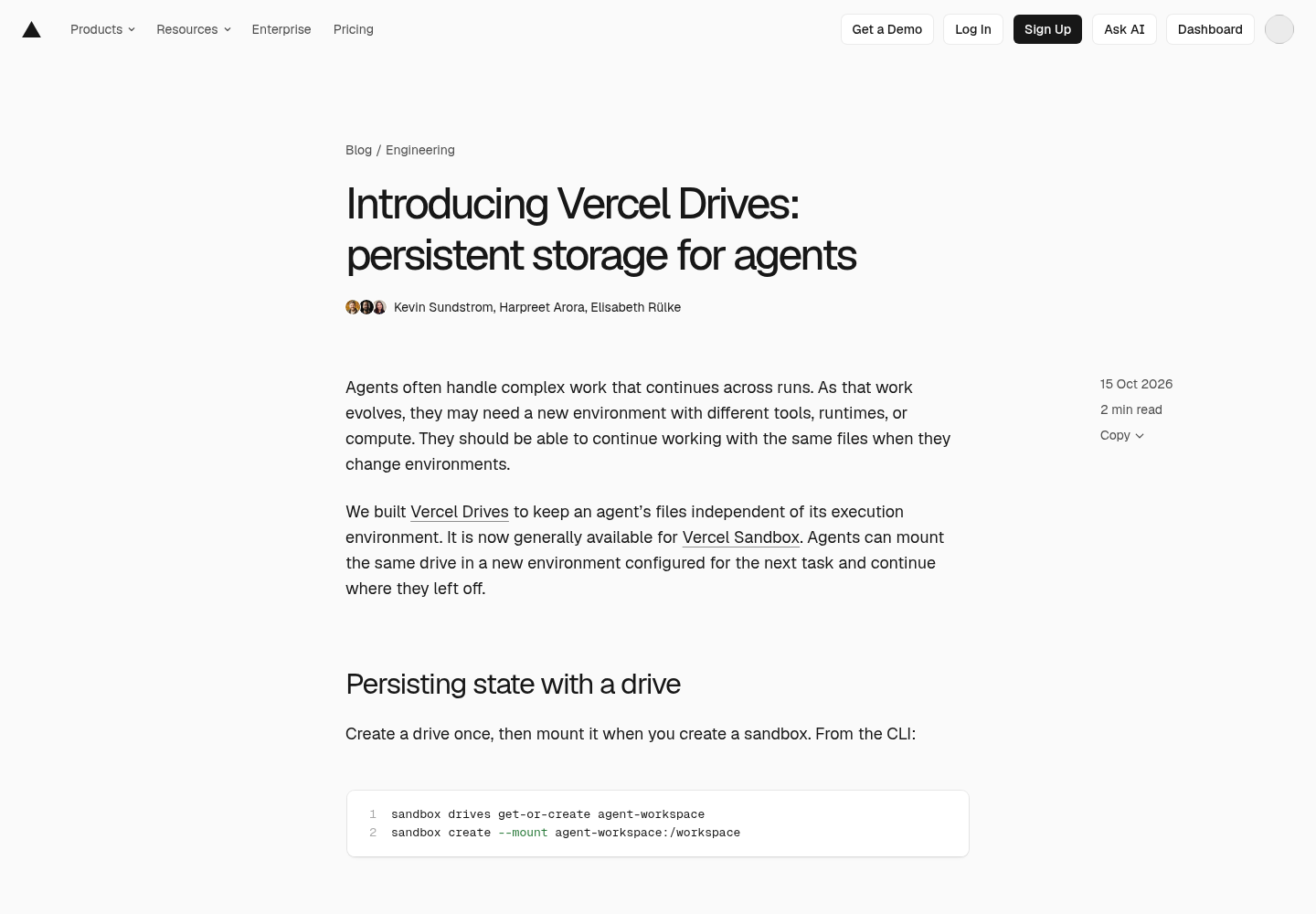
You create a drive once, then mount it into any sandbox at creation time. From the CLI, that’s sandbox drives get-or-create agent-workspace followed by sandbox create --mount agent-workspace:/workspace. From the Sandbox SDK, it’s a few lines:
import { Sandbox, Drive } from '@vercel/sandbox';

const drive = await Drive.getOrCreate({ name: 'agent-workspace' });

const sandbox = await Sandbox.create({
  mounts: { '/workspace': drive },
});

await sandbox.runCommand('git', ['clone', repoUrl, '/workspace/repo']);
Everything written under /workspace persists on the drive; everything else belongs to the disposable sandbox. When that sandbox stops, the next one that mounts agent-workspace finds the repository — and anything else the agent wrote there — exactly where the previous run left it, according to Vercel’s blog post.
For teams running agents in ephemeral cloud sandboxes without their own persistence layer, this closes a common gap: recycling a sandbox for a new runtime or a longer task no longer means losing the workspace. Drives make that handoff a mount operation instead of a file-transfer problem.
Concurrent reads, independent forks
Vercel’s documentation spells out the concurrency model. Only one sandbox can mount a drive read-write at a time, but any number of sandboxes can mount point-in-time, read-only snapshots concurrently — useful when one agent builds a dataset and several others need to read it without rebuilding it or blocking the writer.
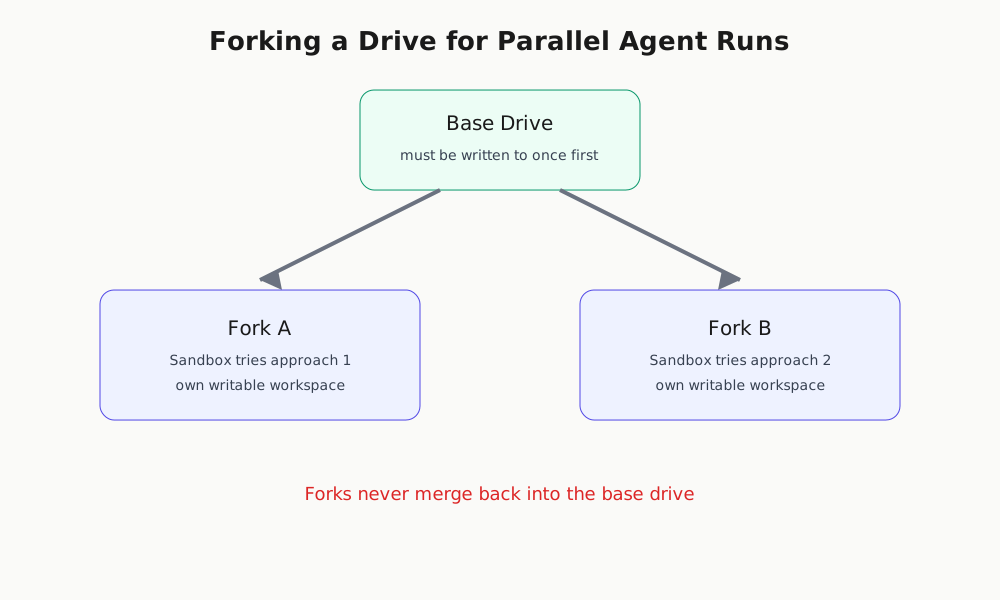
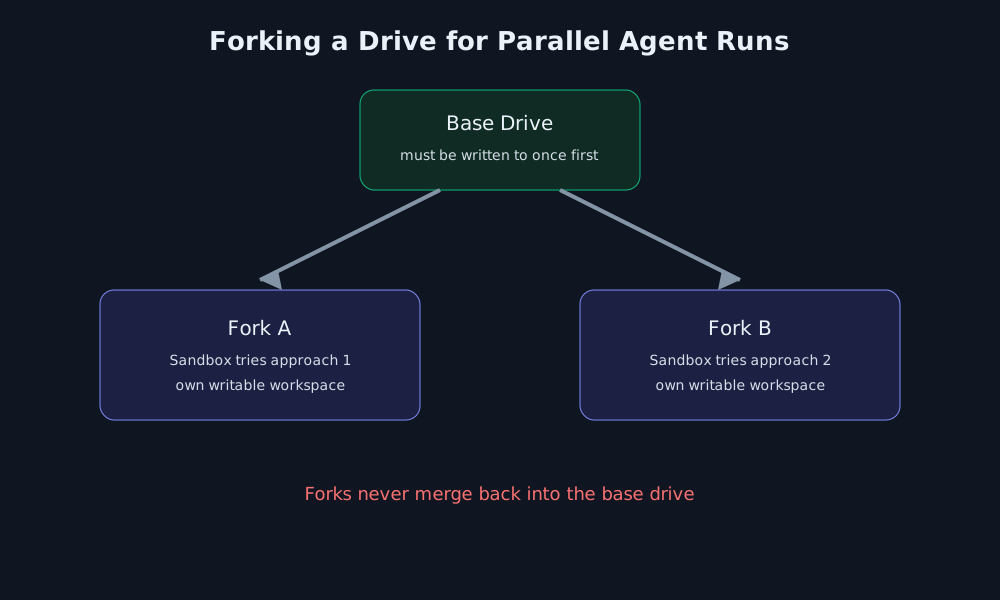
Forking, also now generally available, goes further: a fork copies a drive’s contents into a new drive with its own writable workspace, letting a fleet try different approaches in parallel without touching the source. Forks do not merge back into the original, so this is a branch-and-abandon model, not a branch-and-merge one — closer to running several independent experiments off a shared starting point than to collaborative editing.
| Drive | Sandbox snapshot | |
|---|---|---|
| Storage type | Single mounted directory | Full sandbox filesystem |
| Sharing | Shared across sandboxes | Independent copy per sandbox |
| Max size | 1 TiB default (1 GiB Hobby), up to 16 TiB | 64 GB |
| Expiration | Persists until deleted | Expires after 30 days by default |
| Price | $0.05/GB-month storage, plus reads/writes | $0.08/GB-month |
The comparison, drawn from Vercel’s docs, is the practical decision point: use a snapshot to resume a whole configured environment, and a drive when you want one directory — a workspace, a dependency cache, a shared dataset — to outlive whichever sandbox is currently attached to it.
Constraints worth planning around
A drive and the sandbox mounting it must share a region, and sandboxes using drives can’t fail over to another region — a geographic constraint that Superpower Daily’s coverage flags as the practical limit on parallel agent workflows. A sandbox can mount up to four drives at once, each at its own path. And per Vercel’s docs, a drive must be mounted read-write and written to at least once before it can be forked — attempting to fork a never-written drive fails with a drive_not_initialized error. Vercel’s knowledge base guide notes the same write-once prerequisite applies before mounting a snapshot, though it does not name an error code for that case.
It’s also worth noting what’s new here versus what isn’t: Superpower Daily reports Drives has existed in public beta since September 23, 2026, available on Hobby, Pro and Enterprise plans. October 15’s release is a promotion out of beta — forking and general availability across all plans — not the feature’s debut.
Wiring it into an agent
Vercel’s knowledge base guide walks through connecting a drive to an actual agent loop: define listFiles, readFile, and writeFile tools scoped to the mounted path, register them with either the AI SDK’s ToolLoopAgent or TanStack AI’s toolDefinition(), and route model calls through Vercel’s AI Gateway. The guide’s read-only mode — mounting a snapshot and omitting the write tool — is a clean pattern for a reviewer or summarizer agent that should never be able to alter another agent’s saved state.
What to do with it
For teams running persistent agent fleets on Vercel Sandbox, the immediate use cases are a shared dependency cache (install once, every sandbox reads from it instead of reinstalling), an agent workspace that survives a model or runtime switch mid-task, and parallel experimentation via forks where each agent gets its own writable copy of a base dataset. None of this requires rearchitecting around a database or an external object store — it’s a mount flag you add when creating a sandbox you’re already provisioning.
Teams evaluating sandbox infrastructure more broadly may also want to read our coverage of Modal’s sandbox-fueled funding round and Harbor’s Docker-based sandbox isolation for agent evals, alongside our broader look at cowork tools and autonomous AI agent workspaces, for how persistent and isolated compute is becoming table stakes across the agent-infrastructure market.