
OpenAI Retires GPT-5.5 From Codex for ChatGPT Sign-In: Migration Targets by Plan
GPT-5.5 retired from Codex for ChatGPT-authenticated sessions on October 14, 2026 at noon PDT. Here is what changes now, which plan moves to gpt-6.1-sol or gpt-6-luna, and why API-key sessions keep working.
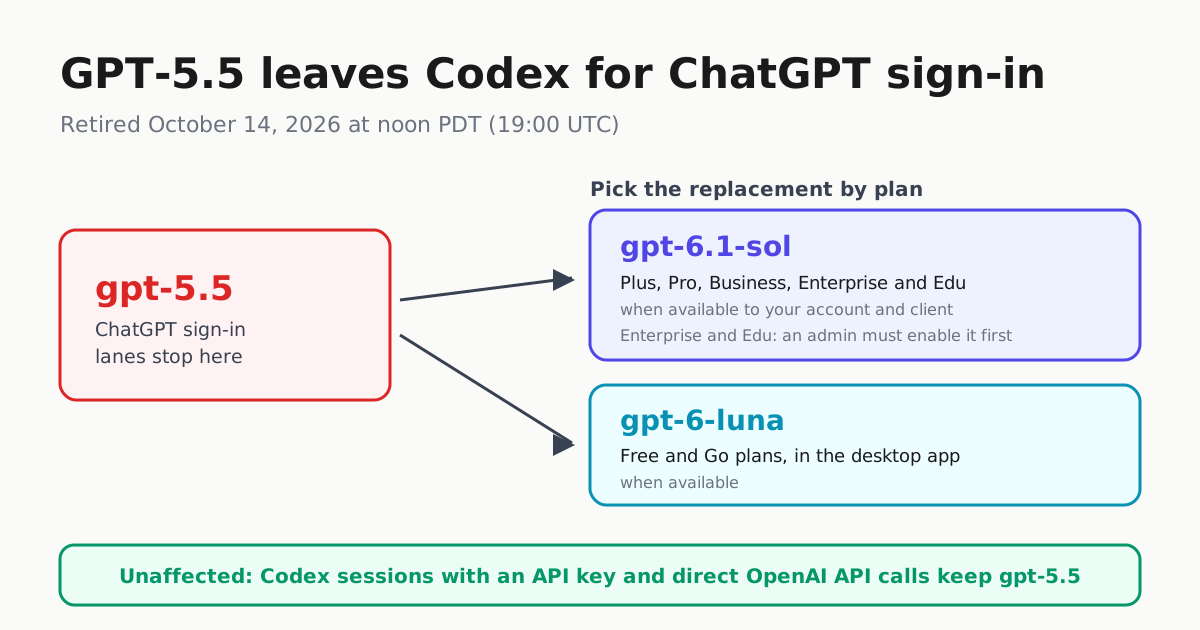
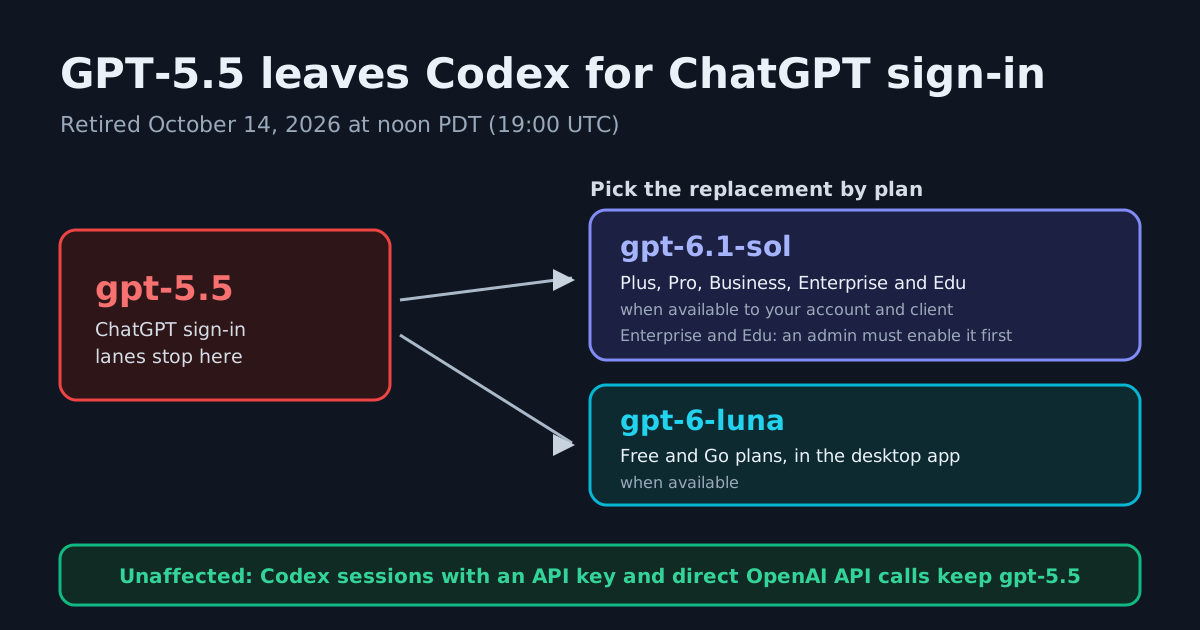
OpenAI pulled GPT-5.5 out of Codex for every ChatGPT-authenticated session on October 14, 2026, at noon PDT (19:00 UTC), according to the company’s model documentation. The model is now unavailable for ChatGPT sign-in, so any workspace default, saved model setting, managed configuration, custom agent, scheduled task, or script that still asks for gpt-5.5 needs to be found and repointed — and every unattended lane should be treated as suspect until you verify what it actually launches with. Two lanes are explicitly untouched: Codex sessions authenticated with an API key, and direct OpenAI API calls, where GPT-5.5 still appears in the platform model catalog.
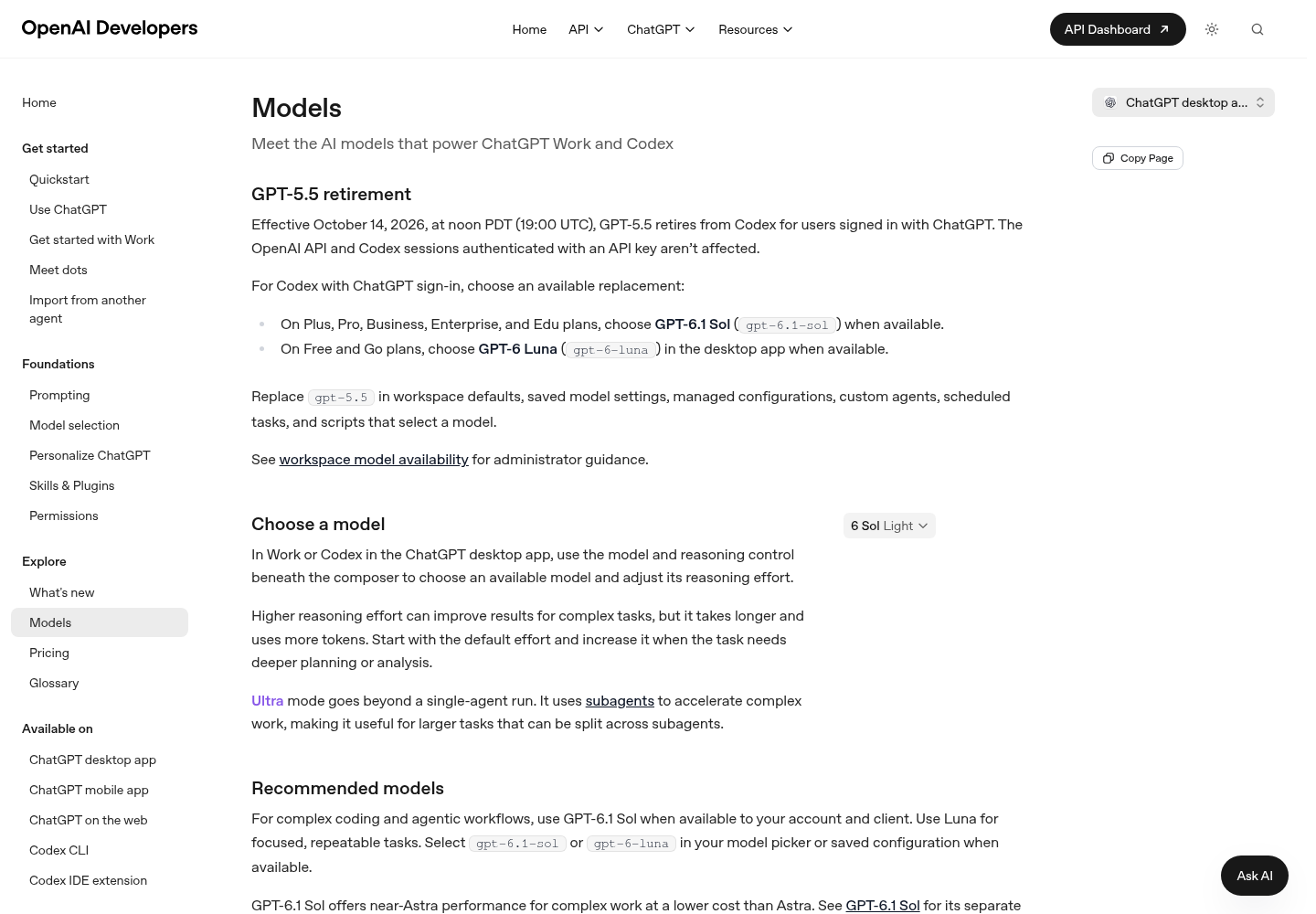
Who must move, and to what
The replacement depends on the plan, and the plan differences matter more than the headline:
| Plan | Replacement model | Caveat |
|---|---|---|
| Plus, Pro, Business | gpt-6.1-sol (GPT-6.1 Sol) |
When available to your account and client |
| Enterprise, Edu | gpt-6.1-sol |
Off by default; an administrator must enable it first, then it appears when available |
| Free, Go | gpt-6-luna (GPT-6 Luna) |
Chosen in the ChatGPT desktop app when available |
GPT-6.1 Sol is positioned as near-Astra performance at lower cost for repeated, long-running work, while GPT-6 Luna is the efficiency pick for focused, high-volume tasks. Enterprise and Edu operators should treat the admin-enablement step as a scheduled task, not an afterthought: until an admin flips it on, gpt-6.1-sol does not appear for anyone on those plans, and any pinned lane still asking for gpt-5.5 remains unavailable for ChatGPT sign-in.
Where gpt-5.5 still hides
OpenAI’s migration checklist names six places to sweep: workspace defaults, saved model settings, managed configurations, custom agents, scheduled tasks, and scripts. The last one is the easy one to miss, because a model pin in a script looks like any other string.
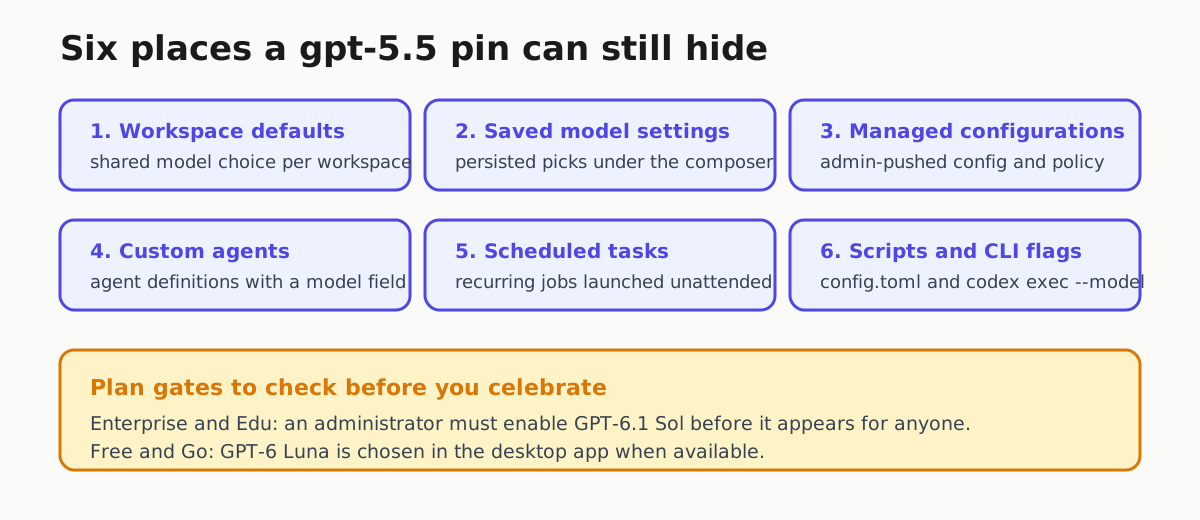
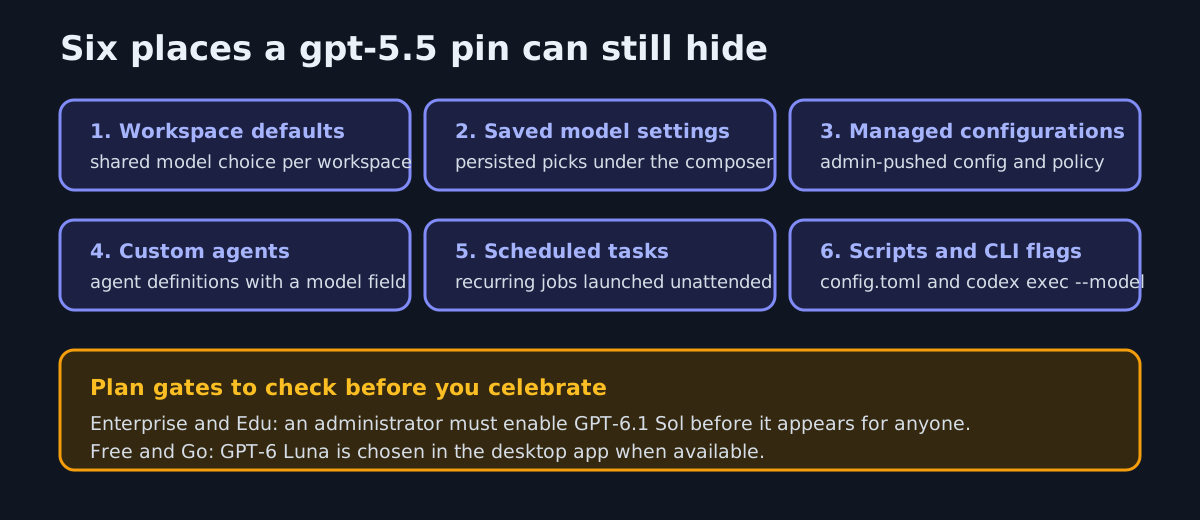
The ChatGPT desktop app, the Codex CLI, and the IDE extension all read the same config.toml, so one stale entry there can break three surfaces at once. On accounts where GPT-6.1 Sol is already available, set the new default explicitly:
model = "gpt-6.1-sol"
For one-off runs or CI-style invocations, pass the model as a flag instead of editing config:
codex --model gpt-6.1-sol
codex exec -m gpt-6.1-sol "Review the current changes"
In an interactive session, /model switches both the model and the reasoning effort. Codex itself is OpenAI’s open-source, terminal-native coding agent, so these config surfaces are the same ones most agent-fleet operators are already automating.
Why this keeps happening
This is the third retirement wave in Codex in under two months: gpt-5.4 and gpt-5.4-mini retired for ChatGPT sign-in on August 31, 2026, and gpt-5.3-codex-spark followed on September 14. Each wave strands the same artifacts: pinned configs, saved defaults, and scripted codex exec --model calls that nobody has re-read since they were written. The fix is not to memorize dates. It is to treat model selection as infrastructure that rots, and to rehearse the swap before it is forced. Our earlier continuity guidance on model deprecation routing as a drill rather than a changelog line and on failing over agent fleets when a provider cuts a model maps directly onto this event.
The split in this retirement is also a useful reminder to know which auth path each of your lanes actually uses. ChatGPT sign-in lanes inherit plan-level model policy and retire on OpenAI’s schedule; API-key lanes inherit API organization and project availability, which is why gpt-5.5 still answers there. If you do not know which of your scheduled tasks and custom agents use which, this cutoff is the audit prompt. For the config layer itself, our Codex startup and configuration deep dive covers how the pieces fit together.
Bottom line
- Grep every repo, dotfile directory, and fleet manifest for
gpt-5.5today; the retirement is already in effect. - Before changing anything, confirm the replacement model is available to your account and client — OpenAI’s docs qualify every choice with “when available.”
- Replace
gpt-5.5withgpt-6.1-solon Plus, Pro, Business, Enterprise, and Edu, remembering that Enterprise and Edu admins must enable the model first. - Replace it with
gpt-6-lunain the desktop app on Free and Go plans. - Sweep all six hiding places: workspace defaults, saved settings, managed configurations, custom agents, scheduled tasks, and scripts.
- Verify API-key-authenticated Codex sessions and direct API integrations before touching them; they keep
gpt-5.5and need no change. - Run one interactive session and one
codex execjob per lane to prove the new model actually launches.
Three retirements in under two months make the sweep a habit worth keeping, even though OpenAI has announced no fixed schedule for the next one. The teams that feel these cutoffs are the ones who never wrote down where the pin lived.